
1. Introducció
This manual provides instructions for the installation, operation, and maintenance of your abode Color Bulb Smart LED Lights. Please read this manual thoroughly before use to ensure proper functionality and safety. The abode Color Bulb offers customizable color, brightness, and temperature settings, along with smart home integration capabilities.

Image 1.1: The abode Color Bulb Smart LED Lights (2-pack) and packaging.
2. Informació de seguretat
- Assegureu-vos que l'alimentació estigui apagada abans d'instal·lar o treure la bombeta.
- Do not use with standard dimmers; control brightness via the abode app or compatible smart home platforms.
- Apte només per a ús en interiors.
- Operates on AC 110V-120V~60 Hz. Verify your electrical supply matches these requirements.
- Avoid exposing the bulb to water or excessive moisture.
- No desmunteu la bombeta.
3. Contingut del paquet
Your abode Color Bulb package should contain the following items:
- 2 x abode Color Bulb Smart LED Lights (A19/E26)
- 1 x Guia d'inici ràpid (si s'inclou per separat)
4. Configuració
4.1 Instal·lació física
- Apagar: Ensure the power switch to the light fixture is in the OFF position before installation.
- Enroscar: Carefully screw the abode Color Bulb into any standard A19/E26 bulb socket. Do not overtighten.
- Encès: Turn the power switch to the ON position. The bulb should light up.
4.2 App Setup and Wi-Fi Connection
To unlock the full features of your abode Color Bulb, you need to connect it to your Wi-Fi network using the abode mobile app.
- Descarregar l'aplicació: Download the free abode mobile app from the App Store (iOS) or Google Play Store (Android).
- Crea un compte: Open the abode app and create a new account or log in to your existing account.
- Afegeix un dispositiu: Follow the in-app instructions to add a new device. Select 'Color Bulb' from the list of available devices.
- Connecta't a Wi-Fi: The app will guide you through connecting the bulb to your 2.4GHz Wi-Fi network. Ensure your phone is connected to the same 2.4GHz network during setup.
- Name Bulb: Assign a name to your bulb (e.g., "Living Room Lamp") for easy identification and voice control.

Image 4.1: The abode mobile app interface for controlling the Color Bulb.
5. Instruccions de funcionament
5.1 Control del color i la brillantor
The abode Color Bulb offers 16 million colors and a full spectrum of warm to cool whites (1,800K to 6,500K). You can adjust these settings via the abode app:
- Selecció de color: Use the color wheel in the app to choose any desired color.
- Ajust de la llum blanca: Adjust the color temperature slider to select between warm white (e.g., for relaxation) and cool white (e.g., for focus).
- Brillantor: Use the brightness slider to dim or brighten the light output.

Imatge 5.1: Ex.ample of setting a custom color scene in a room.

Image 5.2: Adjusting white light controls for different moods or activities.
5.2 Temporitzadors i horaris
Automate your lighting by setting timers and schedules within the abode app:
- Establir temporitzadors: Programar els llums perquè s'encenguin o s'apaguin a hores específiques.
- Crear horaris: Set recurring schedules for daily or weekly routines, such as waking up gently with increasing light or winding down at night.
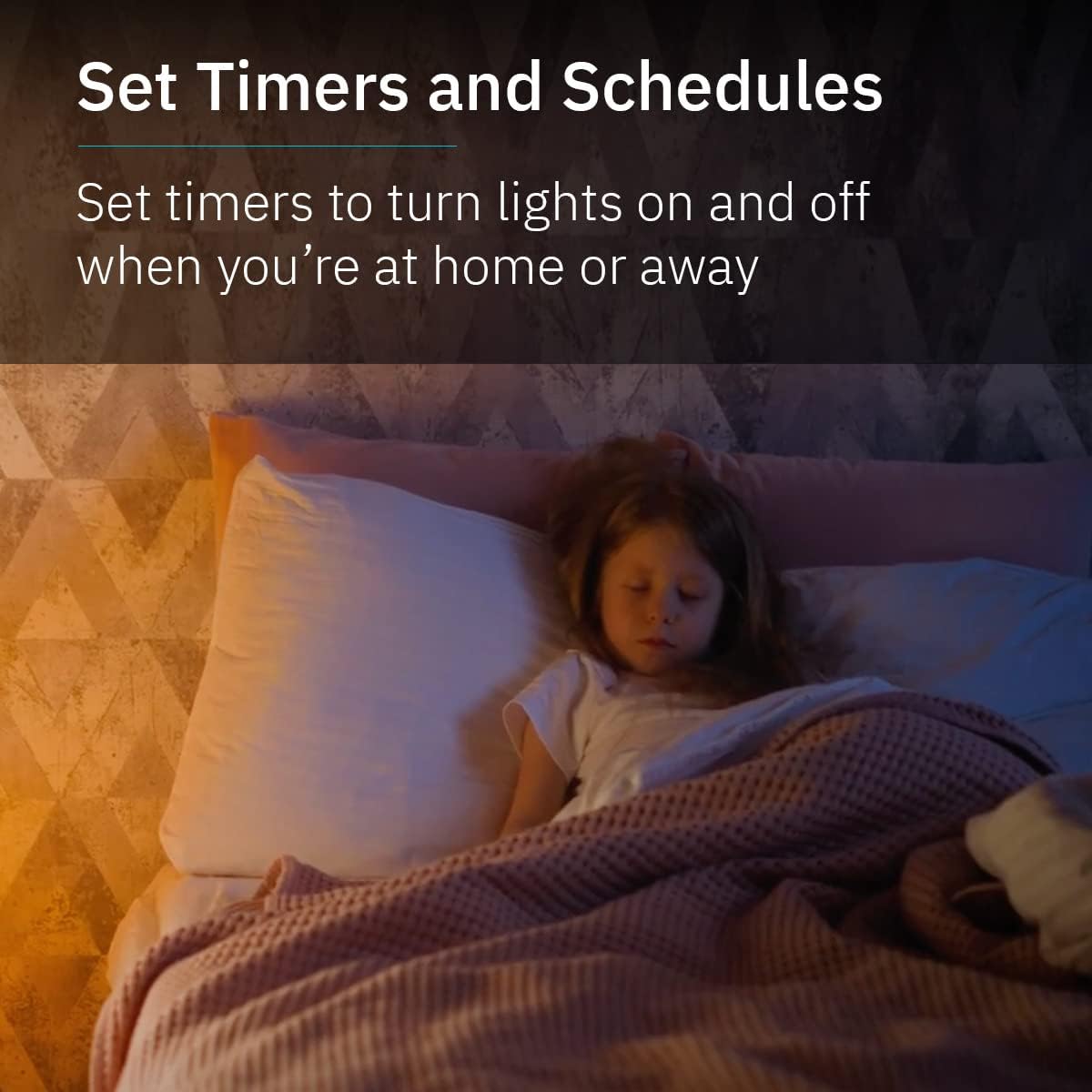
Image 5.3: Using timers and schedules for automated lighting routines.
5.3 Integració de la llar intel·ligent
The abode Color Bulb is compatible with popular smart home ecosystems for voice control and advanced automation:
- Assistent de Google: Link your abode account to Google Assistant to control your lights with voice commands (e.g., "Hey Google, turn on the living room light").
- Amazon Alexa: Link your abode account to Amazon Alexa to control your lights with voice commands (e.g., "Alexa, set the kitchen light to blue").

Image 5.4: Smart home compatibility with Google Assistant and Alexa.
5.4 Group Controls and Automations
Enhance your smart lighting experience by grouping bulbs and creating custom automations:
- Control de grup: Group multiple abode Color Bulbs together in the app to control them simultaneously (e.g., turn all living room lights on/off, change color).
- Automatismes: Integrate your Color Bulbs with other abode security products or smart devices to create custom routines (e.g., lights turn on when a motion sensor is triggered).
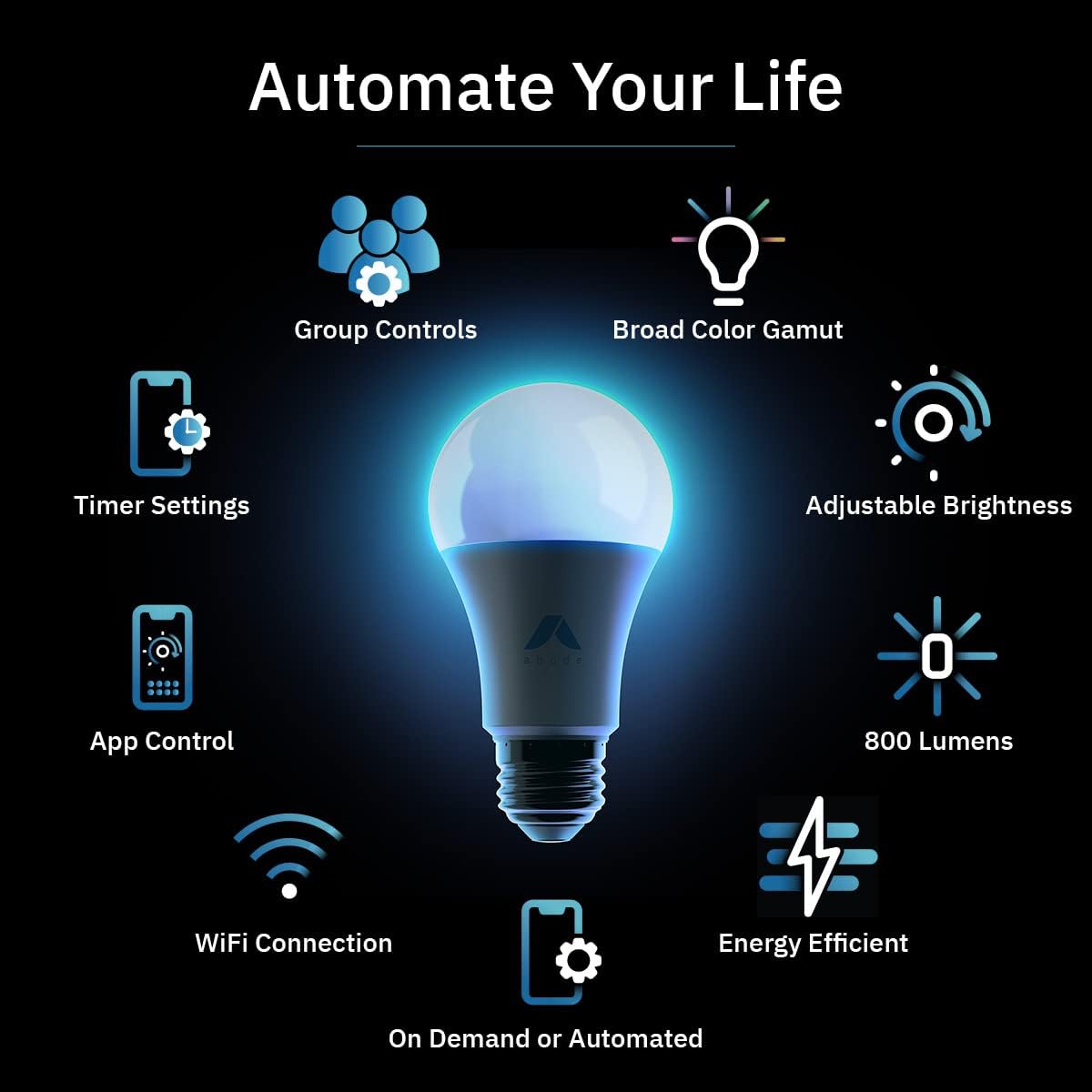
Imatge 5.5: acabatview of abode Color Bulb features, including automation capabilities.
6. Manteniment
The abode Color Bulb requires minimal maintenance. Follow these guidelines:
- Neteja: Assegureu-vos que la bombeta estigui apagada i freda abans de netejar-la. Netegeu-la amb un drap suau i sec. No utilitzeu netejadors líquids ni materials abrasius.
- Substitució: The bulb has an average life of 22.8 years based on typical usage. Replace the bulb if it ceases to function correctly.
7. Solució De Problemes
If you encounter issues with your abode Color Bulb, refer to the following table for common problems and solutions:
| Problema | Causa possible | Solució |
|---|---|---|
| La bombeta no s'encén. | No power; loose connection; bulb malfunction. | Check power switch. Ensure bulb is screwed in tightly. Test bulb in another working socket. |
| No es pot connectar a la Wi-Fi. | Incorrect Wi-Fi password; 5GHz network; weak signal. | Verify Wi-Fi password. Ensure you are connecting to a 2.4GHz network. Move bulb closer to router. Reset bulb (turn off/on 3 times). |
| El control de l'aplicació no respon. | No internet connection; app glitch; bulb offline. | Check your phone's internet connection. Restart the abode app. Verify bulb is powered on and connected to Wi-Fi. |
| El control per veu no funciona. | Incorrect device name; smart assistant not linked. | Ensure the bulb name is recognized by your smart assistant. Verify abode account is linked correctly in Alexa/Google Home app. |
If the problem persists after trying these solutions, please contact abode customer support.
8. Especificacions
| Característica | Especificació |
|---|---|
| Marca | residència |
| Model | Bombeta de color |
| Tipus de llum | LED |
| Mida de la forma del bulb | A19 |
| Base del bulb | E26 |
| Wattage | 9 watts (equivalent incandescent a 60 watts) |
| Brillantor | 800 lúmens |
| Temperatura de color | 1,800K to 6,500K (Warm White to Cool White) |
| Opcions de color | 16 milions de colors |
| Índex de reproducció del color (CRI) | 90+ |
| Voltage | 110V-120V AC, 60 Hz |
| Connectivitat | Wi-Fi de 2.4 GHz |
| Mètode de control | App, Voice (Google Assistant, Alexa) |
| Ús interior/exterior | Interior |
| Vida Mitjana | 22.8 Anys |
| UPC | 850025571203 |
9. Garantia i Suport
abode products are designed for reliability and performance. For specific warranty details, please refer to the warranty information provided with your purchase or visit the official abode website. If you require technical assistance or have questions not covered in this manual, please contact abode customer support through their official channels.