
Introducció
Thank you for choosing the Hoco CW31 15W Wireless Fast Charger. This device is designed to provide efficient and convenient wireless charging for compatible mobile phones and TWS earphones. Please read this manual carefully before use to ensure proper operation and to maximize the lifespan of your product.
Informació de seguretat
- No exposeu el carregador a l'aigua, la humitat ni a temperatures extremes.
- Eviteu deixar caure el carregador ni sotmetre'l a impactes forts.
- Do not disassemble, modify, or attempt to repair the charger yourself. This will void the warranty and may cause damage or injury.
- Mantingueu el carregador lluny dels nens i de les mascotes.
- Use only compatible power adapters (PD/QC charger recommended) to ensure optimal performance and safety.
- Do not place metal objects, credit cards, or other foreign objects between the charging pad and your device, as this may interfere with charging or cause overheating.
- If the charger emits smoke, unusual odors, or makes strange noises, immediately disconnect it from the power source.
Contingut del paquet
Si us plau, comproveu el paquet per veure si hi ha els elements següents:
- Hoco CW31 Wireless Fast Charger
- Cable de càrrega USB-A a tipus C
- Manual d'instruccions (aquest document)
Producte acabatview
The Hoco CW31 features a sleek design with a tempered glass surface and aluminum alloy base, providing a stable and efficient charging platform.

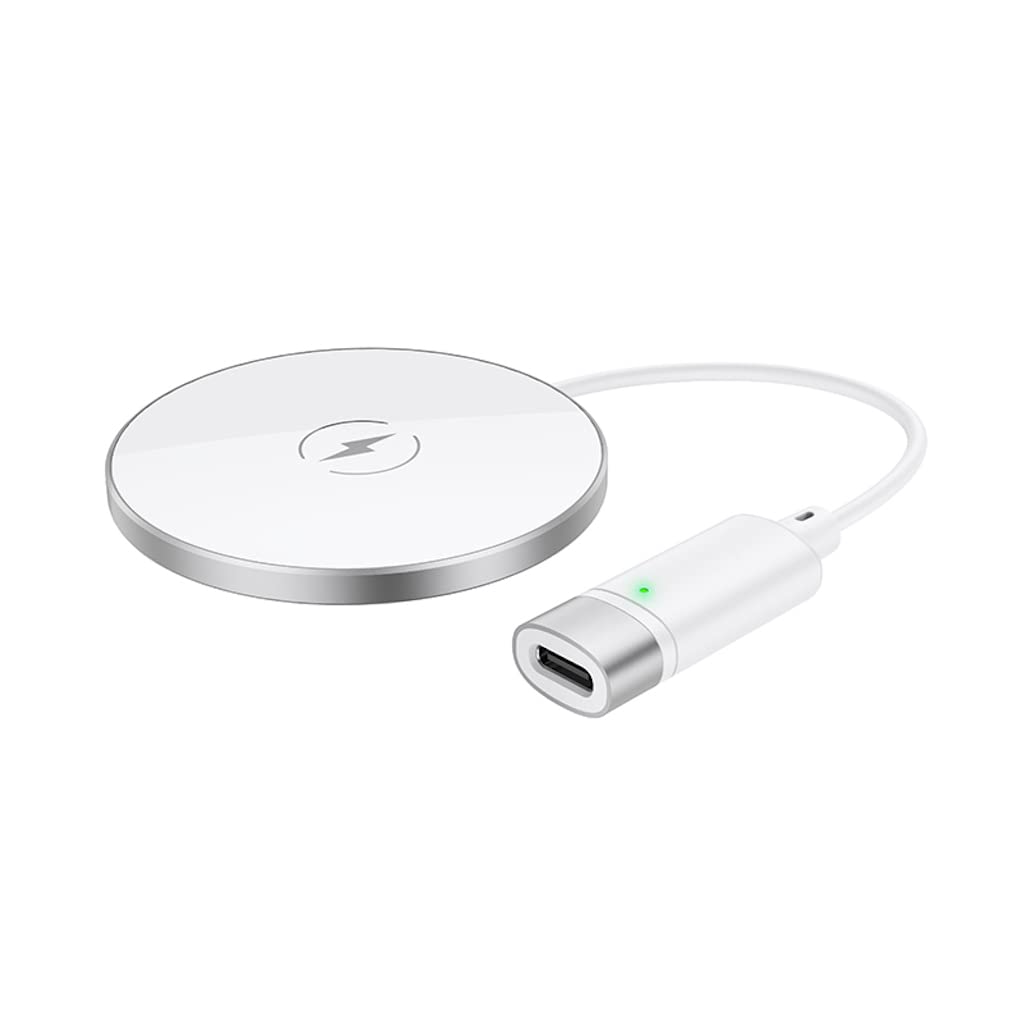
The Hoco CW31 wireless charging pad is shown alongside its included USB-A to Type-C charging cable, highlighting the compact design of the charger.
This image shows a smartphone placed on the Hoco CW31 wireless charging pad, indicating active charging with a battery icon displaying 57% charged.
Especificacions
| Número de model | CW31 |
| Entrada (tipus C) | 5V-2A, 9V-2A, 12V-1.5A |
| Sortida sense fil | 5W / 7.5W / 10W / 15W |
| Sortida sense fil MagSafe | 7.5W |
| Material | Tempered Glass + Aluminum Alloy |
| Dimensions | 204 x 60 x 5 mm |
| Pes | 37 g |
| Tipus de connector | USB |
| Dispositius compatibles | Cellular Phones, Qi-compatible TWS Earphones |
| Característiques especials | Protecció contra curtcircuits, càrrega ràpida |
| Color | Plata |
| Entrada Voltage | 5V |
| Ports USB totals | 1 |
| Poder | 15W |
| Corrent de sortida | 3A |
Configuració
- Connecteu-vos a la font d'alimentació: Connect the provided USB-A to Type-C charging cable to the Type-C input port on the Hoco CW31 charger.
- Plug into Adapter: Connect the USB-A end of the cable to a compatible power adapter (a PD/QC fast charger is required for optimal 15W charging speeds, not included).
- Encès: Once connected to a power source, the charger is ready for use.

The Hoco CW31 wireless charger is depicted connected to a wall power adapter via its cable, with a smartphone placed on the charging pad.
Instruccions de funcionament
- Col·loca el dispositiu: Place your Qi-compatible mobile phone or TWS earphones directly onto the center of the Hoco CW31 wireless charging pad.
- Confirma la càrrega: Ensure the device is properly aligned. Charging will begin automatically, and your device's screen or indicator light should confirm that it is charging.
- Elimina el dispositiu: Once your device is fully charged or you wish to stop charging, simply lift it from the charging pad.
For MagSafe compatible devices, the charger will magnetically align for optimal charging at 7.5W.
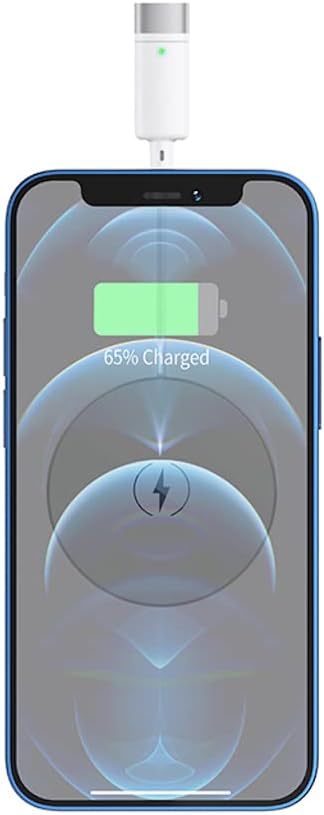
Un primer pla view of a smartphone receiving a wireless charge from the Hoco CW31 pad, with the screen showing 65% battery.
Manteniment
- Neteja: Desconnecteu el carregador de la font d'alimentació abans de netejar-lo. Feu servir un drap suau i sec per netejar la superfície. No utilitzeu netejadors líquids ni aerosols.
- Emmagatzematge: Guardeu el carregador en un lloc fresc i sec, allunyat de la llum solar directa i de temperatures extremes quan no l'utilitzeu.
- Cura del cable: Avoid bending or twisting the charging cable excessively to prevent damage.
Resolució de problemes
| Problema | Possible solució |
|---|---|
| El dispositiu no es carrega |
|
| Càrrega lenta |
|
| El llum indicador del carregador no funciona |
|
Garantia i Suport
For warranty information and customer support, please refer to the documentation included with your purchase or contact Hoco customer service directly. Keep your proof of purchase for warranty claims.