
1. Introducció
Aquest manual proporciona instruccions completes per a la instal·lació, el funcionament i el manteniment del suport per al manillar de la motocicleta Quad Lock PRO. Llegiu atentament aquestes instruccions abans d'utilitzar-lo per garantir una configuració correcta i un funcionament segur. El sistema Quad Lock està dissenyat per fixar de forma segura el telèfon intel·ligent al manillar de la motocicleta, proporcionant un accés fàcil a la navegació i altres aplicacions.
2. Contingut del paquet
Verifiqueu que tots els components siguin presents al vostre paquet:
- Suport de manillar Quad Lock PRO (QLM-HBR-PRO)
- Ferramenteria de muntatge (cargols, volanderes)
- Calces de manillar per a diverses mides de manillar
- Clau hexagonal per a la instal·lació
Nota: Cal una funda Quad Lock o un adaptador universal (no inclòs) per utilitzar aquest suport amb el telèfon intel·ligent. El suport opcional Quad Lock Vibration DampEs recomana l'energia (no inclosa) per a una protecció addicional del telèfon intel·ligent.

Imatge: El suport de manillar de motocicleta Quad Lock PRO, que mostra el conjunt principal del suport i els seus components.
3. Configuració i instal·lació
Segueix aquests passos per instal·lar correctament el suport de manillar PRO a la teva motocicleta:
- Selecciona la posició del manillar: Trieu un lloc adequat al manillar de la motocicleta que no obstrueixi els controls ni els instruments.
- Determineu la mida de la barra: El suport és compatible amb manillars de 22 mm (⅞”), 25 mm (1”), 28 mm (1⅛”), 32 mm (1¼”) i 35 mm (1⅜”). Seleccioneu les falques adequades per al diàmetre del vostre manillar.
- Fixeu la base del muntatge: Obriu el manillar clamp i col·loqueu-lo al voltant de la secció escollida del manillar. Inseriu les falques correctes si cal. Assegureu el clamp utilitzant els cargols i la clau hexagonal proporcionats. No l'estrenyeu massa inicialment.
- Ajust d'angle: Col·loca el braç i el cap de la muntura a la teva posició preferida viewAngle d'ajust. El suport PRO ofereix múltiples punts d'ajust per a una col·locació òptima. Estrenyeu tots els cargols fermament un cop aconseguida la posició desitjada.
- Vibració opcional DampInstal·lació d'energia: Si feu servir la funció opcional de vibració Dampener, instal·leu-lo entre el braç de muntatge i el capçal Quad Lock segons les instruccions específiques. Aquest accessori ajuda a protegir el telèfon intel·ligent de les vibracions d'alta freqüència.
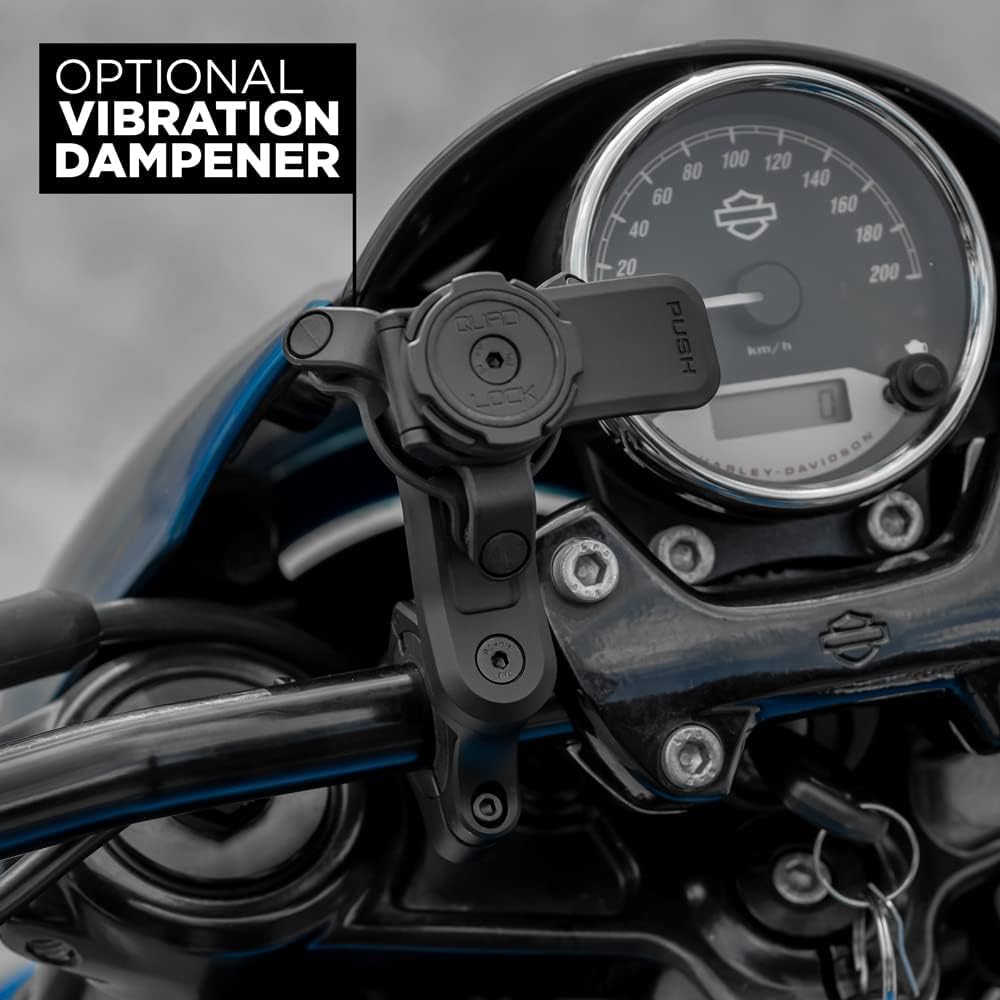
Imatge: El suport de manillar Quad Lock PRO instal·lat de manera segura al manillar d'una motocicleta, amb un dispositiu de vibració opcional.ampenergia visible.
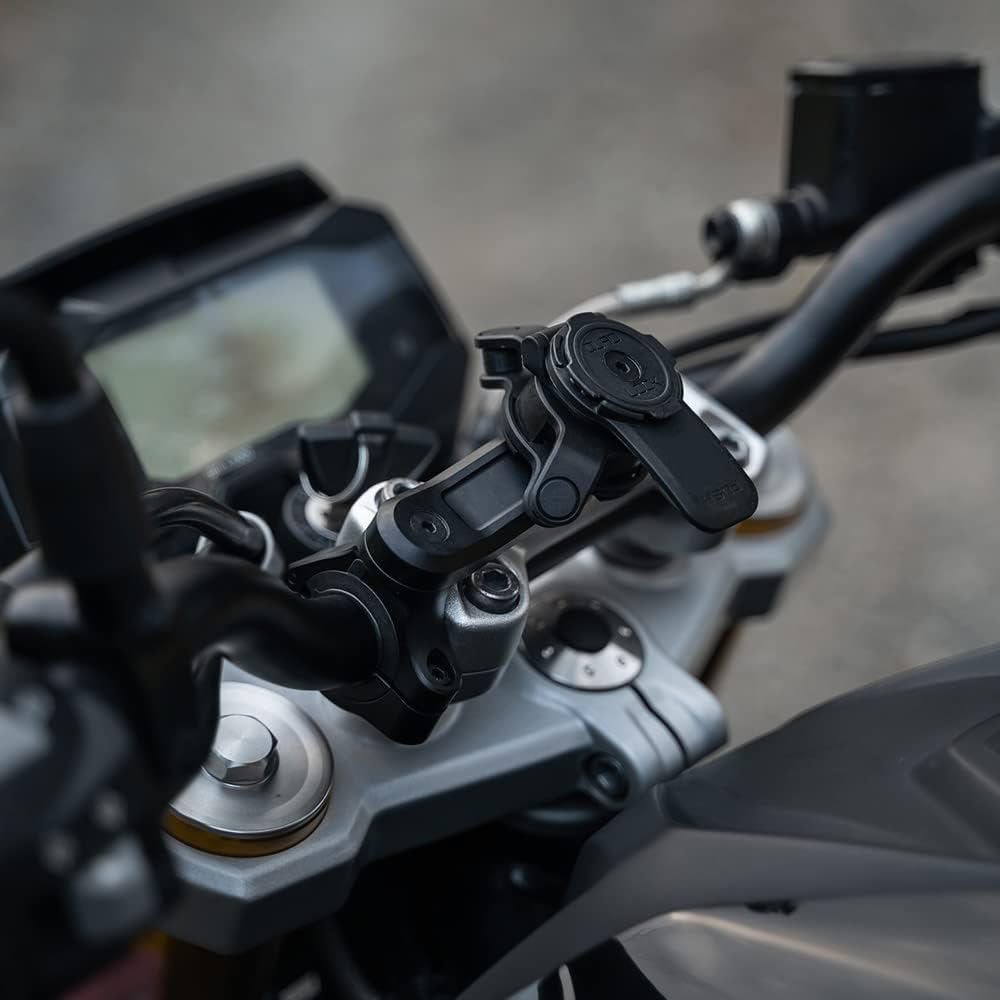
Imatge: Un primer pla view del suport de manillar Quad Lock PRO en una motocicleta, que il·lustra el seu braç i capçal ajustables per a un posicionament òptim.
4. Instruccions de funcionament
El sistema Quad Lock compta amb un sistema de doble bloqueig patentat.tagMecanisme de bloqueig per a una fixació segura i un fàcil desmuntatge del telèfon intel·ligent.
- Connectant el telèfon intel·ligent:
- Alinea el teu telèfon intel·ligent equipat amb Quad Lock (amb funda o adaptador universal) amb el capçal Quad Lock del suport.
- Prem i gira el telèfon intel·ligent fins que quedi encaixat. Sentiràs un "clic" audible i el notaràs ben fixat.
- Desconnectar el telèfon intel·ligent:
- Premeu la palanca blava (o negra, segons el model) situada al lateral del capçal Quad Lock.
- Mentre manteniu premuda la palanca, gireu el telèfon intel·ligent per desbloquejar-lo i treure'l del suport.
- Encaminament de cables: El suport ofereix opcions de guia de cables discretes per a cables de carregador USB (cable de carregador no inclòs). Guieu el cable de càrrega pels canals designats per mantenir-lo ordenat i segur.
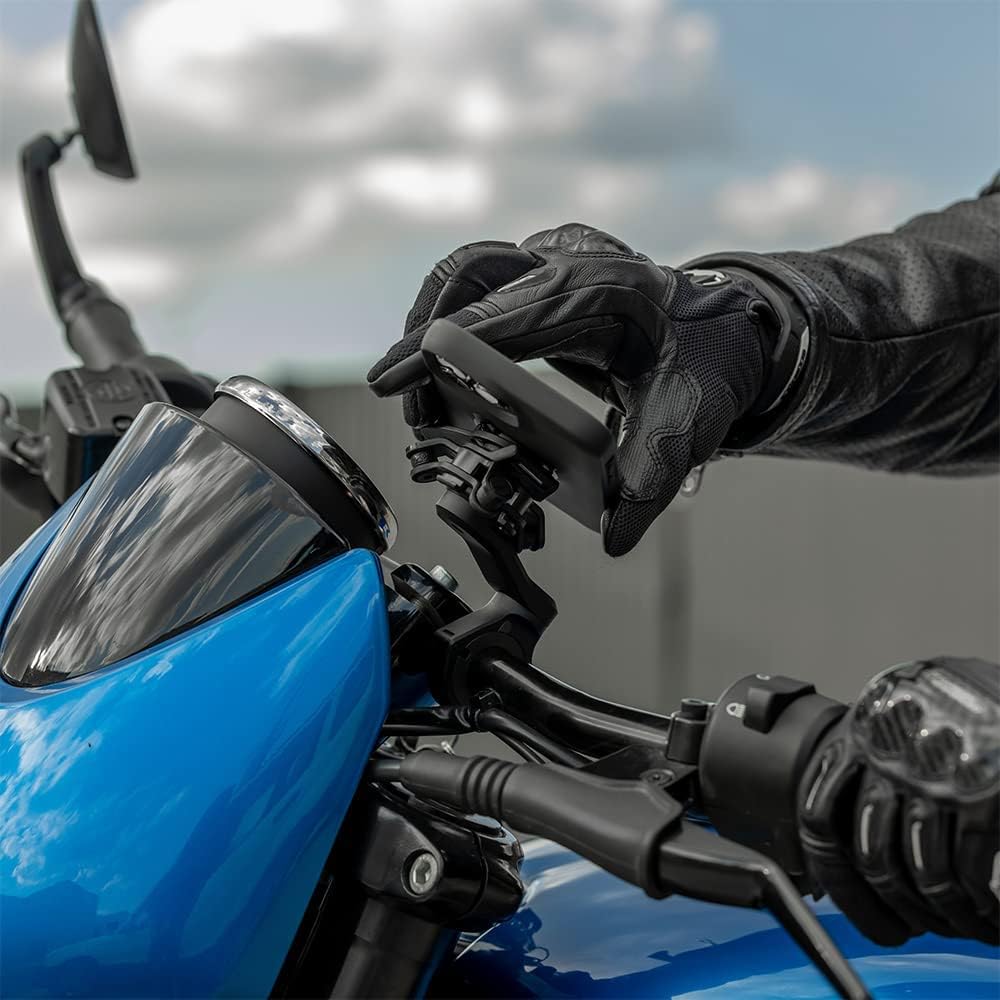
Imatge: Una mà enguantada que demostra la fixació d'un telèfon intel·ligent, equipat amb una funda Quad Lock, al suport del manillar.
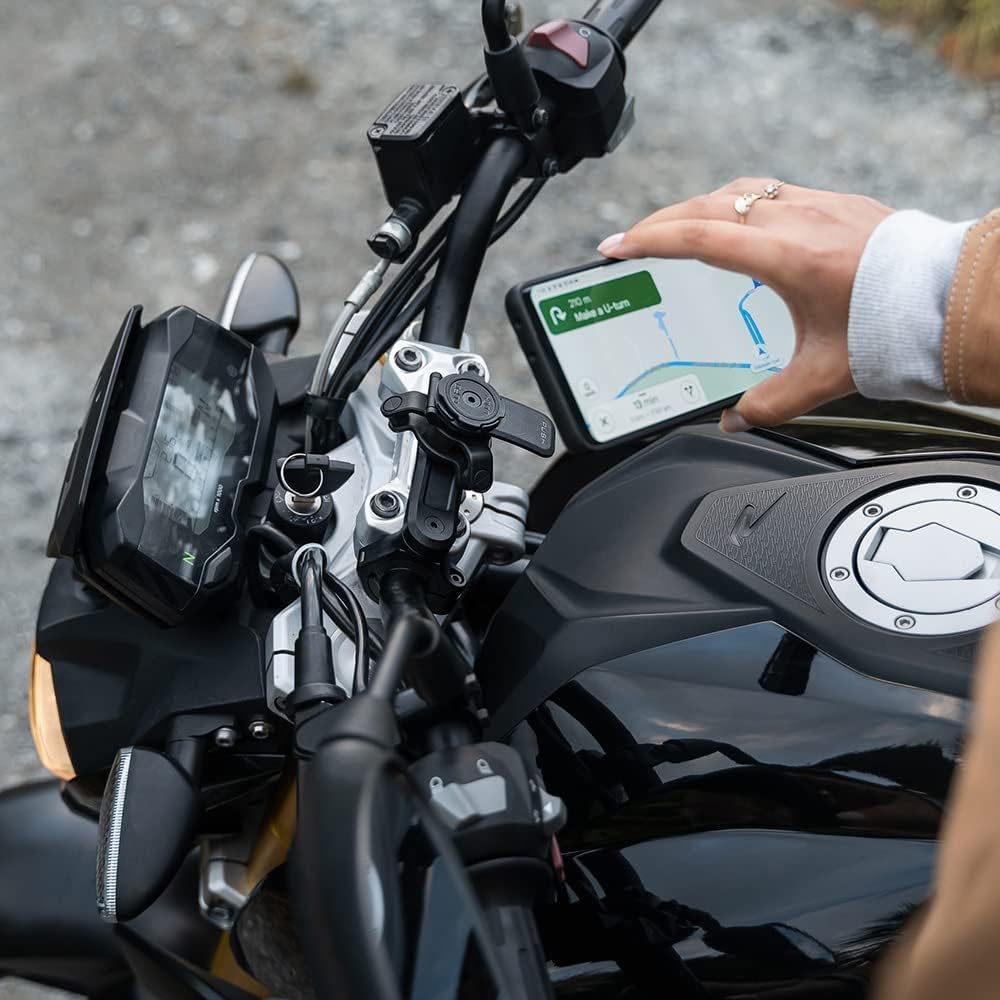
Imatge: Un telèfon intel·ligent muntat de manera segura al suport de manillar Quad Lock PRO, que mostra una aplicació de navegació i està llest per al seu ús.
5. Manteniment
Per garantir la longevitat i el rendiment òptim del vostre suport de manillar Quad Lock PRO, seguiu aquestes pautes de manteniment:
- Inspecció periòdica: Reviseu periòdicament tots els cargols i connexions per assegurar-vos que romanen ajustats. Torneu a apretar-los si cal, però eviteu apretar-los massa.
- Neteja: Netegeu la muntura amb anunciamp drap. Eviteu utilitzar productes químics agressius o netejadors abrasius, ja que poden danyar l'acabat o els materials.
- Lubricació: El mecanisme de bloqueig està dissenyat per a un funcionament sense manteniment. No apliqueu lubricants al capçal de bloqueig llevat que ho indiqui específicament el servei d'assistència de Quad Lock.
- Emmagatzematge: Si el suport es retira durant períodes prolongats, guardeu-lo en un lloc net i sec, allunyat de la llum solar directa.
6. Solució De Problemes
Si teniu problemes amb el suport de manillar Quad Lock PRO, tingueu en compte el següent:
- La muntanya se sent fluixa: Assegureu-vos que tots els cargols de muntatge estiguin ben ajustats. Comproveu que s'utilitzen les falques de manillar correctes per al diàmetre del manillar.
- El telèfon intel·ligent no es bloqueja correctament: Verifiqueu que el vostre telèfon intel·ligent estigui equipat amb una funda Quad Lock o un adaptador universal originals. Assegureu-vos que el telèfon estigui alineat correctament i girat fins que sentiu un "clic" audible. Inspeccioneu el mecanisme de bloqueig per detectar qualsevol obstrucció o dany.
- Vibració excessiva: Tot i que el suport està dissenyat per ser robust, algunes motocicletes poden produir vibracions d'alta freqüència que poden afectar les càmeres dels telèfons intel·ligents. Penseu en la possibilitat d'instal·lar el suport opcional Quad Lock Vibration D.ampener (es ven per separat) per mitigar-ho.
- Dificultat per desconnectar el telèfon intel·ligent: Assegureu-vos de prémer completament la palanca d'alliberament abans de girar el telèfon intel·ligent. El mecanisme requereix una pressió i un gir ferms.
7. Especificacions
| Número de model | QLM-HBR-PRO |
| Dimensions del producte | 3.84 x 2.66 x 3.19 polzades |
| Pes de l'article | 6.3 unces |
| Material | Alumini mecanitzat CNC anoditzat negre |
| Mides de manillar compatibles | 22 mm (⅞”), 25 mm (1”), 28 mm (1⅛”), 32 mm (1¼”), 35 mm (1⅜”) |
| Dispositius compatibles | Telèfons intel·ligents (amb funda Quad Lock o adaptador universal) |
| Tipus de muntatge | Manillar |
8. Garantia i Suport
Per obtenir informació sobre la garantia, el registre del producte o l'assistència tècnica, visiteu el lloc web oficial de Quad Lock. weblloc web o poseu-vos en contacte amb el servei d'atenció al client. Conserveu el comprovant de compra per a qualsevol reclamació de garantia.
Assistència en línia: www.quadlockcase.com