
1. Introducció
The Philips T1207 True Wireless Headphones are designed for portable audio enjoyment. They feature 6mm neodymium drivers, integrated controls, and IPX4 water resistance. This manual provides instructions for proper setup, operation, and maintenance of your headphones.

Image 1.1: Philips T1207 True Wireless Headphones in teal.
2. Què hi ha a la caixa
Assegureu-vos que tots els elements estiguin presents a l'embalatge:
- Philips T1207 True Wireless Headphones (Left and Right earbuds)
- Estoig de càrrega
- Cable de càrrega USB-C
- Ear tips (3 sizes: Small, Medium, Large)
- Guia d'inici ràpid

Image 2.1: Included accessories for the Philips T1207 headphones.
3. Configuració
3.1. Càrrega dels auriculars
Abans del primer ús, carregueu completament els auriculars i l'estoig de càrrega.
- Col·loca els auriculars a l'estoig de càrrega. Assegura't que estiguin correctament col·locats.
- Connect the USB-C charging cable to the charging port on the case and to a USB power source.
- The indicator light on the charging case will show charging status. A full charge typically takes 2 hours.

Image 3.1: Earbuds in the charging case.
3.2. Emparellament Bluetooth
The headphones are ready to pair instantly when removed from the charging case.
- Obre l'estoig de càrrega i treu els dos auriculars. Entraran automàticament en mode d'emparellament.
- Al dispositiu (telèfon intel·ligent, tauleta, ordinador portàtil), activeu el Bluetooth.
- Cerca available Bluetooth devices and select "Philips T1207".
- Once connected, the headphones will remember your device for future use.
3.3. Secure Fit and Ear Tips
Un ajust correcte és crucial per a una qualitat de so i una comoditat òptimes.
- Experiment with the three sizes of ear tips provided (Small, Medium, Large).
- Select the size that creates a snug seal in your ear canal. This helps to block external noise and improve bass response.
- Gently insert the earbud into your ear and twist slightly until it feels secure and comfortable.

Image 3.2: Ear tips for customized fit.
4. Funcionament dels auriculars
4.1. Controls integrats
The earbuds feature integrated controls for managing audio and calls:
- Reproduir/pausa: Toqueu una vegada a qualsevol dels auriculars.
- Saltar la pista endavant: Fes doble toc a l'auricular dret.
- Saltar pista enrere: Fes doble toc a l'auricular esquerre.
- Respondre/Finalitzar la trucada: Toqueu una vegada a qualsevol dels auriculars.
- Rebutja la trucada: Prem i mantén premut qualsevol dels auriculars.
4.2. Assistent de veu
Activate your smartphone's voice assistant directly from the headphones:
- Activa l'Assistent de veu: Feu tres tocs a qualsevol dels auriculars.
4.3. Mode Mono
You can use a single earbud independently while the other charges or is stored.
- Remove one earbud from the case. It will automatically connect to your device if previously paired.
- To switch to stereo, simply remove the second earbud from the case.
Vídeo 4.1: Un overview of the Philips T1207 features, including controls and design.
5. Manteniment
5.1. Neteja
Una neteja regular ajuda a mantenir el rendiment i la higiene.
- Netegeu suaument els auriculars i l'estoig de càrrega amb un drap suau, sec i sense borrissol.
- Traieu les puntes de les orelles i netegeu-les amb aigua i sabó suau, i després eixugueu-les bé abans de tornar-les a col·locar.
- Eviteu utilitzar netejadors abrasius o dissolvents.
5.2. Resistència a l'aigua (IPX4)
The Philips T1207 headphones are IPX4 rated, meaning they are resistant to splashes and sweat.
- They are suitable for use during workouts or in light rain.
- No submergiu els auriculars a l'aigua.
- Assegureu-vos que el port de càrrega estigui sec abans de connectar el cable de càrrega.
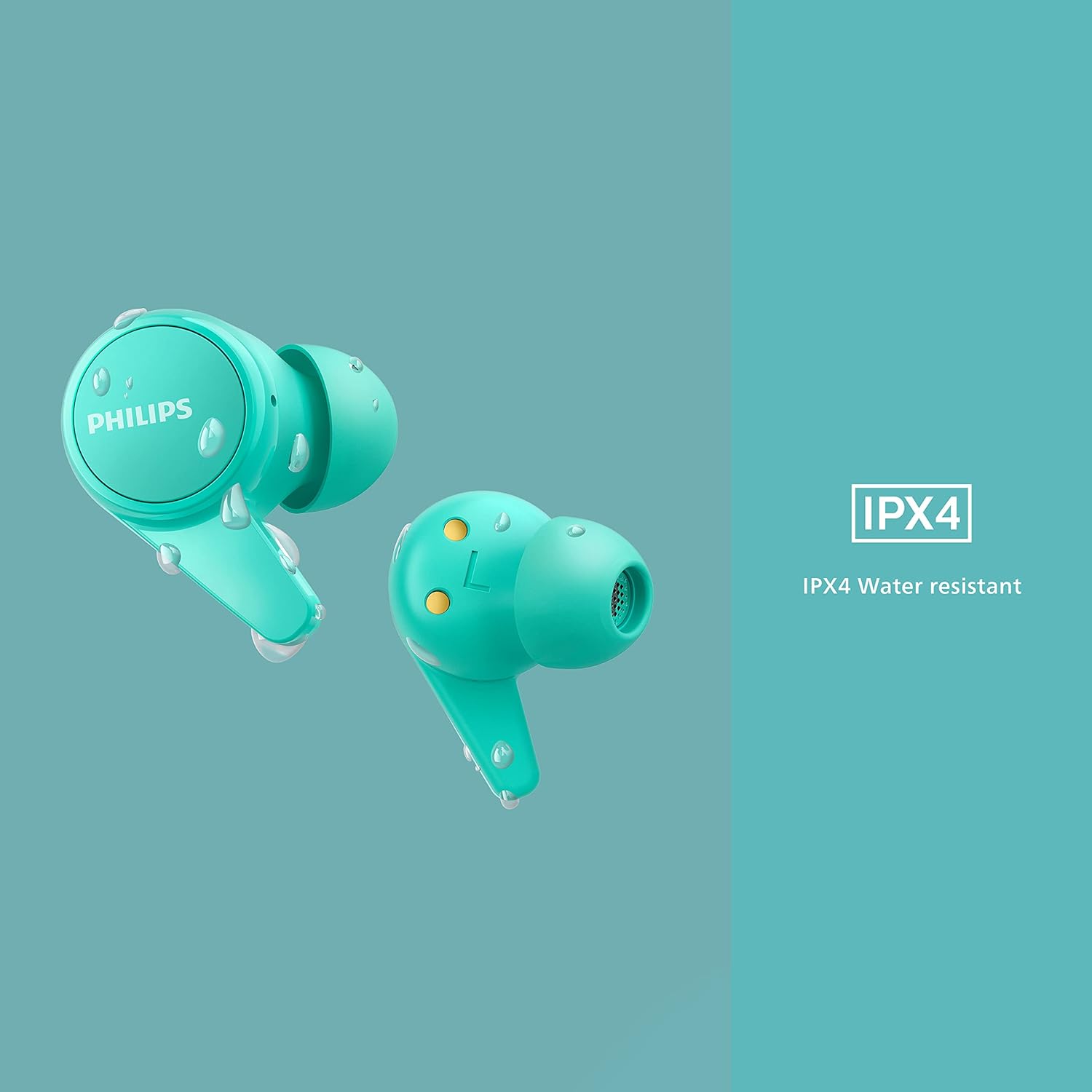
Image 5.1: IPX4 water resistance demonstration.
6. Solució De Problemes
Si teniu problemes, consulteu les solucions habituals següents:
| Problema | Solució |
|---|---|
| Sense so ni amb una mala qualitat de so |
|
| Els auriculars no s'aparellen |
|
| Els auriculars no es carreguen |
|
7. Especificacions
| Característica | Detall |
|---|---|
| Número de model | TAT1207BL/00 |
| Connectivitat | Bluetooth 5.2 |
| Interval Bluetooth | 10 metres |
| Tipus de controlador d'àudio | Dynamic Driver (6mm Neodymium) |
| Durada de la bateria (auriculars) | Fins a 6 hores |
| Temps de reproducció total (amb estoig) | Fins a 18 hores |
| Temps de càrrega | 2 hores |
| Resistència a l'aigua | IPX4 (resistent a esquitxades i suor) |
| Tipus de control | Call Control, Voice Assistant |
| Forma de l'auricular | Punta arrodonida |
| Impedància | 16 ohms |
| Pes de l'article | 3.21 unces |
| Dimensions del producte | 6.57 x 3.78 x 1.34 polzades |
8. Garantia i assistència
For detailed warranty information and customer support, please refer to the warranty card included with your product or visit the official Philips support weblloc web. Conserveu el comprovant de compra per a reclamacions de garantia.
Assistència en línia: www.philips.com/support