
1. Introducció
This manual provides essential information for the safe and efficient use of your Philips 24PHS5507/12 24-inch HD TV. This compact LED TV is designed for versatile placement in various environments such as offices, kitchens, or bedrooms. It features a triple tuner, HDMI, USB, and CI+ connectivity, delivering sharp and vibrant images.
2. Informació important de seguretat
Llegiu atentament totes les instruccions de seguretat abans d'utilitzar el televisor. Conserveu aquest manual per a futures consultes.
- Només per a ús extern: This product is intended for indoor, external use only.
- Font d'alimentació: Connect the TV only to the specified power voltage (220 VAC 50 Hz). Ensure the power cord is not damaged or pinched.
- Ventilació: Ensure adequate ventilation around the TV. Do not block ventilation openings. Avoid placing the TV on soft surfaces that may block airflow.
- Calor: Do not place the TV near heat sources such as radiators, heat registers, stoves, or other apparatus that produce heat.
- Aigua i humitat: No exposeu el televisor a la pluja ni a la humitat. No col·loqueu objectes plens de líquids, com ara gerros, a sobre del televisor.
- Neteja: Unplug the TV from the wall outlet before cleaning. Use a dry cloth for cleaning. Do not use liquid cleaners or aerosol cleaners.
- Manteniment: No intenteu atendre aquest producte vosaltres mateixos. Consulteu tots els serveis a personal de servei qualificat.
3. Què hi ha a la caixa
Desembaleu la caixa amb cura i assegureu-vos que hi hagi tots els elements:
- Philips 24PHS5507/12 TV
- Control remot
- 2 x piles AAA
- Cable d'alimentació
- Guia ràpida
- Legal and Safety Information Brochure
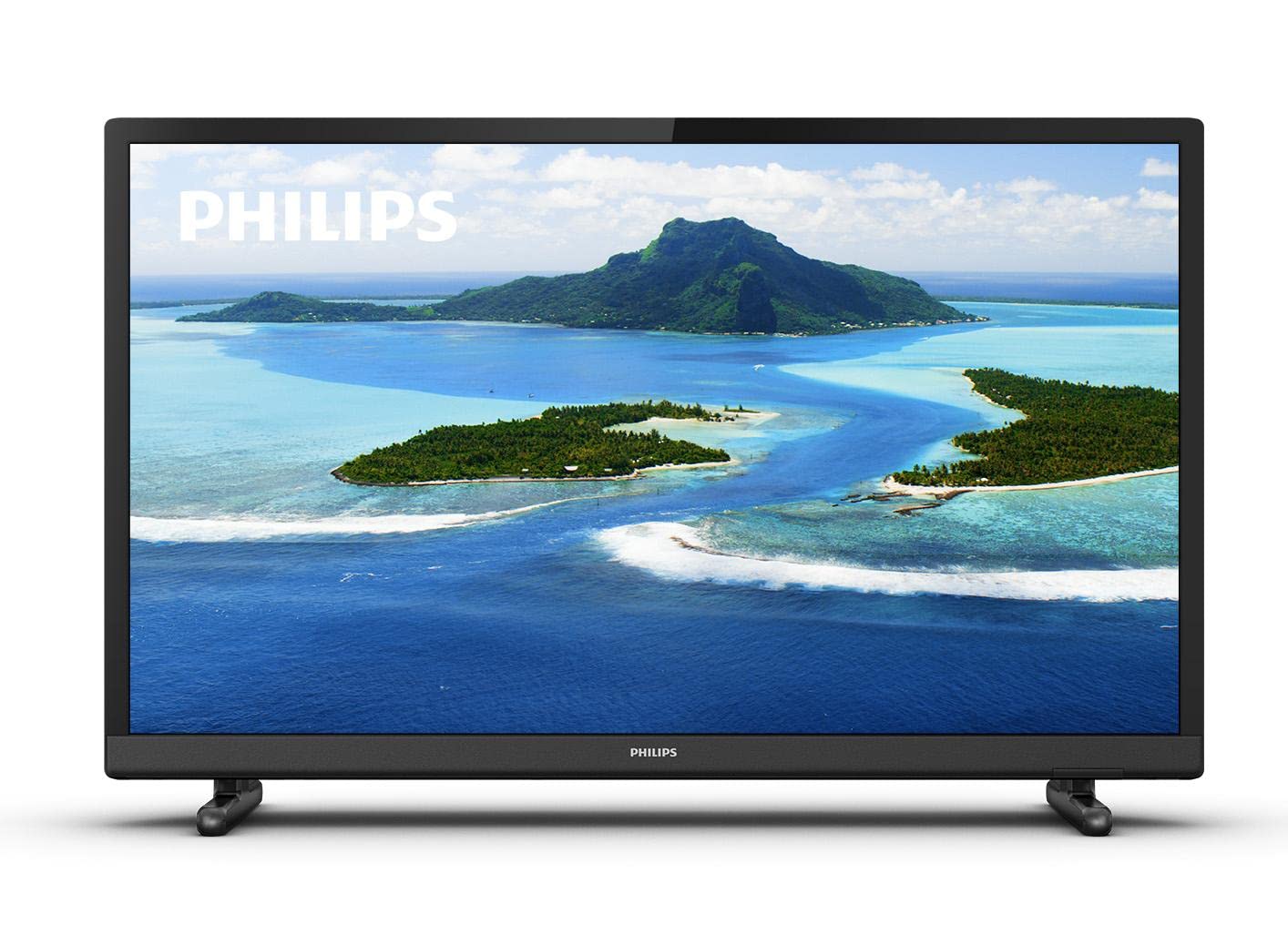
Imatge 1: Frontal view of the Philips 24PHS5507/12 TV with a scenic landscape displayed on the screen.
4. Configuració
4.1. Desembalatge i col·locació
Remove the TV and all accessories from the packaging. Place the TV on a stable, flat surface or mount it on a wall using a compatible VESA mount (sold separately). Ensure there is sufficient space around the TV for proper ventilation.
4.2. Fixació del suport
If using the included stand, carefully attach the stand feet to the bottom of the TV using the provided screws. Refer to the Quick Guide for detailed illustrations.
4.3. Dispositius de connexió
Connecteu els vostres dispositius al televisor mitjançant els ports disponibles:
- Potència: Connecteu el cable d'alimentació a l'entrada d'alimentació del televisor i després a una presa de corrent.
- HDMI: Use an HDMI cable to connect external devices such as a set-top box, DVD/Blu-ray player, or gaming console to one of the two HDMI ports.
- USB: Connect a USB storage device (e.g., USB flash drive) to the USB port for media playback.
- Antena/cable: Connect your antenna or cable signal to the TV's antenna input for DVB-T2 reception.
- VGA: Connect older computers or retro consoles via the VGA port.
- Sortida d'àudio: For external audio systems, use the digital audio output or headphone jack.
4.4. First-Time Installation
- Plug in the TV and press the power button on the remote control or TV.
- Follow the on-screen instructions to select your preferred language.
- The TV will guide you through the channel scanning process to find available TV channels.
5. Funcionament del televisor
5.1. Control remot sobreview
The included remote control allows you to operate all functions of your TV. Insert the two AAA batteries into the remote control, ensuring correct polarity.
- Botó d'encesa: Encén o apaga el televisor.
- Botons de volum (+/-): Ajusta el nivell de volum.
- Channel Buttons (P+/P-): Canvia els canals de televisió.
- Botó font/entrada: Selects the input source (HDMI 1, HDMI 2, USB, TV, VGA).
- Botó de menú: Accesses the TV's main menu for settings.
- Navigation Buttons (Arrows, OK): Navega pels menús i confirma les seleccions.
5.2. Funcions bàsiques del televisor
- Encès/apagat: Premeu el botó d'encesa del comandament a distància.
- Ajust de volum: Use the Volume + or - buttons.
- Canvi de canals: Use the Channel P+ or P- buttons.
- Selecció de la font d'entrada: Press the Source/Input button and use the navigation arrows to select the desired input (e.g., HDMI 1, USB).
5.3. Configuració d'imatge i so
Access the TV's main menu to customize picture and sound settings:
- Premeu el botó Menú botó del comandament a distància.
- Navega a Imatge settings to adjust brightness, contrast, color, sharpness, and select picture modes. The Philips Pixel Plus HD Engine optimizes image quality for sharp pictures and rich colors.
- Navega a So settings to adjust bass, treble, balance, and select sound modes.
5.4. Media Playback via USB
You can play music and other media filedes d'un dispositiu d'emmagatzematge USB:
- Connect your USB device to the TV's USB port.
- Select the USB input source using the Source/Input button.
- Navegueu per la files and folders on your USB device to select and play your media.
5.5. Funcions de Smart TV
The TV includes a web browser. For additional Smart TV functionalities and streaming services, you can connect a streaming dongle to one of the HDMI ports.
6. Manteniment
6.1. Neteja del televisor
- Desendolla sempre el televisor abans de netejar-lo.
- Use a soft, dry cloth to clean the screen and casing.
- Do not use abrasive cleaners, waxes, or solvents as they can damage the TV's surface.
6.2. Actualitzacions de programari
Periodically check the Philips support website for any available software updates for your TV model to ensure optimal performance and access to the latest features.
7. Solució De Problemes
If you encounter any issues with your TV, refer to the following common problems and solutions:
| Problema | Possible solució |
|---|---|
| Sense poder | Ensure the power cable is securely connected to the TV and the wall outlet. Check if the wall outlet is working. |
| No hi ha imatge, però hi ha so | Comproveu la font d'entrada. Assegureu-vos que el dispositiu connectat estigui encès i funcioni correctament. |
| No hi ha so, però hi ha imatge | Comproveu el nivell de volum i l'estat de silenci. Assegureu-vos que els cables d'àudio estiguin connectats correctament si feu servir altaveus externs. |
| El comandament a distància no funciona | Revisa les piles i canvia-les si cal. Assegura't que no hi hagi cap obstrucció entre el comandament a distància i el sensor d'infrarojos del televisor. |
| Poca qualitat d'imatge | Check antenna/cable connection. Adjust picture settings in the menu. If using an external device, check its output resolution. |
8. Especificacions tècniques
Detailed specifications for the Philips 24PHS5507/12 TV:
| Característica | Especificació |
|---|---|
| Nom del model | 24PHS5507/12 |
| Mida de la pantalla | 24 polzades (60 cm) |
| Tecnologia de visualització | LED |
| Resolució | 1080p (HD) |
| Freqüència d'actualització | 60 Hz |
| Relació d'aspecte | 16:9 |
| Connectivitat | 2 x HDMI, 1 x USB, CI+, VGA |
| Tecnologia del sintonitzador | DVB-T2 (Triple Tuner) |
| Potència de sortida d'àudio | 6 Watts (Surround Sound Mode) |
| Consum d'energia | 6 Watts (Efficiency E) |
| Voltage | 220 VAC 50 Hz |
| Dimensions del producte (P x A x A) | 18.5D x 73.2B x 47.9H cm |
| Pes de l'article | 3 quilos |
| Característiques especials | Motion Sensor, Pixel Plus HD |

Imatge 2: Lateral view of the Philips 24PHS5507/12 TV with dimensions indicated: 33.31cm height, 8.2cm depth, 55.15cm width.
9. Garantia i Suport
Your Philips 24PHS5507/12 TV comes with a 2 any de garantia des de la data de compra. Aquesta garantia cobreix els defectes de fabricació en condicions d'ús normals.
For technical support, warranty claims, or further assistance, please contact Philips customer service. Refer to the contact information provided in the legal and safety information brochure included with your product or visit the official Philips support weblloc.