1. Introducció
Thank you for choosing the Sudio A2 Wireless Bluetooth Earbuds. These earbuds are designed to provide a seamless audio experience with Hybrid Active Noise Cancelling (ANC) and crystal-clear calls using Dual-Microphone VividVoice Technology. With up to 30 hours of playtime including the charging case, and an IPX4 splash-proof rating, the Sudio A2 is your ideal companion for everyday listening.

Figure 1: Sudio A2 Earbuds and Charging Case (Open)
2. Configuració
2.1 Càrrega dels auriculars i l'estoig
Before first use, ensure both the earbuds and the charging case are fully charged. The charging time is approximately 2 hours.
- Place the earbuds into the charging case. Ensure they are correctly seated in their respective left (L) and right (R) slots.
- Connect the charging case to a USB power source using the provided cable.
- The indicator lights on the case will show the charging status. Refer to the case's LED indicators for charge level.
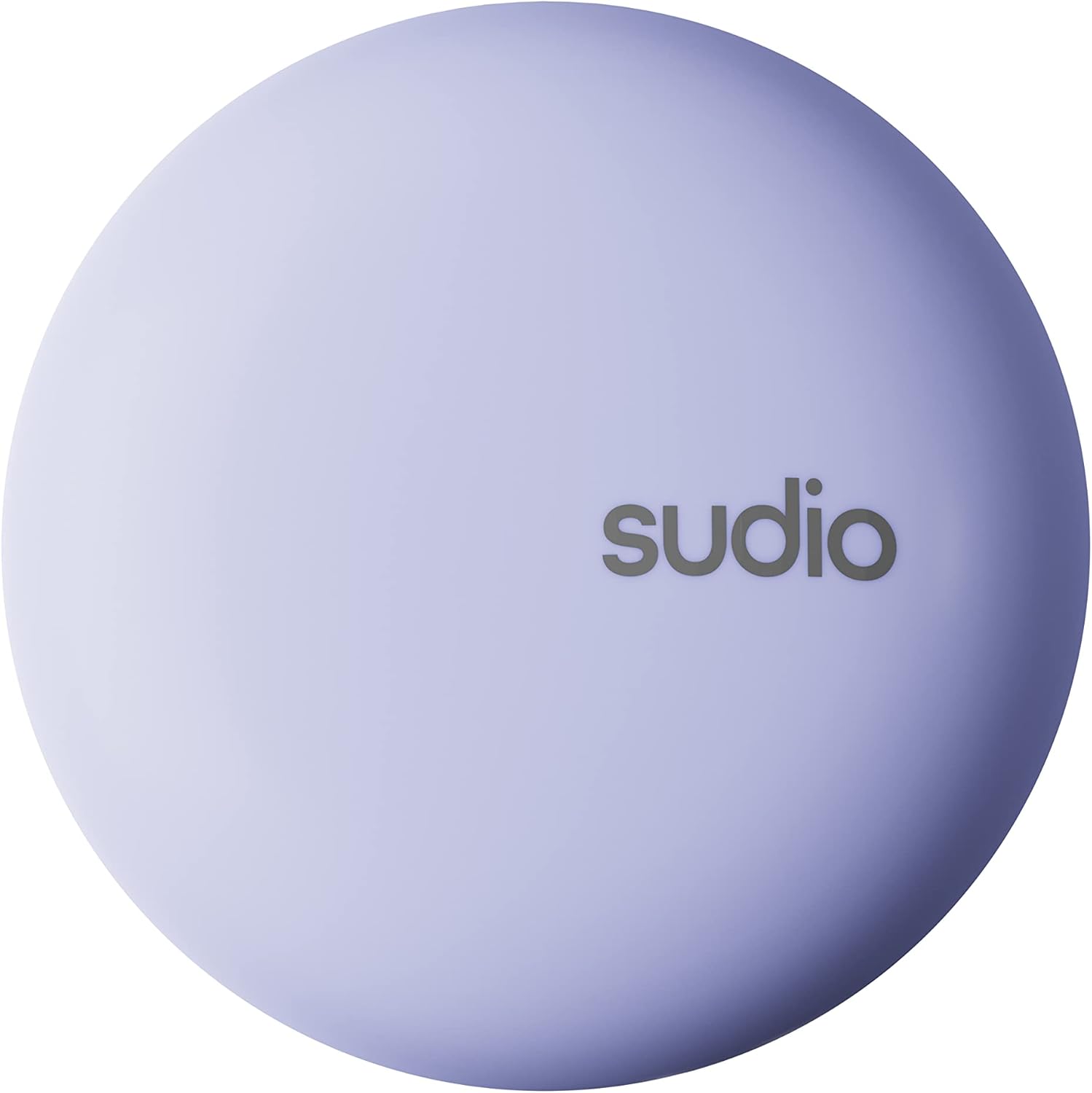
Figure 2: Sudio A2 Charging Case (Closed)
2.2 Emparellament amb el dispositiu
The Sudio A2 earbuds use Bluetooth for wireless connectivity.
- Obre l'estoig de càrrega. Els auriculars entraran automàticament en mode d'emparellament.
- Al dispositiu (telèfon intel·ligent, tauleta, ordinador), aneu a la configuració de Bluetooth.
- Cerca available devices and select "Sudio A2" from the list.
- Un cop connectats, sentireu un missatge d'àudio i els auriculars estaran llestos per al seu ús.
- Per a usos posteriors, els auriculars es connectaran automàticament a l'últim dispositiu emparellat quan es treguin de l'estoig.
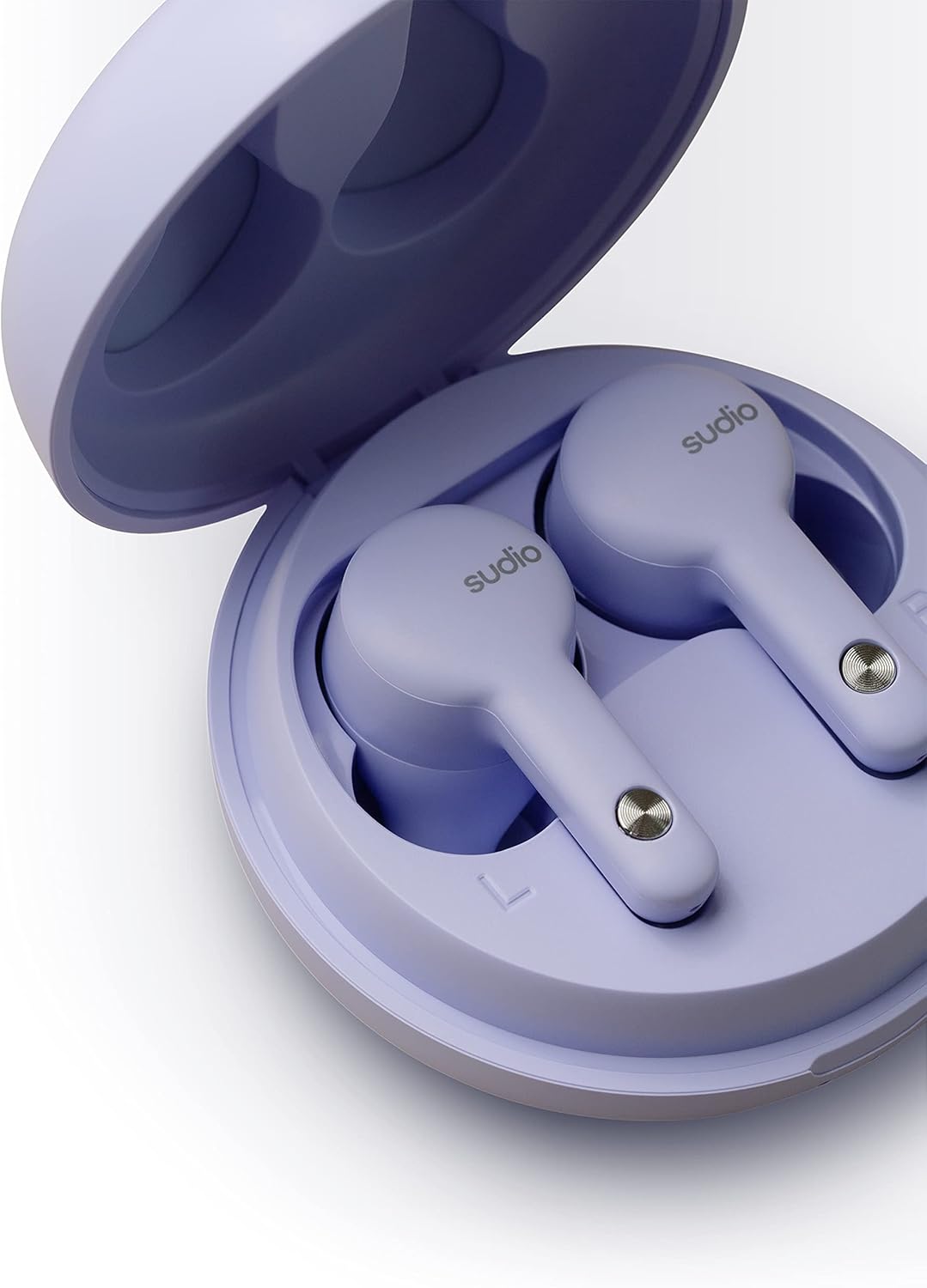
Figure 3: Earbuds in Charging Case with L/R Indicators
3. Instruccions de funcionament
3.1 Com posar-se els auriculars
Insert the earbuds gently into your ears. Adjust them for a comfortable and secure fit. A proper fit is crucial for optimal sound quality and Active Noise Cancelling performance.

Figure 4: Earbud in Ear (Male)

Figure 5: Earbud in Ear (Female)
3.2 Controls tàctils
The Sudio A2 earbuds feature intuitive touch controls on the outer surface of each earbud. The specific functions are typically:
- Toc senzill: Reproduir/Pausar música, Respondre/Finalitzar trucada.
- Doble toc (auricular esquerre): Pista anterior.
- Doble toc (auricular dret): Pista següent.
- Toca tres vegades: Activa l'assistent de veu (p. ex., Siri, Google Assistant).
- Premsa llarga: Toggle Active Noise Cancelling (ANC) / Transparency Mode.
Note: Accidental touches can occur. Ensure your fingers are clear of the touch sensor when adjusting the earbuds.

Figure 6: Earbud Touch Sensor Detail
3.3 Cancel·lació activa de soroll (ANC)
The Sudio A2 features Hybrid ANC to reduce ambient noise. To activate or deactivate ANC, perform a long press on either earbud. For optimal ANC performance, both earbuds must be worn.
3.4 Fer trucades
The Dual-Microphone VividVoice Technology ensures clear phone calls.
- Respondre una trucada: Un sol toc a qualsevol dels auriculars.
- Finalització d'una trucada: Un sol toc a qualsevol dels auriculars.
- Rebutjar una trucada: Premeu llargament qualsevol dels auriculars.
4. Manteniment
4.1 Neteja dels auriculars
Una neteja regular ajuda a mantenir la qualitat del so i la higiene.
- Feu servir un drap suau, sec i sense borrissol per netejar els auriculars i l'estoig de càrrega.
- For ear tips, gently remove them and clean with a mild soap solution if necessary, then rinse and dry thoroughly before reattaching.
- No utilitzeu materials abrasius, alcohol ni netejadors químics.
4.2 Resistència a l'aigua (IPX4)
The Sudio A2 earbuds are IPX4 splash-proof, meaning they are resistant to splashing water from any direction. This makes them suitable for workouts and light rain.
- No submergiu els auriculars a l'aigua.
- No els exposeu a aigua a pressió ni a alta velocitat, com ara a la dutxa o al natació.
- Assegureu-vos que els auriculars estiguin secs abans de tornar-los a col·locar a l'estoig de càrrega per evitar danys als contactes de càrrega.
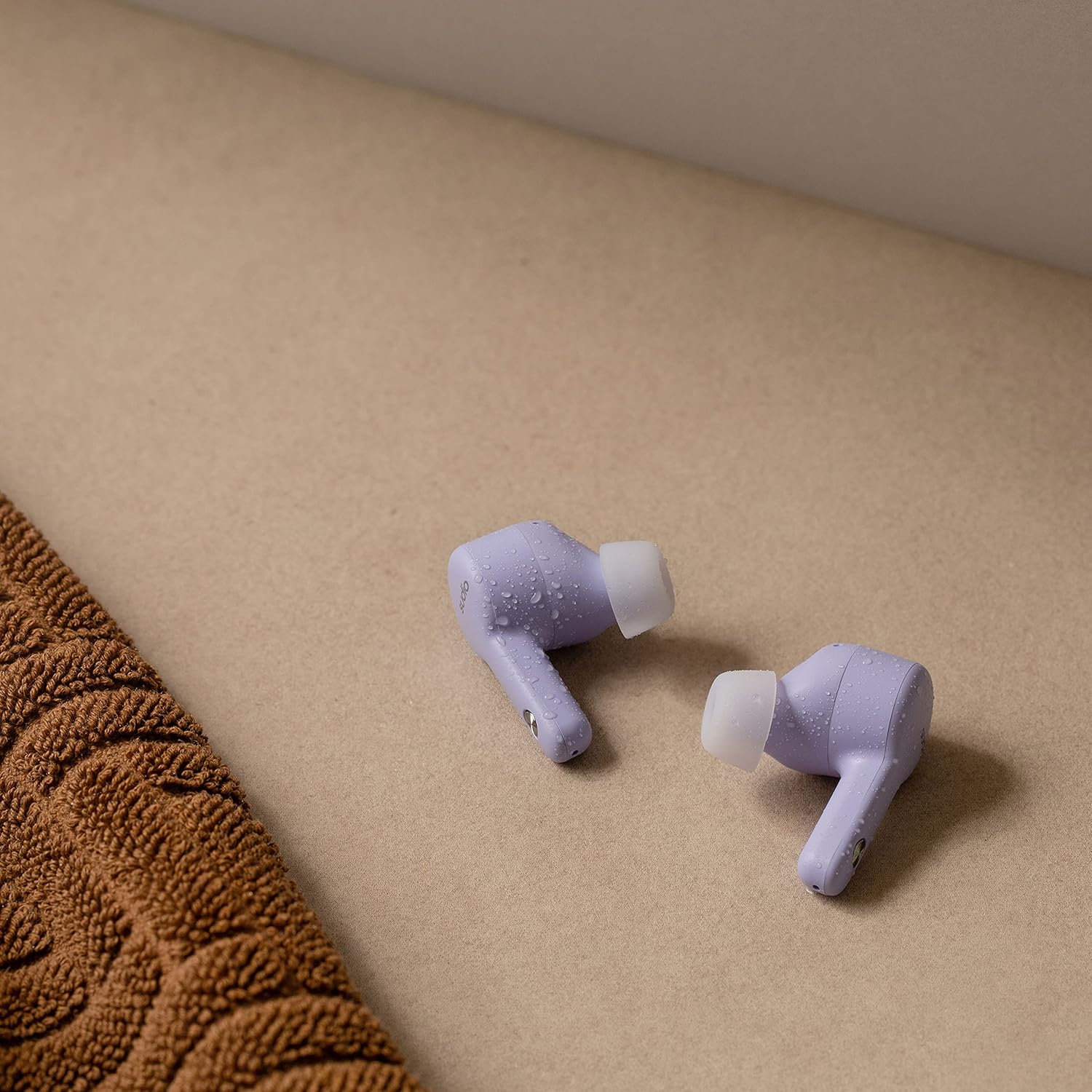
Figure 7: Sudio A2 Earbuds with Water Droplets (IPX4)
5. Solució De Problemes
If you encounter issues with your Sudio A2 earbuds, try the following solutions:
5.1 One Earbud Not Working or Connecting
- Torna a emparellar: Place both earbuds back into the charging case, close the lid for 5 seconds, then open it again. Remove them and try to re-pair with your device.
- Oblida el dispositiu: On your device, go to Bluetooth settings, "forget" or "unpair" "Sudio A2", then repeat the pairing process from Section 2.2.
- Restableix els auriculars: Consult the Sudio support website for specific factory reset instructions for the A2 model, as this often resolves pairing issues.
- Contactes nets: Ensure the charging contacts on both the earbuds and inside the case are clean and free of debris.
5.2 Low Volume
- Volum del dispositiu: Ensure the volume on your connected device is turned up to the maximum level.
- Ajust dels auriculars: A poor seal can significantly reduce perceived volume. Adjust the earbuds in your ears to ensure a snug fit.
- Puntes netes per a les orelles: Check if the ear tips or speaker mesh are blocked by earwax or debris. Clean them carefully.
5.3 Problemes de càrrega
- Cable i adaptador: Try a different USB charging cable and/or power adapter.
- Port de càrrega: Assegureu-vos que el port de càrrega de la carcassa estigui net i lliure de residus.
- Earbud Placement: Verify that the earbuds are correctly seated in the charging case and that the charging pins are making contact.
5.4 Active Noise Cancelling (ANC) Not Effective
- Both Earbuds: Ensure both earbuds are worn for ANC to function optimally.
- Ajust adequat: A tight seal in the ear canal is essential for effective noise cancellation. Adjust the earbuds for the best possible fit.
- Medi ambient: ANC is most effective against low-frequency, constant noises (e.g., engine hum) and less so against sudden or high-pitched sounds.
6. Especificacions
| Característica | Detall |
|---|---|
| Nom del model | A2 |
| Número de model | SD-1614 |
| Connectivitat | Sense fil (Bluetooth) |
| Control de soroll | Cancel·lació activa de soroll híbrida |
| Tecnologia de micròfons | Dual-Microphone VividVoice |
| Temps de reproducció (càrrega única) | Fins a 9 hores |
| Temps de reproducció total (amb estoig) | Fins a 30 hores |
| Temps de càrrega | Aprox. 2 hores |
| Resistència a l'aigua | IPX4 Resistent a esquitxades |
| Tipus de control | Control tàctil, control per veu |
| Components inclosos | Earbuds, Wireless Charging Case, USB Charging Cable |
| Material | Plàstic |
| Color | Lila |
| Pes de l'article | 53 grams (total) |
| Dimensions del producte | 6 x 6 x 3.3 cm |
| Tipus de bateria | Polímer de liti |
| Fabricant | Sudio |
7. Garantia i assistència
For detailed warranty information and customer support, please visit the official Sudio website. You can find FAQs, troubleshooting guides, and contact information for technical assistance.
Official Sudio Weblloc: www.sudio.com
Si us plau, conserveu el comprovant de compra per a qualsevol reclamació de garantia.