
Amicool B0B3J7MGDD
Amicool Portable Air Cooler User Manual
Model: B0B3J7MGDD
1. Introducció
Gràcies per la compraasing the Amicool Portable Air Cooler. This device is designed to provide personal cooling, humidification, and acts as a fan with adjustable settings and an integrated LED light. Please read this manual thoroughly before use to ensure proper operation and maintenance.
2. Instruccions de seguretat
- Always place the unit on a stable, level surface to prevent water spillage.
- No submergiu la unitat en aigua ni altres líquids.
- Mantenir fora de l'abast dels nens i mascotes.
- Use only the provided USB power cable or a compatible 5V/2A adapter.
- Desendolleu la unitat de la font d'alimentació abans de netejar-la o quan no l'utilitzeu durant períodes prolongats.
- No bloquegeu l’entrada ni la sortida d’aire.
- Avoid using corrosive detergents or sharp objects for cleaning.
- No intenteu reparar o modificar la unitat vosaltres mateixos. Contacteu amb l'assistència al client per obtenir assistència.
3. Contingut del paquet
Verifiqueu que tots els elements siguin presents al paquet:
- Amicool Portable Air Cooler Unit
- Cable d'alimentació USB
- Manual d'usuari
4. Producte acabatview
Familiarize yourself with the components of your Amicool Portable Air Cooler.
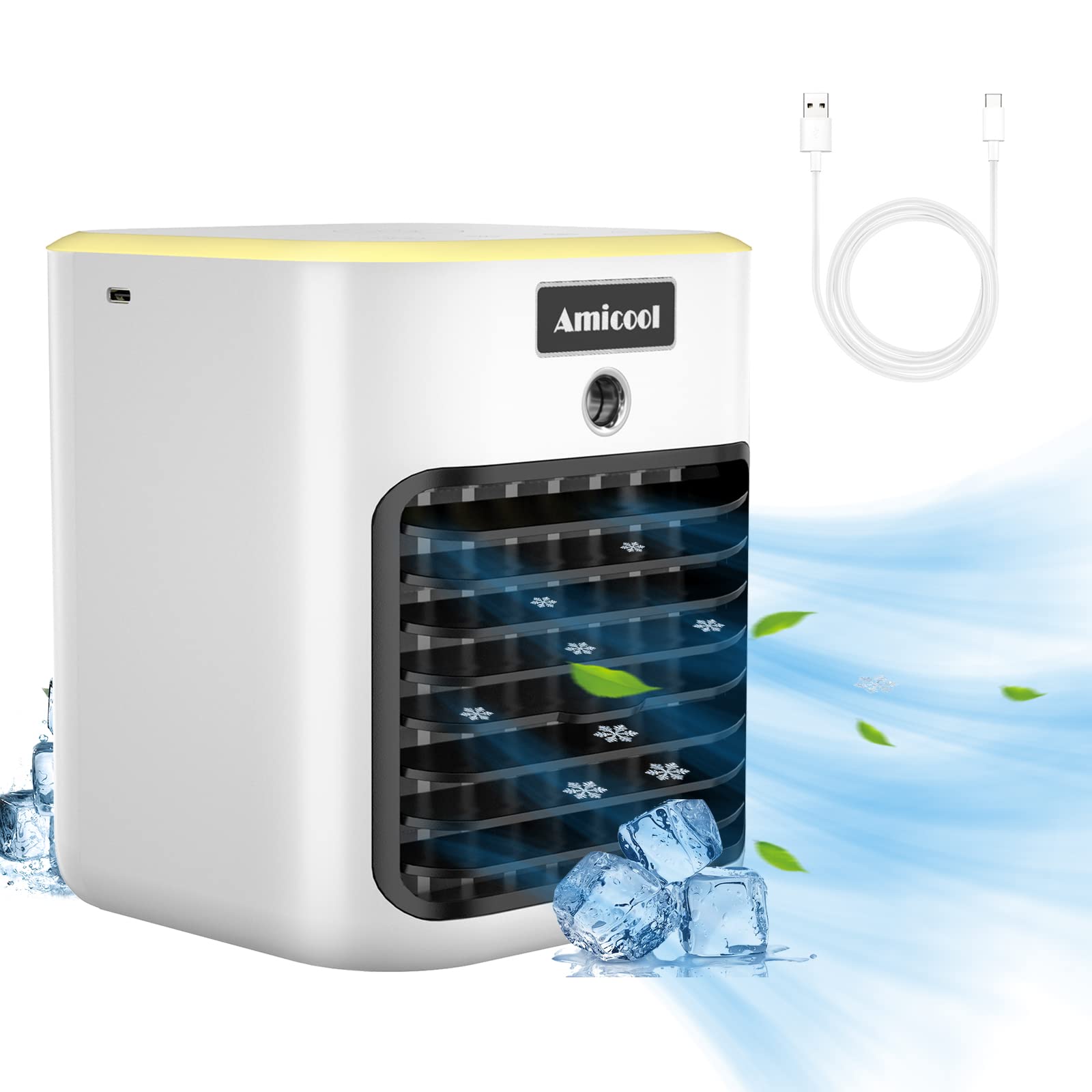
Figura 4.1: Davant view of the Amicool Portable Air Cooler, showing the air outlet and control panel.
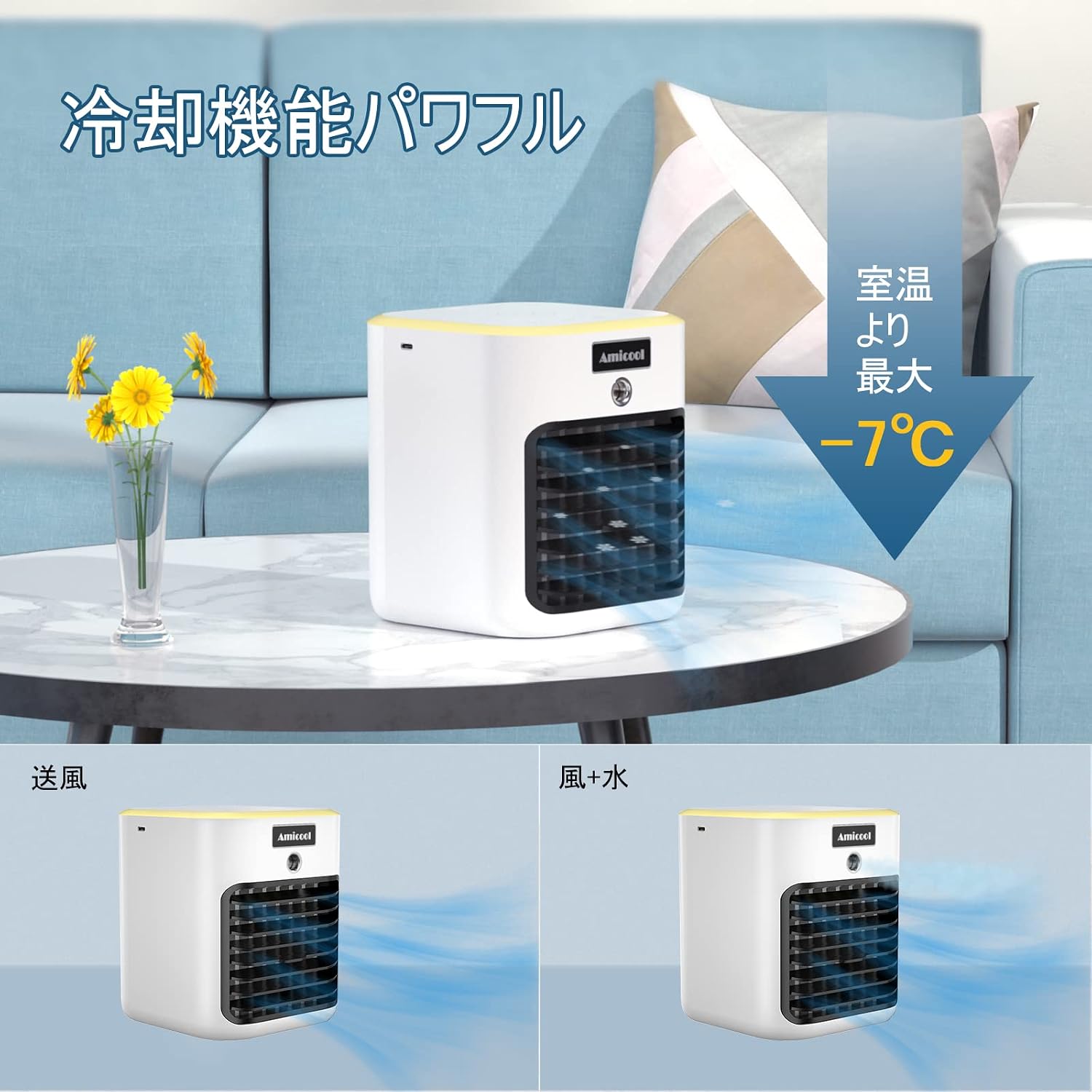
Figura 4.2: lateral view of the unit, illustrating the water tank opening and USB power port.
Components clau:
- Tauler de control: Touch-sensitive buttons for power, fan speed, mist, and LED light.
- Sortida d'aire: Where cooled and humidified air is expelled.
- Dipòsit d'aigua: Reservoir for water to enable humidification and evaporative cooling.
- Entrada d’aire: Located at the rear, draws in ambient air.
- Port d'alimentació USB: Per connectar el cable d'alimentació.
5. Configuració
5.1 Desembalatge
- Traieu amb cura el refrigerador d'aire i tots els accessoris de l'embalatge.
- Conserveu l'embalatge per a futurs emmagatzematges o transports.
5.2 Col·locació
Place the air cooler on a flat, stable surface in the desired location. Ensure there is adequate space around the unit for proper airflow.
5.3 Omplir el dipòsit d'aigua
- Obriu la tapa del dipòsit d'aigua.
- Carefully pour clean tap water into the tank. Do not exceed the maximum fill line.
- Tanqueu la tapa del dipòsit d'aigua amb seguretat.
Nota: The water inlet is designed to be compact. Use a small pitcher or bottle to avoid spills. For enhanced cooling, you may add small ice cubes if they fit through the opening.
5.4 Connexió d'alimentació
- Insert the small end of the USB power cable into the USB port on the back of the air cooler.
- Plug the larger end of the USB cable into a compatible USB power adapter (5V/2A recommended) or a USB port on a computer/power bank.
6. Instruccions de funcionament
6.1 Encès/Apagat
- To turn on the unit, press the Power button on the control panel.
- To turn off the unit, press the Power button again.
6.2 Ajust de la velocitat del ventilador
The unit features three fan speed levels: Low, Medium, and High.

Figura 6.1: Illustration of the three fan speed settings: Low, Medium, and High.
- Press the Fan Speed button repeatedly to cycle through the speeds: Low → Medium → High → Low.
6.3 Humidification (Mist) Mode
To activate the humidification function:
- Assegureu-vos que el dipòsit d'aigua estigui ple.
- Press the Mist button on the control panel to turn on the mist function.
- Press the Mist button again to turn off the mist function.
6.4 Funcionament de la llum LED
The unit includes an integrated LED light.
- Press the Light button to turn on the LED light.
- Press the Light button again to turn off the LED light.
6.5 Ajust d'angle
The air outlet can be manually adjusted vertically to direct the airflow.

Figura 6.2: The unit's air outlet can be manually tilted up or down to adjust airflow direction.
- Gently push or pull the front grille of the air outlet to adjust the angle upwards or downwards.
7. Manteniment
Una neteja i un manteniment regulars garantiran un rendiment òptim i allargaran la vida útil del vostre refrigerador d'aire.
7.1 Neteja general
- Abans de netejar-lo, desendolleu sempre l'aparell de la font d'alimentació.
- Netegeu l'exterior de la unitat amb un damp tela. No utilitzeu netejadors abrasius ni dissolvents.
- Feu servir un raspall suau o un aspirador per eliminar la pols de les reixetes d'entrada i sortida d'aire.
7.2 Neteja del dipòsit d'aigua
To prevent mold and bacteria growth, clean the water tank regularly, especially if using the humidification function.
- Desendolleu la unitat i buideu l'aigua restant del dipòsit.
- Due to the small opening, it may be challenging to clean the inside of the tank thoroughly. Use a small bottle brush or a cotton swab with a mild detergent solution to clean the interior.
- Rinse the tank thoroughly with clean water to remove any detergent residue.
- Deixeu que el dipòsit s'assequi completament a l'aire abans de reomplir-lo o guardar-lo.
7.3 Manteniment del filtre
The unit uses an evaporative filter for cooling. This filter should be cleaned periodically.

Figura 7.1: The internal cooling filter, which requires water saturation for optimal performance.
- Access the filter compartment (refer to product diagrams if available for specific instructions).
- Traieu el filtre.
- Rinse the filter under running water to remove dust and mineral deposits.
- Deixeu que el filtre s'assequi completament a l'aire abans de tornar-lo a inserir a la unitat.
- Replace the filter if it shows signs of significant wear or damage.
8. Solució De Problemes
If you encounter issues with your Amicool Portable Air Cooler, refer to the following table for common problems and solutions.
| Problema | Causa possible | Solució |
|---|---|---|
| La unitat no s'encén. | Sense font d'alimentació. Faulty USB cable/adapter. | Ensure the USB cable is securely connected to both the unit and a working power source. Proveu un cable USB o un adaptador d'alimentació diferent. |
| No es produeix boira. | El dipòsit d'aigua està buit. Mist function is not activated. Mist nozzle is blocked. | Ompliu el dipòsit d'aigua. Press the Mist button to activate the function. Clean the mist nozzle gently with a cotton swab. |
| Flux d'aire feble o nul. | Entrada/sortida d'aire bloquejada. Velocitat del ventilador massa baixa. | Ensure air inlet and outlet are clear of obstructions. Increase the fan speed using the Fan Speed button. |
| La unitat fa soroll. | La unitat no està sobre una superfície estable. Problema amb el component intern. | Col·loqueu la unitat sobre una superfície plana i estable. Si el soroll persisteix, contacteu amb l'atenció al client. |
| Power button unresponsive. | Falla elèctrica interna. | Disconnect and reconnect power. If the issue persists, the unit may be faulty. Contact customer support. |
If the problem persists after attempting these solutions, please contact Amicool customer support.
9. Especificacions
| Característica | Detall |
|---|---|
| Marca | Amicool |
| Model | B0B3J7MGDD |
| Dimensions (paquet) | 21.3 x 16.5 x 16.3 cm |
| Pes de l'article | 1.17 kg |
| Color | Blanc |
| Característiques | Humidificació |
| Tipus de control | Toca |
| Factor de forma | Desktop, Personal |
| Font d'alimentació | USB (5V/2A recommended) |
10. Garantia i Suport
Amicool products are designed for reliability and performance. For warranty information or technical support, please refer to the contact details provided with your purchase or visit the official Amicool website. Please have your model number (B0B3J7MGDD) and purchase date ready when contacting support.
Ask a question about this manual
Ask about setup, troubleshooting, compatibility, parts, safety, or missing instructions. Manuals+ will review the question and use this page’s manual context to help answer it.