
Introducció
This manual provides essential information for the proper use and maintenance of your SanDisk Ultra Curve 256GB USB 3.2 Flash Drive. Please read these instructions carefully before using the device to ensure optimal performance and longevity.
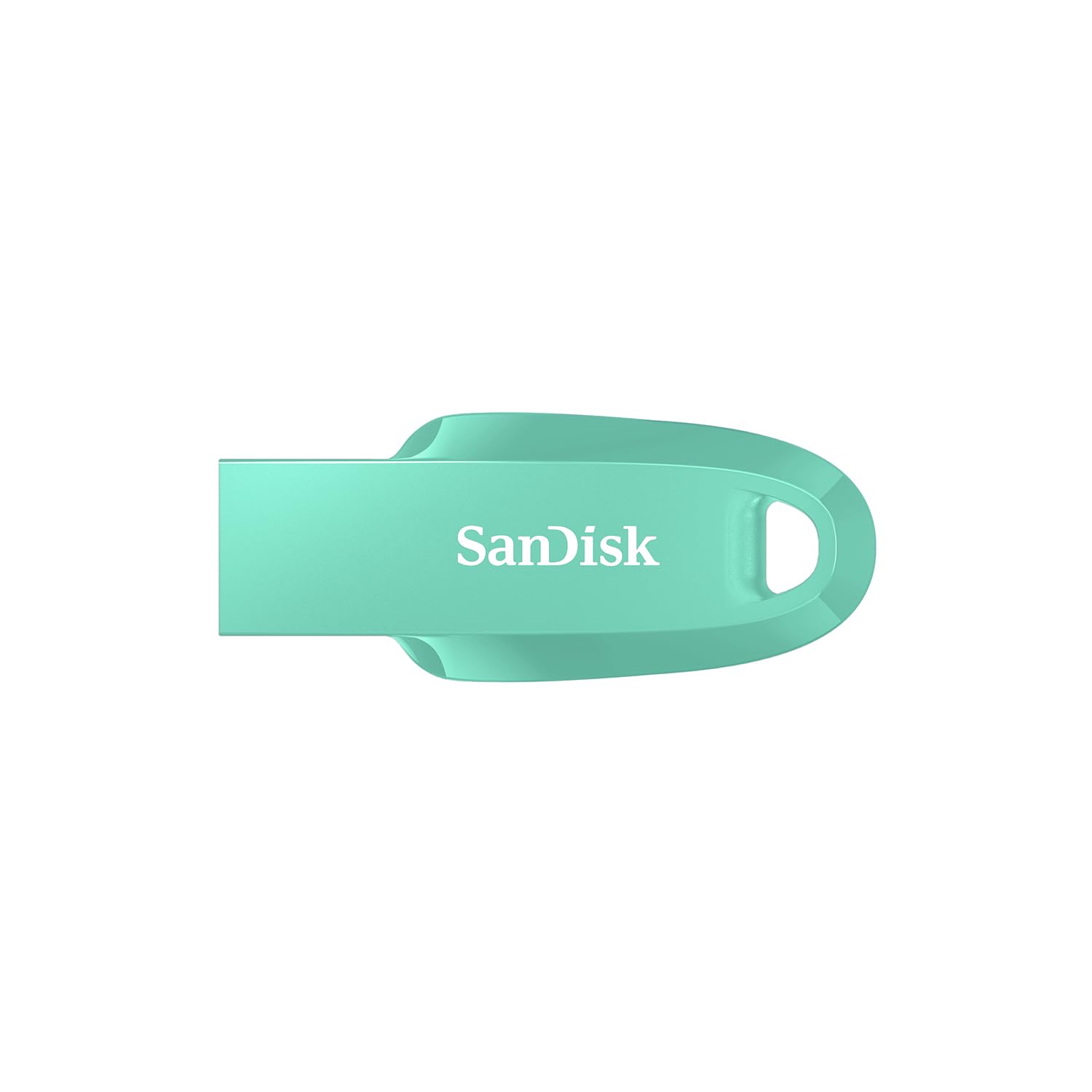
Image: The SanDisk Ultra Curve 256GB USB 3.2 Flash Drive, shown in green, featuring its curved design and integrated loop.
Configuració
- Requisits del sistema: Ensure your computer or device has a compatible USB port (USB 3.2 Gen 1/2 or USB 2.0). The drive is compatible with most operating systems, including Windows, macOS, and Linux.
- Connexió de la unitat: Carefully insert the SanDisk Ultra Curve flash drive into an available USB port on your computer. The drive is designed for easy insertion.
- Reconeixement automàtic: Your operating system should automatically detect and install the necessary drivers. The drive will appear as a removable storage device (e.g., 'USB Drive' or 'SanDisk Ultra Curve') in 'My Computer' (Windows) or 'Finder' (macOS).

Image: The SanDisk Ultra Curve flash drive securely inserted into the USB port of a laptop, ready for use.
Funcionament del dispositiu
File Transferència
- Còpia Files To: Arrossegueu i deixeu anar files or folders from your computer to the SanDisk Ultra Curve drive icon, or use the 'Copy' and 'Paste' functions.
- Còpia Files From: Arrossegueu i deixeu anar files or folders from the SanDisk Ultra Curve drive icon to your computer, or use 'Copy' and 'Paste'.
Eliminació segura
Always safely eject the flash drive before physically removing it from your computer to prevent data corruption. This is crucial for maintaining data integrity.
- Windows: Click the 'Safely Remove Hardware and Eject Media' icon in the system tray, then select the SanDisk Ultra Curve drive.
- macOS: Drag the drive icon from your desktop to the Trash, or right-click (Control-click) the drive icon and select 'Eject'.
Manteniment
- Cura física: Keep the drive clean and free from dust and moisture. Avoid extreme temperatures. The integrated loop allows for attachment to a keychain, reducing the chance of misplacement.
- Còpia de seguretat de dades: Feu còpies de seguretat regulars de les dades importants emmagatzemades a la unitat flaix en un altre suport d'emmagatzematge.
- Recuperació de dades: The SanDisk Ultra Curve includes an offer for RescuePRO Deluxe data recovery software (download required). This software can assist in recovering accidentally deleted files.

Image: The SanDisk Ultra Curve flash drive conveniently attached to a keychain, highlighting its portability and secure design.
Resolució de problemes
- Unitat no reconeguda:
- Try inserting the drive into a different USB port or another computer. Ensure the USB port is functioning correctly. Check your computer's Device Manager (Windows) or System Information (macOS) to see if the drive is listed.
- Velocitats de transferència lentes:
- Ensure you are using a USB 3.0 or 3.2 port for optimal speeds. USB 2.0 ports will result in slower transfers. Large numbers of small files can also transfer slower than a single large file de la mateixa mida total.
- Corrupció de dades:
- Always use the 'Safely Remove Hardware' or 'Eject' function before disconnecting the drive. If data corruption occurs, consider using the included data recovery software.
Especificacions
| Marca | SanDisk |
| Nom del model | Ultra Curve |
| Número de model | SDCZ550-256G-I35G |
| Capacitat d'emmagatzematge de memòria | 256 GB |
| Interfície del maquinari | USB 3.2 Gen 2 |
| Velocitat de lectura | Fins a 100 MB/s |
| Característica especial | Compact design with integrated loop |
| Color | Green (variant shown) |
| Pes | 3 grams |
Garantia i Suport
Your SanDisk Ultra Curve flash drive is covered by a Garantia limitada d'5 any. For warranty claims, technical support, or additional product information, please visit the official SanDisk support weblloc web o poseu-vos en contacte amb el servei d'atenció al client. Conserveu el comprovant de compra per validar la garantia.
Official SanDisk Weblloc: www.sandisk.com
Vídeos oficials de productes
No relevant official product videos from the seller were found for embedding in this manual. Please refer to the manufacturer's weblloc web per a tots els recursos de vídeo disponibles.


