
1. Introducció
The OOWOLF Monitor Light Bar is designed to provide precise and comfortable lighting for your workspace, reducing eye strain and enhancing visual clarity. Featuring a high Color Rendering Index (CRI ≥90), it aims to restore true natural light colors, improving accuracy and efficiency during prolonged use. The light bar incorporates a 60° angle illumination design to prevent glare on your screen and includes a blue-light filtering function to protect your eyes. It offers three color temperature modes and stepless dimming with a memory function for personalized lighting.
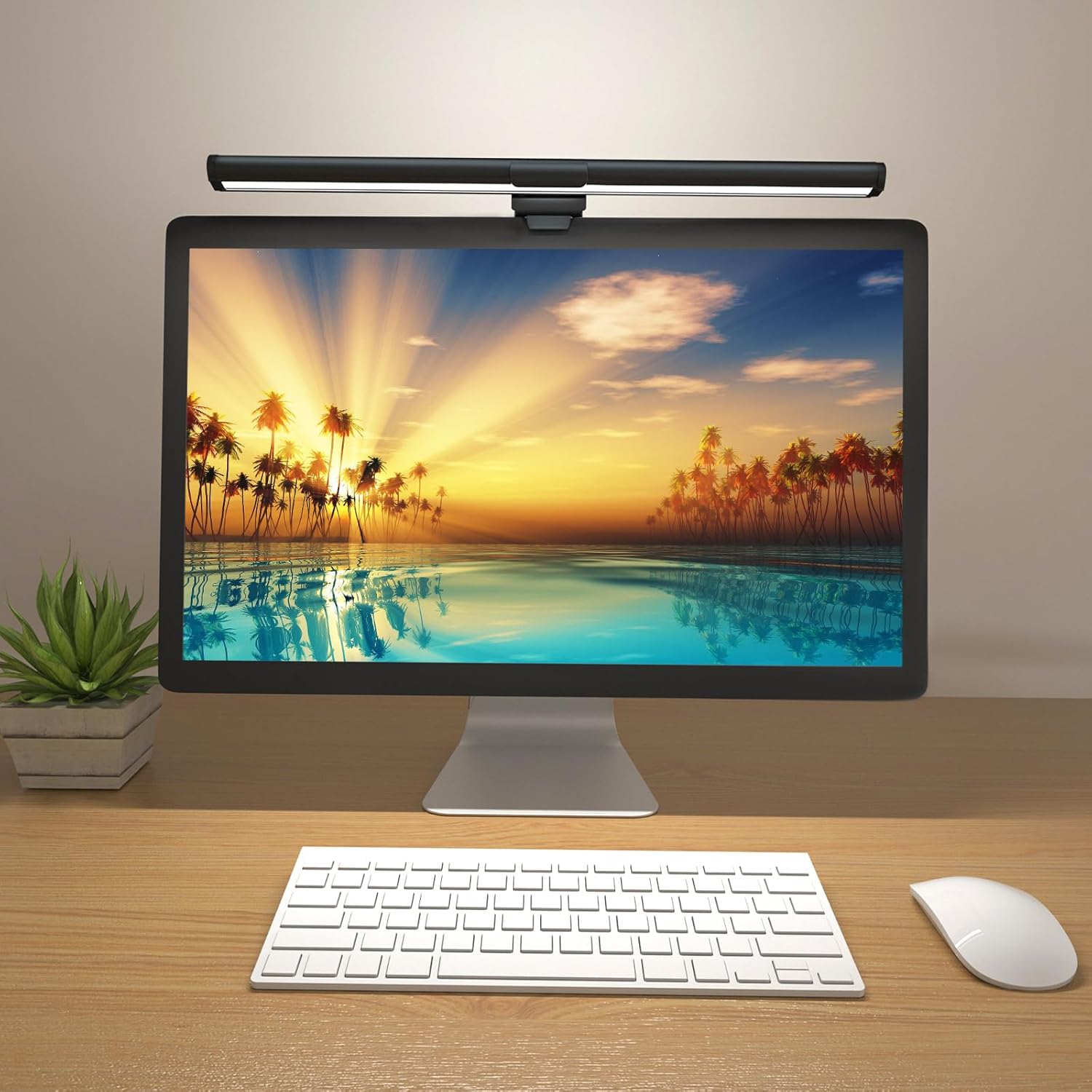
Figure 1: OOWOLF Monitor Light Bar in use, providing illumination to the desk area without screen glare.
2. Què hi ha a la caixa
Upon unboxing your OOWOLF Monitor Light Bar, please ensure all the following components are present:
- Barra de llum del monitor
- Manual d'usuari

Figure 2: Included components: Monitor Light Bar, mounting clip, and USB cable.
3. Instruccions de configuració
- Fixeu el clip de muntatge: Securely attach the weighted mounting clip to the center of the monitor light bar. Ensure the USB-C port on the light bar aligns with the opening on the clip for cable connection.
- Posició al monitor: Place the assembled light bar on top of your computer monitor. The weighted clip should rest on the back of the monitor, and the front lip of the clip should gently secure the light bar to the top edge of the screen. The light bar is suitable for monitors with a thickness between 0.19 to 1.57 inches (0.5 to 4 cm) and is compatible with curved screens.
- Connectar l'alimentació: Plug the provided USB-A to USB-C cable into the USB-C port on the light bar. Connect the USB-A end of the cable to a 5V/1.5A power supply (e.g., a computer USB port, USB wall adapter). Nota: Insufficient power supply may cause the light to flicker or only the front light to operate.
Video 1: Official OOWOLF Monitor Lamp demonstration, showing unboxing, assembly, and placement on a monitor.
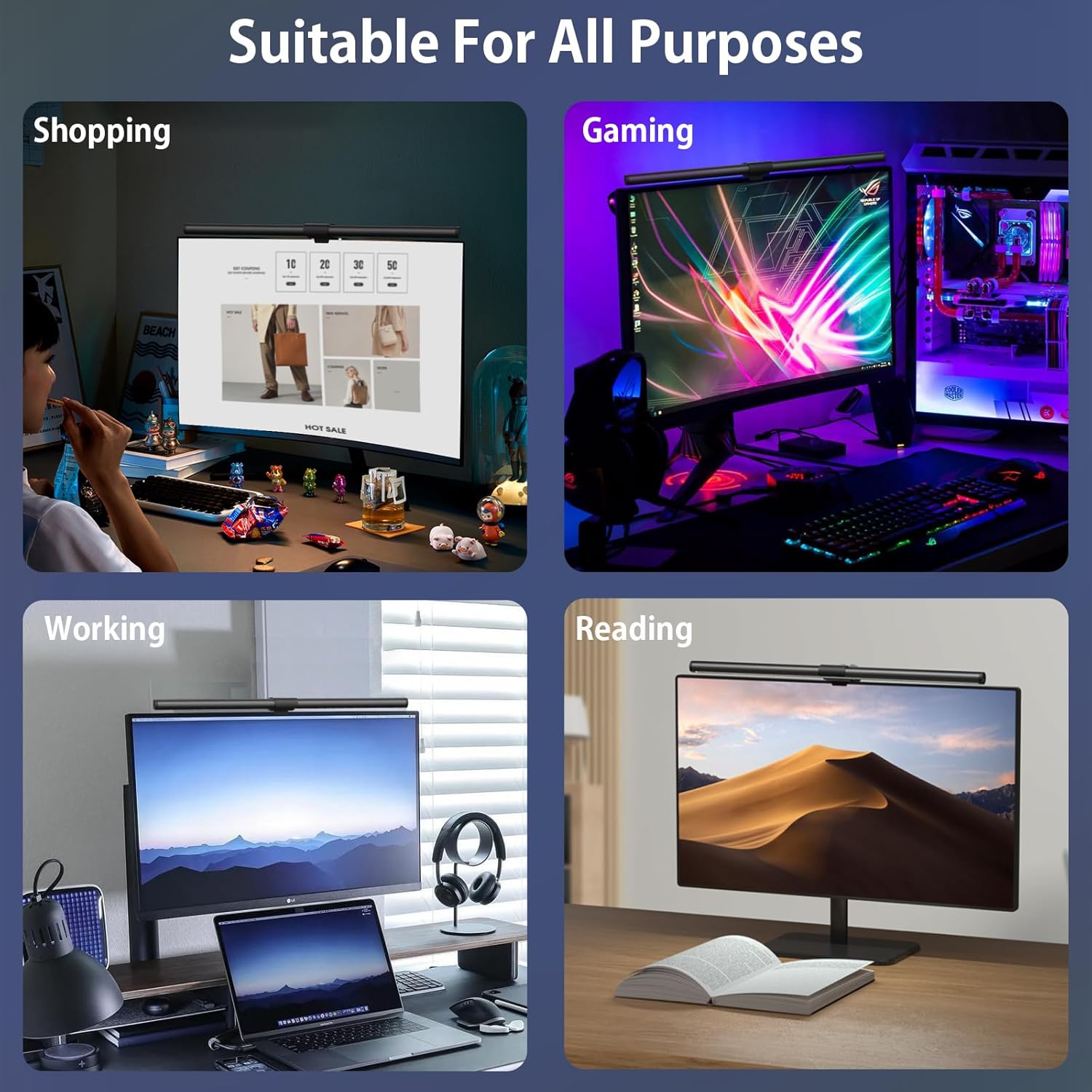
Figure 3: The monitor light bar is suitable for various activities such as shopping, gaming, working, and reading.
4. Instruccions de funcionament
The OOWOLF Monitor Light Bar features intuitive touch controls located on the sides of the bar for adjusting brightness and color temperature.
- Encès/apagat: Lightly touch either side of the light bar to turn it on or off.
- Ajusta la brillantor: Press and hold either side of the light bar to adjust the brightness. The light bar supports stepless dimming, allowing you to set a comfortable brightness level for your environment. The device includes a dimming memory function, retaining your last brightness setting.
- Canvia la temperatura del color: Lightly tap either side of the light bar to cycle through the three available color temperatures: White Light (Cool White), Natural Light, and Warm Light. The device includes a light color memory function, retaining your last color temperature setting.
- Back Ambient Light: The light bar also features a back ambient light. This can be controlled independently or in conjunction with the front light, providing additional ambient illumination to reduce contrast and eye fatigue.

Figure 4: Adjusting color temperature and brightness levels using the touch controls.
5. Característiques
- High Color Rendering Index (CRI ≥90): The light bar provides precise lighting with a high CRI, ensuring excellent color accuracy and reducing visual fatigue by closely restoring natural light colors.
- Disseny que cuida els ulls: A 60° angle illumination design directs light onto your desk without causing glare on the screen, enhancing overall eye comfort during work or entertainment.
- Blue-Light Filter Function: Emits warm light that neutralizes blue-ray to a significant extent, reducing potential damage to the macula and helping to prevent myopia. This feature is ideal for students, designers, and office workers.
- 3-Color Temperature Modes: Easily switch between White Light (Cool Light), Natural Light, and Warm Light to suit different tasks and preferences.
- Atenuació continua amb funció de memòria: Adjust brightness seamlessly to any desired level. The light bar remembers your last brightness and color temperature settings.
- Back Ambient Light: Provides additional indirect lighting to reduce eye fatigue caused by high contrast between the screen and dark surroundings.
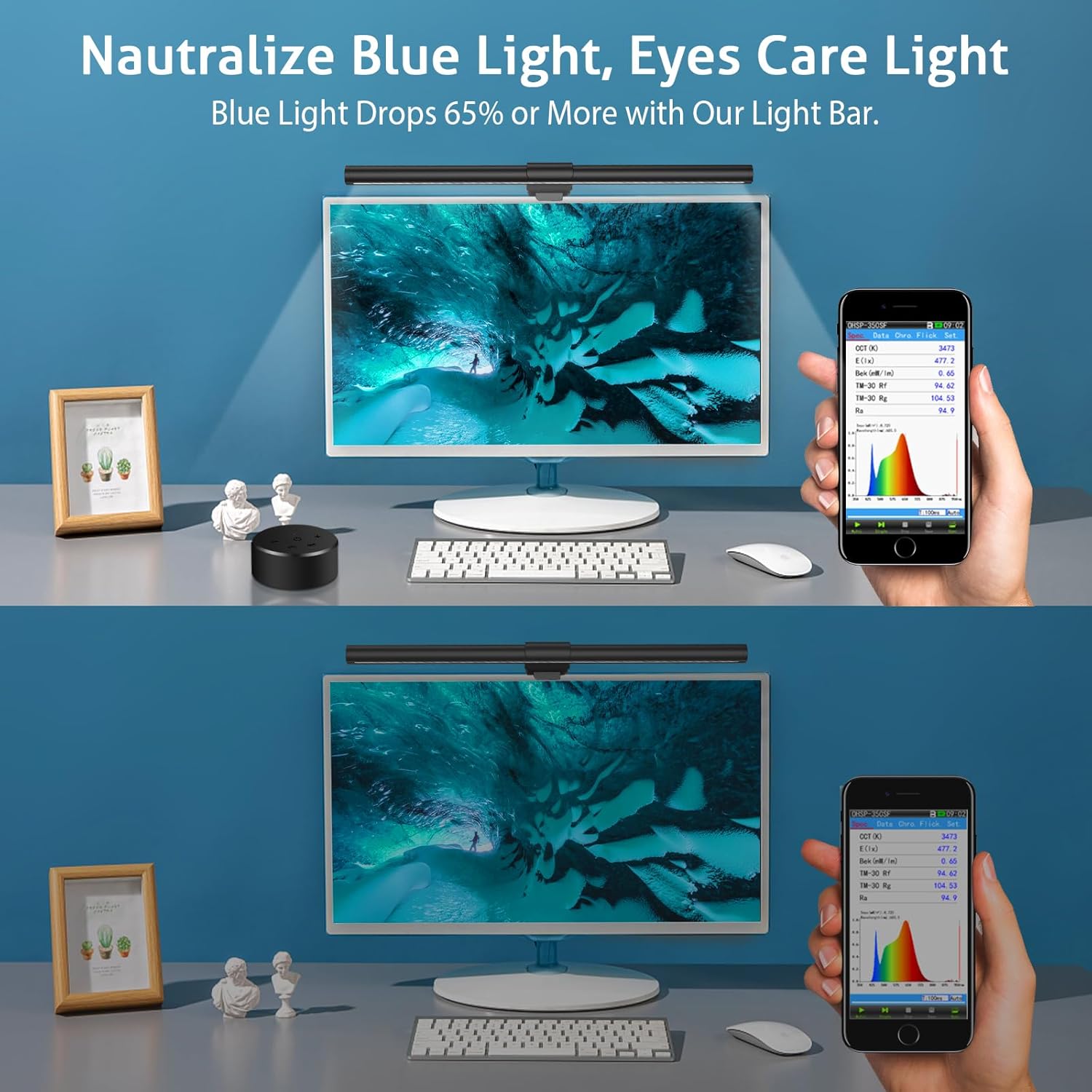
Figure 5: The blue light filter function helps reduce blue light exposure from the screen.
6. Manteniment
To ensure the longevity and optimal performance of your OOWOLF Monitor Light Bar, follow these maintenance guidelines:
- Neteja: Gently wipe the light bar and mounting clip with a soft, dry cloth. Avoid using abrasive cleaners or solvents that could damage the finish.
- Emmagatzematge: If storing the device for an extended period, disconnect it from the power source and store it in a cool, dry place.
- Cura del cable: Eviteu doblegar o girar excessivament el cable USB per evitar danys interns.
7. Solució De Problemes
- Light Flickers or Only Front Light Works: This often indicates insufficient power supply. Ensure you are using a 5V/1.5A power source. Try connecting to a different USB port or a dedicated USB wall adapter.
- El llum no s'encén: Check if the USB cable is securely connected to both the light bar and the power source. Verify that the power source is active.
- Els controls tàctils no responen: Ensure your fingers are clean and dry when operating the touch controls. If the issue persists, disconnect the power for a few seconds and then reconnect it to reset the device.
- Enlluernament a la pantalla: Adjust the angle of the light bar to ensure the light is directed onto your desk and not reflecting off your screen. The 60° angle illumination design is intended to prevent this.
8. Especificacions
| Característica | Especificació |
|---|---|
| Nom del model | OOWOLF Monitor Light Bar |
| Número de model de l'article | TL03 |
| Dimensions del producte | 0.79" de profunditat x 16.14" d'amplada x 0.79" d'alçada (2 x 41 x 2 cm) |
| Pes de l'article | 2.31 lliures (1.05 kg) |
| Material | ABS + aliatge d'alumini |
| Font d'alimentació | Corded Electric (USB-C Powered) |
| Voltage | 5 Volts |
| Wattage | 5 watts |
| Brillantor | Fins a 500 lúmens |
| Modes de color clar | Warm White, Natural White, Cool White (3400K-4550K-6700K) |
| Índex de reproducció del color (CRI) | ≥90 (CRI ≥95 for painting light) |
| Mètode de control | Control tàctil |
| Característiques especials | Back Ambient Light Design, Filter Blue Light, Glare-Free, Flicker-Free, Stepless Dimming, Light Color Memory, Strong Eye-Caring System |
| Gruix de monitor compatible | De 0.19 a 1.57 polzades (de 0.5 a 4 cm) |
| Vida útil | >35,000 hores |
9. Garantia i Suport
The OOWOLF Monitor Light Bar typically comes with a 1 any de garantia from the date of purchase, covering manufacturing defects. For any product inquiries, technical support, or warranty claims, please contact OOWOLF customer service through the retailer where the product was purchased or visit the official OOWOLF weblloc per obtenir informació de contacte.
Si us plau, conserveu el comprovant de compra per validar la garantia.
