
1. Introducció
The Xukinroy M660 is a versatile dual-mode wireless mouse designed for seamless connectivity across a wide range of devices. It supports both Bluetooth 5.2 and 2.4GHz wireless technologies, offering flexibility and convenience. Featuring a built-in rechargeable battery, silent click buttons, and an ergonomic design, this mouse is engineered for comfort and efficiency in various environments, including office, home, and travel.
2. Contingut del paquet
- 1 x Xukinroy M660 Dual-Mode Wireless Mouse
- 1 x Receptor USB
- 1 x cable de càrrega tipus C
3. Instruccions de configuració
3.1. Bluetooth Connection Method
- Turn the ON/OFF switch on the bottom of the mouse to the Bluetooth position.
- On your tablet or smartphone, enable Bluetooth and search for available devices.
- Select "BT5.2 Mouse" from the list of devices to connect.
Important Note for iOS/iPadOS Users:
- Your iPad or iPhone system must be updated to iOS 13, iPadOS 13, or above.
- After updating, enable "Assistive Touch" by navigating to: Configuració > Accessibilitat > Toca > Tacte d'assistència.
The mouse cannot be connected to two Bluetooth devices simultaneously. To switch devices, first disconnect the pairing from the original device.
3.2. 2.4G Wireless Connection Method
- Turn the ON/OFF switch on the bottom of the mouse to the 2.4G position.
- Locate the USB receiver stored in the bottom compartment of the mouse.
- Plug the USB receiver into an available USB port on your computer or device. The mouse should connect automatically without requiring additional drivers.

Figure 1: Dual-mode wireless connectivity and broad device compatibility.
4. Instruccions de funcionament
4.1. Ajust de DPI
The mouse features 3 adjustable DPI levels: 800, 1200, and 1600. You can adjust the DPI sensitivity according to your preference and task requirements by pressing the DPI button located on the top of the mouse.
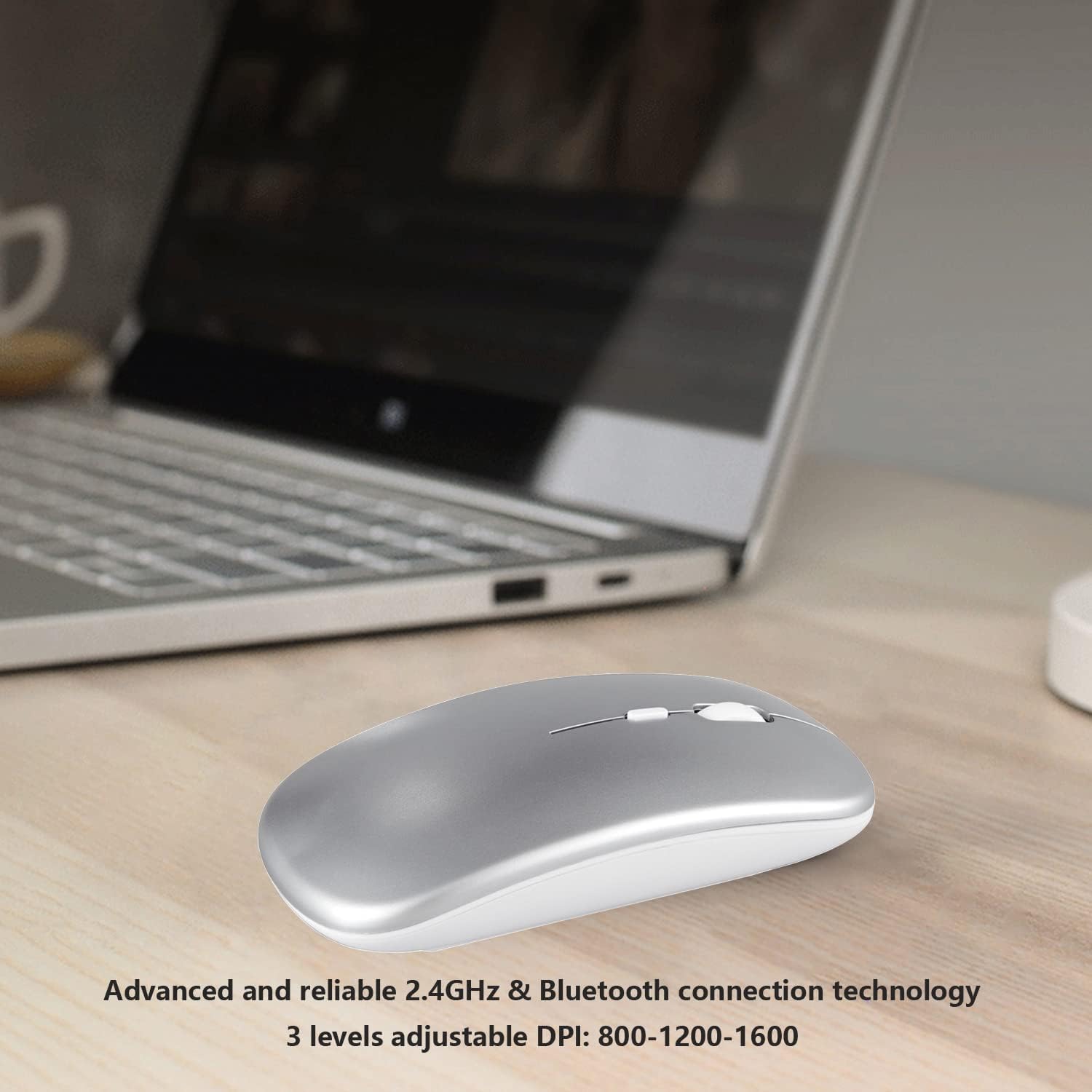
Figure 2: Adjustable DPI settings for customized cursor speed.
4.2. Disseny de clic silenciós
The silent click design reduces noise by up to 90%, allowing you to work or study without disturbing others. This feature is ideal for quiet environments such as libraries, offices, or late-night use.

Figure 3: Experience quiet operation with noiseless click buttons.
4.3. Mode d'estalvi d'energia
To conserve battery life, the mouse automatically enters a sleep state if it is not used for more than 10 minutes. To wake up the mouse, simply click any button.
5. Càrrega
The Xukinroy M660 mouse features a built-in rechargeable lithium battery. It charges via the included Type-C charging cable. A full charge provides over 30 days of use (based on 2 hours of continuous daily use).

Figure 4: Rechargeable battery with convenient Type-C charging.
6. Compatibilitat
The Xukinroy M660 mouse is compatible with a wide range of operating systems and devices:
- Sistemes operatius: iOS (13 and above), iPadOS (13 and above), MacOS (10.10 and above), Android, Windows, Chrome OS, Linux.
- Dispositius compatibles: Apple iPad (11th, 10th, 9th, 8th, 7th Gen), iPad Pro (13in M4, 12.9in 6th/5th/4th/3rd Gen, 11in M4/4th/3rd/2nd/1st Gen), iPad Air (M3, M2, 5th, 4th Gen), iPad mini (A17 Pro, 7/6/5), iPhone (16, 15, 14, 13 Pro Max Plus), MacBook Pro, MacBook Air, Mac, iMac, Android tablets and smartphones (e.g., Samsung Galaxy Tab A/S), laptops, personal computers, desktops, Chromebooks.
7. Manteniment
- Mantingueu el ratolí net netejant-lo amb un drap suau i sec. Eviteu utilitzar productes químics agressius o materials abrasius.
- Store the USB receiver in its designated slot on the mouse when not in use to prevent loss.
- Eviteu exposar el ratolí a temperatures extremes o a la llum solar directa.
- Do not attempt to disassemble or repair the mouse yourself, as this may void the warranty.
8. Solució De Problemes
- El ratolí no es connecta per Bluetooth: Ensure your device's operating system meets the minimum requirements (iOS 13+, iPadOS 13+, MacOS 10.10+). For iOS/iPadOS, verify "Assistive Touch" is enabled in Accessibility settings. Ensure the mouse is in Bluetooth mode and fully charged.
- El ratolí no es connecta via 2.4G: Ensure the USB receiver is securely plugged into your device and the mouse is switched to 2.4G mode. Try plugging the receiver into a different USB port.
- El moviment del cursor és erràtic o lent: Adjust the DPI settings using the DPI button on the mouse. Ensure the mouse surface is clean and suitable for optical tracking.
- El ratolí no respon: Check the battery level and charge the mouse if necessary. Ensure the mouse is powered on and correctly connected via either Bluetooth or 2.4G.
- Silent click not working: The mouse is designed for quiet operation. If you experience unexpected loud clicks, ensure no debris is obstructing the buttons.
9. Especificacions
| Característica | Detall |
|---|---|
| Marca | Xukinroy |
| Número de model | M660 |
| Tecnologia de connectivitat | Bluetooth 5.2, sense fil de 2.4 GHz |
| Tecnologia de detecció de moviment | Òptic |
| Nivells de DPI | 800-1200-1600 |
| Botons | 4 claus |
| Distància de treball | Fins a 10 metres |
| Interfície de càrrega | USB-C |
| Tipus de bateria | Bateria de liti recarregable incorporada |
| Durada mitjana de la bateria | 30 days (approx. 2 hours/day use) |
| Dimensions de l'article (L x A) | 11 x 5.8 x 2.7 cm (4.33 x 2.3 x 1.06 polzades) |
| Pes de l'article | 60 g (2.12 unces) |
| Material | Plàstic |
| Color | Plata |

Figure 5: Physical dimensions of the Xukinroy M660 mouse.
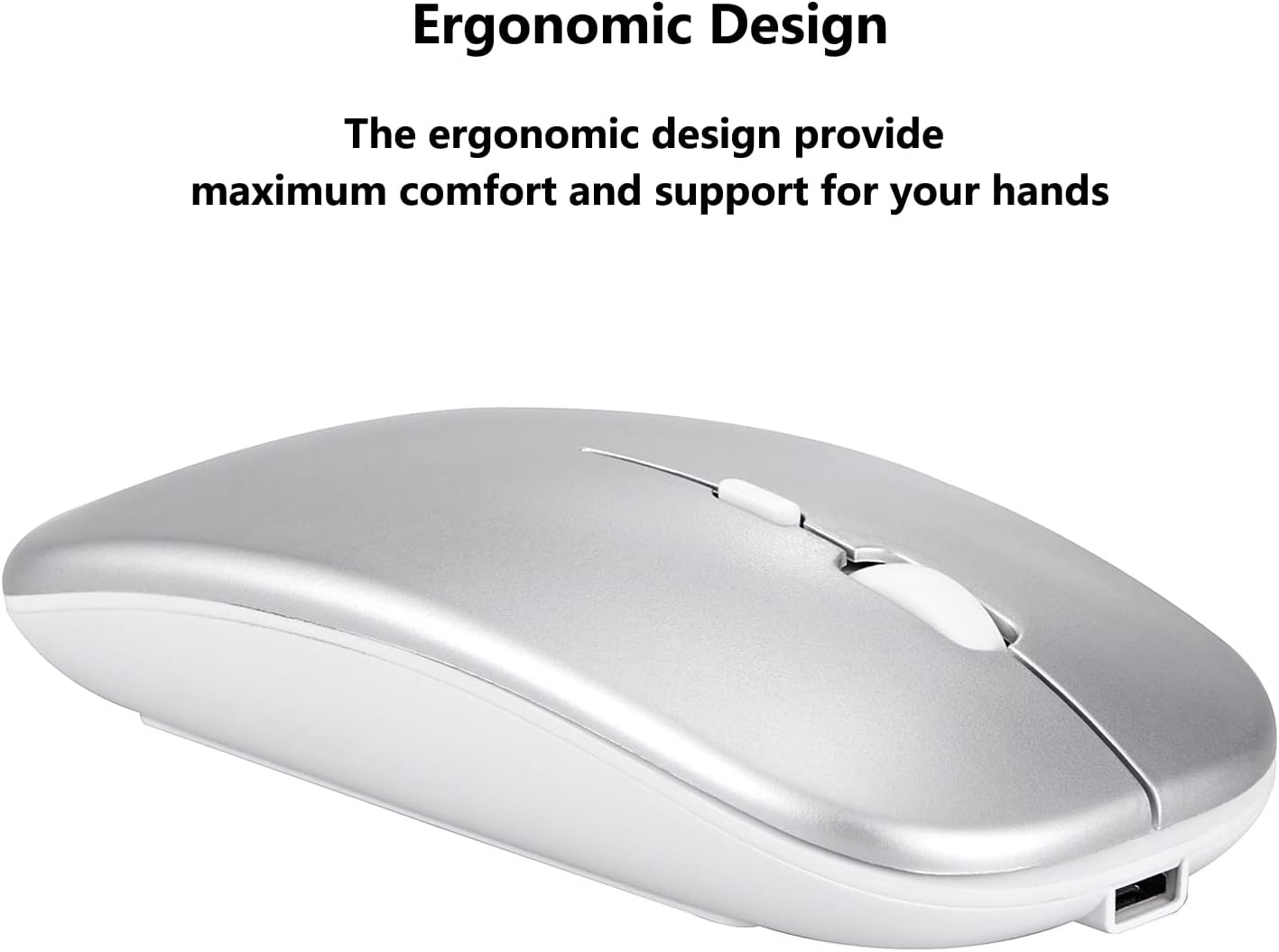
Figure 6: Ergonomic design for maximum comfort.
10. Garantia i Suport
The Xukinroy M660 Dual-Mode Wireless Bluetooth Mouse comes with a 1-year warranty service. If you have any questions, encounter issues, or require assistance, please contact our customer support team for prompt resolution.