
1. Introducció
This manual provides comprehensive instructions for the Digitek DWM-002 Wireless Microphone system. Please read this manual carefully before using the product to ensure proper operation and to maximize its performance. This device is designed for use with iPhone X/11/12/13/14 Series featuring a Lightning (LTC) port.
2. Contingut del paquet
Verifiqueu que tots els elements siguin presents al vostre paquet:
- 2 x micròfons sense fil
- 1 x Receiver with Lightning Connector
3. Producte acabatview
The Digitek DWM-002 system consists of two wireless microphones and one receiver, designed for clear audio capture with iOS devices. The compact design ensures portability and ease of use.
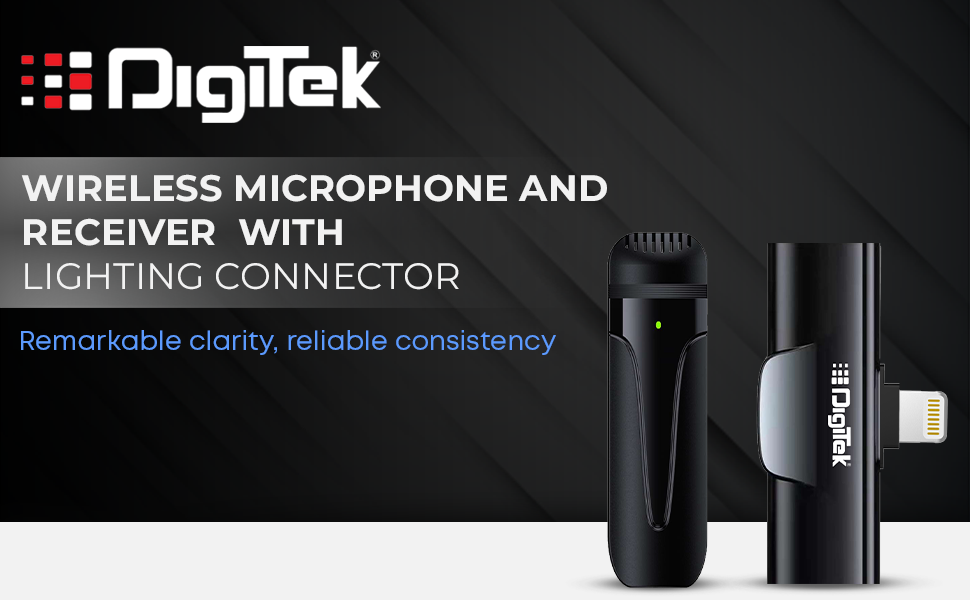
Image: Digitek DWM-002 Wireless Microphone and Receiver with Lightning Connector. The image shows the microphone and receiver units side-by-side, highlighting their compact form factor and the Lightning connector on the receiver.
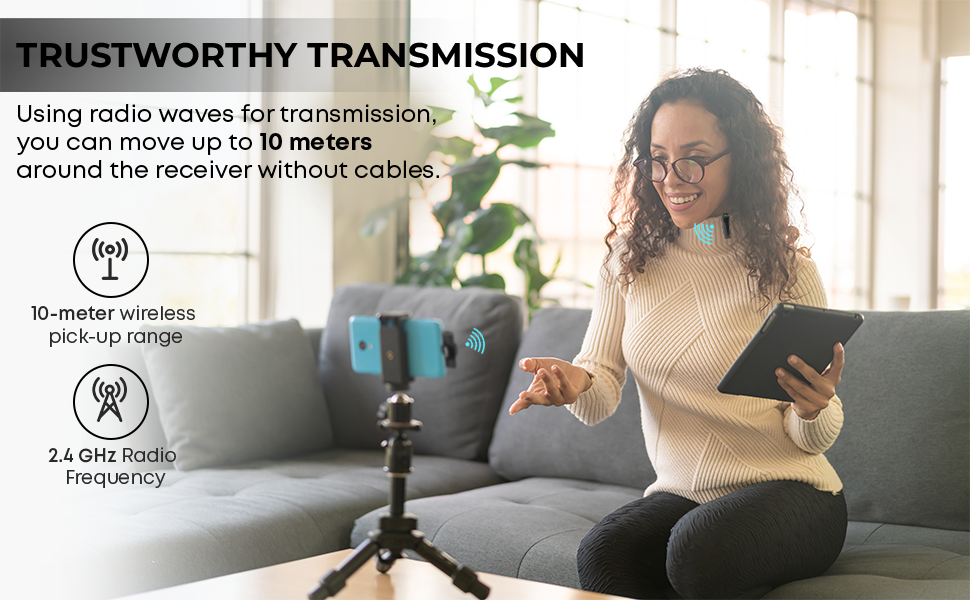
Image: Convenient Configuration. This image illustrates the solid build and compact design of the microphone and receiver, emphasizing the top-notch connector and sturdy construction.
4. Instruccions de configuració
- Comprovació de compatibilitat: Ensure your iPhone is from the X/11/12/13/14 Series and features a Lightning (LTC) port. This microphone system is not compatible with Type-C models.
- Unlock iPhone: Before connecting the receiver, unlock your iPhone's screen.
- Connecta el receptor: Plug the receiver into your iPhone's Lightning port. The microphone will only function correctly after the screen is unlocked and the receiver is connected.
- Micròfon d'encesa: The microphone unit typically powers on automatically or via a power button (if present, not explicitly detailed in provided data). A green indicator light on the microphone usually signifies it is on and ready.
- Emparellament automàtic: The microphone and receiver are designed to pair automatically upon connection. No manual pairing steps are usually required.
5. Instruccions de funcionament
5.1 Funcionament bàsic
- Once the receiver is connected to your unlocked iPhone and the microphone is powered on, the system is ready for use.
- Clip the microphone to your collar or clothing for optimal audio capture.
- The system operates on a 2.4 GHz frequency, providing stable and interference-free wireless transmission.
- Maintain a wireless operating range of up to 10 meters for optimal performance.
5.2 Cancel·lació de soroll
The Digitek DWM-002 features a built-in noise cancellation function to ensure clear and crisp audio by reducing ambient background noise.
5.3 Càrrega
- The microphone units are equipped with a built-in 50 mAh Li-Poly battery.
- The system supports fast charging, allowing for quick recharging and extended use.
- The power input is DC 5V/1A, compatible with standard power sources for convenient recharging.
- A full charge provides up to 4 hours of non-stop usage.
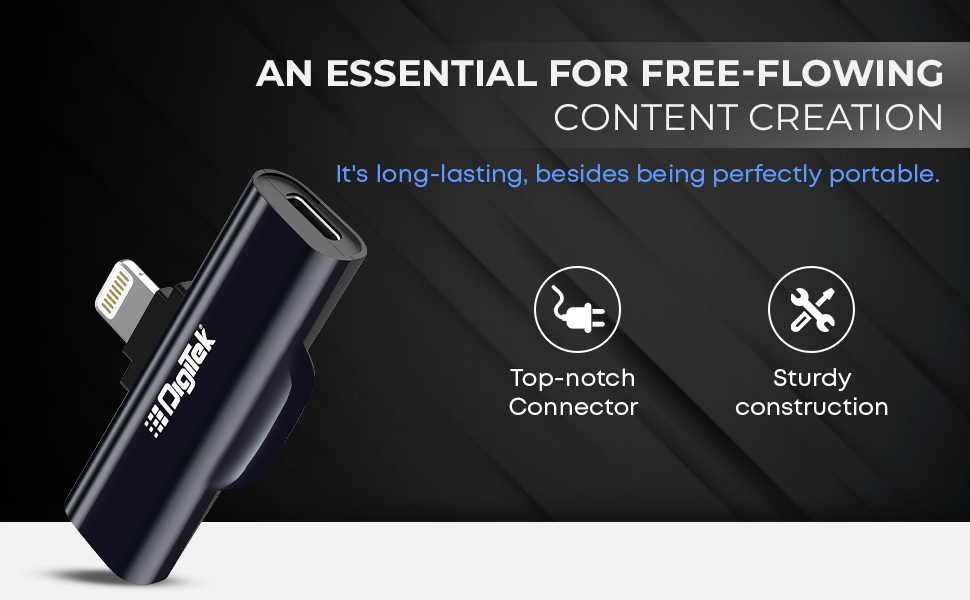
Image: Simplified Communication and Creation. This image highlights the microphone's battery life of up to 4 hours of non-stop usage and its built-in 50 mAh Li-Poly battery.
5.4 Escenaris d'ús recomanats
This wireless microphone system is well-suited for various applications requiring clear audio:
- Vlogging
- Videoconferència
- Podcasting
- Transmissió en directe
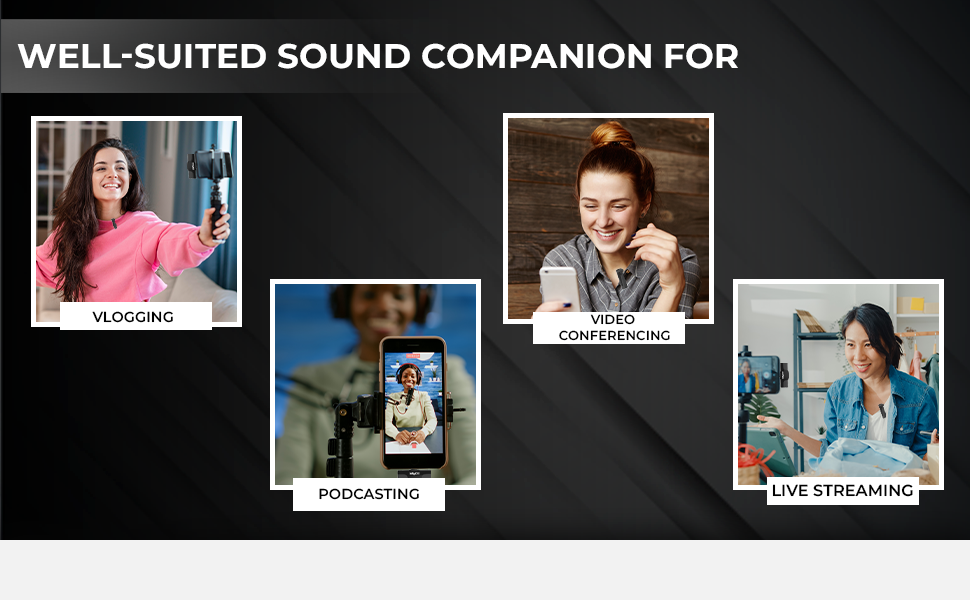
Image: Well-suited Sound Companion. This image displays various usage scenarios for the microphone, including vlogging, video conferencing, podcasting, and live streaming.
6. Manteniment
- Keep the microphone and receiver clean and dry. Avoid exposure to moisture or extreme temperatures.
- Use a soft, dry cloth to clean the surfaces. Do not use harsh chemicals or abrasive materials.
- Guardeu el dispositiu en una funda protectora quan no estigui en ús per evitar danys.
- Eviteu deixar caure o sotmetre el dispositiu a forts impactes.
7. Solució De Problemes
| Problema | Causa possible | Solució |
|---|---|---|
| Microphone not working after connecting to iPhone. | iPhone screen was locked during connection. | Ensure your iPhone screen is desbloquejat before plugging in the receiver. Disconnect and reconnect the receiver after unlocking the screen. |
| No hi ha àudio o hi ha mala qualitat d'àudio. | Microphone not powered on; out of range; interference; low battery. |
|
| Receiver not fitting or charging port issues. | Incorrect cable type; manufacturing defect. |
|
| Microphone not pairing with receiver. | Microphone or receiver not powered; out of range; temporary glitch. |
|
8. Especificacions
| Característica | Detall |
|---|---|
| Marca | Digitek |
| Número de model | DWM-002 |
| Tecnologia de connectivitat | Llamp |
| Tipus de connector | Llamp |
| Característica especial | Mute Function, Wireless, Noise Cancellation |
| Dispositius compatibles | iPhone (Lightning port models) |
| Patró polar | Omnidireccional |
| Impedància | 2200 ohms |
| Factor de forma del micròfon | Sistema de micròfons |
| Font d'alimentació | Funciona amb bateria |
| Nombre de bateries | 1 Lithium Polymer battery required (included) per microphone |
| Ràtio senyal / soroll | 75 dB |
| Plataforma de maquinari | Smartphone |
| Nombre de canals | 1 |
| Resposta de freqüència | 2.4 GHz |
| Interval de freqüència | 100 Hz - 10 kHz |
| Color | Negre |
| Material de tancament | Acer d'aliatge, plàstic |
| Pes de l'article | 300 grams (paquet total) |
| Dimensions de l'article | 11 x 4 x 10 centímetres |
| País d'origen | Xina |
9. Informació de la garantia
The Digitek DWM-002 Wireless Microphone comes with a 1 Year Carry-in Warranty from the date of purchase. Please retain your purchase receipt for warranty claims. The warranty covers manufacturing defects but does not cover damage caused by misuse, accidents, unauthorized modifications, or normal wear and tear.
10. Atenció al client
For technical assistance, warranty claims, or product inquiries, please contact Digitek customer support:
- Telèfon: 011 4707 4444
- Fabricant / importador: IMS Mercantiles Pvt. Ltd.
You can also visit the official Digitek weblloc per obtenir més informació i recursos de suport.