
9 DIGITAL Lite
Manual d'usuari dels auriculars de conducció òssia DIGITAL 9
Model: Lite
Introducció
Thank you for choosing 9 DIGITAL Bone Conduction Headphones. These open-ear headphones utilize advanced bone conduction technology to deliver audio through your cheekbones, allowing you to remain aware of your surroundings while enjoying sound. Designed for comfort and durability, they are ideal for various activities including running, cycling, and gym workouts.

Image: The 9 DIGITAL Bone Conduction Headphones in blue, shown with a pair of orange earplugs, highlighting the open-ear design.
Característiques clau
- Tecnologia de conducció òssia: Delivers sound through bone, maintaining sound fidelity and environmental awareness.
- Amazing Stereo Playback: Optimized for phone calls, music, and entertainment.
- Waterproof and Lightweight: IP54 rated for sweat and water resistance, weighing approximately 25g.
- Connectivitat Bluetooth 5.0: Garanteix una connexió sense fil estable i eficient.
- Llarga vida útil de la bateria: Up to 6.5 hours of working time.

Image: The headphones displayed alongside various icons illustrating their features, including suitability for running, cycling, light weight (25g), use during work or gym, climbing, IP54 waterproof rating, Qualcomm chip, 6.5 hours working time, and Bluetooth 5.0 connectivity.
Understanding Bone Conduction Technology
Bone conduction headphones transmit sound vibrations directly to the inner ear through the bones of the skull, bypassing the eardrum. This method allows for open-ear listening, which means your ears remain uncovered, enabling you to hear ambient sounds alongside your audio. This is particularly beneficial for outdoor activities where situational awareness is crucial for safety.

Imatge: Una explosió view diagram of the 9 DIGITAL Bone Conduction Headphones, illustrating how sound vibrations are transmitted through the bone to the auditory nerve, bypassing the tympanic membrane.
Configuració
Carregant els auriculars
Before first use, fully charge your headphones. Use the included charging cable to connect the headphones to a USB power source (e.g., computer USB port, wall adapter).
- L'indicador LED mostrarà l'estat de càrrega.
- Una càrrega completa sol trigar aproximadament 1.5-2 hores.
Emparellament Bluetooth
- Assegureu-vos que els auriculars estiguin apagats.
- Press and hold the Multi-Function Button (MFB) for approximately 5-7 seconds until the LED indicator flashes red and blue alternately. This indicates pairing mode.
- Al dispositiu (telèfon intel·ligent, tauleta, ordinador), activeu el Bluetooth i cerqueu els dispositius disponibles.
- Select "9 DIGITAL Lite" (or similar name) from the list of found devices.
- Once connected, the LED indicator will turn solid blue or flash blue slowly, and you will hear a confirmation tone.
- Si se us demana una contrasenya, introduïu "0000".
Instruccions de funcionament
Portant els auriculars
Col·loca els auriculars amb els transductors recolzats als pòmuls, just davant de les orelles. La banda ha d'envoltar la part posterior del cap. Ajusteu-los per a un ajust còmode i segur.

Image: A man wearing the 9 DIGITAL Bone Conduction Headphones while preparing to run on a track, demonstrating the secure fit during physical activity.
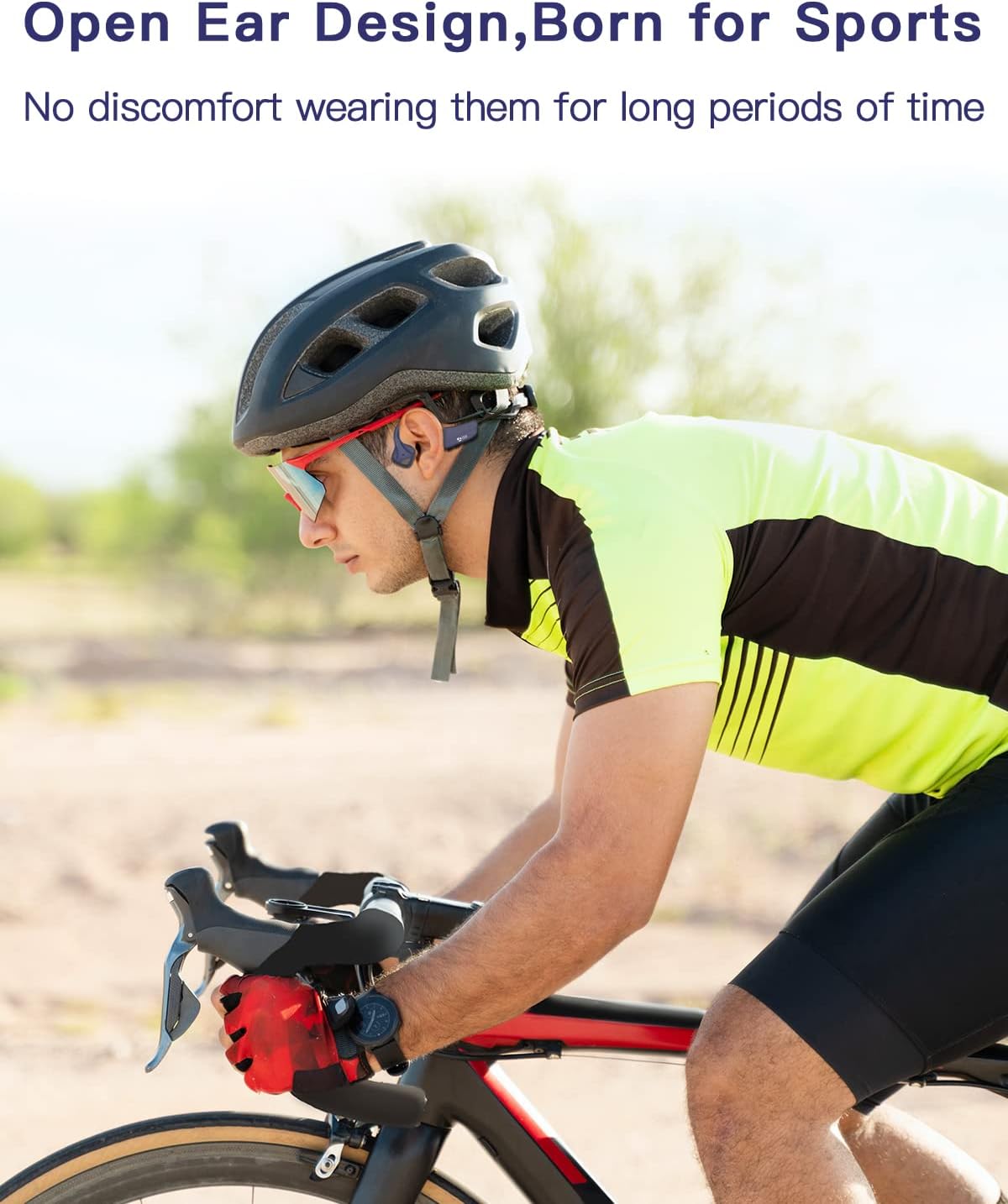
Image: A man wearing the 9 DIGITAL Bone Conduction Headphones under a cycling helmet, illustrating compatibility with headwear during activities like cycling.
Funcions del botó

Image: A detailed diagram showing the location and function of the control buttons on the 9 DIGITAL Bone Conduction Headphones, including volume up/down, power, and multi-function button (MFB) actions.
- Encès/apagat: Press and hold the Power button (often combined with Volume +) for 3 seconds.
- Puja el volum (+): Click the '+' button once.
- Baixar el volum (-): Click the '-' button once.
- Reproduir/pausa: Feu clic al MFB una vegada.
- Pista següent: Feu doble clic al MFB.
- Pista anterior: Triple-click the MFB (if supported).
- Respondre/Finalitzar la trucada: Click the MFB once during an incoming call.
- Rebutja la trucada: Premeu i manteniu premut el botó multifunció durant 2 segons durant una trucada entrant.
- Activa l'Assistent de veu: Click the MFB three times (if supported).
Manteniment
Una cura adequada allargarà la vida útil dels vostres auriculars.
- Neteja: Netegeu els auriculars amb un suau, damp tela. No utilitzeu productes químics aggressivs ni netejadors abrasius.
- Emmagatzematge: Guardeu els auriculars en un lloc fresc i sec, allunyat de la llum solar directa i de temperatures extremes.
- Resistència a l'aigua (IP54): The headphones are sweat and splash resistant. Do not submerge them in water or expose them to heavy rain. Dry them thoroughly after exposure to moisture.

Image: Two people, a man and a woman, wearing the 9 DIGITAL Bone Conduction Headphones while exercising in a gym, demonstrating their suitability for sweaty activities due to IP54 rating.
Resolució de problemes
| Problema | Causa possible | Solució |
|---|---|---|
| Els auriculars no s'encenen | Bateria baixa | Carregueu els auriculars completament. |
| No es pot emparellar amb el dispositiu | Headphones not in pairing mode; Bluetooth off on device; device too far | Assegureu-vos que els auriculars estiguin en mode d'emparellament (parpellejant en vermell/blau). Activeu el Bluetooth al dispositiu. Acosteu el dispositiu als auriculars (a menys de 10 metres). |
| Sense so ni volum baix | Volume too low; not connected; audio source issue | Increase headphone and device volume. Reconnect Bluetooth. Check audio source. |
| El so està distorsionat o és intermitent | Interferència; dispositiu massa lluny; bateria baixa | Move away from sources of interference. Reduce distance between headphones and device. Charge headphones. |
Especificacions
| Característica | Detall |
|---|---|
| Nom del model | Lite |
| Marca | 9 DIGITAL |
| Tecnologia de connectivitat | Sense fil (Bluetooth) |
| Tecnologia de comunicació sense fils | Bluetooth |
| Col·locació de l'orella | Orella oberta |
| Factor de forma | Conducció òssia |
| Material | PC & ABS & Titanium |
| Dimensions del producte | 14 x 11 x 4.5 cm |
| Pes de l'article | 25 g |
| Components inclosos | Cable |
| Fabricant | SHENZHEN YUYUANTONG TECHNOLOGY CO., LTD |
| Primera data disponible | 3 d'agost de 2022 |
Garantia i Suport
9 DIGITAL is committed to providing high-quality products and customer satisfaction.
- Suport tècnic de tota la vida: Oferim suport tècnic de per vida per als nostres productes.
- 12-Month Satisfying Service: Enjoy a 12-month service period for your peace of mind.
For further assistance, troubleshooting, or warranty claims, please contact 9 DIGITAL customer support through the retailer's platform or the official brand weblloc.
Documents relacionatsLite


Ask a question about this manual
Ask about setup, troubleshooting, compatibility, parts, safety, or missing instructions. Manuals+ will review the question and use this page’s manual context to help answer it.