
1. Producte acabatview
The COLSUR 3-in-1 Wireless Charging Station is a versatile device designed to simplify your charging needs while offering additional functionalities like an alarm clock and a night light. It supports simultaneous wireless charging for compatible smartphones, smartwatches, and wireless earbuds. The integrated alarm clock features adjustable brightness, and the night light offers multiple color modes and dimmable settings for personalized ambiance.

Image: The COLSUR 3-in-1 Wireless Charging Station, showcasing its ability to charge a smartphone, smartwatch, and earbuds simultaneously, with an integrated alarm clock and night light.
2. Guia de configuració
2.1 Contingut del paquet
- COLSUR 3-in-1 Wireless Charging Station
- QC3.0 (9V/2A) Adapter
- Manual d'usuari
2.2 Connexió d'alimentació inicial
Connect the provided QC3.0 adapter to the charging station's power input port. Plug the adapter into a standard wall outlet. The alarm clock display will illuminate, indicating the device is powered on.

Image: The charging station connected to its power adapter, ready for use.
2.3 Installing Watch and Earbud Chargers
The charging station includes a portable cable storage box for your smartwatch and earbud charging cables. This box is designed to neatly house the respective charging cables (not included) and connect to the main base. Ensure the cables are properly routed and secured within the box for optimal charging and a tidy setup.

Imatge: Una imatge detallada view of the independent input interface for earbud and watch chargers, highlighting the cable management feature.
2.4 Desktop Organization
The compact design of the COLSUR charging station helps to declutter your desk or nightstand by consolidating multiple charging needs into one device.
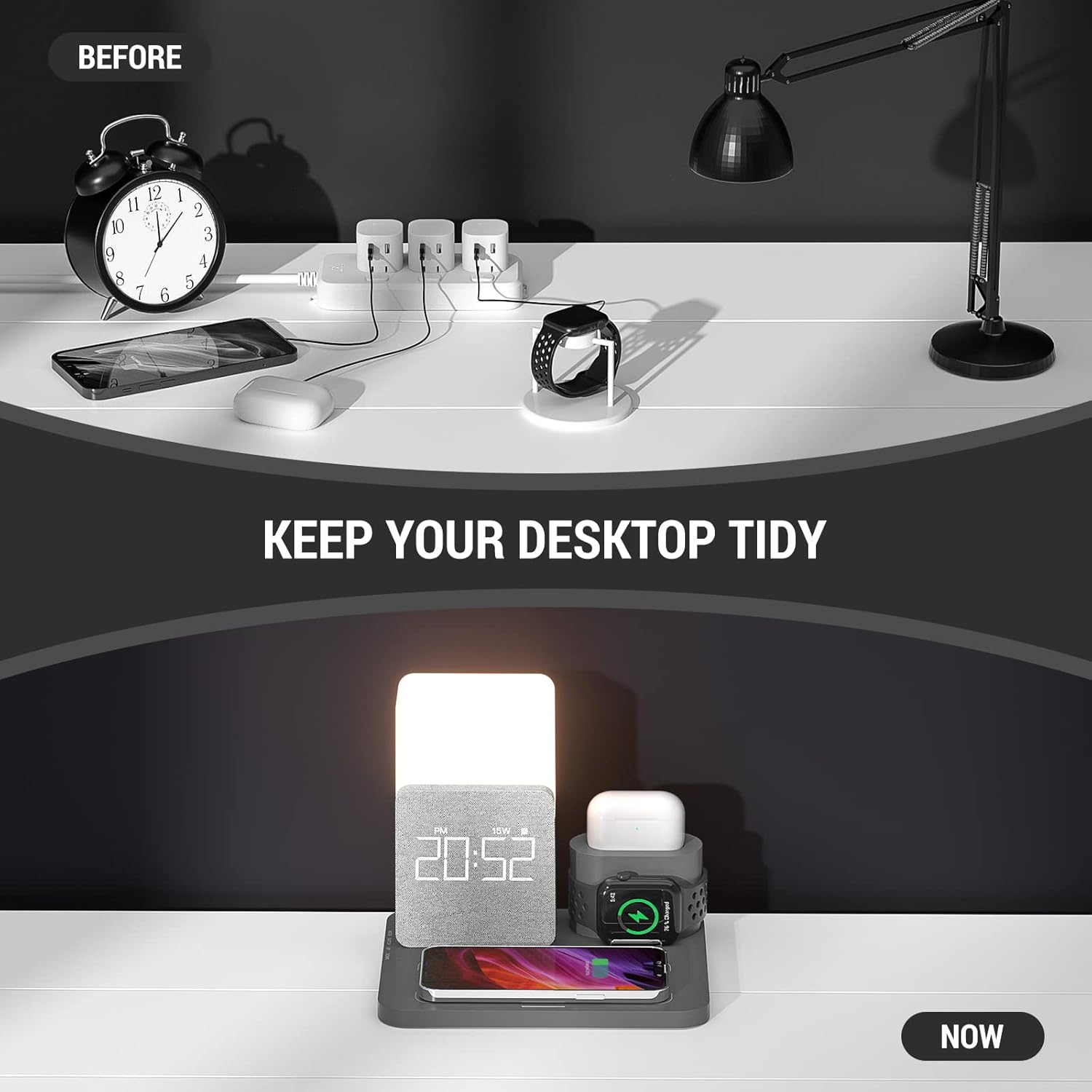
Image: A visual comparison demonstrating how the charging station helps organize your desktop by reducing cable clutter.
3. Instruccions de funcionament
3.1 Càrrega sense fil
Place your Qi-enabled smartphone, smartwatch, or wireless earbuds on their respective charging areas. The device will automatically begin charging. The station supports fast 15W wireless charging for compatible devices.
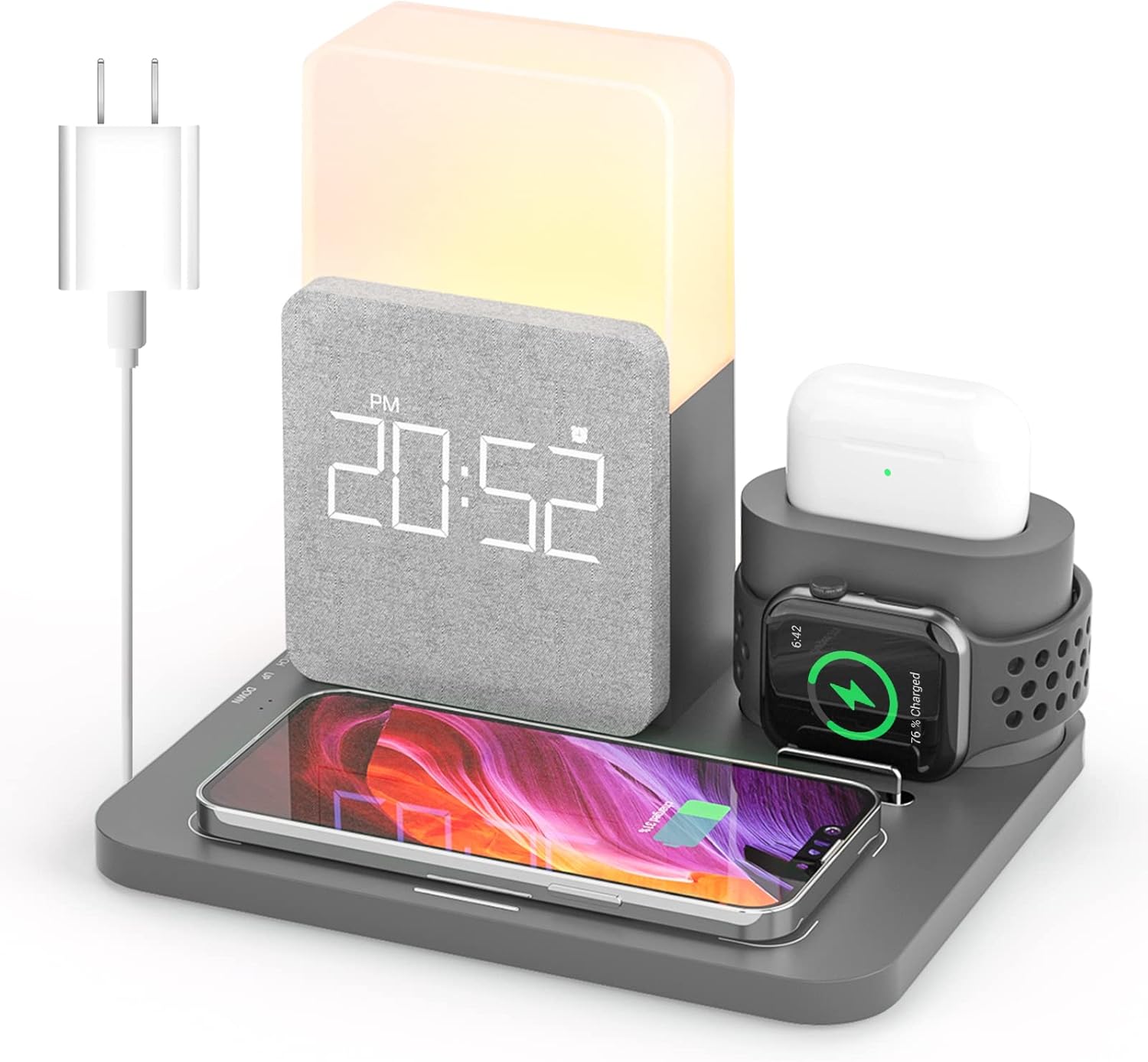
Image: The charging station with a smartphone, smartwatch, and earbuds placed on their designated charging pads, indicating active charging.

Image: A diagram highlighting the 15W fast wireless charging capability, compatible with Qi-enabled phones and cases up to 5mm thick.
3.2 Funcions del despertador
The alarm clock features a smart chip and built-in battery for memory function. The display has 3 adjustable brightness levels and can be turned off to avoid disturbing sleep. Refer to the side buttons for setting the time and alarm.

Image: The alarm clock feature, designed to be effective for heavy sleepers, with a snooze function for additional rest.
3.3 Funcionament de la llum nocturna
The night light offers three color modes (white, warm white, warm) and adjustable brightness from 10% to 100%. The soft, flicker-free light is designed to protect your eyes. Use the touch control area to cycle through colors and adjust brightness.

Image: The night light's touch control interface, demonstrating its 3500K color temperature and three brightness levels.
3.4 Additional USB Port
An additional USB port is available for charging other devices that require a wired connection.

Image: An annotated diagram illustrating the various functional areas of the charging station, including the USB output interface.
4. Manteniment
4.1 Neteja
To clean the charging station, disconnect it from the power source. Use a soft, dry cloth to wipe down the surfaces. Avoid using abrasive cleaners, solvents, or harsh chemicals, as these may damage the finish or internal components.
4.2 Emmagatzematge
Quan no l'utilitzeu durant períodes prolongats, guardeu el dispositiu en un lloc fresc i sec, allunyat de la llum solar directa i de temperatures extremes.
5. Solució De Problemes
5.1 El dispositiu no es carrega sense fil
- Ensure your device is Qi-enabled and properly aligned on the charging pad.
- Check if the device's case thickness exceeds 5mm, as this may interfere with charging.
- Verify that the charging station is securely connected to the QC3.0 adapter and power outlet.
- Remove any metal objects or foreign materials between the device and the charging pad.
5.2 Alarm Clock Not Functioning
- Assegureu-vos que l'alarma estigui configurada correctament i activada.
- Check the volume settings for the alarm.
- Verify the time is set accurately.
5.3 Night Light Not Responding
- Assegureu-vos que el dispositiu estigui encès.
- Gently tap the touch control area to activate or change settings.
6. Especificacions
| Característica | Detall |
|---|---|
| Marca | COLSUR |
| Tecnologia de connectivitat | Wireless, Interface |
| Tipus de connector | USB tipus C |
| Dispositius compatibles | Telèfons mòbils |
| Models de telèfon compatibles | iPhone 12 series, iPhone 13 series, Samsung Galaxy S20 and newer |
| Components inclosos | Adaptador QC3.0 |
| Característica especial | Alarma |
| Entrada Voltage | 9 Volts |
| Tipus de muntatge | Muntatge de taula |
| Ampedat | 2 Amps |
7. Garantia i assistència
COLSUR provides a one-year warranty for this product, covering manufacturing defects and malfunctions under normal use. We also offer permanent after-service support to ensure your satisfaction.
7.1 Contacteu amb l'assistència
For technical assistance, warranty claims, or any inquiries, please contact COLSUR customer service through the retailer's platform or visit the official COLSUR store page on Amazon for contact details.
Enllaç de la botiga d'Amazon: Visit the COLSUR Store