
1. Introducció
Thank you for choosing the MAJORITY Quadriga Internet Radio with CD Player. This device offers a comprehensive audio experience, combining traditional and modern listening options. Enjoy access to thousands of internet radio stations, DAB+ and FM broadcasts, CD playback, Bluetooth streaming, Spotify Connect, and podcasts. With its powerful 120W 2.1 stereo sound and integrated subwoofer, the Quadriga delivers rich and clear audio.

Imatge: Frontal view of the MAJORITY Quadriga Internet Radio with CD Player.
2. Instruccions de seguretat
- Llegiu atentament totes les instruccions abans d'utilitzar-les i conserveu-les per a futures consultes.
- No exposeu la unitat a degoteig o esquitxades de líquids.
- Assegureu-vos que hi hagi una ventilació adequada al voltant de la unitat. No bloquegeu cap obertura de ventilació.
- No col·loqueu la unitat a prop de fonts de calor com ara radiadors, registres de calor, estufes o altres aparells (inclosos amplificadors) que produeixen calor.
- Eviteu que el cable d'alimentació sigui trepitjat o pessigat, especialment als endolls, els endolls i el punt on surten de l'aparell.
- Utilitzeu només accessoris/accessoris especificats pel fabricant.
- Desendolleu aquest aparell durant les tempestes amb llamps o quan no l'utilitzeu durant llargs períodes.
- Demaneu tot el servei a personal de servei qualificat. Cal fer servei quan l'aparell s'hagi fet malbé d'alguna manera.
3. Què hi ha a la caixa
Carefully unpack your MAJORITY Quadriga and ensure all items listed below are present:
- 1x MAJORITY Quadriga Unit
- 1x cable d'alimentació
- 1x comandament a distància
- 1x cable AUX
- 1x RF Antenna
- 2 piles AAA (per al comandament a distància)
- 1 x manual d'usuari

Image: All components included in the MAJORITY Quadriga package.
4. Producte acabatview
4.1 Tauler frontal
The front panel features the main display, control knob, function buttons, and CD slot.

Imatge: Detallada view of the front panel controls and display.
4.2 Panell posterior
The rear panel provides various connectivity options for external devices and the antenna connection.
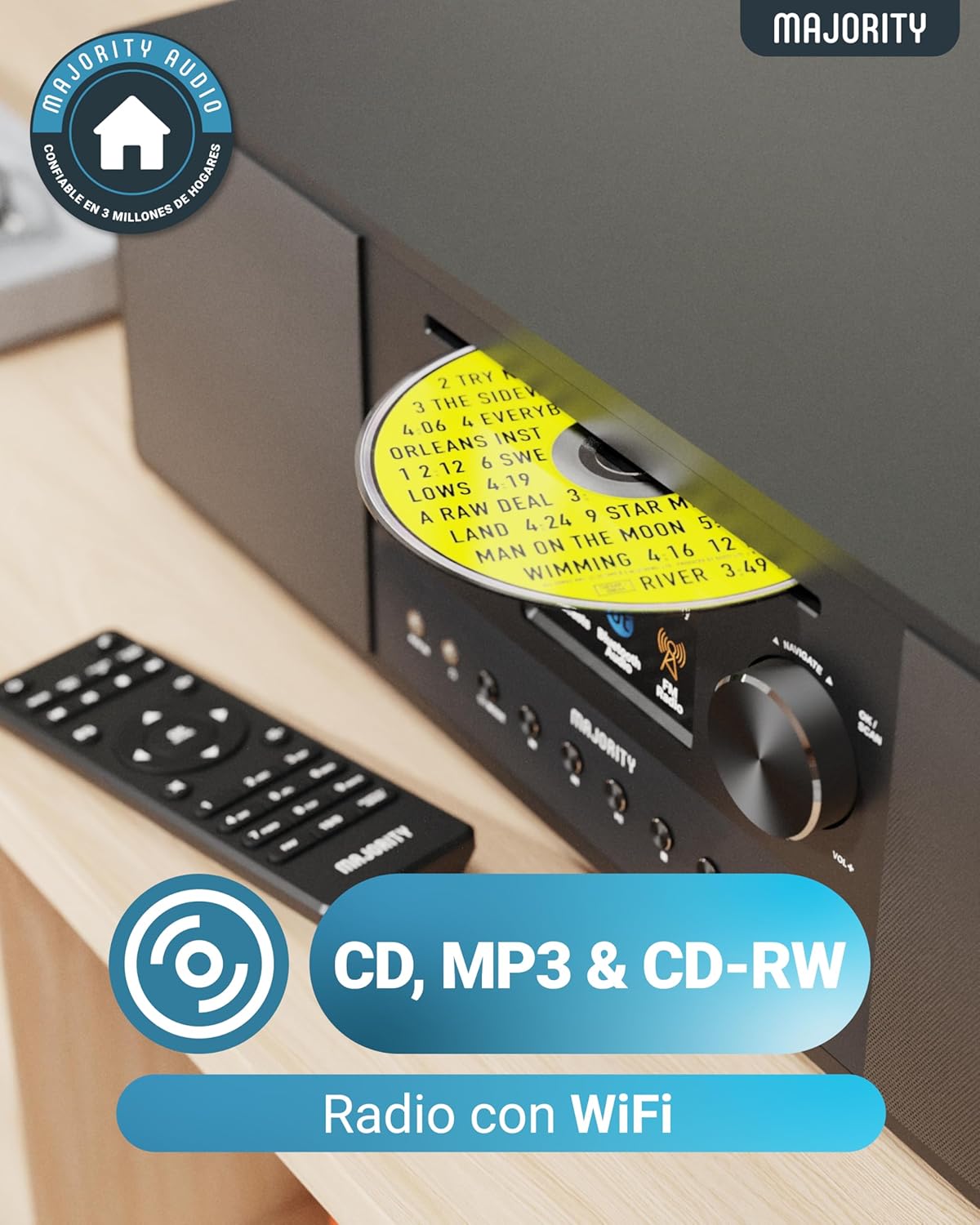
Image: Rear panel with input/output ports and antenna connector.
4.3 Control remot
El comandament a distància inclòs permet un funcionament còmode de totes les funcions des de la distància.

Image: The remote control unit.
5. Configuració
5.1 Desembalatge i col·locació
Remove the unit from its packaging. Place the Quadriga on a stable, flat surface away from direct sunlight, heat sources, and moisture. Ensure there is sufficient space around the unit for proper ventilation.
5.2 Connexió de potència
Connect the power cable to the DC IN port on the rear of the unit, then plug the other end into a wall socket.
5.3 Connecting Antenna
For optimal DAB+ and FM reception, connect the supplied RF antenna to the DAB/FM ANTENNA port on the rear panel. Extend the antenna fully for best signal.
5.4 Configuració inicial i connexió de xarxa
Upon first power-on, the unit will guide you through an initial setup process. This typically includes:
- Selecció d'idioma: Choose your preferred language from the on-screen menu.
- Configuració de la xarxa: The unit will scan for available Wi-Fi networks. Select your network and enter the password using the control knob and buttons. A stable internet connection is required for Internet Radio, Spotify Connect, and podcast features.
- Hora i data: Set the correct time and date, or allow the unit to synchronize automatically via the internet.
6. Instruccions de funcionament
6.1 Controls bàsics
- Botó d'encesa: Premeu per encendre o apagar la unitat.
- Botó de control: Rotate to navigate menus and adjust volume. Press to confirm selections.
- Botó de mode: Press to cycle through available modes (Internet Radio, DAB+, FM, CD, Bluetooth, USB, AUX, Optical, RCA).
- Botons preestablerts: Use to save and recall your favorite radio stations.
6.2 Ràdio per Internet
Select 'Internet Radio' mode. You can browse stations by location, genre, or search for specific stations. Save your favorite stations to presets for quick access.

Image: The Quadriga unit highlighting its radio capabilities.
Ràdio DAB+ 6.3
Switch to 'DAB+' mode. The unit will automatically scan for available digital radio stations. Use the control knob to select a station from the list.
6.4 Ràdio FM
Select 'FM' mode. You can manually tune to frequencies or perform an auto-scan to find available stations.
6.5 Mode Bluetooth
Select 'Bluetooth' mode. The unit will enter pairing mode. On your smartphone or other Bluetooth device, search for 'MAJORITY Quadriga' and connect. Once paired, you can stream audio wirelessly.

Image: The Quadriga unit showcasing Bluetooth and Spotify features.
6.6 Reproducció de CD
Insert a CD into the CD slot on the front panel. The unit will automatically switch to 'CD' mode and begin playback. Supports CD, CD-R, and CD-RW discs.

Image: Close-up of the CD player slot with a disc inserted.
Reproducció USB 6.7
Insert a USB drive into the USB port on the rear panel. Select 'USB' mode. The unit will display the contents of the USB drive, allowing you to browse and play audio files.
6.8 AUX, RCA, and Optical Input
Connect external audio devices using the appropriate cables to the AUX IN, RCA IN, or OPTICAL IN ports on the rear panel. Select the corresponding input mode on the Quadriga to play audio from the connected device.
6.9 Spotify Connect
To use Spotify Connect, ensure your Quadriga is connected to the internet and you have a Spotify Premium account. Open the Spotify app on your smartphone or tablet, play music, and select the Quadriga from the 'Devices Available' list. This allows direct streaming over Wi-Fi for superior sound quality.
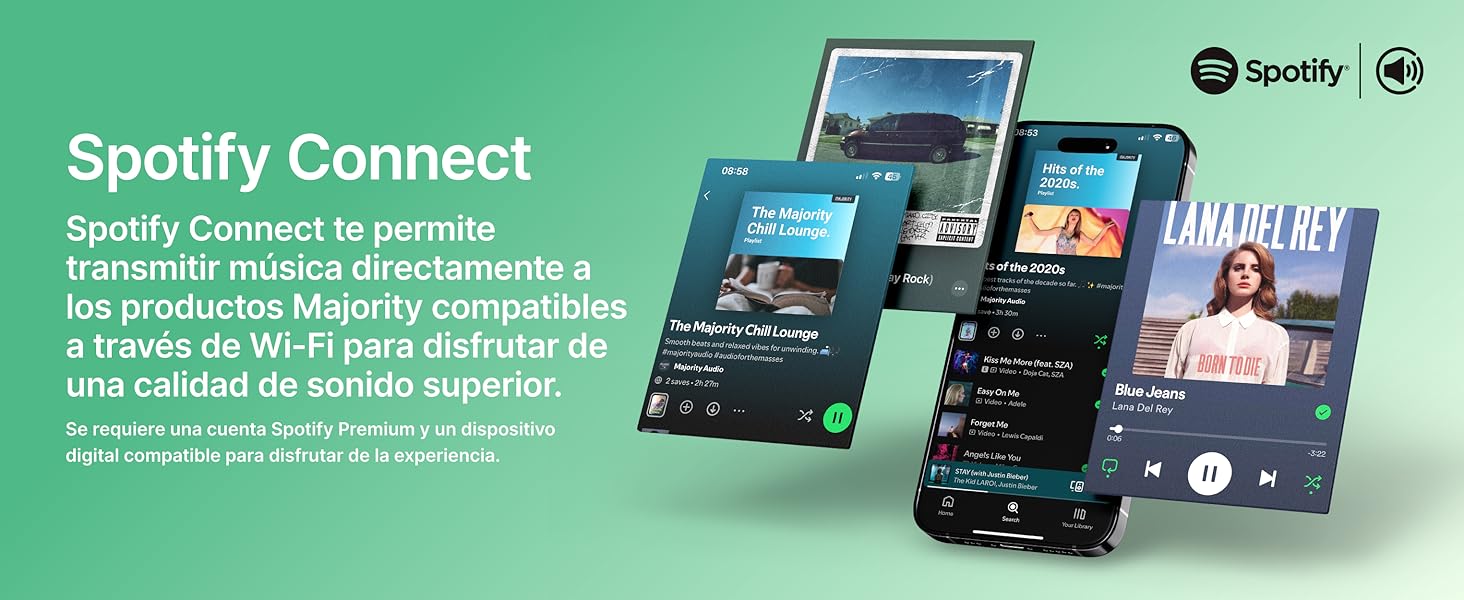
Image: Visual guide to using Spotify Connect with the Quadriga.
6.10 Podcasts
In 'Internet Radio' mode, navigate to the 'Podcasts' section. You can browse and listen to a wide variety of podcasts from around the world.
6.11 OKTIV App Control
The OKTIV app allows wireless control of your Majority product via Wi-Fi, enabling you to adjust settings and manage music from anywhere in your home. The app is compatible with iOS and Android devices.
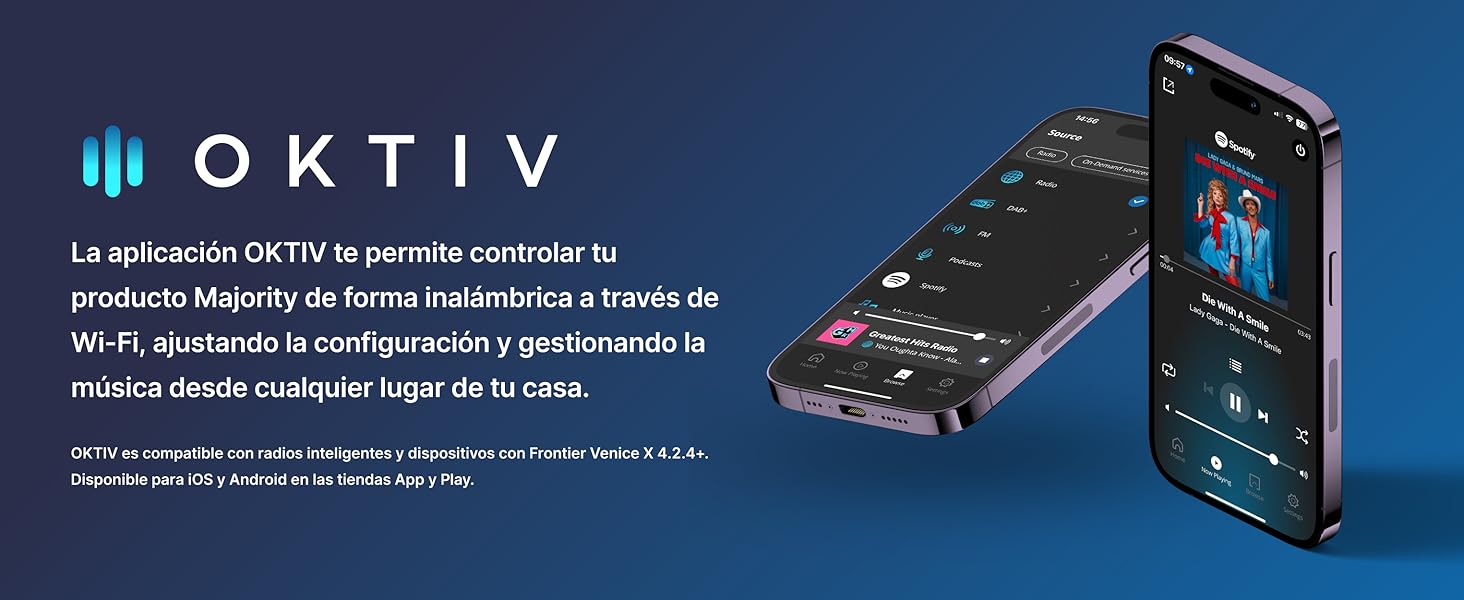
Image: Smartphones displaying the OKTIV app for remote control.
7. Manteniment
- Neteja: Feu servir un drap suau i sec per netejar la unitat. No utilitzeu productes de neteja abrasius ni dissolvents.
- Cura del reproductor de CD: Handle CDs by the edges to avoid fingerprints. If the CD player experiences reading errors, try cleaning the disc with a soft, lint-free cloth.
- Ventilació: Assegureu-vos que les obertures de ventilació estiguin netes de pols i deixalles per evitar el sobreescalfament.
8. Solució De Problemes
| Problema | Causa possible | Solució |
|---|---|---|
| Sense poder | Power cable not connected; Wall socket faulty | Check power cable connection; Try a different wall socket. |
| Sense so | Volume too low; Incorrect input mode selected; Mute activated | Increase volume; Select correct input mode; Deactivate mute. |
| Mala recepció de ràdio | Antenna not extended; Weak signal; Interference | Extend antenna fully; Reposition the unit; Move away from other electronic devices. |
| No es pot connectar a la Wi-Fi | Incorrect password; Router too far; Network issue | Verify Wi-Fi password; Move unit closer to router; Restart router. |
| CD not playing/reading | Disc dirty/scratched; Disc type not supported | Clean the CD; Ensure it is a supported CD, CD-R, or CD-RW. |
9. Especificacions
- Model: Quadriga
- Dimensions (L x A x A): 43 x 27 x 12.8 cm
- Pes: 5.4 kg
- Potència de sortida d'àudio: 120W (2.1 Stereo with Subwoofer)
- Connectivitat: Wi-Fi, Bluetooth, Ethernet
- Sintonitzador de ràdio: Internet Radio, DAB+, FM
- Compatibilitat del disc: CD, CD-R, CD-RW
- Entrades: AUX (3.5mm), RCA, Optical, USB
- Característiques especials: Spotify Connect, Podcasts
- Font d'alimentació: Wired Electric (240 Volts)
- Tipus de visualització: LCD
- Material: Plàstic

Imatge: View of the integrated subwoofer and 120W audio output.
10. Garantia
The MAJORITY Quadriga comes with a Garantia ampliada de 3 anys. Product registration may be required to activate the full warranty period. Please refer to the warranty card included in your package or visit the official MAJORITY website for detailed terms and conditions regarding warranty claims and registration.
11. Suport
For further assistance, technical support, or to access additional resources, please visit the official MAJORITY website. You can find FAQs, updated manuals, and contact information for customer service there.
Weblloc: www.majority.co.uk