
1. Introducció
Gràcies per triar el MediAcous LED Desk Lamp amb Clamp, Model ME-DL07. This lamp is designed to provide versatile and eye-caring illumination for various tasks, including home office work, crafting, and studying. Featuring three distinct light sources, a flexible swing arm, and a convenient control box, this lamp offers customizable lighting to enhance your productivity and comfort.
2. Instruccions de seguretat importants
- Llegiu atentament totes les instruccions abans d'utilitzar.
- Mantingueu la lamp lluny de l'aigua o altres líquids.
- No intenteu desmuntar ni reparar el lamp Poseu-vos en contacte amb personal de servei qualificat per obtenir ajuda.
- Assegureu-vos que l'adaptador de corrent sigui compatible amb la vostra font d'alimentació local.
- Eviteu col·locar la lamp a la llum solar directa o a prop de fonts de calor.
- Netegeu la lamp only with a soft, dry cloth.
3. Contingut del paquet
Verifiqueu que tots els elements siguin presents al paquet:
- 1x MediAcous LED Desk Lamp (Model ME-DL07, bulb included)
- 1x adaptador de corrent
- 1 x manual d'usuari
4. Configuració i instal·lació
The MediAcous LED Desk Lamp is designed for easy clamp-on installation, saving valuable desk space.
4.1 Attaching the Clamp
El lamp features an ultra-wide clamp with silicone pads, suitable for tabletops up to 2.5 inches (7.5 cm) thick. Ensure the clamp is securely fastened to a stable surface.

4.2 Connexió de potència
Connecteu l'adaptador d'alimentació a lamp's power port, located on the back of the main arm. Then, plug the adapter into a standard electrical outlet.
4.3 Adjusting the Lamp Braços
El lamp features multiple rotatable pivots and light bodies, allowing for extensive adjustment. Carefully position the arms and light sources to achieve your desired illumination angle.
5. Instruccions de funcionament
El lamp is controlled via a wired control box with sensitive touch buttons, providing easy access to all functions.
5.1 Control Box Overview
The control box features a master switch, independent controls for the two main lights, and a separate control for the auxiliary light. It also includes buttons for adjusting brightness, color temperature, and activating the 60-minute timer.

5.2 Power On/Off and Timer
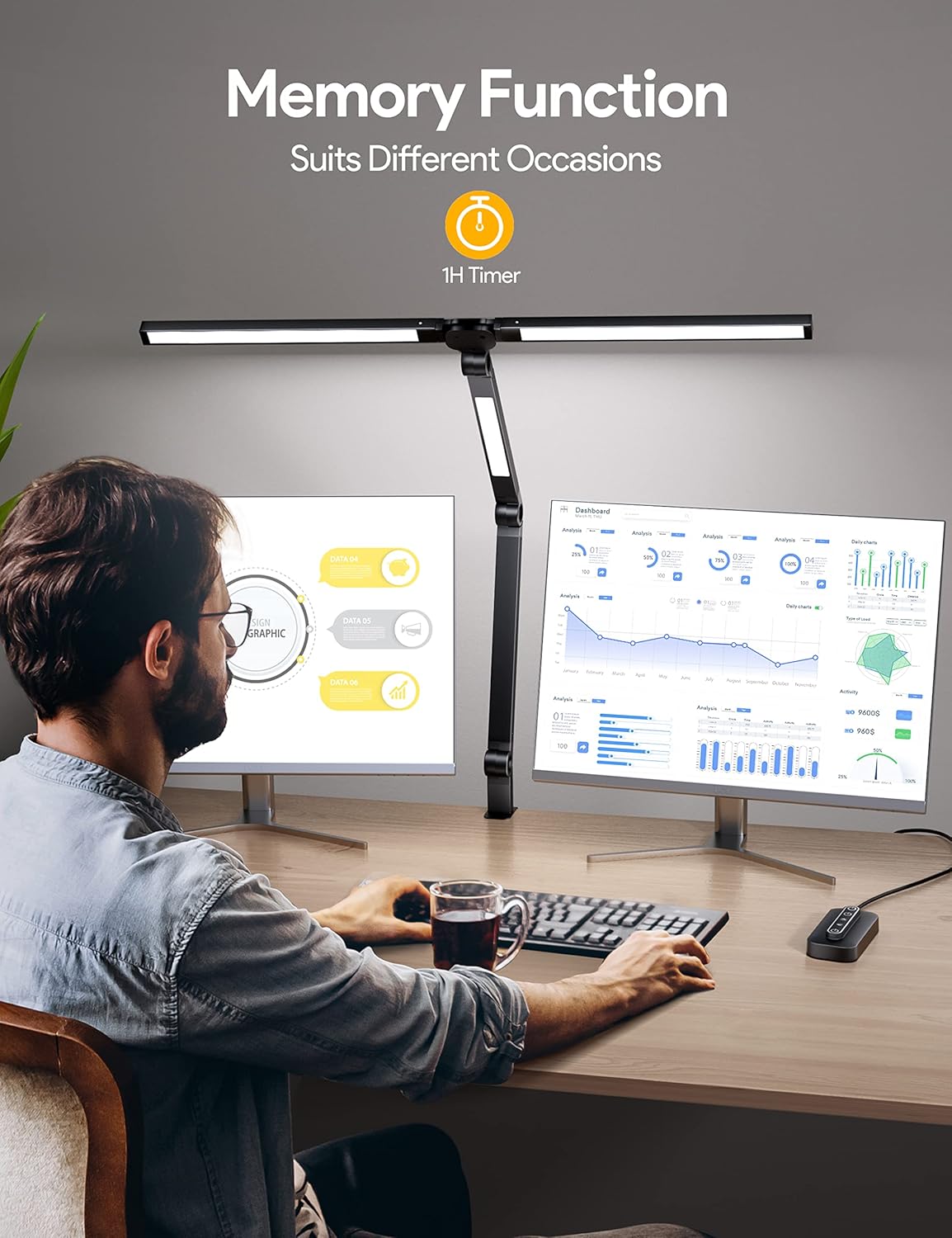
- Interruptor principal: Tap the top power button once to turn all three lights on or off simultaneously. Long-press for 2 seconds to activate or cancel the 60-minute auto-off timer (indicated by a flashing light).
5.3 Ajust de la brillantor i els modes de color
El lamp offers 4 brightness levels (25%, 50%, 75%, 100%) and 4 color temperatures (5700K, 4800K, 4000K, 2700K) to suit your preferences and reduce eye fatigue.
- Main Lights Control: Tap the middle power button once to turn the two main lights on or off. Long-press to turn them off. With the main lights on, repeatedly tap the brightness button (sun icon) to cycle through 4 brightness levels. Repeatedly tap the color temperature button (sun with arrows icon) to cycle through 4 color temperatures.
- Auxiliary Light Control: Tap the bottom power button once to turn the auxiliary light on or off. Long-press to turn it off. With the auxiliary light on, repeatedly tap the brightness button (sun icon) to cycle through 4 brightness levels. Repeatedly tap the color temperature button (sun with arrows icon) to cycle through 4 color temperatures.

5.4 Funció de memòria
El lamp features a memory function that remembers the last brightness and color mode settings you used. When you turn the lamp back on, it will resume with your previously selected settings.

6. Característiques clau
6.1 Distinctive 3 Light Sources Design
El lamp combines two overhead lights and one auxiliary light, offering an 18W-20W output for wider lighting coverage. This design is ideal for large workbenches, multi-screen monitor setups, and detailed tasks like crafting or painting.

6.2 Flexible Swing Arm and Wider Clamp
Equipped with 4 rotatable pivots and 3 rotating light bodies, the lamp's flexible design allows you to direct light precisely where needed. The ultra-wide clamp (up to 2.5 inches) ensures stability and saves desk space.
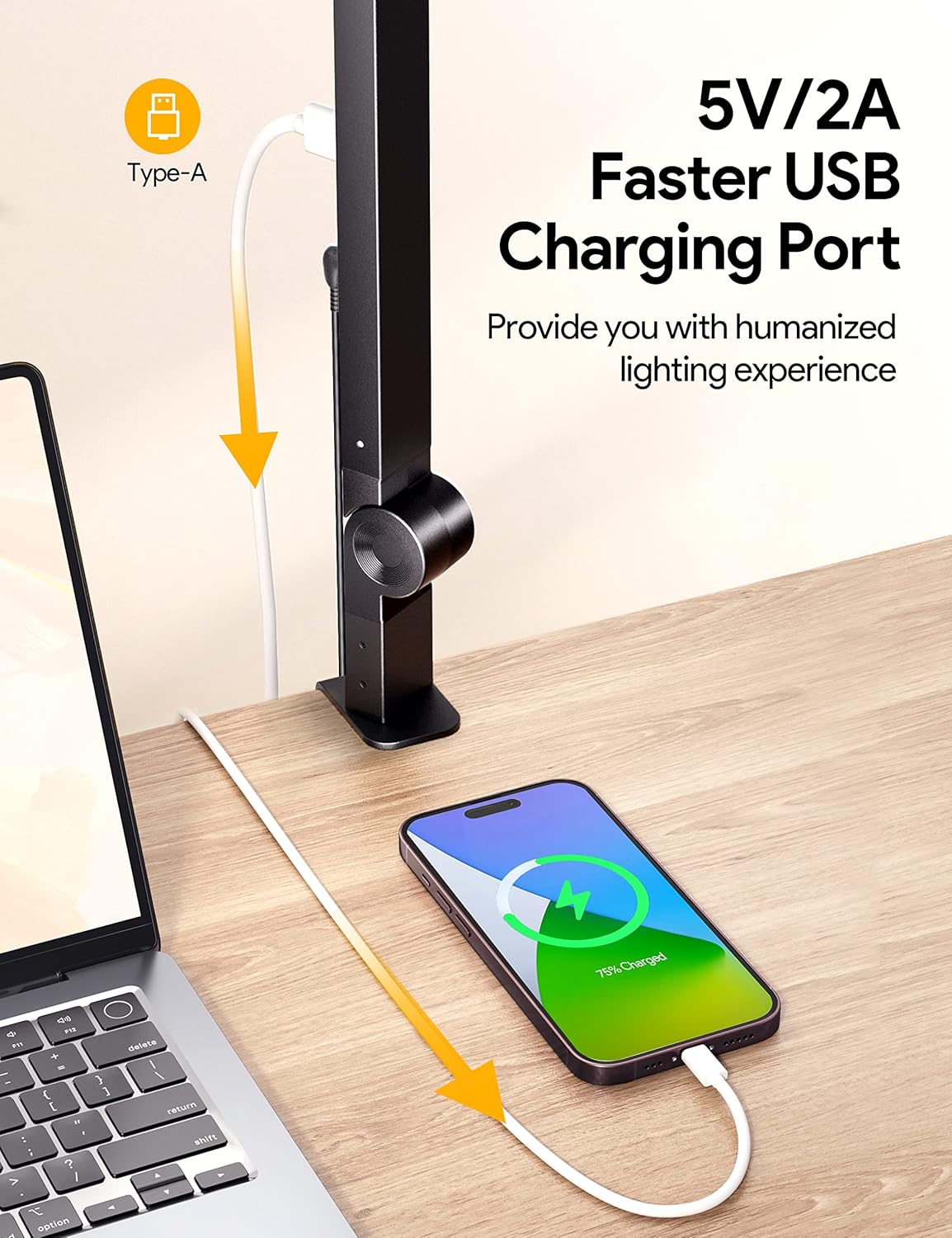
6.3 port de càrrega USB
A convenient 5V/2A USB-A charging port is integrated into the lamp's arm, allowing you to charge your phone or other devices directly from your desk.
7. Especificacions
| Atribut | Valor |
|---|---|
| Marca | MediAcous |
| Nom del model | ME-DL07 |
| Wattage | 20 watts |
| Tipus de font de llum | LED |
| Nombre de fonts de llum | 3 |
| Brillantor | 1750 lux |
| Sortida lluminosa màxima | 1000 lúmens |
| Temperatura de color | 2700K - 5700K (ajustable) |
| Índex de reproducció del color (CRI) | 80.00 |
| Vida Mitjana | 50000 hores |
| Material | Metall |
| Dimensions del producte | 2.09 "P x 1.89" W x 47.24" H |
| Pes de l'article | 2.4 lliures |
| Font d'alimentació | Elèctric amb cable |
| Mètode de control | Toca |
| Port de càrrega USB | 5V/2A (Type-A) |
For more detailed energy information, please refer to the official EPREL database: Pàgina del producte EPREL i Product Information Sheet (PDF).
8. Manteniment
- Neteja: Assegureu-vos que lamp is unplugged before cleaning. Use a soft, dry cloth to wipe down the surfaces. Avoid abrasive cleaners or solvents.
- Emmagatzematge: Si emmagatzema la lamp for an extended period, ensure it is clean and dry. Fold the arms to minimize space and store in its original packaging or a protective container.
9. Solució De Problemes
- Lamp no s'encén:
- Comproveu si l'adaptador de corrent està ben connectat als dos endolls.amp i la presa elèctrica.
- Ensure the electrical outlet is functioning correctly by testing it with another device.
- Verify that the master switch on the control box is pressed.
- Lights flicker or dim unexpectedly:
- Assegureu-vos que la connexió d'alimentació sigui estable.
- Adjust brightness levels using the control box to see if the issue persists across different settings.
- USB charging port not working:
- Confirmeu la lamp està encès.
- Try a different USB cable or device to rule out compatibility issues.
10. Garantia i Suport
For warranty information or technical support, please contact MediAcous customer service. You can find contact details on the official MediAcous weblloc web o a través de la vostra plataforma de compra.
Visit the MediAcous Store: MediAcous Amazon Store