
Introducció
This manual provides detailed instructions for the setup, operation, and maintenance of your cimetech Type C Wireless Mouse. Please read this manual thoroughly before using the product to ensure optimal performance and longevity.
Contingut del paquet
- 1 x cimetech Type C Wireless Mouse
- 1 x manual d'instruccions
Producte acabatview
The cimetech Type C Wireless Mouse is designed for comfort and efficiency, featuring silent clicks, adjustable DPI, and broad compatibility.

Image: The cimetech Type C Wireless Mouse, a sleek black device with a scroll wheel and a Type-C receiver shown separately.

Image: Diagram illustrating the components of the cimetech Type C Wireless Mouse, including the Power Switch, Type-C Receiver storage, Battery Slot, Left-click button, Right-click button, Roller Button (scroll wheel), and DPI Key.
Components clau:
- Left-click Button: Funció principal estàndard del ratolí.
- Right-click Button: Funció secundària estàndard del ratolí.
- Roller Button (Scroll Wheel): Per a la funcionalitat de desplaçament vertical i clic amb el botó central.
- Clau DPI: Adjusts the mouse cursor sensitivity.
- Interruptor d'alimentació: Turns the mouse ON or OFF.
- Ranura de bateria: Compartment for the AA battery.
- Type-C Receiver: The wireless dongle that connects to your device. Stored within the mouse's battery compartment.
Instruccions de configuració
- Instal·la la bateria:
Open the battery compartment cover located on the underside of the mouse. Insert one AA battery, ensuring correct polarity (+/-). Close the battery compartment cover.
Image: The underside of the mouse showing the battery compartment and receiver storage.
- Locate and Connect Receiver:
The Nano Type-C receiver is stored inside the mouse's battery compartment. Carefully remove it. Plug the Type-C receiver into an available Type-C port on your computer or laptop. If your device only has USB-A ports, use the included USB-A adapter receiver by plugging the Type-C receiver into it, then plugging the adapter into your device's USB-A port.
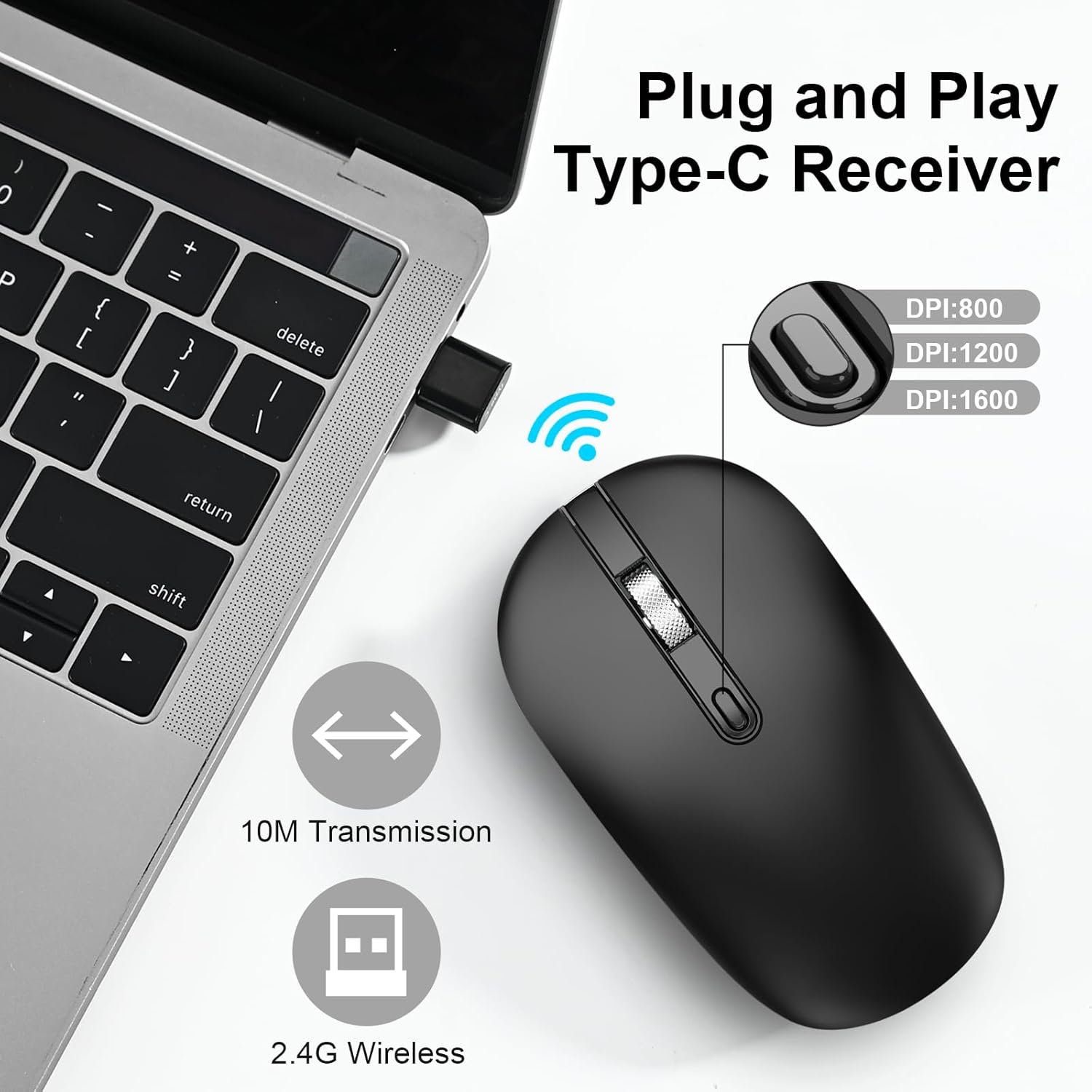
Image: A Type-C receiver plugged into a laptop, with an illustration of the mouse and text indicating 2.4G Wireless, 10M Transmission, and DPI settings (800, 1200, 1600).
- Power On Mouse:
Slide the Power Switch on the underside of the mouse to the "ON" position.
- Connexió automàtica:
The mouse will automatically connect to your device. No additional drivers are typically required for most operating systems.
Instruccions de funcionament
Funcions bàsiques
- Clic esquerre: Press the left button to select items or activate functions.
- Feu clic amb el botó dret: Press the right button to open context menus.
- Roda de desplaçament: Gireu la roda amunt o avall per desplaçar-vos pels documents o web pàgines. Premeu la roda de desplaçament per a la funcionalitat de clic central (si l'aplicació és compatible).
Ajust de DPI
The mouse features adjustable DPI (Dots Per Inch) settings to control cursor sensitivity. Press the DPI Key (located behind the scroll wheel) to cycle through the available DPI levels:
- 1000 DPI: Sensibilitat estàndard.
- 1200 DPI: Sensibilitat mitjana.
- 1600 DPI: High sensitivity, for faster cursor movement.
Image: Illustration showing the DPI button and the three adjustable DPI levels (800/1200/1600) as depicted in the graphic.
Mode d'estalvi d'energia
To conserve battery life, the mouse will automatically enter a sleep mode after a period of inactivity. To wake the mouse, simply click any button or move the mouse.

Image: Graphic representing the energy-saving feature with a battery icon and a circular progress bar.
Funcionament sense soroll
The mouse is designed with silent click buttons to minimize noise, allowing for a quiet working environment.
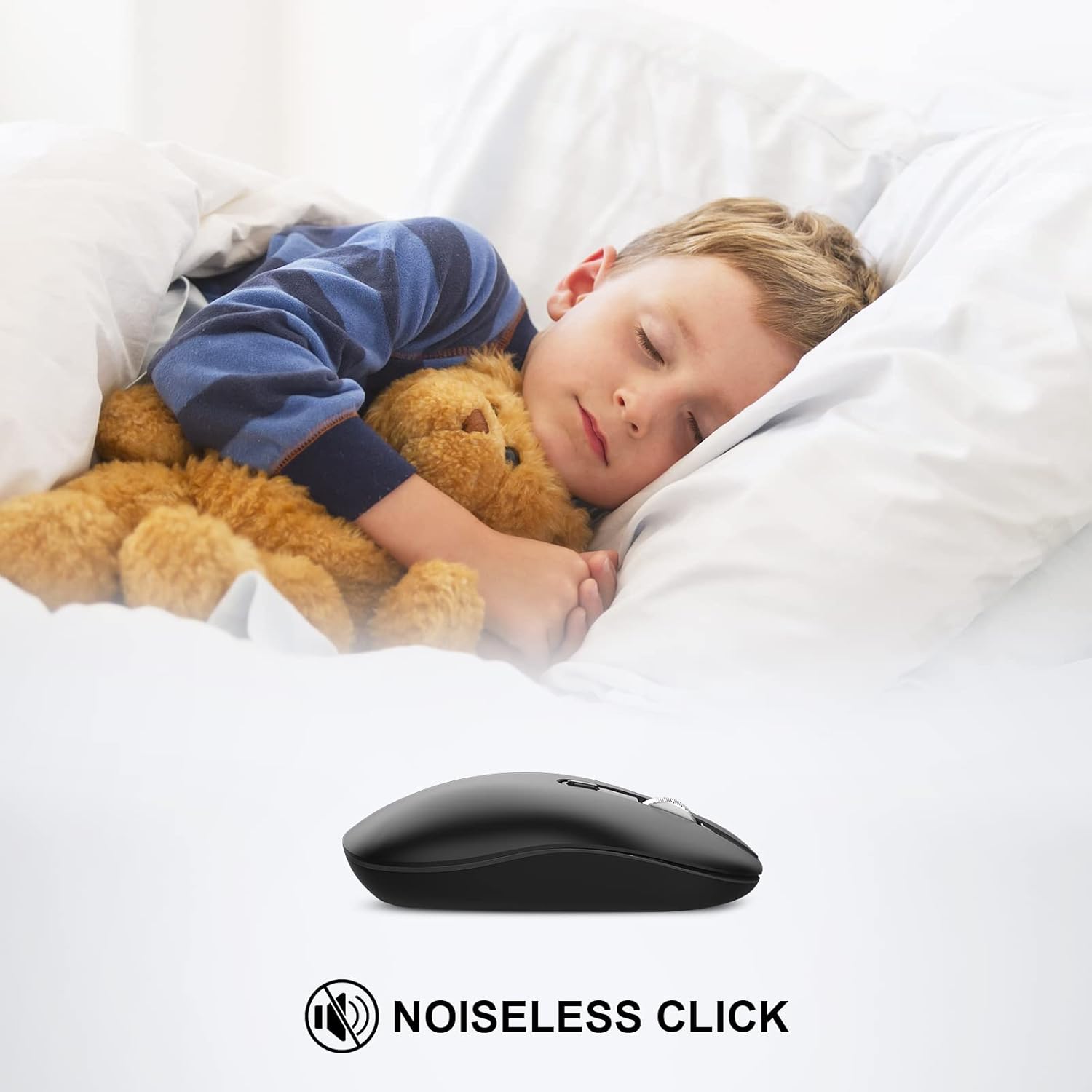
Image: A child sleeping peacefully next to the mouse, illustrating its noiseless click feature.
Compatibilitat
The cimetech Type C Wireless Mouse is compatible with a wide range of operating systems and devices:
- Windows XP, Vista, 7, 8, 8.1, 10
- Linux
- Mac OS
- Desktops, Laptops, PCs, Macbooks, Chromebooks, Computers

Image: Icons representing various operating systems and device types (Laptop, Desktop, Tablet, Mac OS, Android, Linux, Windows) to illustrate wide compatibility.
Manteniment
- Neteja: Use a soft, dry cloth to clean the mouse. Avoid using liquid cleaners or abrasive materials.
- Substitució de la bateria: When the mouse performance degrades or stops responding, replace the AA battery. Ensure the power switch is OFF before replacing the battery.
- Emmagatzematge del receptor: When not in use or during travel, store the Type-C receiver in its designated slot within the mouse's battery compartment to prevent loss.
Resolució de problemes
Especificacions
- Marca: cimetech
- Número de model: TM013-TYPE-C
- Tecnologia de connectivitat: 2.4G Wireless (Type-C Receiver, USB-A Adapter included)
- Tecnologia de detecció de moviment: Òptic
- Configuració de DPI: 1000/1200/1600 (Ajustable)
- Característiques especials: Portable, Slim, Soundless, Wireless
- Color: Negre
- Pes de l'article: 1.76 unces
- Bateries: Necessita 1 pila AA
- Dimensions del paquet: 4.57 x 2.6 x 1.38 polzades
Garantia i Suport
For warranty information or technical support, please refer to the contact details provided with your purchase documentation or visit the official cimetech weblloc web. Conserveu el rebut de compra com a comprovant de compra.