
Introducció
This manual provides essential information for setting up, operating, maintaining, and troubleshooting your CUPEISI 7-inch Android 14 Tablet. Please read this guide thoroughly to ensure proper use and to maximize your tablet's performance and longevity.
Què hi ha a la caixa
Verifiqueu que hi hagi tots els elements en desembalar-los:
- CUPEISI 7-inch Android 14 Tablet
- Cable tipus C
- Manual d'usuari (aquest document)
Producte acabatview
The CUPEISI Q2S tablet features a 7-inch HD IPS display, powered by a 1.6GHz Quad-core processor and running Android 14. It includes 8GB RAM (4GB physical + 4GB virtual) and 32GB internal storage, expandable up to 1TB via microSD card. The tablet is equipped with dual cameras and supports Wi-Fi and Bluetooth connectivity.
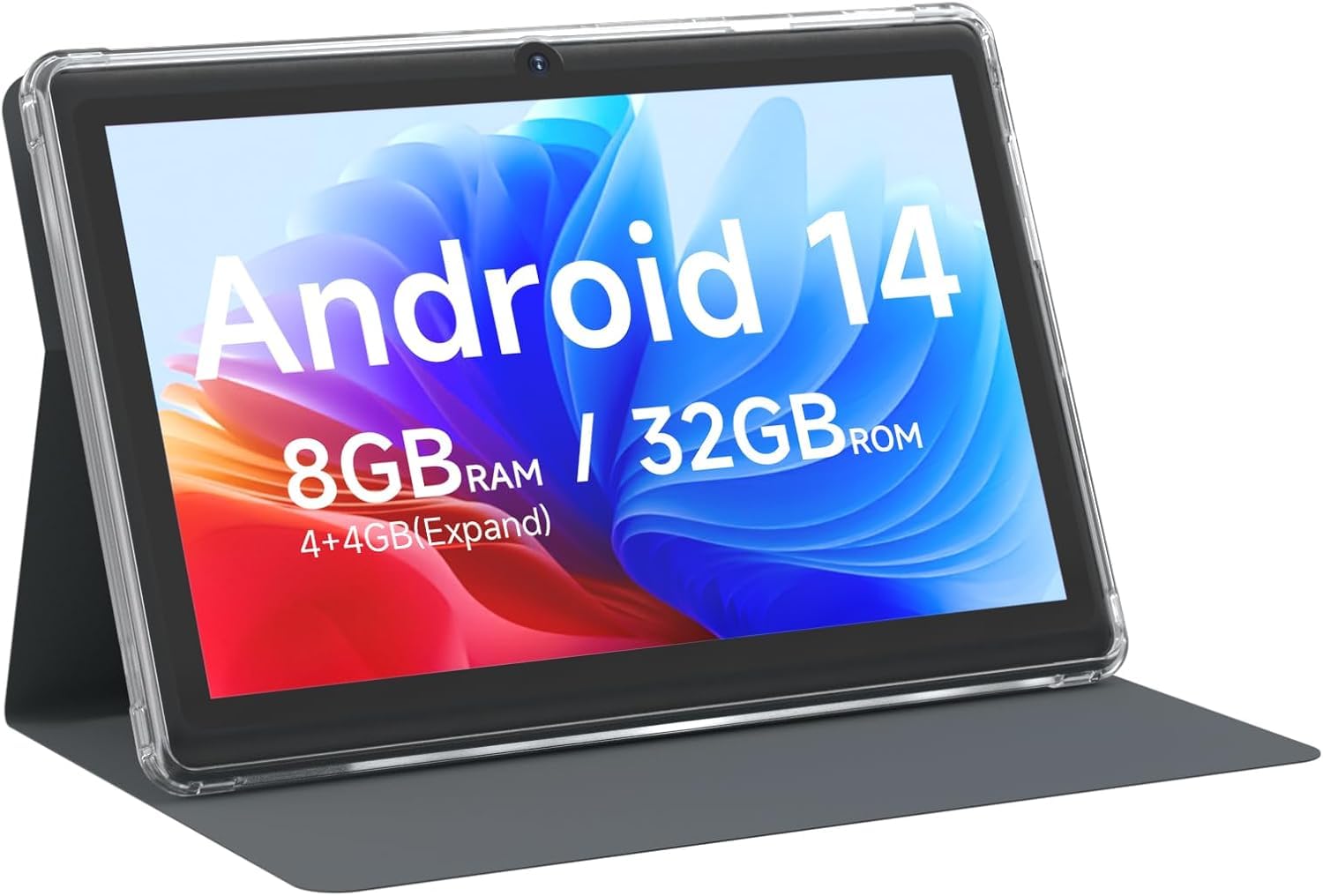
CUPEISI 7-inch Android 14 Tablet, front view.

Acabatview of CUPEISI 7-inch Android 14 Tablet features including OS, CPU, RAM, ROM, Screen, Camera, Battery, and WiFi.
Configuració
1. Càrrega de la tauleta
Before first use, fully charge the tablet. Connect the provided Type-C cable to the tablet's charging port and the other end to a compatible USB power adapter (not included) or a computer's USB port. The battery indicator on the screen will show charging status.
2. Engegada i configuració inicial
- Manteniu premut el botó d'engegada fins que la pantalla s'encengui.
- Segueix les instruccions que apareixen a la pantalla per seleccionar l'idioma, la regió i altres configuracions inicials.
3. Connexió a Wi-Fi
- Vés a Configuració > Xarxa i Internet > Wi-Fi.
- Activa/desactiva el Wi-Fi On.
- Seleccioneu la xarxa Wi-Fi que vulgueu de la llista.
- Introduïu la contrasenya de xarxa si us demana i, a continuació, toqueu Connecta't.
4. Configuració del compte de Google
A Google account is required to download apps from Google Play Store and access Google services. You can sign in with an existing account or create a new one during the initial setup or later via Configuració > Comptes.
Funcionament de la tauleta
1. Basic Navigation and Gestures
- Toca: Selecciona un element o obre una aplicació.
- Llisca: Desplaçar-se per pantalles o llistes.
- Pessigar: Apropar o allunyar les imatges i web pàgines.
- Premsa llarga: Accedir a menús contextuals o moure icones.
2. Gestió d'aplicacions

Tablet screen showing various application icons, illustrating the 8GB RAM and 32GB ROM storage capacity.
- Instal·leu aplicacions: Open the Google Play Store app, search for your desired app, and tap Instal·lar.
- Desinstal·lar aplicacions: Long-press an app icon on the home screen or app drawer, then drag it to the Desinstal·la option, or go to Configuració > Aplicacions > selecciona l'aplicació > Desinstal·la.
3. Gestió de l'emmagatzematge
The tablet has 32GB of internal storage. You can expand this by inserting a microSD card (up to 1TB) into the designated slot. To manage storage, go to Configuració > Emmagatzematge.
4. Ús de la càmera
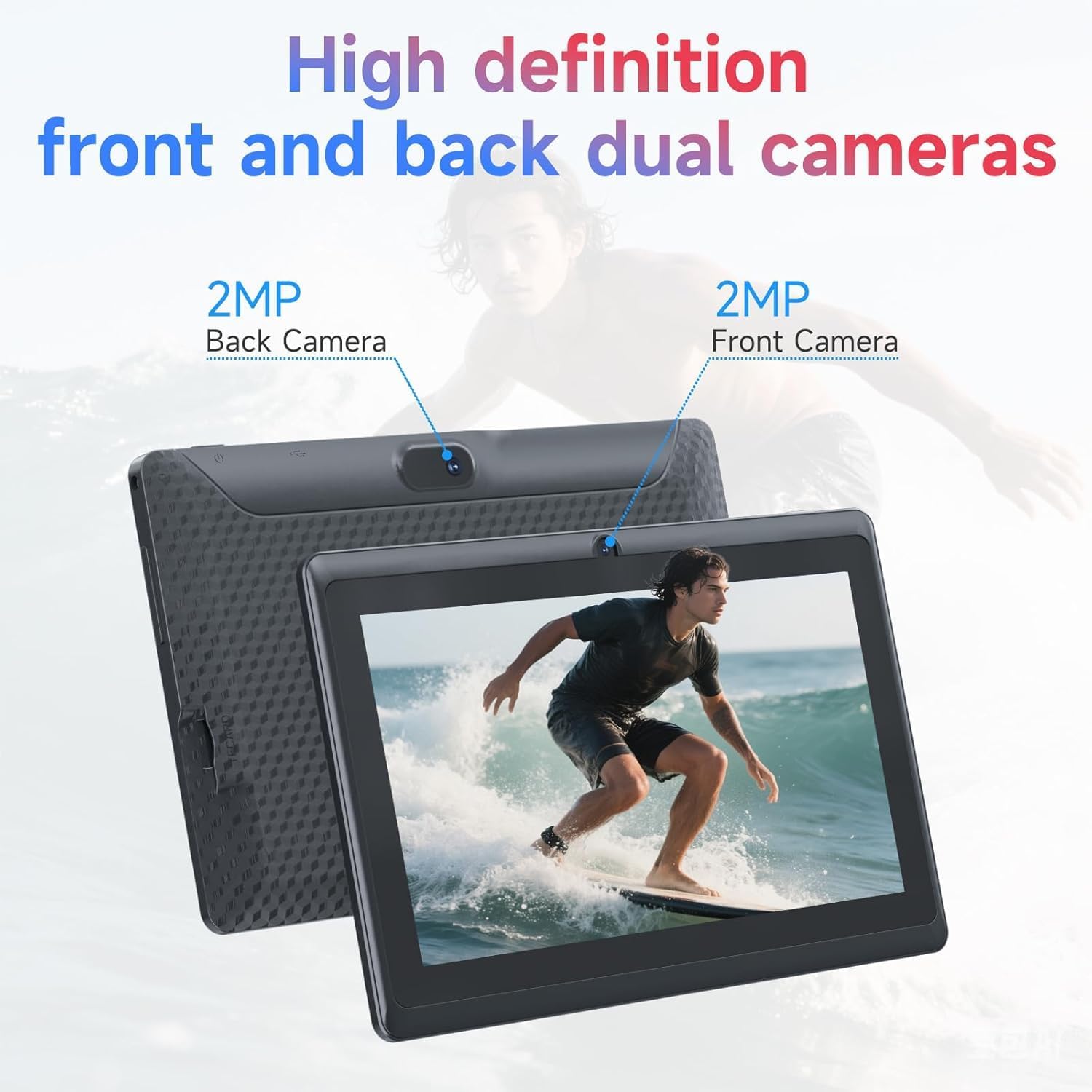
Illustration of the tablet's dual cameras, featuring a 5MP front camera and an 8MP rear camera.
The tablet features a 5MP front camera and an 8MP rear camera. Open the Càmera app to take photos or record videos. Tap the camera icon to switch between front and rear cameras.
5. Connectivity (Bluetooth)
Per connectar dispositius Bluetooth:
- Vés a Configuració > Dispositius connectats > Bluetooth.
- Commuta el Bluetooth On.
- Seleccioneu Vincula un dispositiu nou and choose your device from the list.
6. Eye Protection Mode

The 7-inch IPS HD screen of the tablet displaying a colorful image, highlighting its 1024x600 resolution.
The tablet's display is designed to reduce blue light emission for eye comfort. You can enable or adjust eye protection settings in Configuració > Mostra.

A user engaged in a video conference on the tablet, demonstrating its suitability for work and study.
Manteniment
1. Neteja i cura
- Feu servir un drap suau i sense borrissol per netejar la pantalla i el cos de la tauleta.
- Eviteu utilitzar productes químics o materials abrasius.
- Keep the tablet away from extreme temperatures, direct sunlight, and moisture.

An image depicting the tablet's drop protection feature, showing it withstands impacts.
2. Actualitzacions de programari
Comproveu i instal·leu regularment si hi ha actualitzacions de programari per garantir un rendiment i una seguretat òptims. Aneu a Configuració > Sistema > Actualització del sistema.
3. Optimització de la bateria
- To prolong battery life, reduce screen brightness, disable Wi-Fi/Bluetooth when not in use, and close background apps.
- Eviteu descarregar completament la bateria amb freqüència.
Resolució de problemes
| Problema | Possible solució |
|---|---|
| La tauleta no s'encén | Ensure the tablet is charged. Connect to a power source and wait a few minutes before attempting to power on again. |
| Problemes de connexió Wi-Fi | Check if Wi-Fi is enabled in settings. Restart your router and the tablet. Ensure you have entered the correct password. |
| Rendiment lent | Close unnecessary background applications. Clear cache from apps in Settings > Apps. Consider performing a factory reset if issues persist (back up data first). |
| Les aplicacions es bloquegen o es bloquegen | Update the app to the latest version. Clear the app's cache and data in Settings > Apps. Reinstall the app. |
Especificacions
| Marca | CUPEISI |
| Número de model | Q2S |
| Sistema operatiu | Android 14 |
| Processador | 1.6 GHz Quad-core (ARM Cortex) |
| RAM | 8 GB (4GB fixed + 4GB virtual) |
| Emmagatzematge intern | 32 GB |
| Emmagatzematge ampliable | Fins a 1 TB mitjançant targeta microSD |
| Mida de la pantalla | 7 polzades |
| Resolució de visualització | 1024 x 600 Pixels IPS HD |
| Càmera frontal | 5 MP |
| Càmera posterior | 8 MP |
| Capacitat de la bateria | 3000 mAh |
| Durada mitjana de la bateria | 6 hores |
| Connectivitat | Wi-Fi (802.11g), Bluetooth |
| Interfície | USB tipus C |
| Dimensions (L x A x A) | 7.5" x 4.3" x 0.3" |
| Pes de l'article | 0.38 quilos |
Informació de la garantia
The CUPEISI Q2S Tablet comes with a 1-year limited warranty from the date of purchase. This warranty covers manufacturing defects and workmanship under normal use. It does not cover damage caused by misuse, accidents, unauthorized modifications, or external factors. Please retain your proof of purchase for warranty claims.
Atenció al client
For further assistance, technical support, or warranty inquiries, please refer to the contact information provided with your product packaging or visit the official CUPEISI website. When contacting support, please have your tablet model number (Q2S) and proof of purchase ready.