
KONIX DC02
KONIX DC02 Pro Digital Wind Instrument User Manual
Model: DC02 Pro
1. Introducció
The KONIX DC02 Pro Digital Wind Instrument is a versatile electronic wind instrument designed for musicians of all levels. It offers a rich playing experience with multiple tone options, adjustable sensitivity, and modern connectivity features. This manual provides essential information for setting up, operating, maintaining, and troubleshooting your instrument.
2. Producte acabatview
2.1 Què hi ha a la caixa
- KONIX DC02 Pro Electronic Wind Instrument
- 2 x Removable and Washable Silicone Nozzles
- 1 x cable de càrrega USB
- 1 x Portable Cloth Case
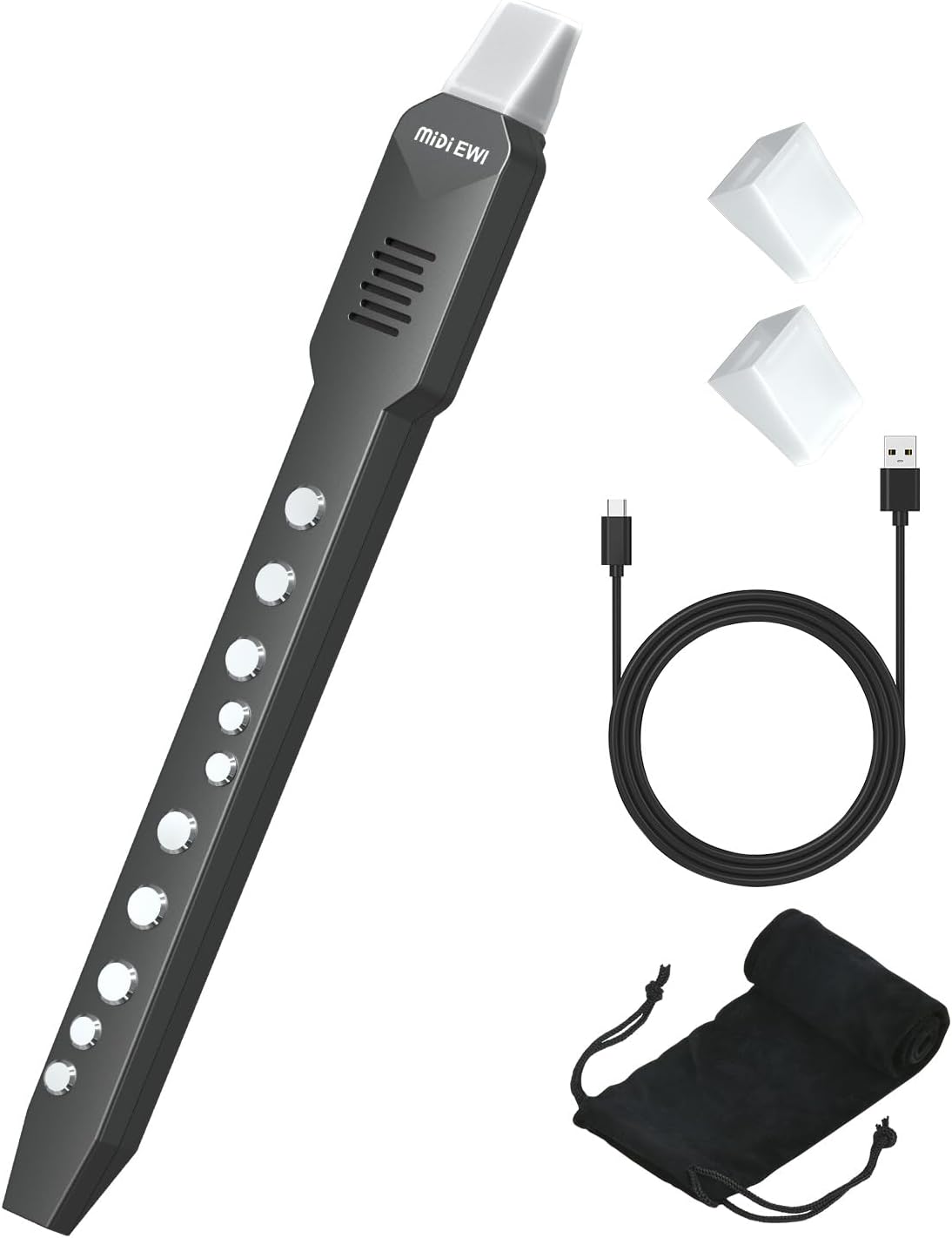
Image: The KONIX DC02 Pro Digital Wind Instrument shown with its accessories: two silicone nozzles, a USB charging cable, and a portable cloth case.
2.2 Característiques clau
- Multiple Tone Options: Built-in 10 tones including Alto Saxophone, Soprano Saxophone, Clarinet, Panpipe, Trumpet, Violin, Harmonica, Flute, Bamboo Flute, and Recorder.
- MIDI Bluetooth Connectivity: Connects to Android, iOS, macOS, and Windows devices for extended tone options via apps and DAWs.
- Adjustable Blowing Sensitivity: Three levels (Light, Standard, Heavy) for dynamic control.
- Dual Fingerstyle Playing: Supports two fingerstyle playing methods.
- Electronic Touch Sound Hole: Enhances playing dynamics and responsiveness.
- Built-in Speaker & Headphone Jack: Allows for practice with or without external amplificació.
- Bateria recarregable: Integrated 800 mAh battery provides approximately 4 hours of play time on a full charge.
- Disseny portàtil: Compact and lightweight for easy transport and practice anywhere.

Image: A visual representation of the 10 professional tones available on the instrument, including Recorder, Trumpet, Alto Saxophone, Violin, Soprano Saxophone, Flute, Clarinet, Harmonica, Panpipe, and Bamboo Flute.

Image: The instrument demonstrating its Bluetooth and MIDI function, showing connection to a smartphone and compatibility with music software like Logic and Cubase.
3. Configuració
3.1 Càrrega de l'instrument
Before first use, fully charge the instrument. Connect the provided USB charging cable to the instrument's charging port and to a standard USB power adapter (5V/1A recommended). The charging indicator will show the charging status and turn off when fully charged. A full charge provides approximately 4 hours of playing time.
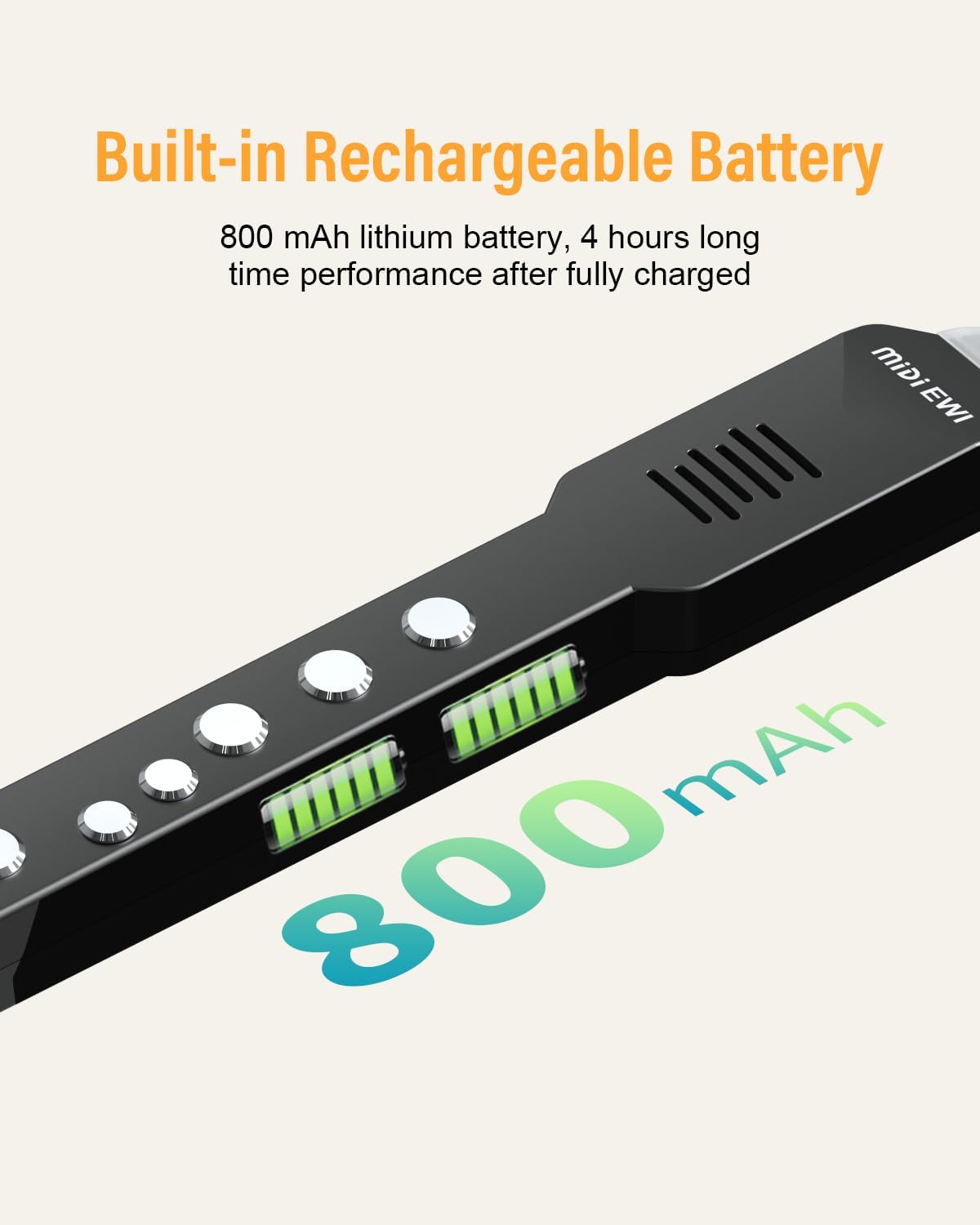
Image: An illustration highlighting the instrument's built-in 800 mAh rechargeable battery, indicating 4 hours of performance after a full charge.
3.2 Attaching the Mouthpiece
Gently attach one of the silicone nozzles to the mouthpiece section of the instrument. Ensure it is securely fitted to prevent air leakage during play.
3.3 Engegada/apagada
Press and hold the power button (usually located on the control panel) for a few seconds to turn the instrument on or off. The display will illuminate when powered on.
3.4 Vinculació Bluetooth
- Assegureu-vos que l'instrument està encès.
- Activa el Bluetooth al teu telèfon intel·ligent, tauleta o ordinador.
- Cerca available devices and select "MIDI EWI" (or similar name) to pair.
- Once paired, you can use compatible music applications (DAWs) to expand your sound library.
4. Instruccions de funcionament
4.1 Basic Playing
Hold the instrument comfortably and place the mouthpiece in your mouth. Use the finger keys to produce notes. The instrument supports two fingerstyle playing options, allowing for flexibility based on your preference or familiarity with other wind instruments.
4.2 Funcions del tauler de control

Imatge: Una imatge detallada view of the instrument's control panel, showing buttons for volume, tone, breath sensitivity, finger mode, transposition, reverb, and reset.
- Volum (+/-): Adjusts the output volume of the built-in speaker or headphone jack.
- To: Press to cycle through the 10 built-in instrument tones. The display will show the current tone number.
- Respiració: Adjusts the blowing sensitivity (Light, Standard, Heavy). Press to cycle through the options.
- Dit: Switches between different finger modes.
- Trans: Transposition button to shift the pitch of the instrument.
- Reverb: Activates or deactivates the reverb effect.
- Restablir: Resets the instrument to its default settings.
4.3 Adjusting Blowing Sensitivity
The instrument features three levels of blowing sensitivity: Light, Standard, and Heavy. Press the 'Breath' button on the control panel to cycle through these options. Experiment to find the setting that best suits your playing style and breath control.

Image: A person playing the instrument, with a graphic showing three levels of blowing sensitivity: Light, Standard, and Heavy, indicating a more detailed playing experience.
4.4 Ús d'auriculars
For private practice or a more immersive sound experience, connect standard 3.5mm headphones to the headphone jack. This will mute the built-in speaker.
4.5 Connectivitat MIDI
Once paired via Bluetooth, you can connect your DC02 Pro to various music production software (DAWs) or mobile applications. This allows you to trigger external sounds, record MIDI data, and access an expanded range of virtual instruments.
5. Manteniment
5.1 Cleaning the Mouthpiece
The silicone nozzles are removable and washable. After each use, detach the nozzle and rinse it with mild soap and water. Allow it to air dry completely before reattaching. Regularly cleaning the mouthpiece helps maintain hygiene and optimal performance.
5.2 Neteja general
Wipe the body of the instrument with a soft, dry cloth. Avoid using abrasive cleaners or solvents, as these can damage the finish. Keep the instrument free from dust and moisture.
5.3 Cura de la bateria
To prolong battery life, avoid fully discharging the instrument frequently. If storing for an extended period, charge the battery to about 50% and recharge every few months.
5.4 Emmagatzematge
When not in use, store the instrument in its portable cloth case to protect it from dust, scratches, and impacts. Keep it in a cool, dry place away from direct sunlight and extreme temperatures.
6. Solució De Problemes
- Sense so:
- Comproveu el nivell de volum.
- Assegureu-vos que l'instrument està encès.
- If using headphones, ensure they are properly connected and not faulty.
- If connected via MIDI, verify the sound source in your external device/software.
- Problemes de connexió Bluetooth:
- Ensure the instrument is in pairing mode.
- Turn off and on Bluetooth on both the instrument and your device.
- Move closer to the instrument to reduce interference.
- Prova de desvincular i tornar a vincular el dispositiu.
- Les tecles no responen:
- Ensure your fingers are making proper contact with the touch-sensitive keys.
- Check if the instrument's battery is low.
- Perform a factory reset using the 'Reset' button.
- Durada de la bateria curta:
- Ensure the instrument is fully charged before use.
- Reduce volume if playing through the built-in speaker for extended periods.
- Battery performance may degrade over time with repeated charge cycles.
7. Especificacions
| Característica | Especificació |
|---|---|
| Número de model | DC02 |
| Dimensions (paquet) | 15.2 x 3.43 x 1.77 polzades |
| Pes de l'article | 8.8 unces |
| Material | Plàstic, silicona |
| Clau d'instrument | Gravadora |
| Capacitat de la bateria | 800 mAh |
| Entrada de potència | USB/DC 5V/1A |
8. Garantia i Suport
For warranty information, please refer to the documentation provided at the time of purchase or contact your retailer. KONIX is committed to providing quality products and support.
For further assistance or technical support, please visit the official KONIX website or contact their customer service department. Contact details are typically available on the product packaging or the brand's official online presence.
9. Vídeos oficials de productes
No hi havia vídeos oficials de productes del venedor disponibles per incrustar en aquest manual.
Ask a question about this manual
Ask about setup, troubleshooting, compatibility, parts, safety, or missing instructions. Manuals+ will review the question and use this page’s manual context to help answer it.