
1. Introducció
This manual provides detailed instructions for the installation, operation, and maintenance of your Poyasilon CQ1X Solar Security Camera. Please read this manual thoroughly before using the product to ensure proper function and safety. This camera is designed for outdoor security, featuring solar power, 3MP 2K FHD resolution, 355° pan-tilt-zoom (PTZ) capabilities, motion detection, color night vision, and two-way audio.
2. Què hi ha a la caixa
- Solar security camera x 1
- Placa solar x 1
- Bracket for camera x 1
- Bracket for solar panel x 1
- Screws bags x 1
3. Guia de configuració
3.1 Initial Charging & Power-on
The camera is equipped with a high-conversion rate monocrystalline silicon solar panel and a built-in large capacity rechargeable battery. For initial setup, ensure the camera has sufficient charge. When the security camera is powered off, after the solar panel is charged to a certain amount of power, it will auto turn on and connect. No manual charging and restart are needed under normal solar operation.

Figure 3.1: The camera and solar panel, highlighting the auto power-on feature after charging.
3.2 Instal·lació de l'aplicació i connexió Wi-Fi
Download the "VicoHome" APP on your smartphone. The camera connects via 2.4G Wi-Fi transmission, which offers good wall penetration and strong anti-interference ability. Note that 5G Wi-Fi is not supported. Follow the in-app instructions to connect your camera. This typically involves scanning a QR code on the camera unit.
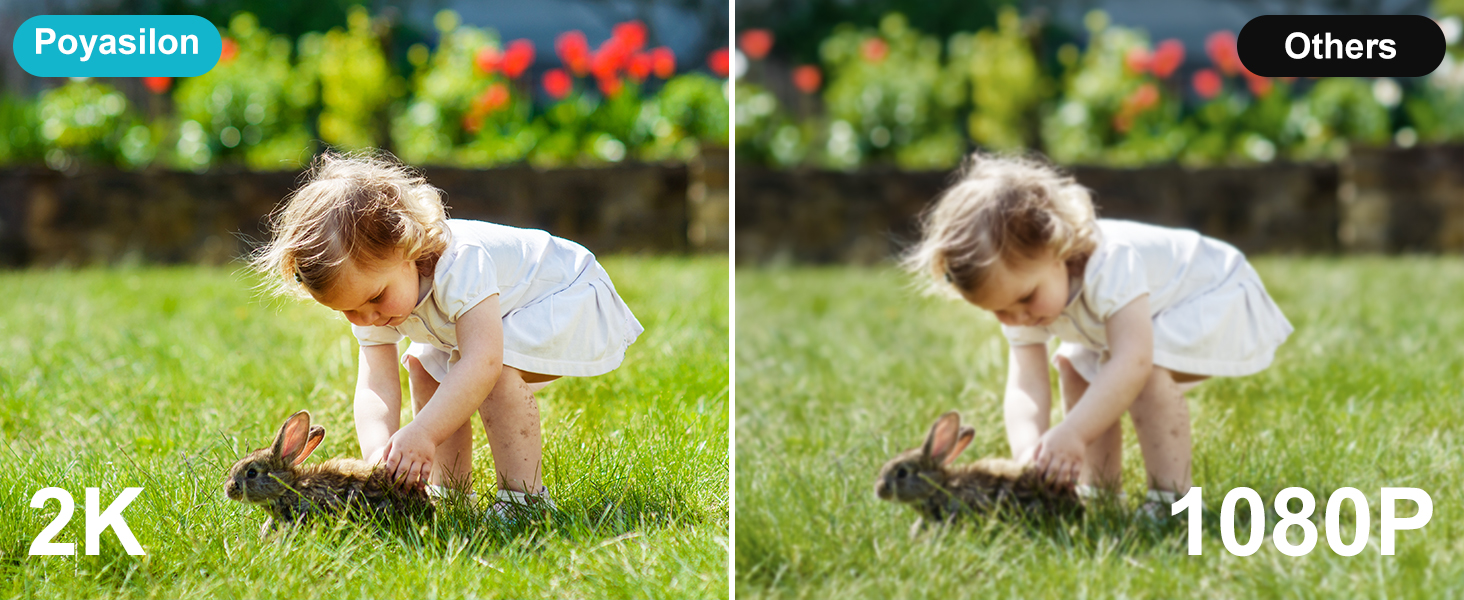
Figure 3.2: App connection process via QR code and 2.4GHz Wi-Fi.
3.3 Instal·lació física
The camera supports wall mount/ceiling mount installation. Position the solar panel in direct sunlight to ensure optimal charging. The solar panel has a long enough USB cable to allow flexible placement. Ensure the camera is within range of your 2.4G Wi-Fi network for stable connectivity.

Figure 3.3: The Poyasilon solar security camera and its solar panel.
4. Instruccions de funcionament
4.1 Viu View & Control remot
Access live video feed through the "VicoHome" APP. The camera offers 355° pan rotation, 90° tilt rotation, and a 120° ultra-wide viewing angle, allowing you to monitor any corner without blind spots. Use the app's controls to remotely adjust the camera's viewdirecció.

Figure 4.1: Remote control of camera pan and tilt via the mobile application.
4.2 Detecció de moviment i alertes
The camera features advanced AI recognition technology, allowing you to customize monitoring areas and distinguish between people, pets, vehicles, or packages. Upon detecting an intruder, the camera sends instant alert notifications to your phone. Simultaneously, the strobe light, integrated spotlight, and built-in siren activate to deter suspicious individuals.

Figure 4.2: Motion detection features including siren, spotlight, and instant messages.
4.3 Visió nocturna
With 2048 * 1536 high resolutions, the camera provides delicate images and videos. It features a bright spotlight and built-in 2 IR lights for clearer colorful night vision, with a monitor distance of up to 30 ft.

Figure 4.3: Day and color night vision capabilities of the camera.
4.4 Àudio bidireccional
The camera supports real-time two-way audio, allowing for clear voice communication through the camera and your smartphone.

Figura 4.4: Funcionalitat d'àudio bidireccional per a la comunicació en temps real.
4.5 Opcions d'emmagatzematge
The camera supports 8-128 GB micro SD cards (not included) for local storage. Additionally, a 3-day trial cloud storage is available without hidden fees. All videos recorded by the Poyasilon Wi-Fi camera are encrypted for security.
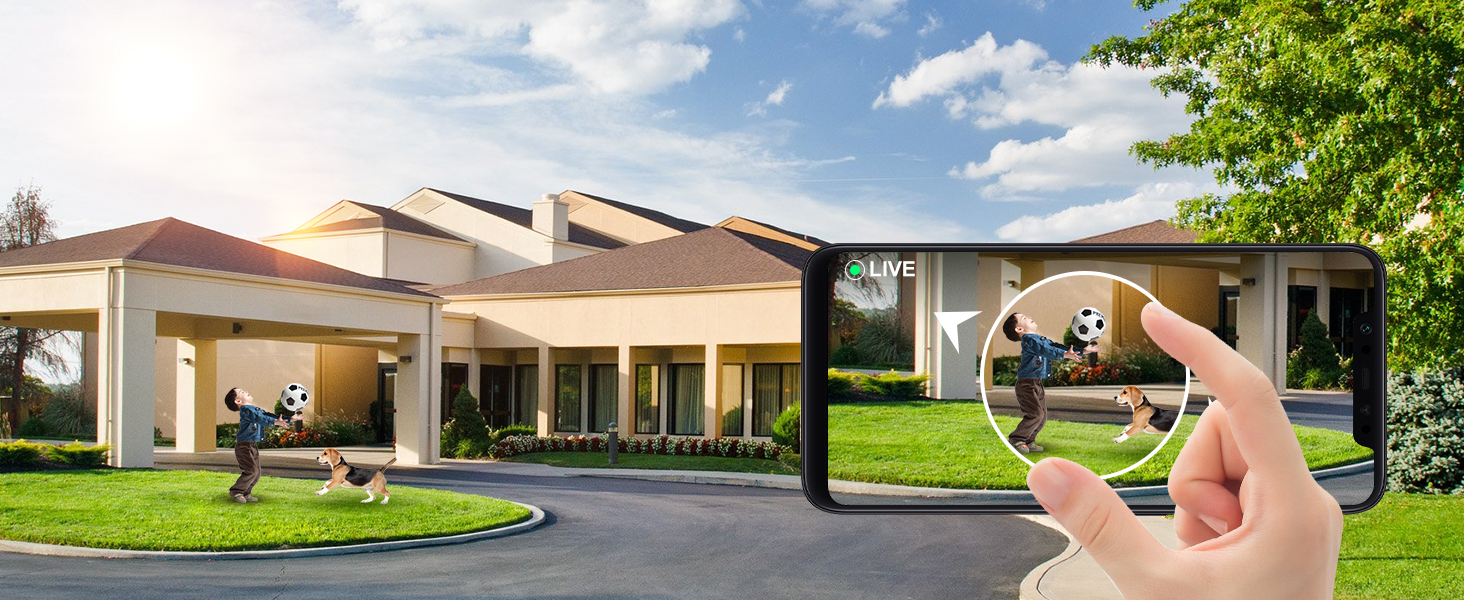
Figure 4.5: Storage options including local SD card and cloud storage.
4.6 Compartició multiusuari
The "VicoHome" APP allows for easy sharing of camera access with multiple users, enabling family members or trusted individuals to monitor the security feed.
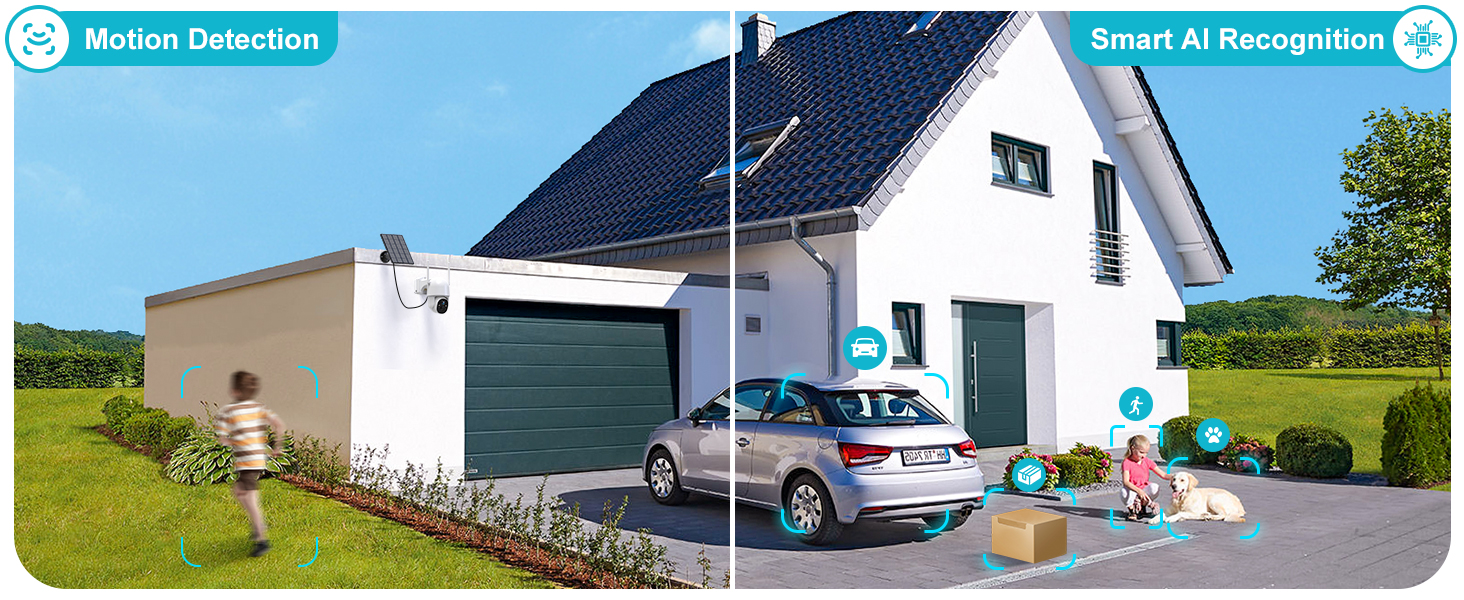
Figure 4.6: Multiple users can access and manage the camera through the app.
5. Manteniment
The Poyasilon CQ1X camera has an IP66 waterproof rating, making it resistant to rain, snow, and hot weather. This ensures reliable operation in various outdoor conditions. Regularly check the solar panel for any debris or dirt that might obstruct sunlight to ensure continuous charging. Periodically clean the camera lens to maintain clear image quality.

Figure 5.1: The camera's all-weather resistant design (IP66 waterproof).
6. Solució De Problemes
- La càmera no s'encén: Ensure the solar panel is receiving direct sunlight. If the battery is completely drained, allow several hours of direct sunlight exposure or connect it to a USB power source for initial charge. The camera has an auto power-on feature once sufficient charge is accumulated.
- Problemes de connexió Wi-Fi: Verify your Wi-Fi network is 2.4GHz. This camera does not support 5G Wi-Fi. Ensure the camera is within range of your Wi-Fi router. Try resetting the camera using the reset button if connection problems persist.
- Poca qualitat d'imatge: Check if the camera lens is clean and free from dust or smudges. Ensure there are no obstructions in the camera's field of view.
- La detecció de moviment no funciona: Verify that motion detection is enabled in the "VicoHome" APP. Adjust the sensitivity settings and customize detection zones as needed.
- Sense àudio: Check the volume settings in the app. Ensure there are no obstructions blocking the microphone or speaker on the camera.
7. Especificacions
| Característica | Especificació |
|---|---|
| Nom del model | CQ1X |
| Ús interior/exterior | A l'aire lliure |
| Font d'alimentació | Energia solar |
| Protocol de connectivitat | Wi-Fi (només 2.4 GHz) |
| Resolució de captura de vídeo | 2K (3MP) |
| Angle de panoràmica/inclinació | Panorama de 355°, inclinació de 90° |
| Viewangle ing | 120° Ultra-wide |
| Gamma de visió nocturna | Up to 30 ft (Color Night Vision) |
| Emmagatzematge | 8-128 GB Micro SD Card (not included), 3-day Cloud Storage Trial |
| Nivell de resistència a l'aigua | Impermeable IP66 |
| Material | Acrilonitril butadiè estirè (ABS) |
| Dimensions de l'article (L x A x A) | 7.2 x 5.3 x 7.6 polzades |
| Pes de l'article | 2.16 lliures |
8. Garantia i assistència
For detailed warranty information, please refer to the product packaging or contact Poyasilon customer support directly. A comprehensive User Guide in PDF format is available for download: Poyasilon CQ1X User Guide (PDF).
