
1. Introducció
This manual provides detailed instructions for the setup, operation, maintenance, and troubleshooting of your VISSPL V30 4K Supported WiFi Bluetooth Projector. Please read this manual thoroughly before using the product to ensure optimal performance and longevity.
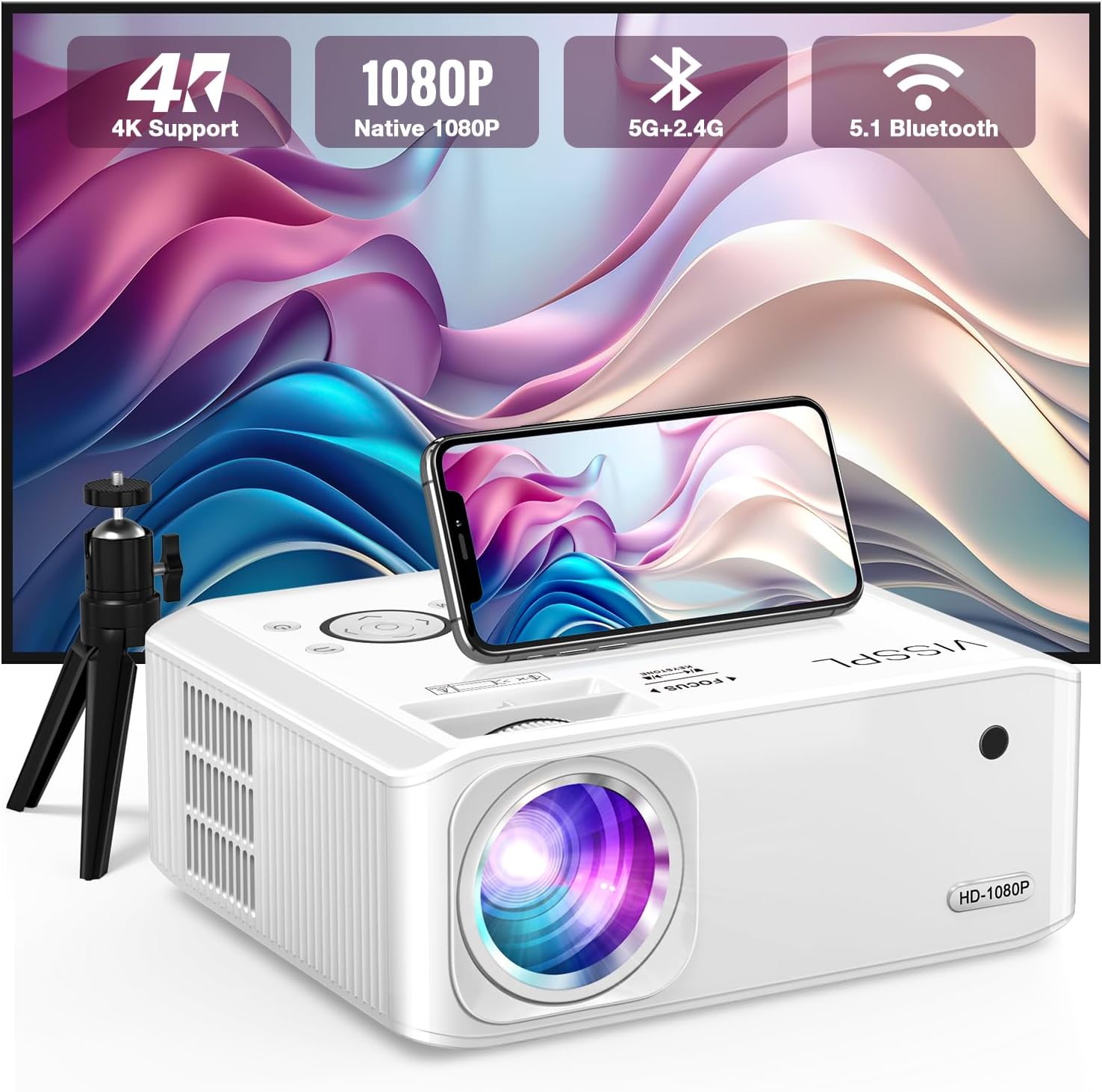
Figure 1: VISSPL V30 Projector Overview

Figure 2: Key Features of VISSPL V30 Projector
2. Contingut del paquet
Verifiqueu que tots els elements que s'enumeren a continuació s'inclouen al vostre paquet:
- VISSPL V30 Native 1080P Projector
- Pantalla de projector de 100 polzades
- Projector Tripod
- Control remot
- Cable d'alimentació
- Cable HDMI
- Cable AV
- Coberta de la lent del projector
- Manual d'usuari (aquest document)
3. Configuració
3.1 Col·locació física
Position the projector on a stable, flat surface or mount it using a compatible ceiling mount. Ensure adequate ventilation around the projector. The projection distance and screen size can be adjusted to fit your environment, supporting screen sizes from 40 to 400 inches.

Figure 3: Adjustable Projection Sizes
3.2 Connexió d'alimentació
- Connecteu el cable d'alimentació al port d'entrada d'alimentació del projector.
- Connecteu l'altre extrem del cable d'alimentació a una presa de corrent estàndard.
3.3 Encès inicial
Press the power button on the projector or the remote control to turn on the device. The indicator light will illuminate.
4. Instruccions de funcionament
4.1 Ajust de l'enfocament i la distorsió trapezoidal
Adjust the focus ring on the projector lens until the image is clear. For image shape correction, use the digital ±50° 6D/4P keystone correction feature. This allows for precise adjustments from all four corners, vertically, horizontally, and rotationally, ensuring a square image regardless of projector placement. A one-click reset function is available for convenience.

Figure 4: Digital Keystone Correction and Zoom
The zoom function allows you to adjust the image size from 100% to 50% without physically moving the projector.
4.2 Connectivitat
The VISSPL V30 projector offers multiple connectivity options:
- HDMI: Connect to laptops, gaming consoles (PS5, Switch), TV sticks, and other HDMI-enabled devices.
- USB: Two USB ports are available for media playback from USB drives or for connecting to PCs/laptops for presentations.
- DE: Per a dispositius més antics que utilitzen vídeo compost.
- Sortida d'àudio: Connect external audio systems.

Figura 5: Compatibilitat multidispositiu
Connectivitat sense fil 4.3 (WiFi i Bluetooth)
4.3.1 WiFi Screen Mirroring
The projector supports 5G+2.4G WiFi for seamless screen mirroring from Android, iOS, and Windows devices. Follow the on-screen instructions to connect your device.

Figure 6: WiFi Screen Mirroring Setup
Note: Due to HDCP copyright issues, direct playback of content from services like Netflix, Disney, or Hulu via screen mirroring is prohibited. For these services, use a TV Stick (not included) connected to the projector's HDMI port.
4.3.2 Àudio Bluetooth
The integrated Bluetooth 5.1 chip allows for wireless connection to external Bluetooth speakers or headphones. This enhances the audio experience beyond the built-in stereo speaker.
- Assegureu-vos que el dispositiu d'àudio Bluetooth estigui en mode d'emparellament.
- Navigate to the Bluetooth settings on the projector and select your device to pair.

Figure 7: Bluetooth Audio Connection
4.4 Media Playback and Presentations
The projector supports playback of various media formats via USB. It can also display office documents such as PPT presentations directly from a USB drive or when connected to a laptop.
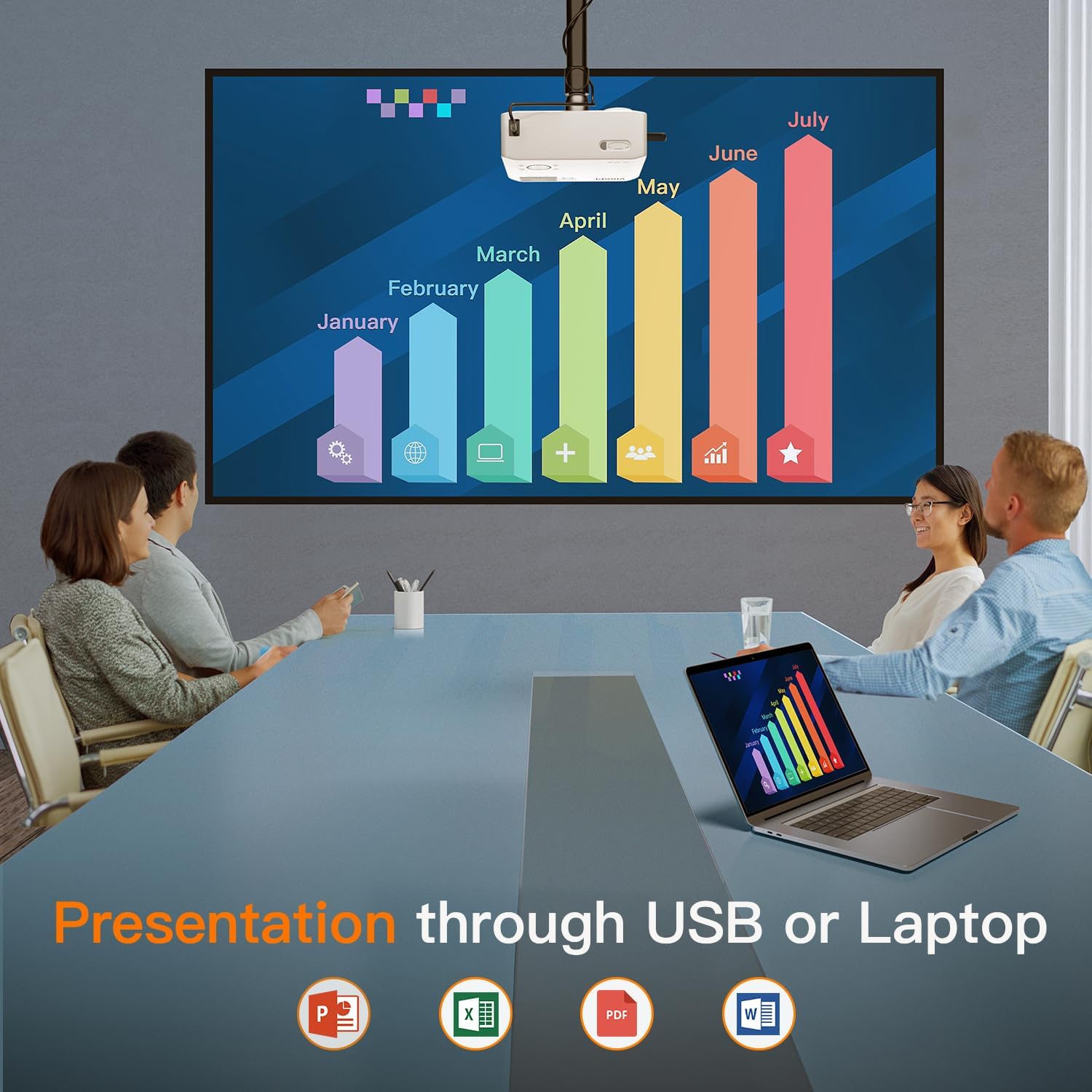
Figure 8: Business Presentation Capability
5. Manteniment
5.1 Neteja
- Lent: Feu servir un drap suau i sense borrissol dissenyat específicament per a lents òptiques. Eviteu materials abrasius o productes químics agressius.
- Exterior: Netegeu l'exterior del projector amb un drap suau i sec. No utilitzeu productes de neteja líquids directament sobre el dispositiu.
- Ventilació: Ensure the ventilation ports are clear of dust and obstructions to prevent overheating. The projector features a fully sealed optical core to minimize internal dust accumulation.
5.2 Emmagatzematge
When not in use for extended periods, store the projector in a cool, dry, dust-free environment. Use the provided lens cover to protect the lens.
6. Solució De Problemes
If you encounter issues with your VISSPL V30 projector, refer to the following common problems and solutions:
- Sense imatge:
- Assegureu-vos que el cable d'alimentació estigui connectat correctament i que el projector estigui encès.
- Verifiqueu que la font d'entrada estigui seleccionada correctament (HDMI, USB, etc.).
- Check cable connections (HDMI, AV) for looseness or damage.
- Ajusta l'enfocament i la correcció trapezoidal.
- Sense so:
- Augmenta el volum tant del projector com del dispositiu font connectat.
- If using Bluetooth, ensure the external speaker/headphone is paired and connected.
- Comproveu les connexions del cable d'àudio si feu servir altaveus externs amb cable.
- WiFi/Screen Mirroring Issues:
- Ensure both the projector and your device are connected to the same WiFi network.
- Reinicieu tant el projector com el dispositiu.
- Remember that streaming services like Netflix, Disney, and Hulu may not work directly via screen mirroring due to HDCP copyright protection. Use a TV Stick for these services.
- Imatge distorsionada o borrosa:
- Ajusteu l'anell d'enfocament de l'objectiu.
- Use the digital keystone correction to square the image.
- Assegureu-vos que el projector estigui col·locat sobre una superfície estable i que no vibri.
For further assistance, please contact VISSPL customer support.
7. Especificacions
| Característica | Detall |
|---|---|
| Marca | VISSPL |
| Número de model | V30 |
| Resolució de visualització | 1920 x 1080 (1080P natiu, compatible amb 4K) |
| Brillantor | 15000L |
| Relació de contrast | 15000:1 |
| Tecnologia de connectivitat | Bluetooth 5.1, HDMI, USB (x2), AV, Wi-Fi (5G+2.4G Hz) |
| Correcció de pedra clau | Digital ±50° 6D/4P |
| Funció de zoom | del 100% al 50% |
| Mida de projecció | 40" - 400" |
| Tipus d'altaveu | Built-In Hi-Fi Stereo Speaker |
| Dimensions del producte | 8.8 x 7.1 x 3.6 polzades |
| Pes de l'article | 2.97 lliures |
| Color | Blanc Perla |
| Motor òptic | Fully Sealed Optical Core |
8. Garantia i Suport
VISSPL provides comprehensive support for your V30 projector:
- Garantia: 2-year product replacement warranty.
- Suport tècnic: Suport tècnic de per vida.
- Atenció al client: 24/7 service and 100% satisfaction guarantee.
For any inquiries or assistance, please contact VISSPL customer support through the retailer where you purchased the product or visit the official VISSPL weblloc per obtenir informació de contacte.