
Optoma UHD35x
Optoma UHD35x 4K DLP Projector User Manual
Model: UHD35x | Brand: Optoma
1. Introducció
This manual provides essential information for the safe and efficient operation of your Optoma UHD35x 4K DLP Projector. Please read this manual thoroughly before using the projector and retain it for future reference.
The Optoma UHD35x is designed to deliver impressive cinema-quality images with 3,600 lumens, an ultra-low input lag of 4.2ms, and a high refresh rate of 240Hz, making it suitable for gaming, live sports, TV shows, and movies. It projects images up to 300 inches with incredible detail, vibrant colors, and outstanding input response for immersive 4K HDR cinematic and gaming experiences.

Figura 1.1: Frontal view of the Optoma UHD35x 4K DLP Projector. This image shows the projector's white casing, the main lens, and ventilation grilles on the side.
2. Contingut del paquet
Verifiqueu que tots els elements que s'enumeren a continuació s'inclouen al vostre paquet:
- UHD35x projector
- Manual d'usuari d'inici ràpid
- Comandament a distància
- Piles per a comandament a distància
- Cable d'alimentació
3. Configuració
3.1. Col·locació del projector
Consider the projection distance and screen size for optimal viewing. The Optoma UHD35x is a standard throw projector, suitable for various room sizes.

Figure 3.1: Diagram illustrating standard throw projection distances for the Optoma UHD35x. It shows recommended distances for 100-inch and 120-inch screen sizes for both ceiling-mounted and shelf placement configurations. For a 100-inch screen, the distance is approximately 10.8-12.1 feet (3.29-3.69m). For a 120-inch screen, the distance is approximately 13.07-14.37 feet (3.98-4.38m).
3.2. Connectivitat
The projector offers various input and output ports for connecting to different devices.

Figure 3.2: Diagram detailing the dimensions and connectivity ports of the Optoma UHD35x. Key ports include USB Power OUT (5V/1.5A), VGA In, RS-232, two HDMI 2.0 ports, S/PDIF, 12V Out, Audio In (stereo, 3.5mm jack), and Audio Out (stereo, 3.5mm jack). The dimensions are approximately 10.6 inches (270mm) height, 12.4 inches (315mm) width, and 4.64 inches (118mm) depth.
Connect your source devices (e.g., gaming console, Blu-ray player, PC) to the appropriate HDMI or VGA input ports. Ensure the power cable is securely connected to the projector and a power outlet.
4. Instruccions de funcionament
4.1. Encendre/apagar
- To power on: Press the power button on the projector or the remote control.
- To power off: Press the power button again. The projector will enter a cooling down phase before fully shutting down. Do not unplug the power cord during this phase.
4.2. Selecció de la font d'entrada
Use the "Source" button on the remote control or projector to cycle through available input sources (HDMI 1, HDMI 2, VGA).
4.3. Ajust de la imatge
Adjust focus and zoom using the rings around the lens. Use the menu options to fine-tune picture settings such as brightness, contrast, color, and aspect ratio.

Figure 4.1: The Optoma UHD35x highlighting its key features: True 4K UHD (2160P), HDR compatibility, 3,600 Lumens brightness, 1,000,000:1 contrast ratio, ultra-fast 240Hz refresh rate, and 4.2ms response time at 1080p on PC.
4.4. Enhanced Gaming Mode
For competitive gaming, activate the Enhanced Gaming Mode. This mode reduces input lag down to 4.2ms at 1080p 240Hz for PC gaming, or provides 16ms input response at 4K UHD 60Hz for console gaming (e.g., PlayStation 5, Xbox Series X|S).
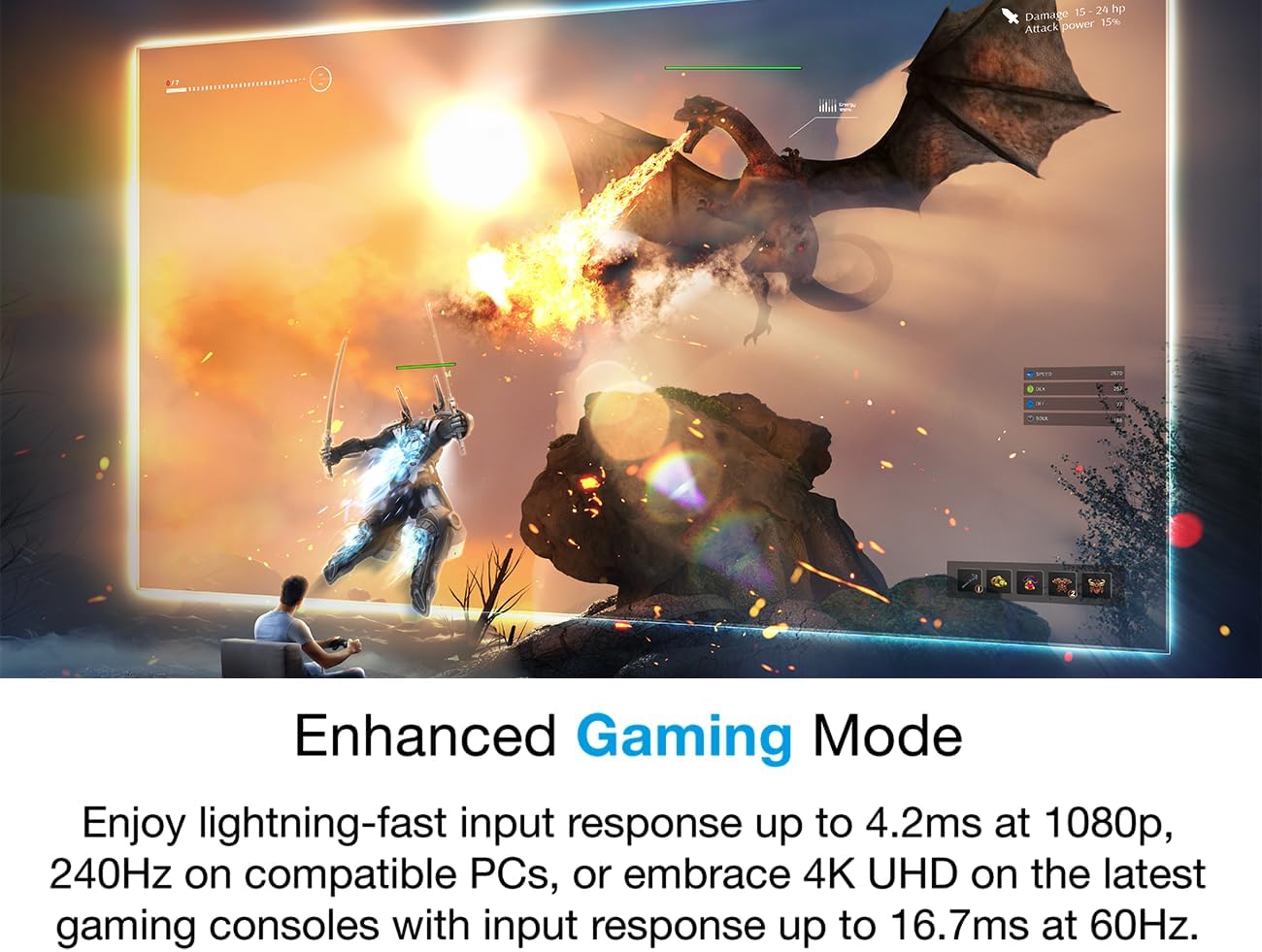
Figure 4.2: A dynamic gaming scene projected by the Optoma UHD35x, illustrating the benefits of Enhanced Gaming Mode for fast-paced action.
4.5. True 4K UHD Resolution
Experience true 4K Ultra HD with 8.3 million distinct addressable on-screen pixels, offering double the detail compared to 4K Pro UHD.
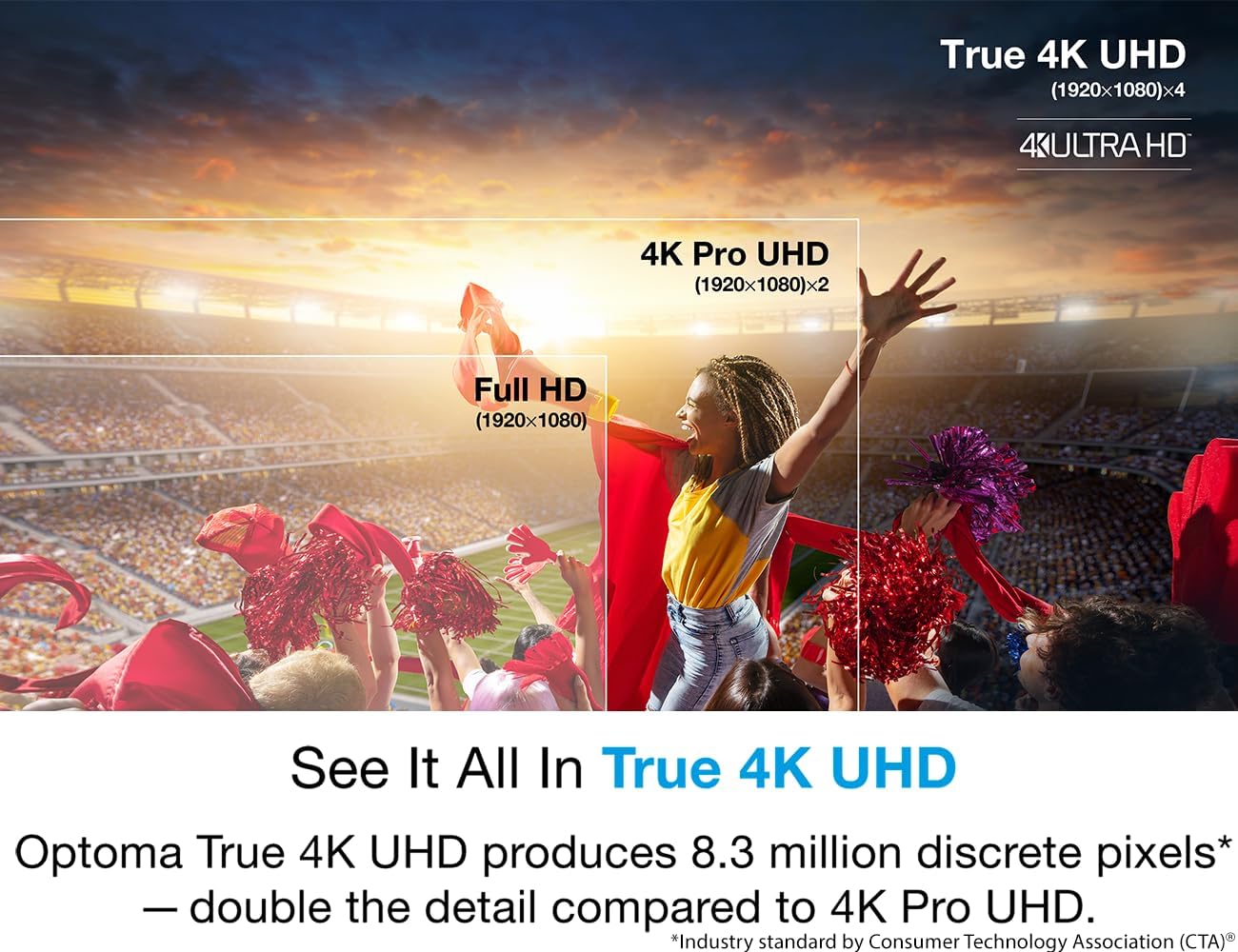
Figure 4.3: Visual comparison demonstrating the superior detail of True 4K UHD (3840x2160) compared to Full HD (1920x1080) and 4K Pro UHD (1920x1080x2).
4.6. HDR10 & HLG Compatibility
The projector is compatible with HDR10 and HLG content, ensuring vivid 4K UHD content with deeper black levels, brighter whites, and greater color depth. Optoma HDR tone mapping combined with Dynamic Black technology optimizes the image for an immersive visual experience.
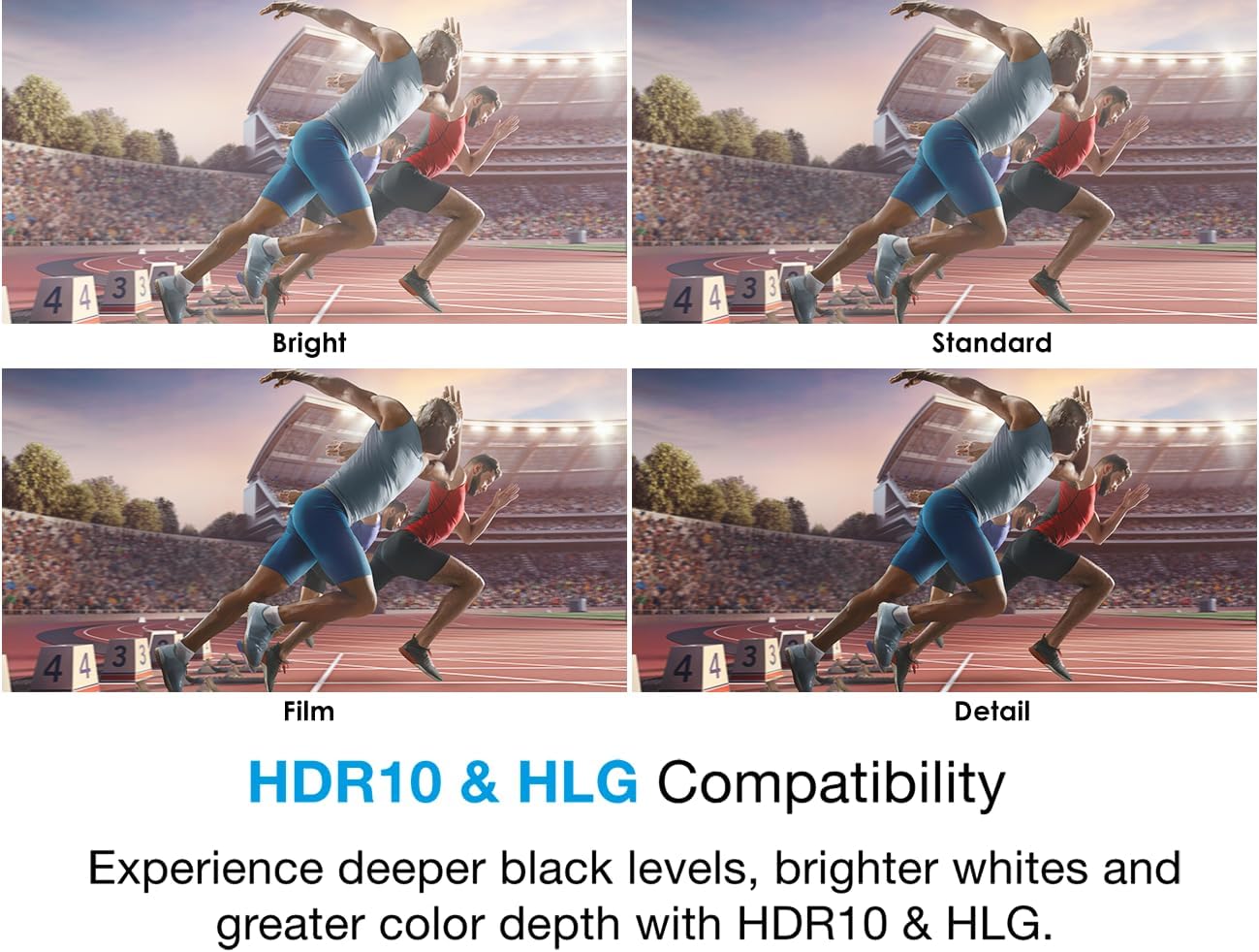
Figure 4.4: Four distinct image modes (Bright, Standard, Film, Detail) showcasing the enhanced visual quality and color reproduction achieved through HDR10 & HLG compatibility.
4.7. Lightning-fast 240Hz Refresh Rate
PC gamers can take advantage of the 240Hz refresh rate for blur-free visuals with outstanding smoothness, crucial for fast-paced action.

Figure 4.5: A side-by-side comparison of a racing game, illustrating the improved fluidity and clarity provided by the 240Hz refresh rate.
5. Manteniment
5.1. Atenció general
- Keep the projector clean by wiping the exterior with a soft, dry cloth.
- No utilitzeu netejadors líquids o aerosols.
- Assegureu-vos una ventilació adequada al voltant del projector per evitar el sobreescalfament.
5.2. Lamp Substitució
The Optoma UHD35x uses a lamp light source. The lamp has a finite lifespan and will need to be replaced when its brightness diminishes significantly or it fails. Refer to the full user manual (available as PDF) for detailed instructions on lamp replacement and safety precautions.
6. Solució De Problemes
This section addresses common issues you might encounter with your Optoma UHD35x projector.
| Problema | Causa possible | Solució |
|---|---|---|
| No es mostra cap imatge | Power cable disconnected, incorrect input source, source device off. | Check power connections, select correct input source, ensure source device is on. |
| La imatge és borrosa | Desenfocat, distància de projecció incorrecta. | Adjust the focus ring on the lens. Verify projector is within recommended projection distance. |
| El projector s'sobreescalfa i s'apaga | Ventilació bloquejada, temperatura ambient excessiva. | Ensure ventilation openings are clear. Operate in a well-ventilated area. Allow projector to cool down. |
| El comandament a distància no funciona | Piles gastades, obstrucció, fora de l'abast. | Replace batteries. Remove any obstructions between remote and projector. Ensure you are within effective range. |
For more detailed troubleshooting, refer to the comprehensive user manual PDF provided by Optoma.
7. Especificacions
| Característica | Detall |
|---|---|
| Marca | Optoma |
| Número de model | UHD35x |
| Dimensions del producte | 10.6 x 12.4 x 4.6 polzades |
| Pes de l'article | 10.05 lliures |
| Resolució de visualització | 3840 x 2160 (4K UHD) |
| Tecnologia de connectivitat | USB, HDMI |
| Usos recomanats | Jocs |
| Característica especial | Portàtil |
| Diagonal de pantalla visible | 300" / 762 cm |
8. Garantia i Suport
For warranty information and technical support, please refer to the official Optoma website or contact Optoma customer service directly. Keep your purchase receipt as proof of purchase for warranty claims.
Recursos addicionals:
Ask a question about this manual
Ask about setup, troubleshooting, compatibility, parts, safety, or missing instructions. Manuals+ will review the question and use this page’s manual context to help answer it.