
1. Introducció
Thank you for choosing the Yeedi k950 Robot Vacuum and Mop Combo. This manual provides essential information for the safe operation, maintenance, and troubleshooting of your device. Please read it thoroughly before use and retain it for future reference.
The Yeedi k950 is designed to provide efficient and comprehensive floor cleaning, combining powerful vacuuming with an oscillating mopping system. Its advanced features include 3D obstacle avoidance, smart visual mapping, and automatic carpet detection.
2. Producte acabatview
2.1 Característiques clau
- Oscillating Mopping System: Scrubs off dried-on stains from hard floors.
- Potència de succió de 3000 Pa: Effectively picks up dirt from carpets and hard floors.
- 3D Obstacle Avoidance: Detects and navigates around common household objects.
- Smart Visual Mapping & Navigation: Creates and saves home layouts for efficient cleaning paths.
- Detecció de catifes: Avoids carpets in mopping mode and boosts suction in vacuuming mode.
- Control de l'aplicació: Customizable cleaning settings, sequence, and area selection via the yeedi app.
- Self-Empty Station Compatibility: (Optional) Automatically empties the dustbin for up to 30 days.
2.2 Components del robot

Imatge: A dalt view of the Yeedi k950 robot vacuum. This image shows the overall design of the robot, including the main power button and visual sensor on top.

Imatge: Part inferior view of the Yeedi k950 robot vacuum. This image highlights the main brush, side brushes, and the oscillating mop pad module, which are crucial for cleaning.
3. Configuració
3.1 Desembalatge i col·locació
- Carefully remove all packaging materials from the robot and its accessories.
- Col·loqueu la base de càrrega contra una paret en una zona oberta, assegurant-vos que no hi hagi obstacles a menys d'1 metre (3 peus) al davant i a 0.5 metres (1.5 peus) als costats.
- Connecteu l'adaptador d'alimentació a la base de càrrega i connecteu-lo a una presa de corrent.
3.2 Càrrega inicial
Place the robot onto the charging dock, ensuring the charging contacts align. The robot will begin charging automatically. For first-time use, fully charge the robot before operation (approximately 6 hours).
3.3 Instal·lació i connexió de l'aplicació
- Download the 'yeedi' app from your mobile device's app store (iOS or Android).
- Obriu l'aplicació i seguiu les instruccions a la pantalla per crear un compte.
- Add your Yeedi k950 robot by scanning the QR code on the device or selecting it from the list.
- Connect the robot to your home Wi-Fi network as prompted by the app.
4. Funcionament
4.1 Inici d'un cicle de neteja
Podeu iniciar un cicle de neteja de dues maneres:
- Via the Robot: Press the main power button on the robot once.
- Via the App: Open the yeedi app and tap the 'Clean' button.
4.2 modes de neteja
The Yeedi k950 supports various cleaning modes, which can be selected via the yeedi app:
- Neteja automàtica: The robot intelligently cleans your entire home.
- Neteja de la zona: Seleccioneu habitacions o zones específiques per netejar.
- Neteja personalitzada: Draw a custom cleaning zone on the map.

Imatge: Illustration of the Yeedi k950's oscillating mopping system. The image shows the robot actively scrubbing a floor, demonstrating its ability to remove dried stains more effectively than traditional mopping.
Imatge: Depiction of the Yeedi k950's carpet detection feature. The robot avoids carpets in mopping mode and automatically increases suction power when vacuuming on carpets, ensuring optimal cleaning for different floor types.
4.3 Funcions intel·ligents
- 3D Obstacle Avoidance: The robot uses advanced sensors to detect and avoid common household obstacles like shoes, pet bowls, and toys, reducing the need for pre-cleaning.
- Visual Mapping: The robot creates a detailed map of your home, allowing for efficient navigation and customized cleaning plans. It can save up to three maps for multi-level homes.
- Neteja personalitzable via aplicació: Use the yeedi app to adjust vacuum power, water flow levels, set cleaning sequences for different rooms, and define no-go zones or virtual walls.

Imatge: Visual representation of the Yeedi k950's 3D obstacle avoidance technology. The robot is shown detecting and navigating around various objects on the floor, such as shoes and toys.

Imatge: Diagram illustrating the Yeedi k950's ability to create and save multiple maps. This feature is beneficial for homes with multiple floors, allowing the robot to adapt to different layouts.

Imatge: Screenshots of the yeedi mobile application interface. This image demonstrates how users can set cleaning sequences, clean specific areas, and customize settings like vacuum power and water flow levels.
5. Manteniment
Regular maintenance ensures optimal performance and extends the lifespan of your Yeedi k950.
5.1 Cubell de brossa i filtre
- Buidat: Empty the dustbin after each cleaning cycle. If using the optional self-empty station, the dustbin will be emptied automatically.
- Neteja: Rinse the dustbin with water as needed. Allow it to air dry completely before reinserting.
- Filtre: Tap the filter to remove dust. Replace the high-efficiency filter every 3-6 months, depending on usage.
5.2 Raspall principal i raspalls laterals
- Pinzell principal: Remove the main brush cover and lift out the brush. Use the cleaning tool to cut and remove tangled hair. Clean the brush bearings.
- Raspalls laterals: Check side brushes for tangled hair or debris. If damaged, replace them.
5.3 Mopping Pad and Water Tank
- Coixinet de fregar: Remove the mopping pad after each use and wash it. Air dry completely.
- Dipòsit d'aigua: Empty any remaining water from the tank after mopping. Clean the tank regularly to prevent mold or odors.
5.4 Sensors i contactes de càrrega
- Wipe all sensors (cliff sensors, anti-collision sensors, visual mapping sensor) and charging contacts on both the robot and the charging dock with a clean, dry cloth.
6. Solució De Problemes
If your Yeedi k950 encounters an issue, refer to the following common solutions:
| Problema | Causa possible | Solució |
|---|---|---|
| El robot no arrenca | Low battery; Main switch off | Carregueu el robot; engegueu l'interruptor principal. |
| El robot s'enganxa sovint | Obstacles; Dirty sensors | Clear obstacles; Clean cliff and anti-collision sensors. |
| Mal rendiment de neteja | Full dustbin; Clogged brushes; Dirty filter | Empty dustbin; Clean main/side brushes; Clean/replace filter. |
| El robot no pot trobar la base de càrrega | Dock obstructed; Dock unplugged | Ensure clear area around dock; Plug in charging dock. |
| Mopping is ineffective | Dry mop pad; Empty water tank | Wet the mop pad; Fill the water tank. |
For more detailed troubleshooting or persistent issues, please refer to the yeedi app or contact customer support.
7. Especificacions
| Característica | Detall |
|---|---|
| Marca | yeedi |
| Nom del model | k950 |
| Característica especial | Obstacle Avoidance, Oscillating Mopping |
| Color | Blanc |
| Durada de la bateria | Up to 30 Days (with self-empty station) |
| Font d'alimentació | Funciona amb bateria |
| Dispositius compatibles | Amazon Echo |
| Factor de forma | Robòtica |
| Pes de l'article | 5 kg 920 g |
| Dimensions de l'article (LxWxH) | 61 x 40.6 x 12.7 centímetres |
| Recomanació de superfície | Catifa, sòl dur |
8. Garantia i Suport
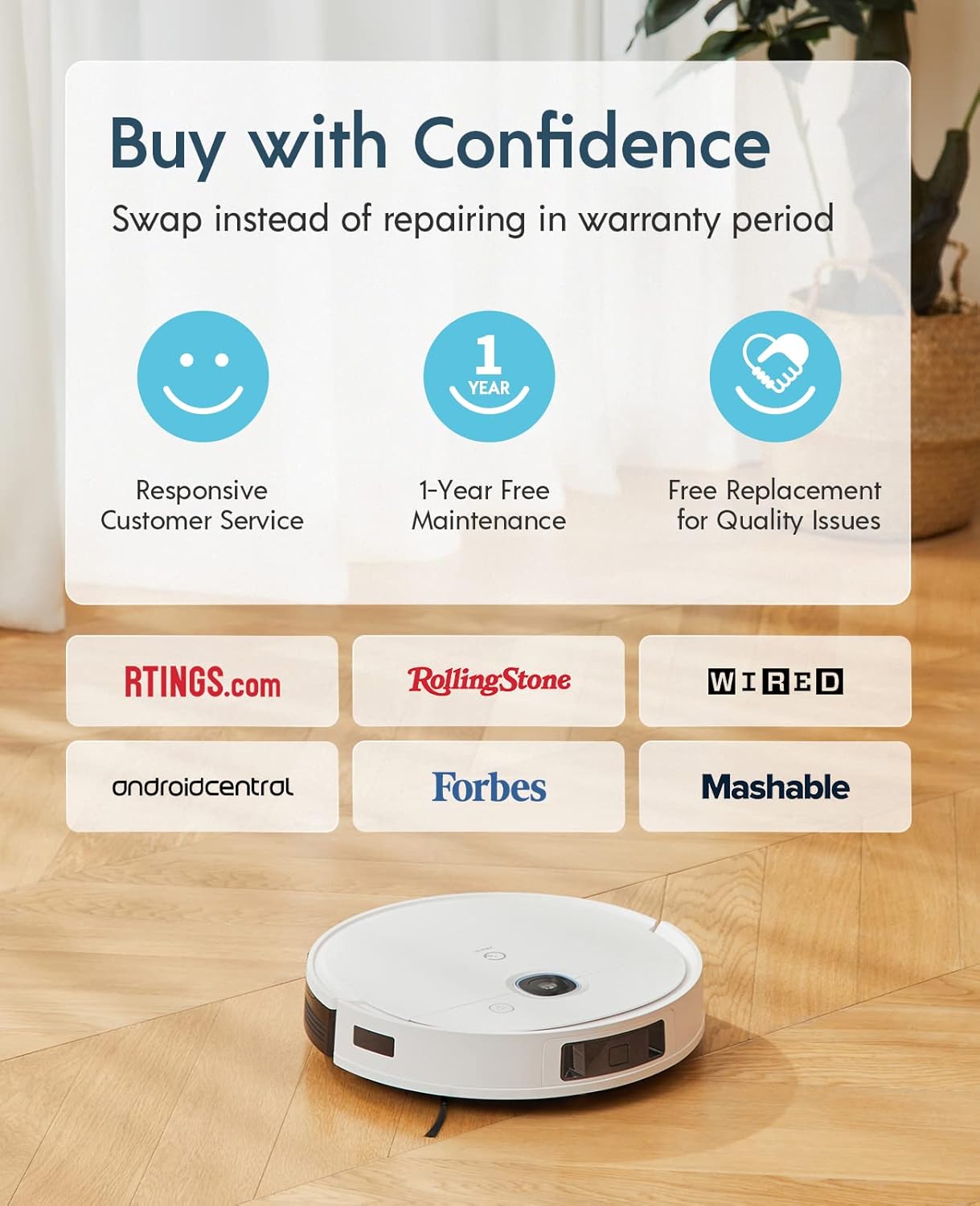
The Yeedi k950 Robot Vacuum and Mop Combo comes with a 1 anys de garantia sense preocupacionsAquesta garantia inclou:
- Responsive Customer Service.
- 1-Year Free Maintenance.
- Free Replacement for Quality Issues within the warranty period.
For warranty claims, technical support, or any inquiries, please contact yeedi customer service through the yeedi app or visit the official yeedi weblloc.

Imatge: Information regarding yeedi's customer support and warranty policy, highlighting responsive service, free maintenance, and replacement for quality issues.


