
Introducció
The Vitafit VT7058 Smart Bathroom Scale is designed to provide accurate body weight measurements and comprehensive body composition analysis when paired with its dedicated application. This manual provides essential information for the proper setup, operation, and maintenance of your scale.

Image: Vitafit VT7058 Smart Bathroom Scale displaying weight, alongside a smartphone showing the connected app's body composition analysis interface.
Configuració
1. Instal·lació de la bateria
The Vitafit VT7058 scale requires 3 AAA batteries, which are included. To install or replace batteries:
- Localitzeu el compartiment de la bateria a la part inferior de la bàscula.
- Obriu la tapa del compartiment de la bateria.
- Introduïu les 3 piles AAA, assegurant-vos de la polaritat correcta (+/-).
- Close the battery compartment cover securely. If this is the first use, remove the protective tab from the battery compartment.

Image: Underside of the scale illustrating battery insertion, unit switch, and anti-skid pads.
2. Col·locació de l'escala
For accurate measurements, place the scale on a hard, flat surface. Avoid placing it on soft surfaces like carpets or rugs, as this can affect accuracy.
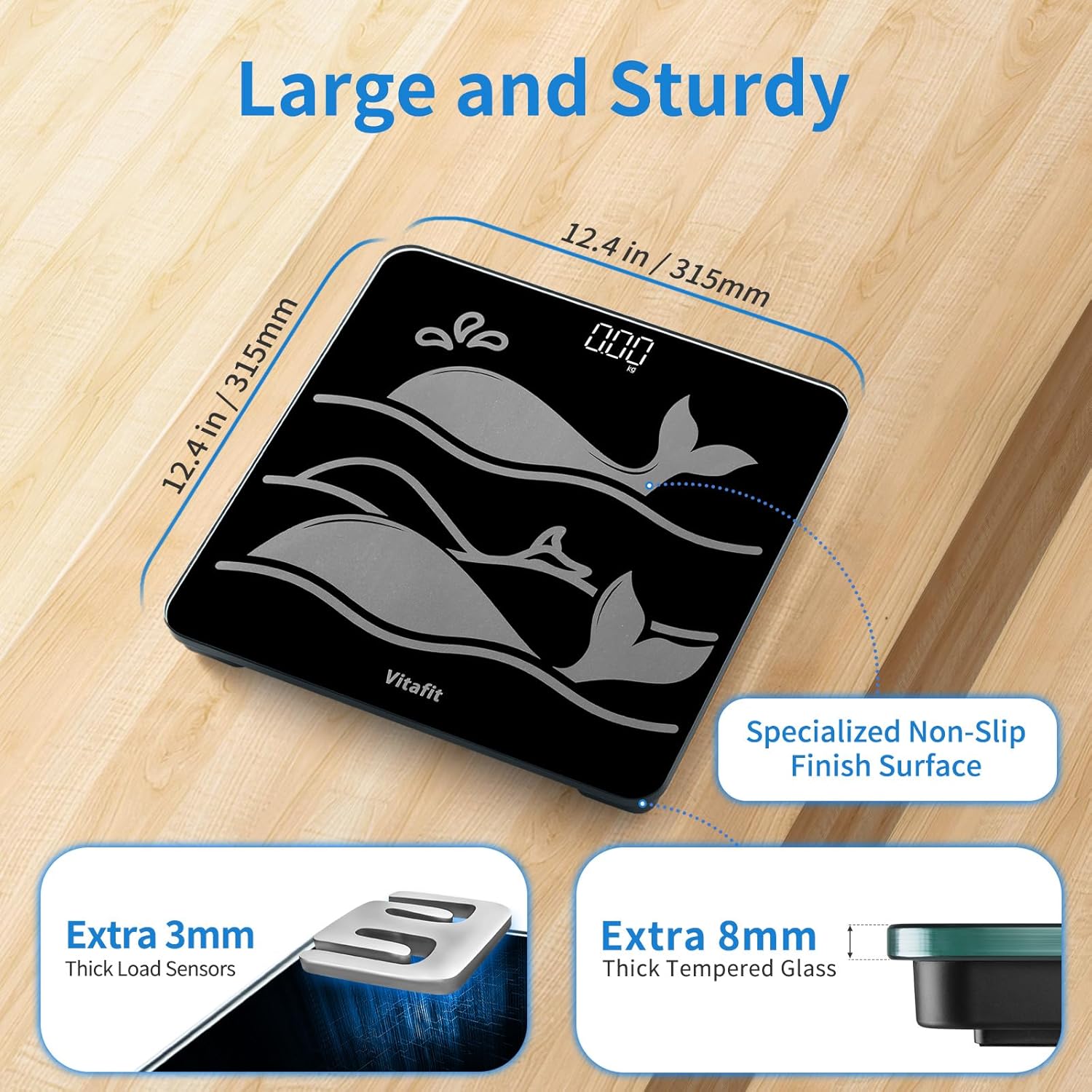
Image: The Vitafit scale on a hard surface, emphasizing its large platform and sturdy construction.
3. Selecció d'unitat
The scale supports measurements in pounds (lb), kilograms (kg), and stones (st:lb). To switch between units, locate the unit switch button on the underside of the scale, near the battery compartment. Press the button to cycle through the available units.
4. Descàrrega i emparellament de l'aplicació
To utilize the smart features and body composition analysis, download the official Vitafit application from your device's app store (Apple Health, Google Fit, Samsung Health, Fitbit compatible). Follow the in-app instructions to pair your scale via Bluetooth. The app allows for unlimited user profiles for family and friends, and securely stores data in US and EU Cloud Servers via AWS.

Image: User interacting with the Vitafit app for body composition analysis.
Instruccions de funcionament
1. Pesatge bàsic
The scale features an auto step-on function. Simply step onto the center of the scale with bare feet. The bright white LED display will illuminate and show your weight. The scale will automatically turn off after a few seconds to conserve battery life.
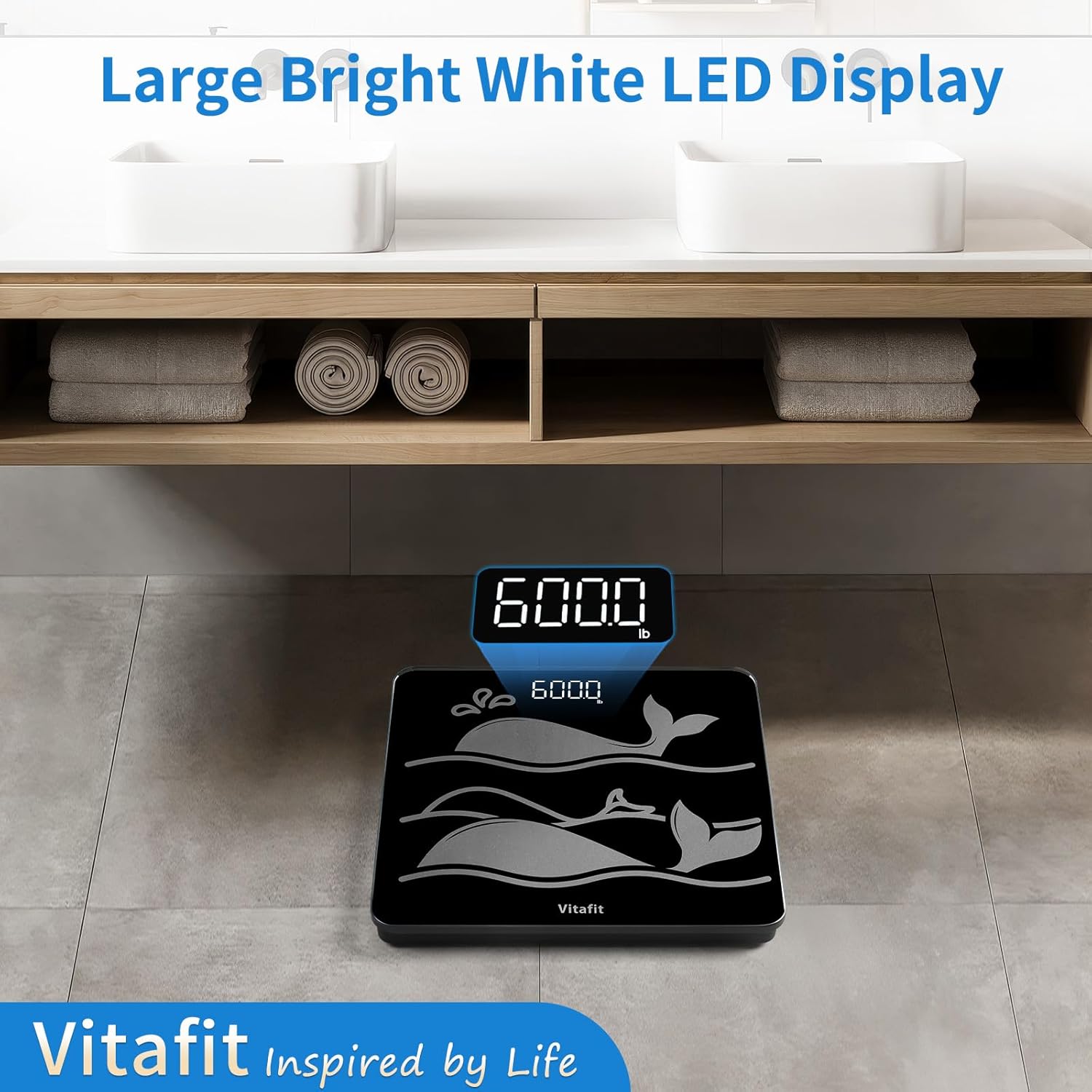
Image: The scale's bright white LED display showing a weight reading.
2. Body Composition Analysis (with App)
For detailed body composition analysis (including BMI, body fat, body water, protein, bone mass, and muscle mass), ensure the scale is paired with the Vitafit app. Step onto the scale with bare feet. The measurements will be transmitted to the app, providing an in-depth report and tracking your fitness progress over time.
Video: A demonstration of the Vitafit Digital Bathroom Scale for Body Weight, showing its basic operation and display.
Vídeo: Un overview of the Vitafit Scale, highlighting its features and ease of use.
Manteniment
1. Neteja
The scale features an 8mm sturdy tempered glass platform with a non-slip finish. To clean, wipe the surface with a damp cloth and a mild cleaning agent. Avoid abrasive cleaners or harsh chemicals that could damage the glass or electronic components.
2. Substitució de la bateria
When the display indicates low battery or fails to power on, replace the 3 AAA batteries as described in the Setup section. Ensure to dispose of old batteries responsibly.
3. Emmagatzematge
Store the scale in a dry place at room temperature. Its sleek and thin design allows for easy storage without taking up much space.
Resolució de problemes
- Lectures inexactes: Ensure the scale is placed on a hard, flat, and stable surface. Uneven or soft surfaces can lead to inconsistent measurements. Avoid moving the scale between weigh-ins to prevent the need for recalibration.
- 'Err' Message on Display: If an 'Err' message appears, it may indicate an issue with the measurement process. Ensure you are standing still on the scale with bare feet and that the scale is on a stable surface. If using a smart scale with a handle, ensure the handle is held correctly during measurement.
- Sense pantalla/alimentació: Comproveu si les piles estan correctament instal·lades i tenen prou càrrega. Canvieu les piles si cal.
- Problemes de connectivitat de l'aplicació: Ensure Bluetooth is enabled on your smartphone and the Vitafit app is open. Try restarting both the app and your phone, and re-pairing the scale if necessary.
Especificacions
| Característica | Detall |
|---|---|
| Dimensions del producte | 11.02 x 11.02 x 9.45 polzades |
| Pes de l'article | 4.41 lliures |
| Número de model | VT7058 |
| Bateries | 3 piles AAA (incloses) |
| Marca | Vitafit |
| Color | Smart Scale Black |
| Característiques especials | Auto Shut Off, Backlit Display, High Weight Capacity, Non-Slip Platform, Precision Balanced |
| Tipus de visualització | LED |
| Límit de pes | 600 lliures (300 kg) |
Garantia i Suport
All Vitafit products are developed and produced by Vitafit and are supported by their US customer service center located in Missouri. For any inquiries or support, please contact the customer service center.