
1. Introducció
This manual provides essential instructions for the SOLTECH CCTV Remote Control, model RCWN00001B (also identified as EP10-001090A). This remote is specifically designed for use with various Samsung Wisenet Security & Surveillance Camera Systems, including DVRs and NVRs. Please read this manual thoroughly to ensure proper use and functionality of your remote control.
2. Producte acabatview
The SOLTECH CCTV Remote Control is a dedicated device for managing your Samsung Wisenet security system. It replicates the functionality of the original remote control included with Wisenet All-In-One systems, providing convenient access to your DVR or NVR functions.
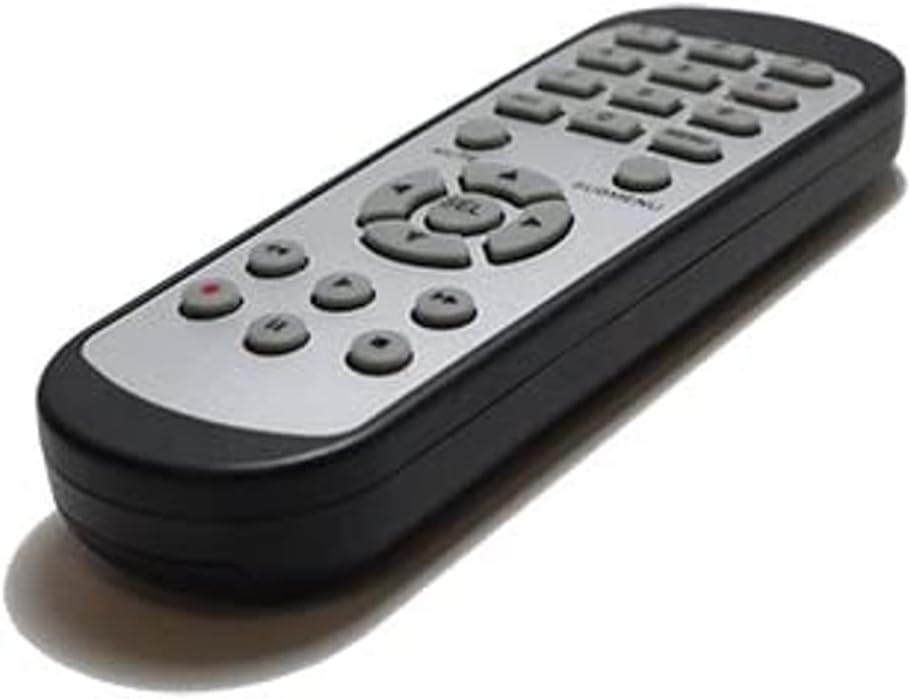
Imatge 2.1: Frontal view of the SOLTECH CCTV Remote Control (Model RCWN00001B / EP10-001090A).
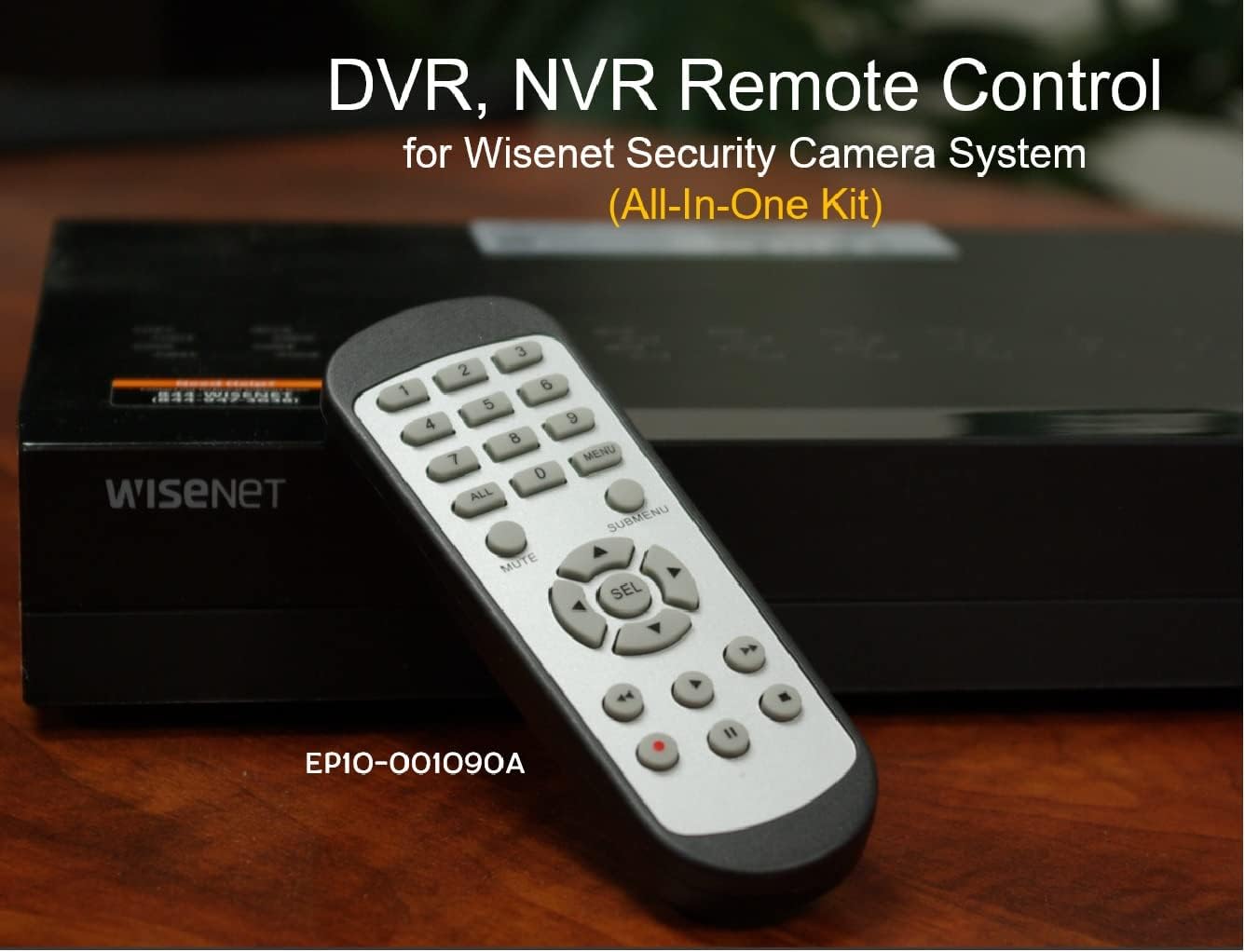
Image 2.2: The remote control positioned on a Wisenet Digital Video Recorder (DVR).
3. Configuració
This remote control requires two AAA batteries for operation. Batteries are not included with the product and must be purchased separately.
3.1 Instal·lació de la bateria
- Localitzeu el compartiment de la bateria a la part posterior del comandament a distància.
- Feu lliscar la tapa del compartiment de la bateria cap avall i aixequeu-la.
- Introduïu dues piles AAA, assegurant-vos de la polaritat correcta (+ i -) tal com s'indica a l'interior del compartiment.
- Torneu a col·locar la tapa del compartiment de la bateria fent-la lliscar fins que faci clic de manera segura.

Imatge 3.1: posterior view of the remote control with the battery compartment open, showing where to insert AAA batteries.
3.2 Connexió inicial
The SOLTECH CCTV Remote Control is pre-configured for Samsung Wisenet All-In-One System DVRs and NVRs. No additional setup, programming, or pairing is required. Once batteries are installed, the remote is ready for immediate use with compatible systems.
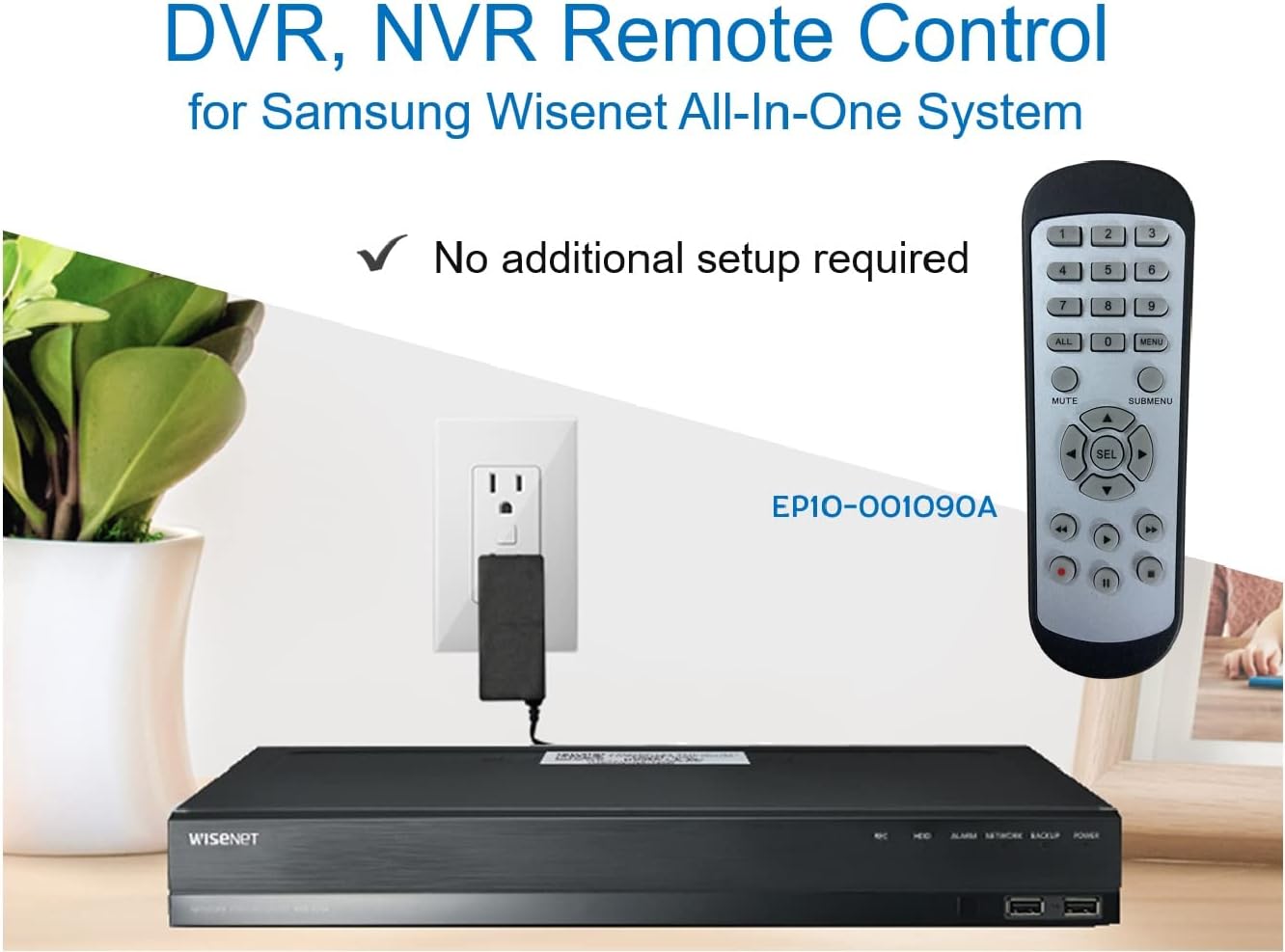
Image 3.2: The remote control shown alongside a Wisenet DVR, illustrating the 'no additional setup required' feature.
4. Instruccions de funcionament
Point the remote control directly at your Samsung Wisenet DVR or NVR. Press the desired buttons to navigate menus, control playback, switch camera views, and access other functions of your security system. The button layout is standard for Wisenet systems, allowing for intuitive operation.
- Botons numèrics (0-9): Used for direct camera selection or data entry.
- Directional Pad (Up, Down, Left, Right, SEL): Per a la navegació i selecció de menús.
- MUT: Silencia la sortida d'àudio.
- SUBMENU: Accesses sub-menus within the system interface.
- Controls de reproducció (Reproduir, Pausa, Aturar, Avançar ràpidament, Rebobinar): Manages recorded footage reproducció.
- REC (Enregistrament): Initiates manual recording.
5. Compatibilitat
This remote control is compatible with various Samsung Wisenet All-In-One System Series. It is designed to function as a direct replacement for the original remote controls supplied with these systems.
5.1 Compatible System Series
The remote control is compatible with, but not limited to, the following Samsung Wisenet All-In-One System Series:
- SDH-E95127
- SDH-B94047
- SDH-C94087
- SDH-B73043
- SDH-C85080
- SDH-SF440
- SDH-B74043
- SDH-B74083
- SDH-B74041
- SDH-B74081
- SDH-C85100
- SDR-C85300
- SNK-B73047
- SDH-B74086
- SDH-C73043
- SDR-C73303
- SDH-C74043DF
- SDR-C74303N1T
- SDR-B74301

Image 5.1: The remote control displayed alongside a partial list of compatible Samsung Wisenet All-In-One System Series.

Image 5.2: An illustration showing the remote control's compatibility with a range of Samsung Wisenet security camera systems.
6. Manteniment
6.1 Substitució de la bateria
When the remote control's performance diminishes or it stops responding, replace the AAA batteries. Always replace both batteries at the same time with new ones. Do not mix old and new batteries, or different types of batteries.
6.2 Neteja
Per netejar el comandament a distància, utilitzeu un drap suau i sec. Per a la brutícia resistent, netegeu lleugerament.ampRenta el drap amb aigua. Evita utilitzar productes químics agressius, netejadors abrasius o dissolvents, ja que poden danyar la superfície o els components interns del comandament a distància.
6.3 Emmagatzematge
Guardeu el comandament a distància en un lloc fresc i sec, allunyat de la llum solar directa i de temperatures extremes. Si no heu d'utilitzar el comandament a distància durant un període prolongat, és recomanable treure les piles per evitar fuites.
7. Solució De Problemes
If you experience issues with your SOLTECH CCTV Remote Control, refer to the following common troubleshooting steps:
- El comandament a distància no respon:
- Comproveu si les piles estan inserides correctament amb la polaritat correcta.
- Substituïu les piles per piles AAA noves.
- Ensure there is a clear line of sight between the remote control and the infrared receiver on your Wisenet DVR/NVR. Obstructions can block the signal.
- Verify that the remote control is pointed directly at the Wisenet system.
- Funcionalitat intermitent:
- Això sovint indica que la bateria està baixa. Canvieu les piles.
- Assegureu-vos que no hi hagi fonts de llum fortes (com la llum solar directa o llums fluorescents brillants) que interfereixin amb el senyal infraroig.
- Remote Does Not Control My System:
- Confirm that your security system is a Samsung Wisenet All-In-One System and is listed as compatible in Section 5.1. This remote is specifically designed for these systems and may not work with other brands or models.
- As this remote requires no additional setup, if it is not working with a confirmed compatible system after battery replacement, contact customer support.
8. Especificacions
| Característica | Detall |
|---|---|
| Número de model | RCWN00001B (EP10-001090A) |
| Dimensions del producte | 5 x 1.75 x 0.75 polzades |
| Pes de l'article | 1.76 unces |
| Piles necessàries | 2 piles AAA (no incloses) |
| Fabricant | SOLTECH |
| Color | Gris |
| Nombre màxim de dispositius compatibles | 1 (Wisenet DVR/NVR) |
| Dispositius compatibles | Samsung Wisenet Security Camera Systems (DVR/NVR) |

Image 8.1: The remote control with its physical dimensions (length, width, thickness) indicated.
9. Garantia i Suport
For information regarding product warranty, please refer to the documentation provided with your purchase or contact the seller directly. The seller for this product is SOLTECH America.
For further assistance or technical support, please reach out to the manufacturer or seller through their official contact channels.