
1. Introducció
The Cryfokt 4G Mobile Hotspot provides high-speed 3G/4G internet access, supporting major frequency bands globally. Its compact design makes it ideal for car users, business travelers, and outdoor enthusiasts, allowing up to 10 users to connect simultaneously.
1.1 Què hi ha a la caixa
- Portable WiFi Hotspot
- Matching Battery
- Cable de càrrega
- Manual d'usuari
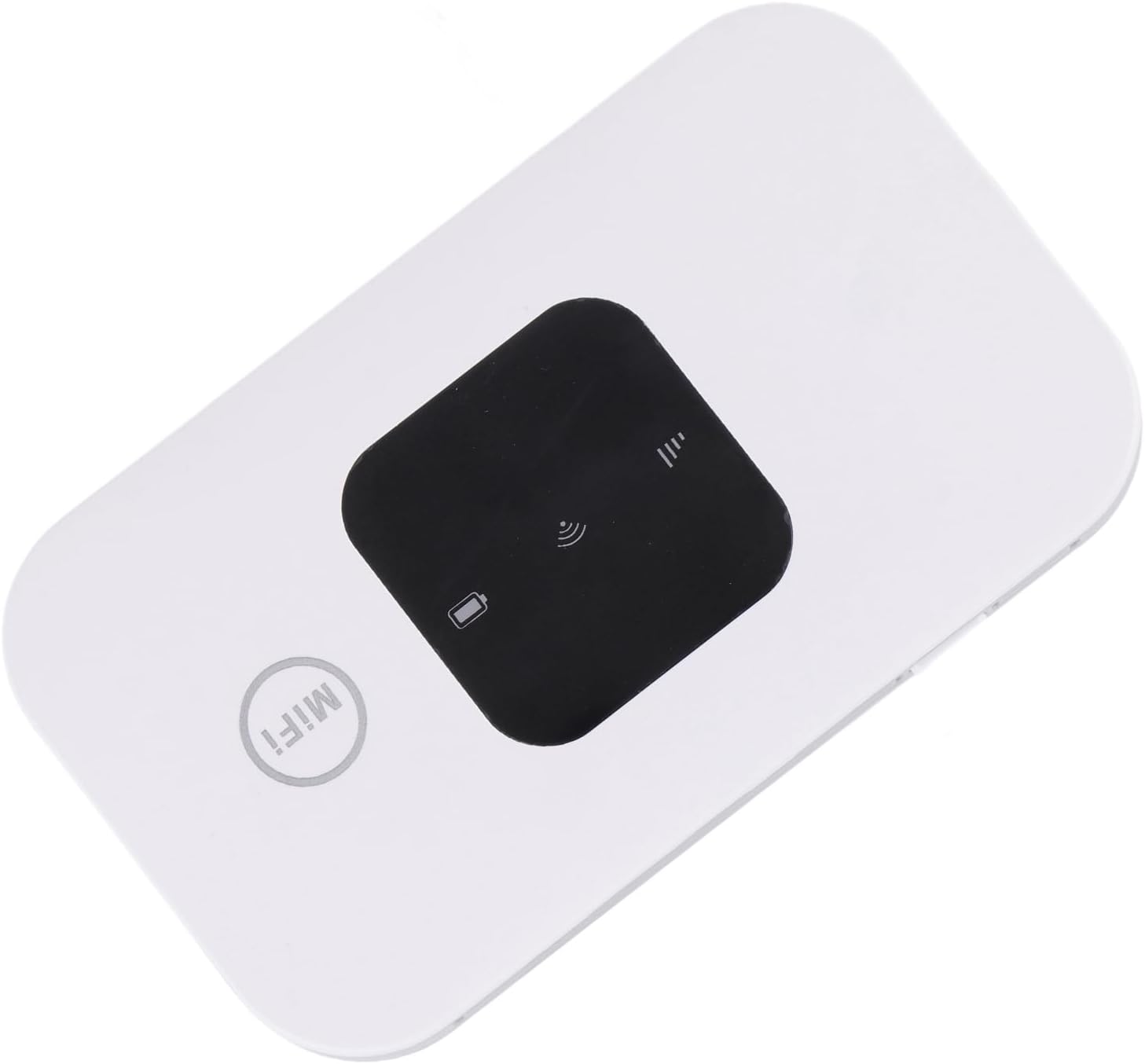
Image 1.1: The Cryfokt 4G Mobile Hotspot device.
2. Configuració
2.1 Inserció de la targeta SIM i la bateria
- Carefully remove the back cover of the hotspot device.
- Locate the SIM card slot. Insert your standard SIM card into the designated slot, ensuring proper orientation.
- Insert the provided battery into its compartment, aligning the contacts correctly.
- Torneu a col·locar la coberta posterior, assegurant-vos que encaixi correctament al seu lloc amb un clic.

Image 2.1: Illustration of inserting the SIM card and battery into the device.
2.2 Engegada i connexió inicial
- Press and hold the power button for 3-5 seconds to turn on the device. The LED smart display will illuminate.
- On your mobile phone, laptop, desktop, or tablet, search for available Wi-Fi networks.
- Select the network name (SSID) corresponding to your hotspot. The default SSID and password are typically found on a label inside the battery compartment or on the device itself.
- Introduïu la contrasenya del Wi-Fi per connectar-vos.
Video 2.1: A demonstration of the Cryfokt 4G Mobile Hotspot, showing its compact size and basic operation.
3. Funcionament del punt d'accés
3.1 Indicadors LED
The device features an LED smart display that provides important status information:
- Indicador de senyal: Shows the strength of the 3G/4G network signal.
- Indicador de Wi-Fi: Flashes when users are accessing the Wi-Fi network.
- Indicador de bateria: Mostra el nivell de bateria actual.
3.2 Connexió de diversos dispositius
The Cryfokt 4G Mobile Hotspot supports up to 10 devices simultaneously. Once connected to the Wi-Fi network, all connected devices can access the internet.
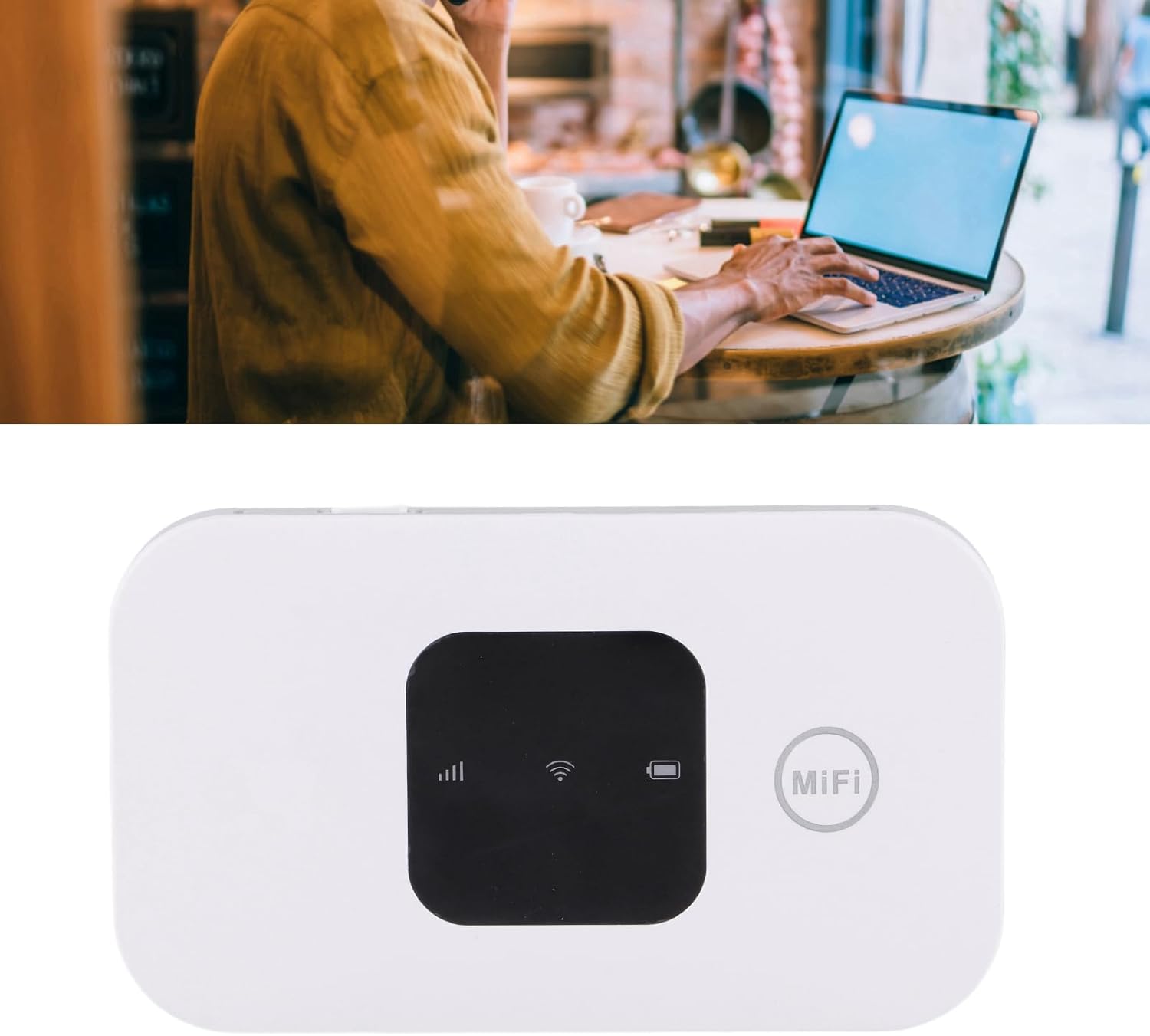
Image 3.1: A user operating a laptop connected to the mobile hotspot.
4. Manteniment
- Mantingueu el dispositiu en un ambient sec i eviteu temperatures extremes.
- Netegeu el dispositiu amb un drap suau i sec. No utilitzeu netejadors líquids.
- Ensure the charging cable is properly connected during charging to prevent damage.
- Eviteu deixar caure o sotmetre el dispositiu a forts impactes.
5. Solució De Problemes
5.1 Sense connexió a Internet
- Comproveu la targeta SIM: Assegureu-vos que la targeta SIM estigui correctament inserida i activada amb un pla de dades.
- Intensitat del senyal: Verify the signal indicator on the device. If the signal is weak, try moving to an area with better network coverage.
- Reinicieu el dispositiu: Turn off the hotspot, wait a few seconds, and then turn it back on.
5.2 No es pot connectar a la Wi-Fi
- Contrasenya correcta: Double-check that you are entering the correct Wi-Fi password (found on the device label).
- Proximitat del dispositiu: Ensure your connecting device is within range of the hotspot.
- Refresh Wi-Fi List: On your connecting device, turn Wi-Fi off and then back on to refresh the list of available networks.
6. Especificacions
| Característica | Detall |
|---|---|
| Marca | Cryfokt |
| Nom del model | Cryfokthw190ta5cf |
| Tecnologia de connectivitat | Wi-Fi |
| Comunicació sense fils estàndard | 802.11b |
| Classe de banda de freqüència | Quadrupanda |
| Característica especial | WPS |
| Dispositius compatibles | Ordinador portàtil, tauleta |
| Usos recomanats per al producte | Casa |
| Pes de l'article | 3.87 unces |
| Dimensions del paquet | 4.33 x 2.8 x 1.42 polzades |
| Color | Blanc |
7. Garantia i Suport
For warranty information and technical support, please refer to the documentation included with your product or visit the official Cryfokt weblloc. Conserveu el rebut de compra per a reclamacions de garantia.