
Introducció
Thank you for choosing the cimetech Rechargeable Dual-Mode Wireless Mouse. This mouse offers flexible connectivity options via Bluetooth 5.1 and 2.4G USB, ensuring compatibility with a wide range of devices. Its silent click design and adjustable DPI settings provide a comfortable and efficient user experience. Please read this manual carefully to ensure proper use and maintenance of your device.
Contingut del paquet
- 1 x cimetech Wireless Mouse
- 1 x Receptor Nano USB
- 1 x Manual d'usuari
Configuració
1. Càrrega del ratolí
Before first use, or when the red indicator light flashes, charge the mouse using the provided Type-C cable. Connect the cable to the mouse's Type-C port and a power source (e.g., computer USB port, power bank, or wall charger). A full charge typically takes 2-3 hours and provides approximately 2 months of use. Avoid using fast chargers to prevent damage to the battery.
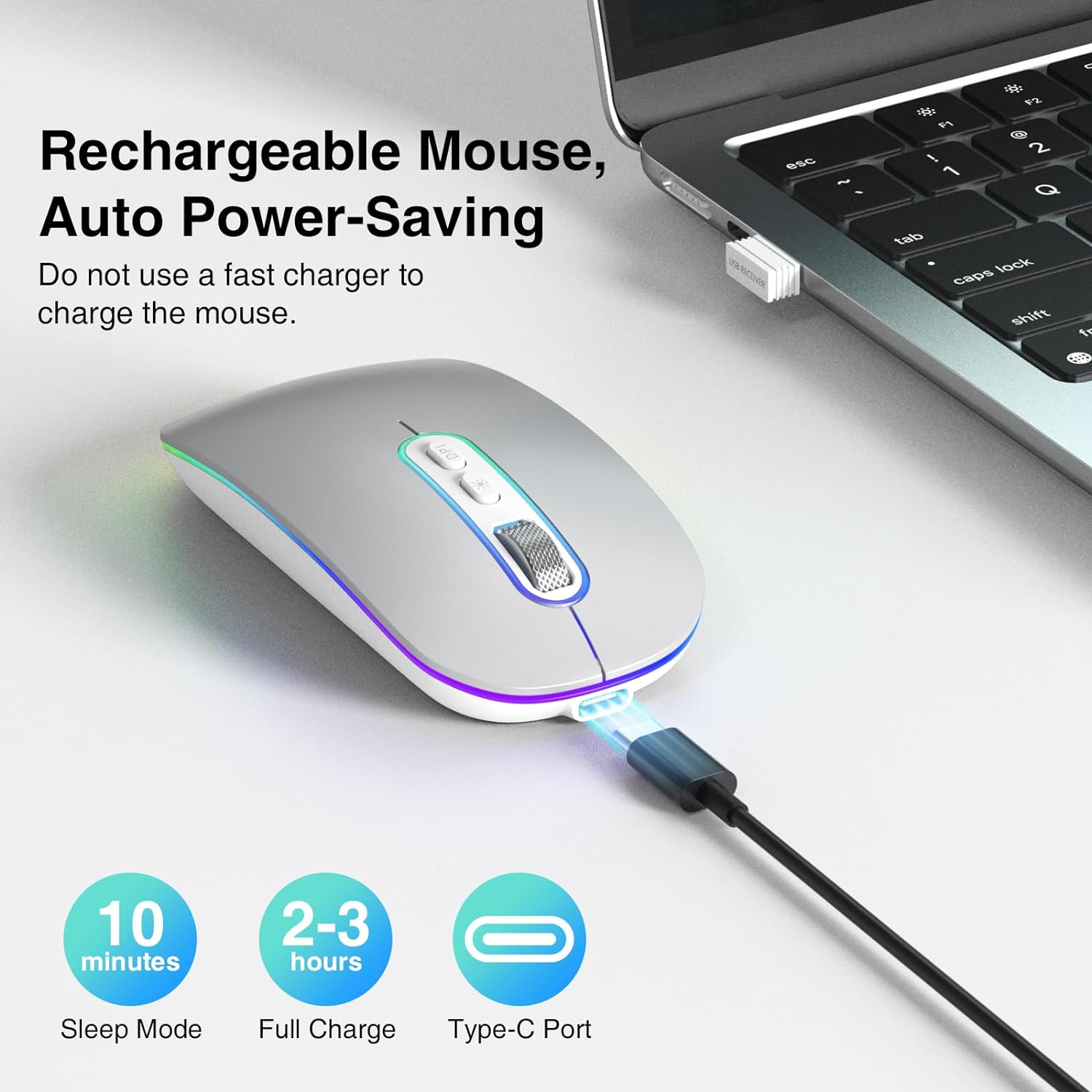
The cimetech mouse being charged via its Type-C port, emphasizing its rechargeable battery and automatic power-saving functions, including sleep mode and full charge time.

This image demonstrates the charging process for the cimetech mouse, showing it connected via a Type-C cable to a laptop, power bank, or wall charger, and highlighting its long battery life after a short charge.
2. Connectar el ratolí
The mouse supports two connection modes: 2.4G USB and Bluetooth 5.1. You can switch between modes using the selector switch on the bottom of the mouse.
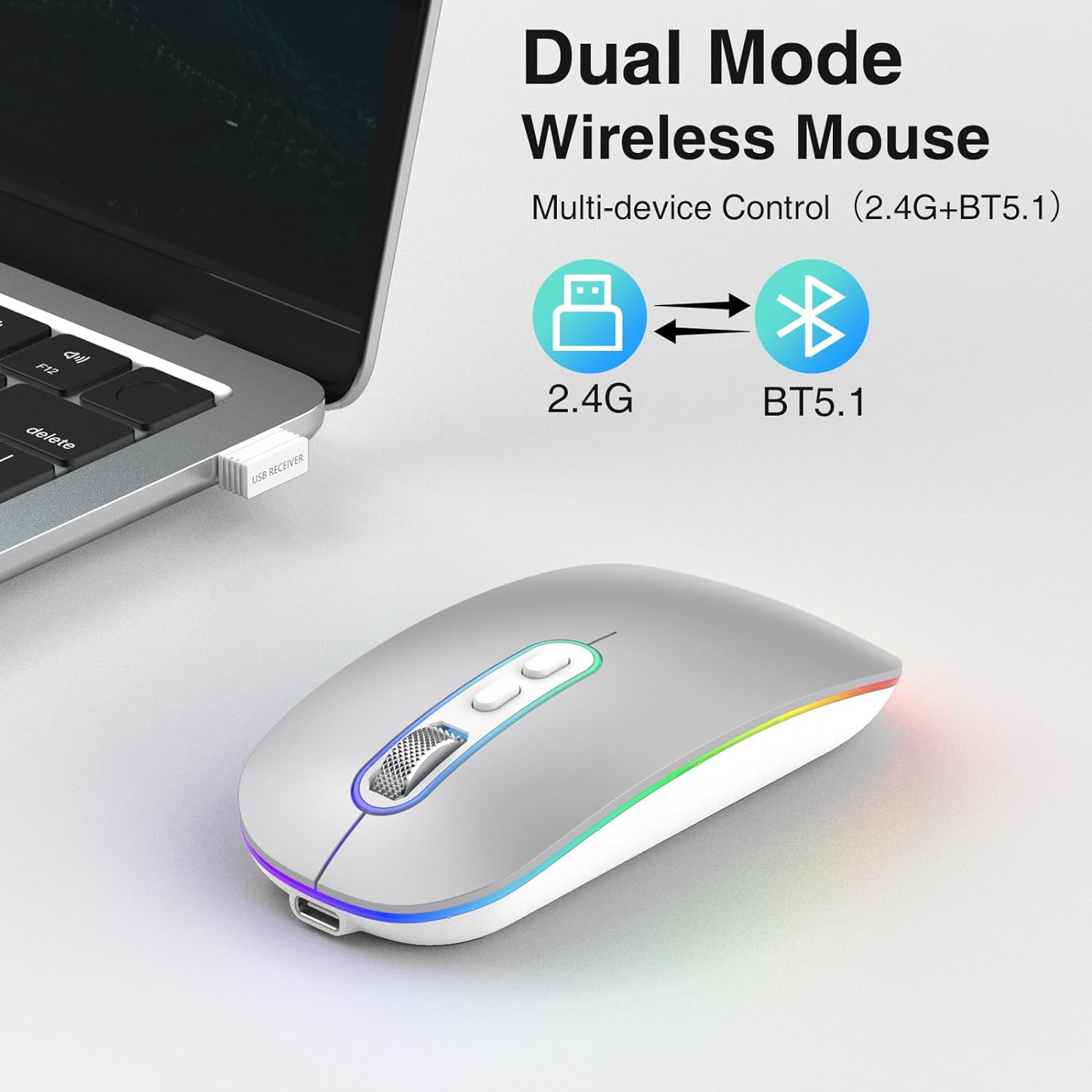
This image illustrates the dual connectivity modes of the cimetech wireless mouse, supporting both 2.4G USB and Bluetooth 5.1 for versatile use across multiple devices.

This diagram shows the switch located on the underside of the mouse, allowing users to easily select between 2.4GHz USB mode and Bluetooth mode for connection.
2.1. Connexió USB 2.4G
- Locate the Nano USB receiver, which is stored in a compartment on the bottom of the mouse.
- Connecteu el receptor USB a un port USB disponible de l'ordinador o portàtil.
- Feu lliscar el commutador de mode a la part inferior del ratolí fins a la posició "2.4G".
- The mouse should connect automatically. No driver installation is required.
2.2. Connexió Bluetooth 5.1
- Feu lliscar l'interruptor de mode a la part inferior del ratolí fins a la posició "BT".
- The mouse will enter pairing mode, and an indicator light may flash.
- On your device (MacBook, iPad, Tablet, PC), go to Bluetooth settings.
- Cerca new devices and select "cimetech Mouse" (or similar name) from the list.
- Confirm pairing. The mouse indicator light will become solid once connected.
Instruccions de funcionament
1. Ajust de DPI
The mouse features 3 adjustable DPI levels (1000, 1200, 1600) to customize cursor sensitivity. Press the DPI button located on the top of the mouse, behind the scroll wheel, to cycle through the settings. Each press will change the DPI, allowing you to find your preferred cursor speed.

An illustration detailing the adjustable DPI settings of the mouse, allowing users to switch between 1000, 1200, and 1600 DPI for precise cursor control.
2. Funció de clic silenciós
The cimetech mouse is designed with advanced sensors to reduce clicking noise by up to 90%. This feature ensures a quiet working environment, making it suitable for offices, libraries, and other quiet spaces.
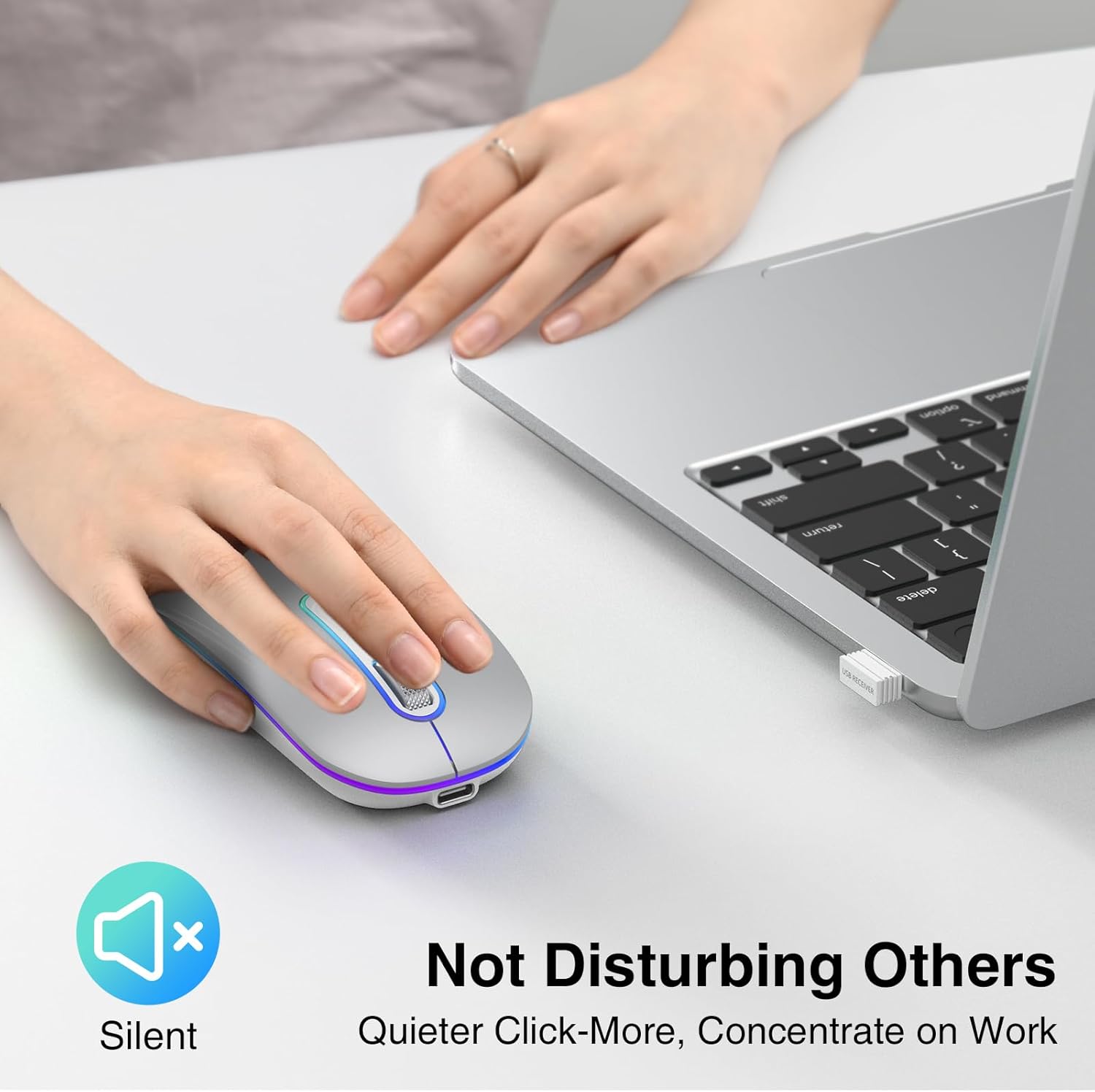
This image highlights the silent click feature of the cimetech mouse, designed to provide a quiet user experience, ideal for environments requiring minimal noise.
3. Mode d'estalvi d'energia
The mouse features automatic power-saving functions, including superficial and deep hibernation modes. If the mouse is inactive for a period, it will enter sleep mode to conserve battery. To wake it up, simply move or click the mouse.

This image displays the underside of the mouse, highlighting the ON/OFF switch and explaining its low power consumption features, including automatic superficial and deep hibernation.
4. Funcions del botó
The mouse is equipped with 4 effective buttons:
- Botó esquerre de clic: Selecció i activació estàndard.
- Botó dret: Accedeix als menús contextuals.
- Roda de desplaçament: Es desplaça pels documents i web pàgines.
- Botó d'ajust de DPI: Canvia ciclísticament pels paràmetres de 1000/1200/1600 DPI.

A detailed diagram illustrating the mouse's buttons, including the scroll wheel, left/right click, and DPI adjustment button, along with its dimensions.
Manteniment
- Mantingueu el ratolí net netejant-lo amb un drap suau i sec.
- Avoid exposing the mouse to extreme temperatures, direct sunlight, or liquids.
- Store the USB receiver in its designated compartment when not in use to prevent loss.
- Do not use abrasive cleaners or solvents on the mouse.
- Per allargar la durada de la bateria, eviteu descarregar completament el ratolí amb freqüència.
Resolució de problemes
1. El ratolí no respon
- Comproveu la bateria: Ensure the mouse is charged. If the red light is flashing, recharge the mouse.
- Comprova el mode de connexió: Verify the switch on the bottom of the mouse is set to the correct mode (2.4G or BT).
- Per a una connexió 2.4G: Assegureu-vos que el receptor USB estigui ben connectat a un port USB que funcioni. Proveu-ho amb un altre port USB.
- Per a la connexió Bluetooth: Ensure Bluetooth is enabled on your device. Go to Bluetooth settings and try to reconnect or re-pair the mouse.
- Reinicia: Turn the mouse off and on again using the power switch on the bottom.
2. Cursor Movement is Erratic or Slow
- Ajusta els DPI: Press the DPI button to change the cursor sensitivity (1000/1200/1600 DPI).
- Superfície: Assegureu-vos que feu servir el ratolí sobre una superfície adequada i no reflectant.
- Interferència: Allunyeu-vos d'altres dispositius sense fil que puguin causar interferències.
3. Problemes de càrrega
- Comprovació del cable: Ensure the Type-C charging cable is properly connected to both the mouse and the power source.
- Font d'alimentació: Prova una font d'alimentació USB diferent.
- Llum indicadora: If the red light is not coming on during charging, contact support.
Especificacions
| Marca | cimetech |
| Número de model | EU-M01-RD-SR |
| Color | Plata |
| Tecnologia de connectivitat | Bluetooth 5.1, USB 2.4G |
| Característiques especials | LED Light, Lightweight, Portable, Rechargeable, Wireless |
| Tecnologia de detecció de moviment | Òptic |
| Nombre de botons | 4 |
| Orientació de la mà | Ambidextre |
| Usos recomanats | Portàtil, PC, tauleta |
| Dispositius compatibles | Laptop, PC, Tablet, iPad, MacBook |
| Pes de l'article | 95 grams |
| Sistema operatiu | Windows, macOS, Linux, Chrome OS |
| Tipus de bateria | 1 C-type battery (included) |
| Font d'alimentació | Funciona amb bateria |
| Sensibilitat màxima | 1600 DPI |
| abast sense fils | 10 metres |
| Material | Plàstic |
| País d'origen | Xina |
Garantia
This cimetech product comes with a 60-day warranty against manufacturer defects from the date of purchase. This warranty covers defects in materials and workmanship under normal use. It does not cover damage caused by misuse, accident, unauthorized modification, or external causes. Please retain your proof of purchase for warranty claims.
Suport
If you encounter any issues or have questions regarding your cimetech Rechargeable Dual-Mode Wireless Mouse that are not covered in this manual, please contact cimetech customer support. Refer to the product packaging or the official cimetech weblloc per obtenir informació de contacte.