
Audeze 208-MW-1120-01
Audeze Maxwell Wireless Gaming Headset User Manual
Model: 208-MW-1120-01
Introducció
The Audeze Maxwell Wireless Gaming Headset is engineered to provide an immersive audio experience across multiple platforms, including PlayStation, Mac, PC, and Switch. Featuring Audeze's renowned 90mm Planar Magnetic Drivers, this headset delivers exceptional sound quality with deep bass and dynamic range. It incorporates advanced A.I. noise filtering technology for crystal-clear communication and offers extensive battery life for prolonged gaming sessions.
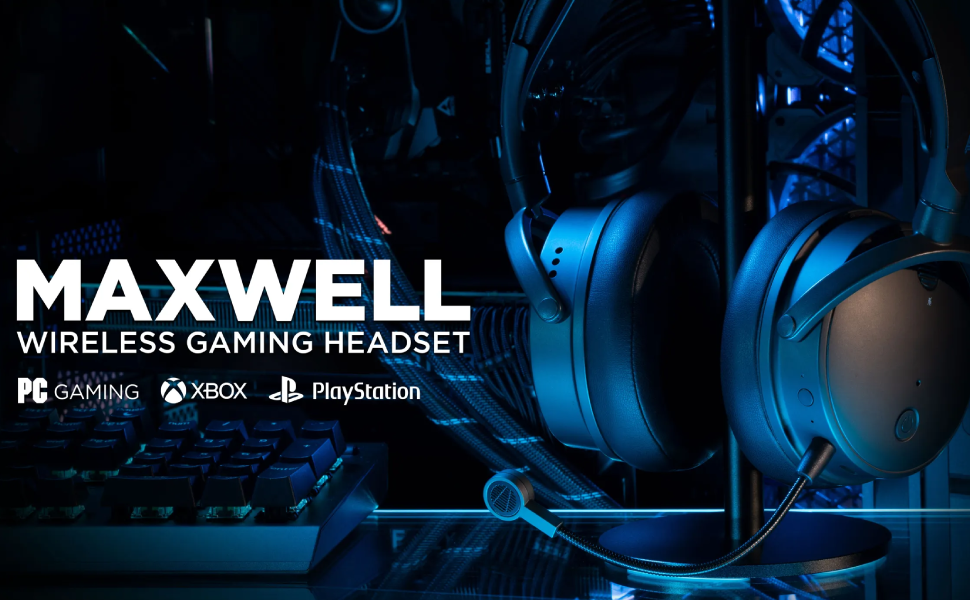
Image: Audeze Maxwell Wireless Gaming Headset banner.
Configuració
Before using your Audeze Maxwell headset, ensure it is fully charged and properly connected to your desired device.
Càrrega dels auriculars
The Maxwell headset boasts over 80 hours of low-latency wireless gameplay on a full charge. A quick 20-minute charge can provide a full day of gaming. Use the included USB-C cable to charge the headset.
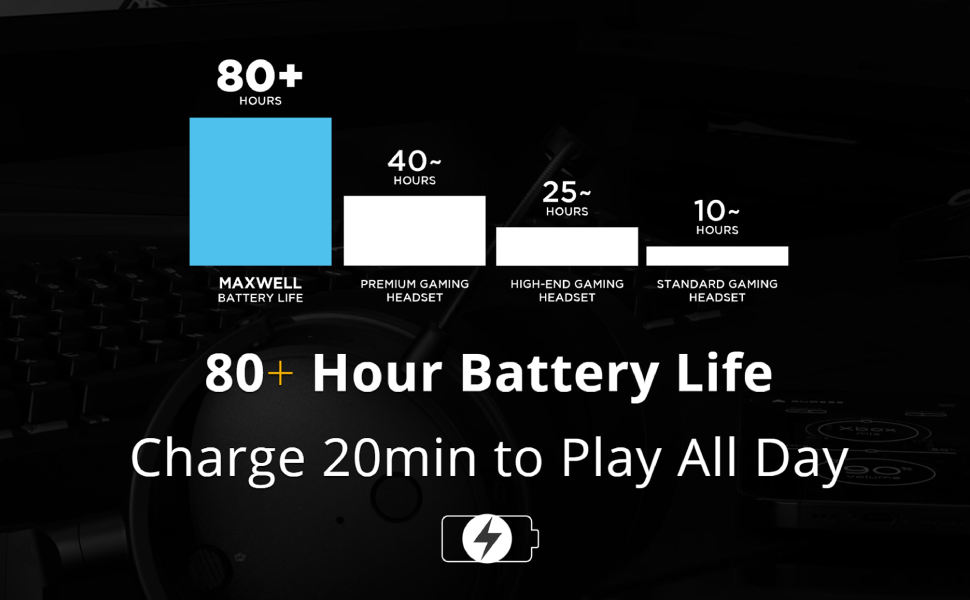
Image: Chart illustrating the Audeze Maxwell's 80+ hour battery life compared to other headsets.
Connectivitat
Els auriculars ofereixen opcions de connectivitat versàtils:
- Sense fil: Utilize the included USB-C dongle for ultra-low latency wireless connection to PlayStation, PC, Mac, and Switch.
- Bluetooth: Connect wirelessly via Bluetooth to compatible devices.
- USB-C: Direct wired connection via USB-C for high-resolution audio.

Image: Graphic highlighting the ultra-low latency wireless capabilities of the headset.
Components inclosos
Your Audeze Maxwell headset package includes the following items:
- Audeze Maxwell Wireless Gaming Headset
- Micròfon boom desmuntable
- Dongle sense fil USB-C
- Cable de càrrega USB-C
- Cable d'àudio de 3.5 mm

Image: The Audeze Maxwell headset displayed with its various included accessories, such as cables and the detachable microphone.
Funcionament dels auriculars
Familiarize yourself with the controls and features of your Audeze Maxwell headset for optimal use.

Image: The Audeze Maxwell headset resting on a PlayStation 5 console, with labels indicating key features and controls such as the multi-function button, mic mute switch, and volume controls.
Key Controls and Features
- Botó d'encesa: Located on the earcup, press and hold to power on/off.
- Botó multifunció: Used for various controls depending on the context (e.g., play/pause, answer calls).
- Interruptor de silenciament del micròfon: Toggle to mute or unmute the microphone.
- Control de volum dels auriculars: Ajusteu el volum d'escolta.
- Control de volum del micròfon: Adjust the microphone input level.
- Boom Mic Port: Connect the detachable boom microphone here.
- On-Board Mics: The headset also features built-in microphones.
Audeze HQ App
Download the free Audeze HQ app to customize your audio experience. The app allows you to set your own equalization (EQ) profiles and access other advanced features to fine-tune the headset's performance.
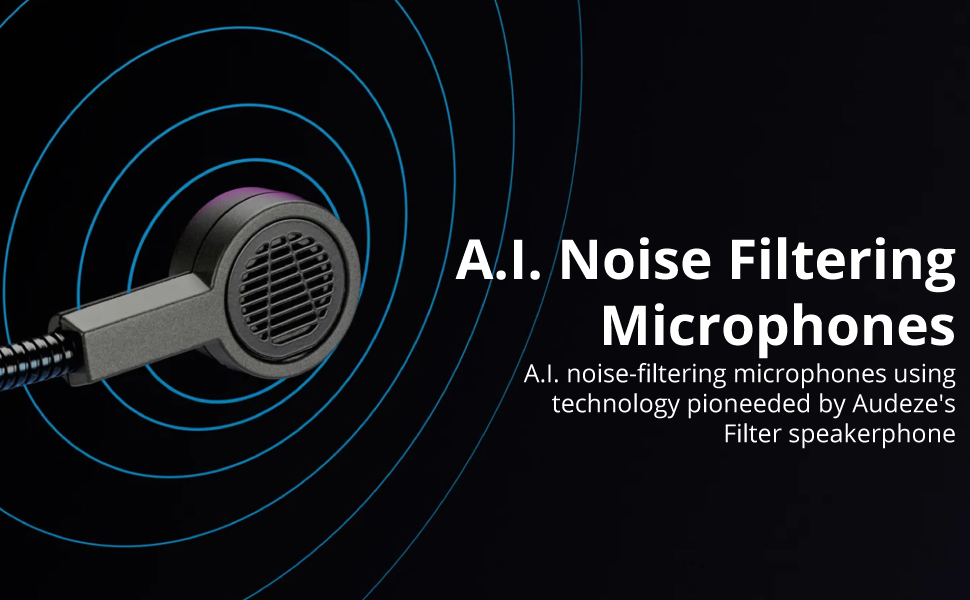
Image: Graphic illustrating the A.I. noise filtering technology used in the headset's microphones.
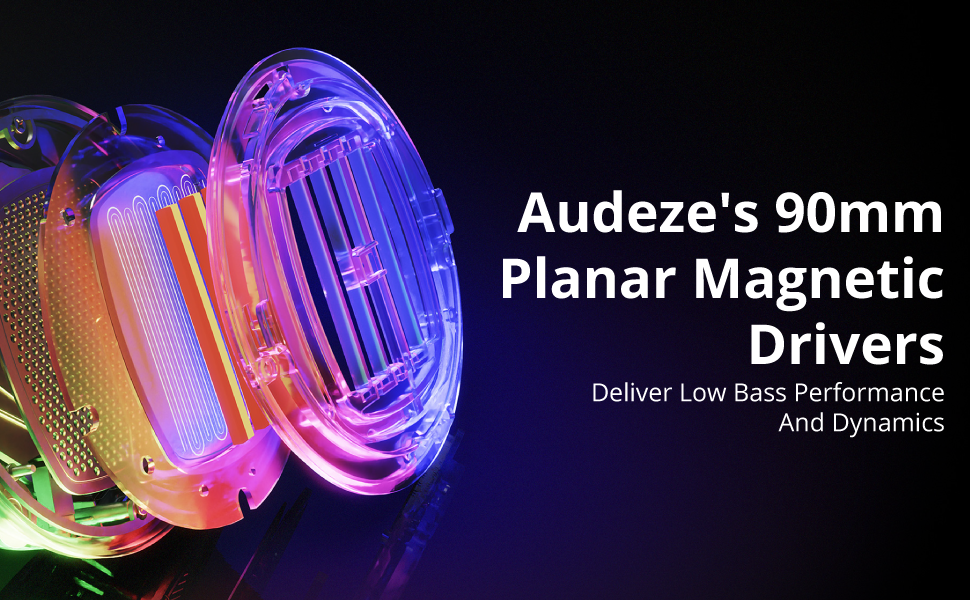
Image: Detailed graphic showcasing the internal structure of Audeze's 90mm Planar Magnetic Drivers.
Manteniment
Proper care and maintenance will extend the life of your Audeze Maxwell headset.
- Neteja: Use a soft, dry cloth to wipe down the earcups and headband. Avoid abrasive cleaners or solvents.
- Coixinets per a les orelles: The earpads are replaceable. If they become worn or damaged, contact Audeze support for replacement options.
- Emmagatzematge: Guardeu els auriculars en un lloc fresc i sec, allunyat de la llum solar directa i de temperatures extremes.
Resolució de problemes
If you encounter issues with your Audeze Maxwell headset, refer to the following common solutions:
- Sense àudio/Mala qualitat d'àudio:
- Assegureu-vos que els auriculars estiguin encesos i completament carregats.
- Verify the correct input/output device is selected on your computer or console.
- For PC users, significant audio improvement can often be achieved by adjusting EQ settings within the Audeze HQ app and considering software like Dolby Atmos.
- Check all cable connections if using a wired setup.
- Connectivity Issues (Wireless/Bluetooth):
- Ensure the USB-C dongle is securely plugged into a compatible port. Some Mac USB-C ports may require a USB hub for the dongle to function correctly.
- Re-pair the headset with your device if Bluetooth connection is unstable.
- Move closer to the dongle/device to reduce interference.
- Microphone Not Working/Poor Quality:
- Ensure the boom microphone is securely attached and the mic mute switch is disengaged.
- Check microphone input settings on your device.
- Verify that the A.I. noise filtering is enabled or configured correctly in the Audeze HQ app.
- Audio Crackling or Popping:
- This can sometimes occur with quiet audio or transitions between sound/no sound. Try updating headset firmware via the Audeze HQ app.
- Assegureu-vos que no hi hagi interferències sense fil fortes a prop.
- Audeze HQ App Issues:
- If the app shows the headset as disconnected or with 0% battery, try restarting the app and ensuring the headset is connected and powered on.
- Assegureu-vos que l'aplicació estigui actualitzada a la darrera versió.
Especificacions
| Característica | Detall |
|---|---|
| Nom del model | Maxwell for Playstation, PC, Mac, and Switch |
| Tecnologia de connectivitat | Wireless, Bluetooth, USB-C |
| Tecnologia de comunicació sense fils | Bluetooth 5.1 |
| Tipus de controlador d'àudio | Controlador magnètic pla |
| Mida del controlador d'àudio | 90 mil·límetres |
| Interval de freqüència | 10 Hz - 50 kHz |
| Durada de la bateria | 80 hores |
| Temps de càrrega | 2.5 Hours (for a full charge) |
| Control de soroll | Active Noise Cancellation (via A.I. filtering) |
| Conector d'auriculars | 3.5 mm Jack |
| Pes de l'article | 490 grams (1.08 lliures) |
| Material | Plàstic |
| Color | Gris fosc |
| Dispositius compatibles | Playstation, PC, Mac, Switch |
| Impedància | 70 ohms |
| UPC | 819343014793 |
Garantia i Suport
For detailed warranty information, technical support, or service inquiries, please visit the official Audeze weblloc web o contacteu directament amb el seu servei d'atenció al client. Conserveu el comprovant de compra per a reclamacions de garantia.
Audeze Official Weblloc: www.audeze.com
Documents relacionats208-MW-1120-01


Ask a question about this manual
Ask about setup, troubleshooting, compatibility, parts, safety, or missing instructions. Manuals+ will review the question and use this page’s manual context to help answer it.