
Cuifati Cuifatiaezhyt8m57
Cuifati Light Bulb Security Camera User Manual
Model: Cuifatiaezhyt8m57
Introducció
The Cuifati Light Bulb Security Camera is a versatile home security solution designed for both indoor and outdoor use. Featuring 1080P HD resolution and 5MP video capture, it provides clear surveillance day and night. Its unique E27 bulb base design allows for easy installation without complex wiring. The camera supports 2.4G and 5G Wi-Fi connectivity, offers two-way audio communication, and includes intelligent motion detection with real-time app notifications.

Imatge: Principal view of the Cuifati Light Bulb Security Camera, showcasing its compact design and E27 base.
Característiques del producte
- Dispositius compatibles: Access live streams via iOS and Android phones, and iOS tablets.
- Vídeo d'alta definició: 1080P ultra high definition with 5MP video capture, providing clear visuals even in low light conditions.
- Fàcil instal·lació: Installs directly into a common E27 bulb base (110V-240V), eliminating complex wiring.
- Àudio bidireccional: Built-in microphone and speaker enable real-time communication with individuals near the camera.
- Detecció de moviment: Automatically detects human motion and sends instant notifications to your mobile application, allowing for immediate viewing of detected activity.
- Wi-Fi de doble banda: Connects to both 2.4G and 5G Wi-Fi networks for flexible and stable connectivity.
- Disseny compacte: Designed to be discreetly installed in various locations, ideal for monitoring homes, pets, or offices.
- Opcions d'energia: Can be powered continuously via a 5V 1A USB port or utilize its built-in 200mA battery for approximately 60 minutes of use. For extended recording, it can be connected to an external 1000mAh battery pack (not included) for up to 30 hours.
- Ús interior / exterior: IP67 rating ensures durability for both indoor and outdoor environments.

Image: Illustrates the camera's advanced image sensor, highlighting 1080P HD resolution and a 160° wide viewing angle for clear picture quality.

Image: Depicts the camera's two-way audio capability, allowing for interactive communication.

Image: Shows the camera's motion detection feature, indicating its ability to alert users to activity.
Instal·lació i Configuració
Follow these steps to properly install and set up your Cuifati Light Bulb Security Camera:
- 1. Apagat: Ensure the power to the E27 bulb socket is turned off before installation.
- 2. Screw In: Gently screw the Cuifati Light Bulb Security Camera into a standard E27 light bulb socket. Ensure it is securely fastened.
- 3. Encès: Restableix l'alimentació al portalàmpades E27. La càmera s'engegarà i iniciarà la seqüència d'inici.
- 4. Descarrega l'aplicació: Download the designated mobile application (compatible with Android and iOS) from your device's app store. Refer to the product packaging or included quick start guide for the specific app name.
- 5. Connecteu-vos a la Wi-Fi: Open the app and follow the on-screen instructions to connect the camera to your 2.4G or 5G Wi-Fi network. Ensure your mobile device is connected to the same Wi-Fi network during the initial setup.
- 6. Configuració: Complete the in-app setup, including setting up motion detection preferences and notification settings.

Image: Demonstrates the simple installation process of screwing the camera into a standard E27 light bulb base.
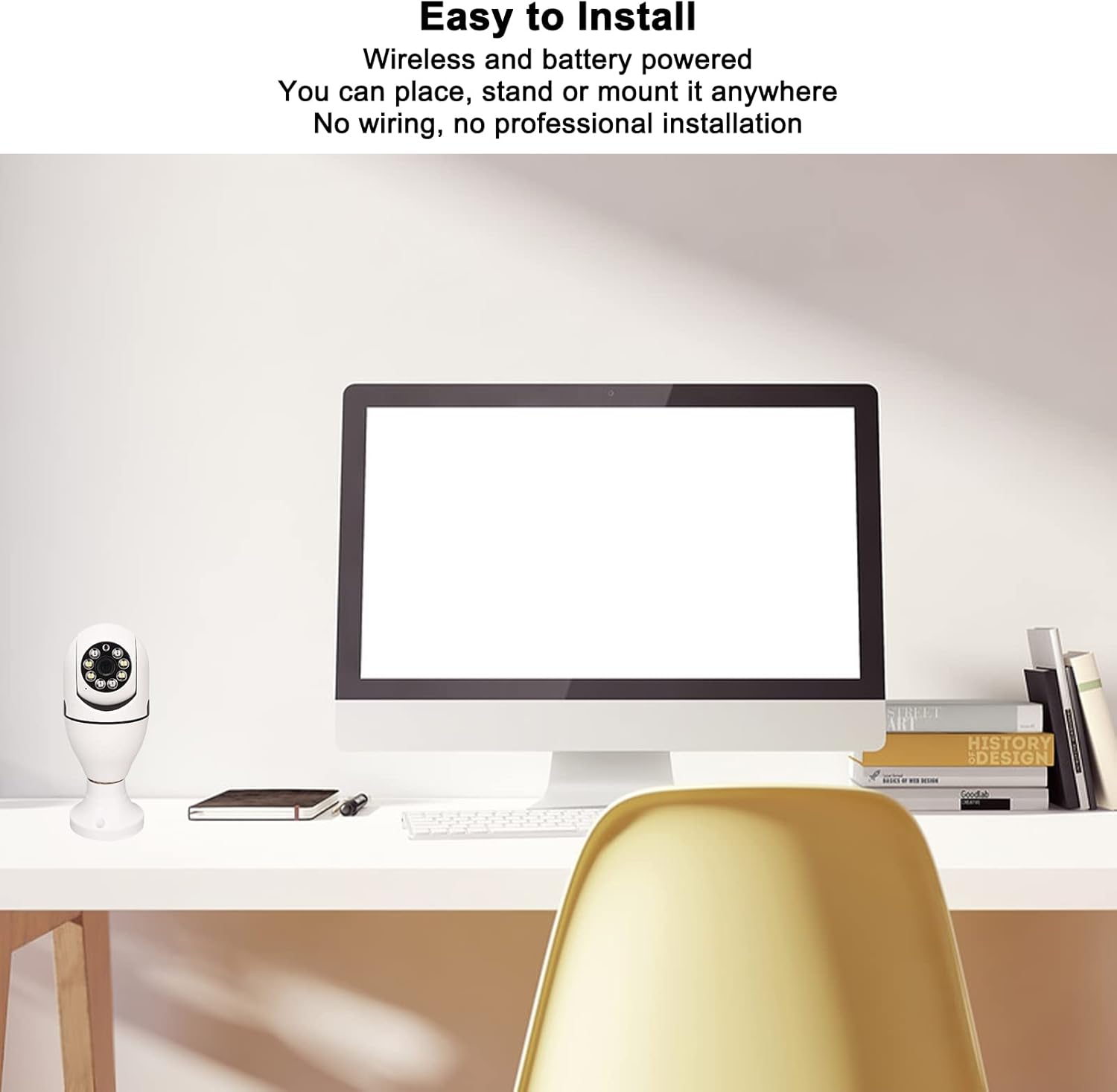
Image: Shows the camera's versatility in placement, emphasizing its wireless and easy-to-install nature without complex wiring.
Guia d’operacions
Once your camera is installed and connected, you can begin monitoring and interacting with your environment using the mobile application.
- Viu View: Open the mobile application to access the live video feed from your camera at any time. You can pan and tilt the camera view within the app if supported by the model.
- Àudio bidireccional: Use the microphone icon within the app to speak through the camera's speaker, and listen to audio from the camera's built-in microphone. This allows for real-time conversations.
- Alertes de moviment: When motion is detected, you will receive real-time notifications on your mobile device. Tap the notification to view the recorded event or live feed instantly.
- Gravació: The camera automatically records events triggered by motion detection. Review foo gravattage through the app's playback feature, typically stored on a microSD card (not included) or cloud storage (subscription may be required).

Image: Illustrates a practical use of the two-way audio function, showing communication between a delivery person and a homeowner.
Manteniment i cura
Proper maintenance ensures the longevity and optimal performance of your security camera.
- Neteja: To clean the camera lens and body, gently wipe with a soft, dry cloth. Do not use liquid cleaners, solvents, or abrasive materials, as these can damage the camera's components or finish.
- Actualitzacions de firmware: Periodically check the mobile application for available firmware updates. Keeping the firmware updated ensures optimal performance, security enhancements, and access to new features.
- Gestió d'energia: For continuous operation, ensure the camera is connected to a stable power source via the E27 socket or a 5V 1A USB power supply. If using an external battery pack for extended recording, monitor its charge level to prevent interruptions.
- Protecció del medi ambient: While rated IP67 for outdoor use, avoid direct exposure to extreme weather conditions like prolonged heavy rain or snow, and ensure the E27 socket area is protected from moisture.
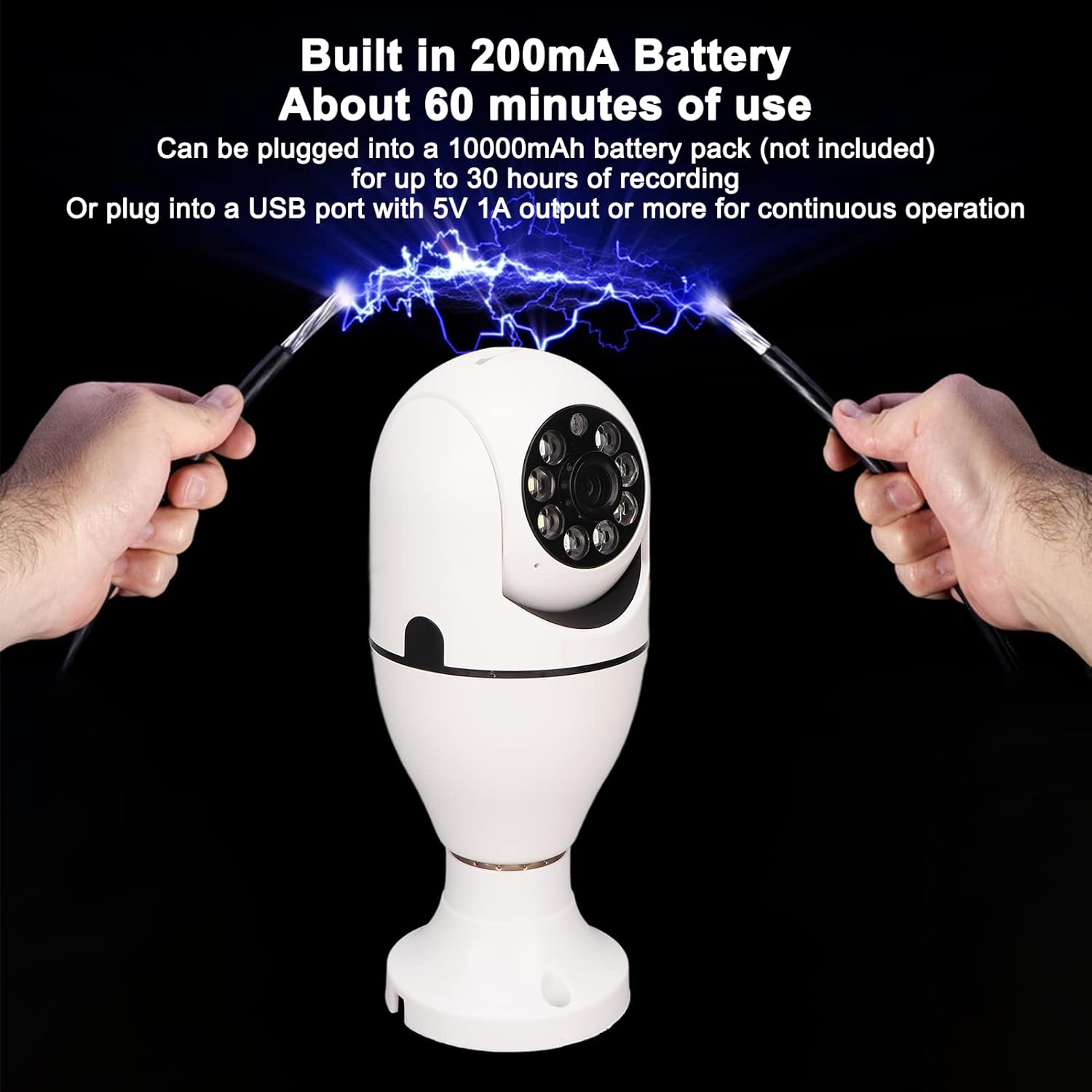
Image: Details the camera's power options, including its built-in battery for short-term use and the ability to connect to an external battery pack or continuous USB power.
Resolució de problemes comuns
If you encounter any issues with your camera, refer to the table below for common problems and their solutions.
| Problema | Causa possible | Solució |
|---|---|---|
| La càmera no es connecta a la Wi-Fi. | Incorrect Wi-Fi password; camera out of range; router issues. | Ensure the camera is within range of your 2.4G or 5G Wi-Fi router. Verify the Wi-Fi password entered in the app is correct. Restart your router and the camera. |
| Mala qualitat d'imatge. | Lent bruta; senyal Wi-Fi feble; il·luminació insuficient. | Ensure the lens is clean and free from dust or smudges. Check your Wi-Fi signal strength; a weak signal can affect video quality. Ensure adequate lighting for optimal viewing. |
| La detecció de moviment no funciona o és massa sensible. | Incorrect sensitivity settings; obstructions in view; environmental factors. | Adjust the motion detection sensitivity settings within the mobile application. Ensure the camera's field of view is clear of obstructions that might cause false alerts. |
| L'àudio bidireccional no és clar o no funciona. | Mobile device volume too low; microphone/speaker obstruction; unstable internet connection. | Check your mobile device's volume settings. Ensure there are no obstructions blocking the camera's microphone or speaker. Verify your internet connection is stable. |
| La càmera està desconnectada sovint. | Unstable Wi-Fi connection; power interruptions. | Ensure a strong and stable Wi-Fi signal at the camera's location. Check for consistent power supply to the E27 socket. |
Especificacions tècniques
| Característica | Especificació |
|---|---|
| Número de model | Cuifatiaezhyt8m57 |
| Resolució de captura de vídeo | 5 MP (1080P HD) |
| Velocitat de fotogrames | 30 fps |
| Protocol de connectivitat | Wi-Fi (2.4G i 5G) |
| Font d'alimentació | Corded Electric (E27 Bulb Base, 110V-240V) |
| Tipus de muntatge | Muntatge al sostre |
| Dispositius compatibles | Tablet, Smartphone (iOS, Android) |
| Mètode de control | App |
| Característica especial | Motion Sensor, Two-Way Audio, Night Color Low Light Technology |
| Ús interior/exterior | Outdoor, Indoor (IP67 Rated) |
| Pes de l'article | 8.9 unces |
| Format de captura de vídeo | AVI |
| Tipus d'enfocament | Enfocament manual |
Garantia i assistència al client
Informació de la garantia: This product comes with a standard manufacturer's warranty. Please refer to the product packaging or the seller's information for specific warranty terms and duration. Keep your proof of purchase for warranty claims.
Atenció al client: For technical assistance, troubleshooting, or warranty claims, please contact the Cuifati customer support team. Contact information can typically be found on the product packaging, the official Cuifati weblloc web o a través del vostre punt de compra.
Ask a question about this manual
Ask about setup, troubleshooting, compatibility, parts, safety, or missing instructions. Manuals+ will review the question and use this page’s manual context to help answer it.