
Introducció
This manual provides comprehensive instructions for the setup, operation, maintenance, and troubleshooting of your Bewinner 10.1 Inch Portable Touchscreen Monitor. Please read this manual thoroughly before using the product to ensure proper functionality and longevity.
The Bewinner 10.1 Inch Portable Touchscreen Monitor features a 1280x800 HD display, capacitive touch functionality, built-in speakers, and multiple input interfaces including HDMI and VGA, making it suitable for various applications such as gaming, PC use, and CCTV monitoring.
Informació de seguretat
Per garantir un funcionament segur i evitar danys, observeu les següents precaucions de seguretat:
- No exposeu el monitor a la pluja ni a la humitat.
- Eviteu col·locar el monitor a prop de fonts de calor o sota la llum solar directa.
- Utilitzeu només l'adaptador d'alimentació subministrat amb el dispositiu.
- No intenteu desmuntar ni reparar el monitor vosaltres mateixos. Encarregueu tot el manteniment a personal qualificat.
- Mantingueu el monitor allunyat de camps magnètics forts.
- Assegureu-vos d'una ventilació adequada al voltant del monitor per evitar el sobreescalfament.
Contingut del paquet
Si us plau, comproveu el contingut del paquet en desembalar-lo per assegurar-vos que hi hagi tots els elements:
- 1 x Bewinner 10.1 Inch Portable Touchscreen Monitor
- Cable d’alimentació 1 x USB
- 1 x Cable d'interfície multimèdia HD
- 1 x Manual d'instruccions (aquest document)
- 1 x Monitor Support Stand

Image: All components included in the product package, laid out for clear viewing. This includes the monitor, a USB power cable, an HD Multimedia Interface cable, and the monitor support stand.
Producte acabatview
The Bewinner 10.1 Inch Portable Touchscreen Monitor is designed for versatility and ease of use. Key features include:
- Pantalla HD de 10.1 polzades: Features a 1280x800 resolution with capacitive touch functionality, requiring no additional drivers for touch operation.
- Multi-Interface Support: Equipped with HD Multimedia Interface (HDMI) and VGA inputs for broad compatibility with various devices such as PCs, laptops, gaming consoles, and DVRs.
- Àudio integrat: Built-in premium dual speakers provide an immersive audio experience. A 3.5mm headphone jack is also available for private listening.
- Opcions de muntatge flexibles: Includes a desktop stand for easy placement. Additionally, four M4 screw holes on the back allow for VESA-compatible wall mounting.
- Menu Functionality: On-screen display (OSD) menu allows adjustment of various settings including horizontal/vertical position, transparency, image flip, and display time.

Image: The Bewinner 10.1 Inch Portable Touchscreen Monitor, showcasing its display quality with a scenic image. The monitor is black with a slim bezel and includes a simple stand.

Image: A close-up of the monitor highlighting its 10.1-inch size and 1280x800 resolution, emphasizing its touch functionality and driver-free operation.
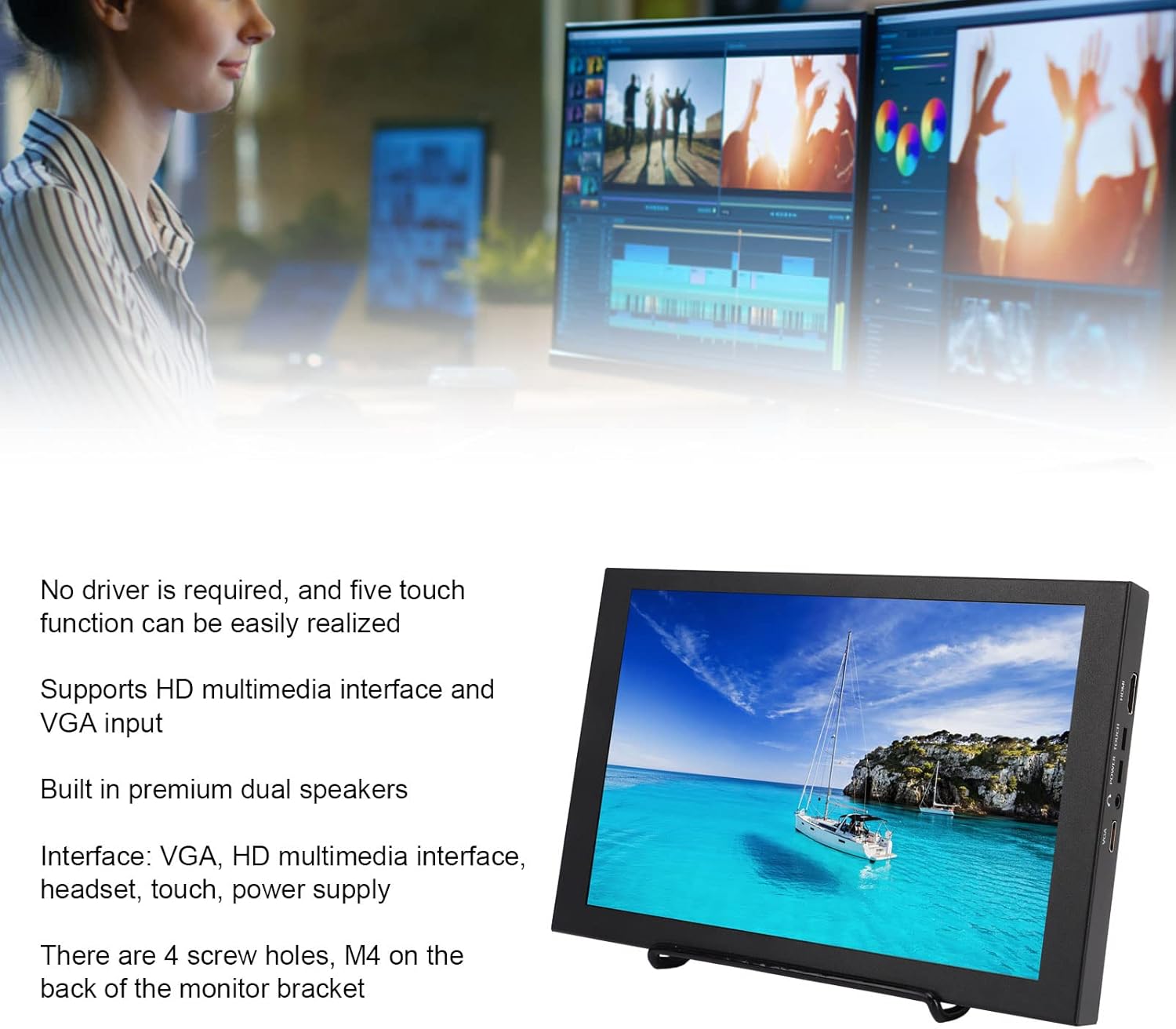
Image: The monitor displayed alongside a summary of its key features, including touch capability, multi-interface support (HDMI, VGA), dual speakers, and VESA mounting options.

Image: The back of the monitor, illustrating the adjustable stand and the four M4 screw holes designed for VESA mounting.

Imatge: Una imatge detallada view of the side of the monitor, showing the physical control buttons for power, menu navigation (up, down), and exit functions.

Image: A close-up of the monitor's side panel, clearly displaying the various input and output ports, including HDMI, power input, touch interface, headset jack, and VGA.
Configuració
Follow these steps to set up your Bewinner Portable Monitor:
- Desembalar: Carefully open the packing box and remove the pearl cotton protective sleeve from the monitor.
- Traieu la pel·lícula protectora: Gently peel off any protective film from the monitor screen.
- Install Stand: Attach the included support stand to the monitor. Ensure it is securely fastened for stable placement on a desktop. Alternatively, if wall mounting, use the M4 screw holes on the back with a compatible VESA mount (not included).
- Connectar l'alimentació: Plug the USB Power Cable into the monitor's power input port and connect the other end to a suitable power source (e.g., USB wall adapter, computer USB port).
- Font d'entrada de connexió:
- For HD Multimedia Interface (HDMI) connection: Use the provided HD Multimedia Interface Cable to connect the monitor to your device (e.g., computer, gaming console, DVR).
- For VGA connection: Use a VGA cable (not included) to connect the monitor to your PC or laptop.
- Encès: Press the 'POWER' button on the side of the monitor to turn it on.
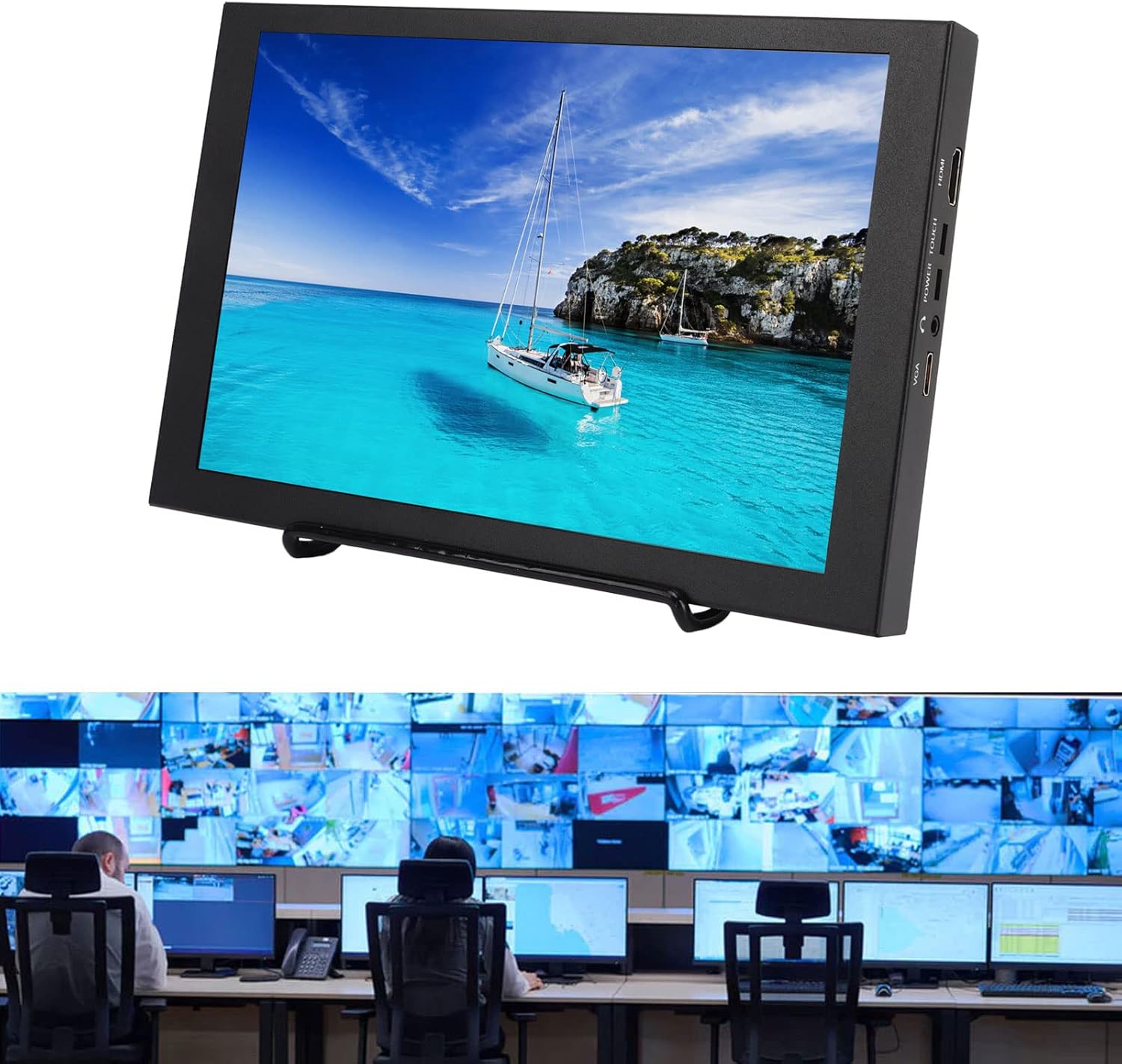
Image: The portable monitor in a professional setting, demonstrating its potential use in a CCTV monitoring station, highlighting its integration capabilities.
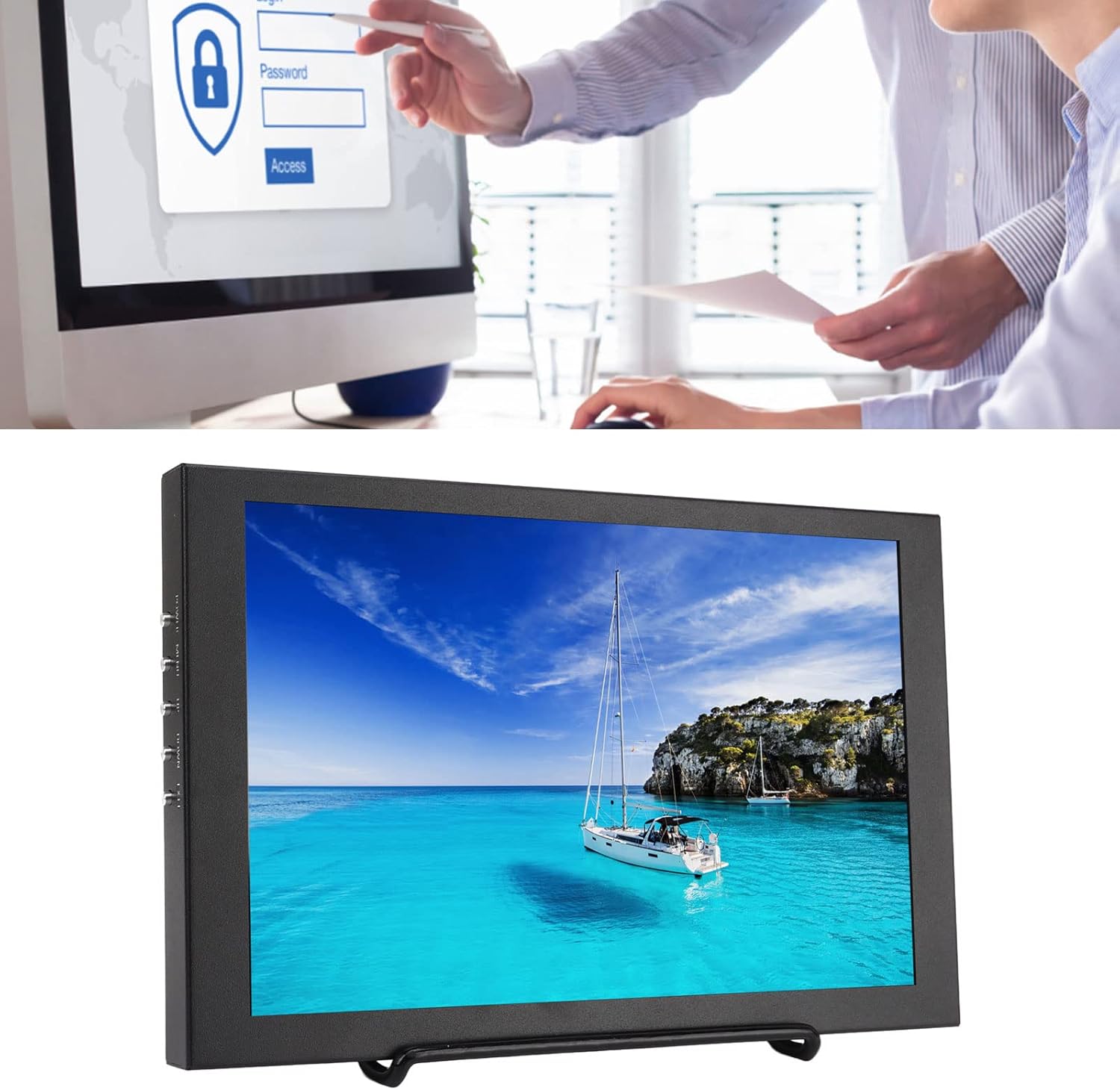
Image: The monitor in an office context, illustrating its use as an auxiliary display for productivity tasks, potentially leveraging its touchscreen for interactive applications.
Instruccions de funcionament
Once the monitor is set up and powered on, you can begin using it and adjust its settings.
Funcionament bàsic:
- Encès/apagat: Press the 'POWER' button on the side of the monitor.
- Selecció de la font d'entrada: The monitor should automatically detect the active input. If not, or if you wish to switch between HDMI and VGA, use the 'MENU' button to access the OSD and navigate to the input selection option.
- Funcionalitat tàctil: The 10.1-inch screen supports five-point capacitive touch. Ensure the 'TOUCH' cable (if separate, though typically integrated with USB power for touch data) is connected to your device for touch input to function. No specific driver installation is required for basic touch operation.
- Sortida d'àudio: Sound will be played through the built-in dual speakers. For private listening, connect headphones to the 3.5mm headset jack.
Menu Function (OSD):
The monitor's On-Screen Display (OSD) menu allows for various adjustments. Use the buttons on the side of the monitor to navigate and select options:
- Botó MENÚ: Press to open the OSD menu. Press again to enter a selected submenu or confirm a setting.
- Botons UP/DOWN: Use these buttons to navigate through menu options or adjust values.
- Botó EXIT: Press to exit the current menu or return to the previous level.
Common adjustable settings in the OSD menu include:
- Configuració de la imatge: Brightness, Contrast, Color Temperature, Aspect Ratio.
- Configuració de la pantalla: Horizontal Position, Vertical Position, Transparency, Image Flip (for different mounting orientations).
- Configuració d'àudio: Control de volum.
- Altres configuracions: OSD Language, OSD Display Time.
Manteniment
Un manteniment adequat garanteix la longevitat i el rendiment òptim del monitor.
- Neteja de la pantalla: Utilitzeu un drap suau i sense pelusa lleugerament dampened with water or a non-abrasive screen cleaner. Do not spray liquid directly onto the screen. Avoid using alcohol-based cleaners or harsh chemicals.
- Neteja de la Casing: Netegeu el monitor casinamb un drap suau i sec.
- Emmagatzematge: Quan no l'utilitzeu durant períodes prolongats, guardeu el monitor en un lloc fresc i sec, allunyat de la llum solar directa i de temperatures extremes.
- Manipulació: Always handle the monitor by its edges or frame. Avoid pressing directly on the screen.
Resolució de problemes
Si teniu problemes amb el monitor, consulteu els següents problemes i solucions habituals:
| Problema | Causa possible | Solució |
|---|---|---|
| No hi ha imatge a la pantalla |
|
|
| Sense resposta tàctil |
|
|
| No hi ha so dels altaveus |
|
|
| La imatge està distorsionada o té colors incorrectes |
|
|
Si el problema persisteix després de provar aquestes solucions, poseu-vos en contacte amb l'atenció al client.
Especificacions
| Característica | Detall |
|---|---|
| Marca | Guanyador |
| Número de model | Dilwe6d9atscn7o |
| Mida de la pantalla | 10.1 polzades |
| Resolució de pantalla | 1280 x 800 HD |
| Tecnologia de visualització | Pantalla tàctil capacitiva |
| Relació d'aspecte | 16:10 |
| Superfície de la pantalla | brillant |
| Interfícies | VGA, HD Multimedia Interface (HDMI), Headset (3.5mm Jack), Touch (USB), Power Supply |
| Altaveus | Altaveus duals integrats |
| Opcions de muntatge | Desktop Stand, 4x M4 Screw Holes (VESA compatible) |
| Dimensions del paquet | 30.2 x 19.8 x 6.6 cm |
| Pes brut | 1.19 kg |
| Data de primera disponibilitat | 3 de febrer de 2023 |
Garantia i Suport
For warranty information and customer support, please refer to the terms provided at the time of purchase or contact the seller directly. The product is sold by Bewinneri.
Extended warranty options may be available from third-party providers. Please check your purchase details for more information on available protection plans.
For technical assistance or service inquiries, please contact Bewinner customer support through the platform where the product was purchased.