
1. Producte acabatview
The Nextbase 322GW Dash Cam is designed to provide high-quality video recording of your journeys. This package includes the 322GW Front Dash Cam, a Rear Window Camera, and a 32GB SD Card. Key features include Full HD 1080p recording at 60fps, a 2.5-inch high-resolution touch screen, Wi-Fi, Bluetooth, GPS, Intelligent Parking Mode, and Emergency SOS response.

Figure 1: Nextbase 322GW Dash Cam and included accessories.
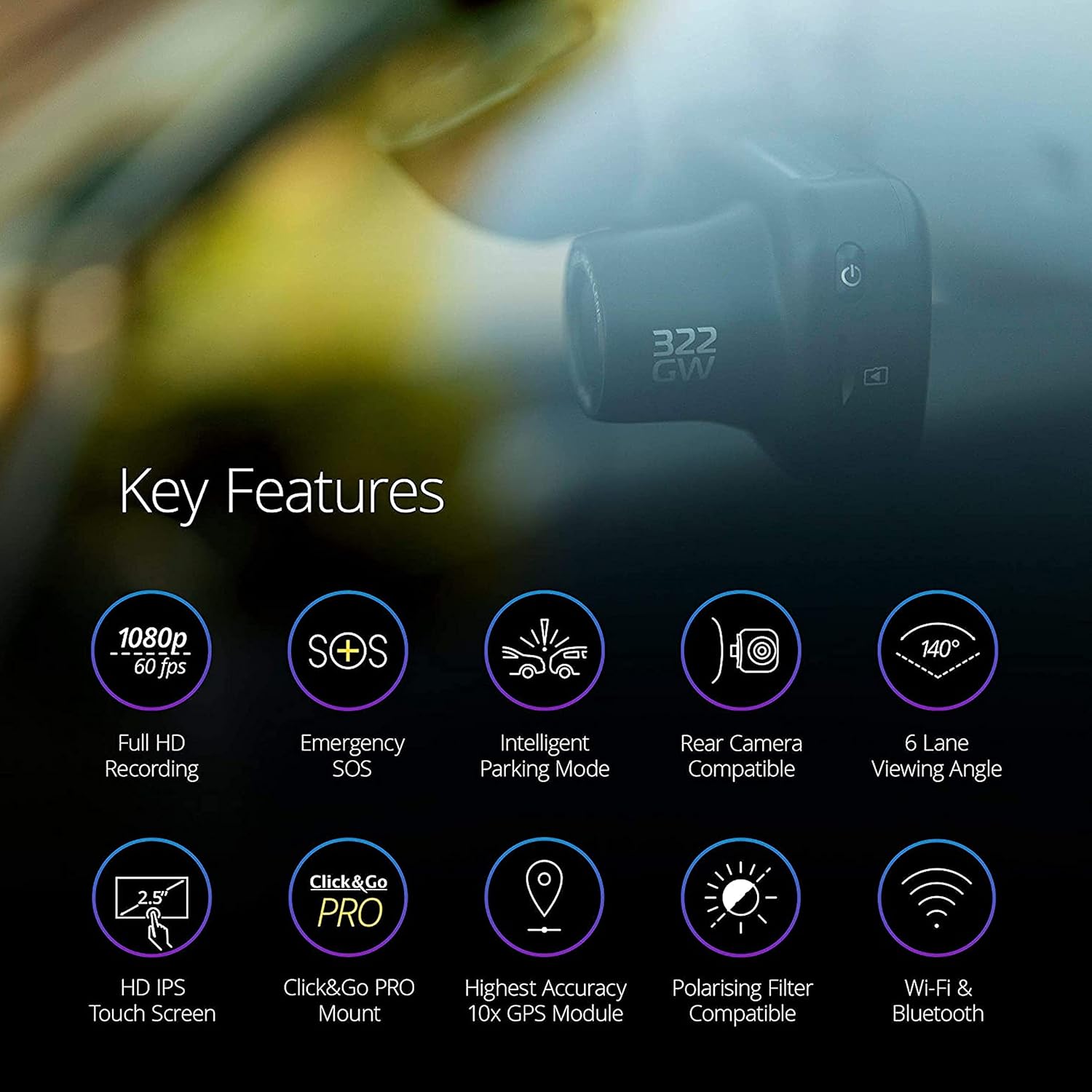
Figure 2: Key features of the Nextbase 322GW Dash Cam.
2. Configuració i instal·lació
2.1 Instal·lació de la càmera frontal del salpicader
- Trieu una ubicació de muntatge: Seleccioneu una posició al parabrisa que no us obstrueixi view of the road. The Click&Go PRO mount is designed to reduce windscreen space.
- Neteja el parabrisa: Ensure the chosen area on the windshield is clean and dry before applying the mount.
- Enganxeu el muntatge: The integrated magnetic power connectors allow for easy installation and removal of the dash cam from the mount. The mount typically uses an adhesive pad for secure attachment.
- Connectar l'alimentació: Use the provided 12-24V power cable to connect the dash cam to your vehicle's power outlet. Route the cable neatly to avoid obstruction.
- Inseriu la targeta SD: Insert the supplied 32GB microSD card into the dash cam's designated slot. Ensure it is an Industrial Grade U3 microSD card for optimal performance.
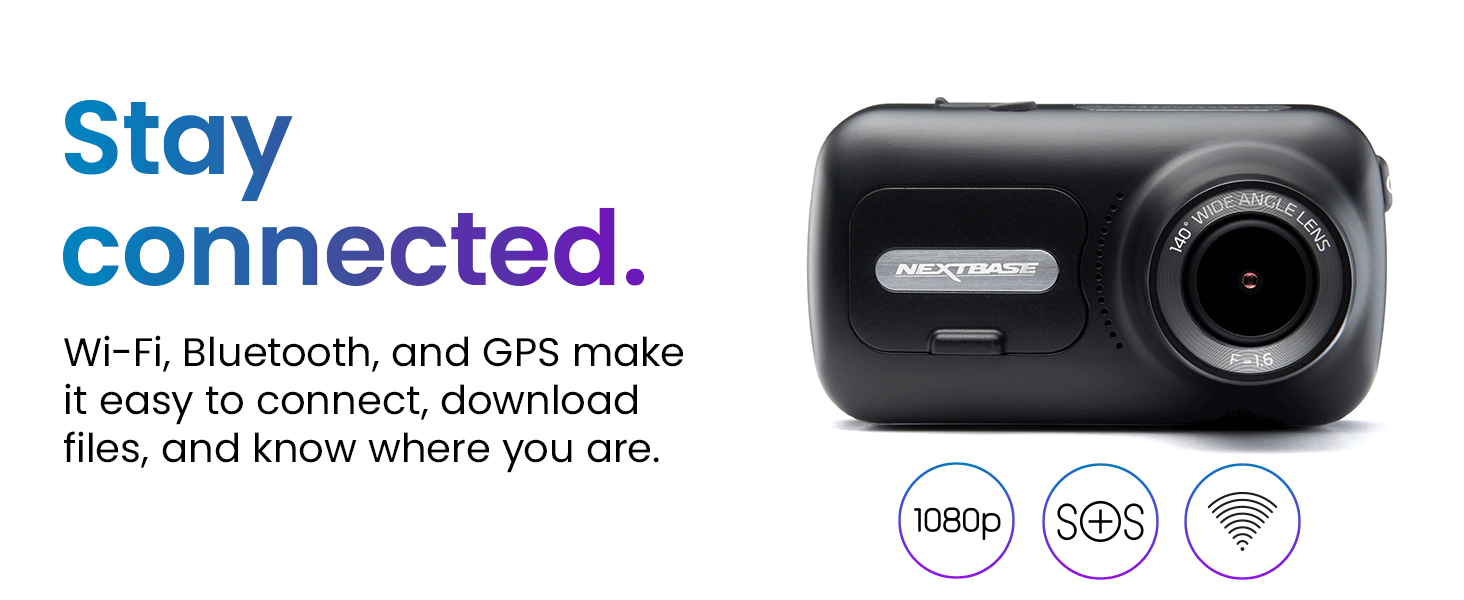
Figure 3: Illustration of the Click&Go PRO mount design for reduced windscreen space and easy installation.
2.2 Rear Window Camera Installation
The Nextbase Rear Window Camera connects directly to your front Nextbase Series 2 Dash Cam (322GW, 422GW, or 522GW) via a wired connection. It captures events behind your vehicle with a 140-degree viewangle de ing.
- Posicionament: Install the rear camera in your vehicle's rear window using the easy-to-install self-adhesive pad and neodymium magnets. It can be adjusted to any angle.
- Connexió: Connect the rear camera to the front dash cam using the provided cable.

Figure 4: Various rear camera modules, including the Rear Window Camera.
3. Instruccions de funcionament
3.1 Funcionament bàsic
- Encès/apagat: The dash cam will automatically power on and begin recording when your vehicle starts. It will power off when the ignition is turned off.
- Pantalla tàctil: Use the 2.5-inch IPS touch screen to navigate menus, select options, and playback footage.
- Enregistrament en bucle: The dash cam continuously records in short segments. When the SD card is full, the oldest footage is overwritten, ensuring continuous recording.
- Sensor G: In the event of an impact, the built-in G-sensor will automatically lock the current recording, preventing it from being overwritten.
3.2 Funcions avançades
- Mode d'aparcament intel·ligent: When your vehicle is parked and unattended, the dash cam automatically switches to parking mode. It will record any physical movement or bump detected by the G-sensor.
- SOS d'emergència: In a severe incident where the driver is unresponsive, the Nextbase Emergency SOS system can automatically alert emergency services with your GPS location, heading, and crucial personal details (if pre-configured).
- Seguiment GPS: The integrated GPS module records your location and speed, providing verifiable data for insurance claims.
- Wi-Fi & Bluetooth (Nextbase AutoSync): The 322GW features Bluetooth 4.2 and Quick-Link Wi-Fi to automatically sync video files to your smartphone or tablet via the MyNextbase Connect app. This allows for quick sharing with insurers and easy editing.
- MyNextbase Player: Use the MyNextbase Player software on PC or Mac to view, edit, and share your dash cam footage. It includes features like Google Maps integration, speed, and G-sensor readings.

Figure 5: Intelligent Parking Mode and Emergency SOS features.

Figure 6: Image Quality and Night Vision capabilities.

Figure 7: MyNextbase Player software interface.
4. Manteniment
- Gestió de la targeta SD: Regularly format your microSD card to maintain optimal performance and prevent data corruption. Use only Nextbase Industrial Grade U3 microSD cards. Non-compatible cards may cause the dash cam to freeze or stop recording.
- Actualitzacions de firmware: Consulta la Nextbase weblloc (www.nextbase.com) for the latest firmware updates to ensure your dash cam has the most current features and bug fixes.
- Neteja: Keep the camera lens and screen clean using a soft, dry cloth. Avoid abrasive materials or harsh chemicals.
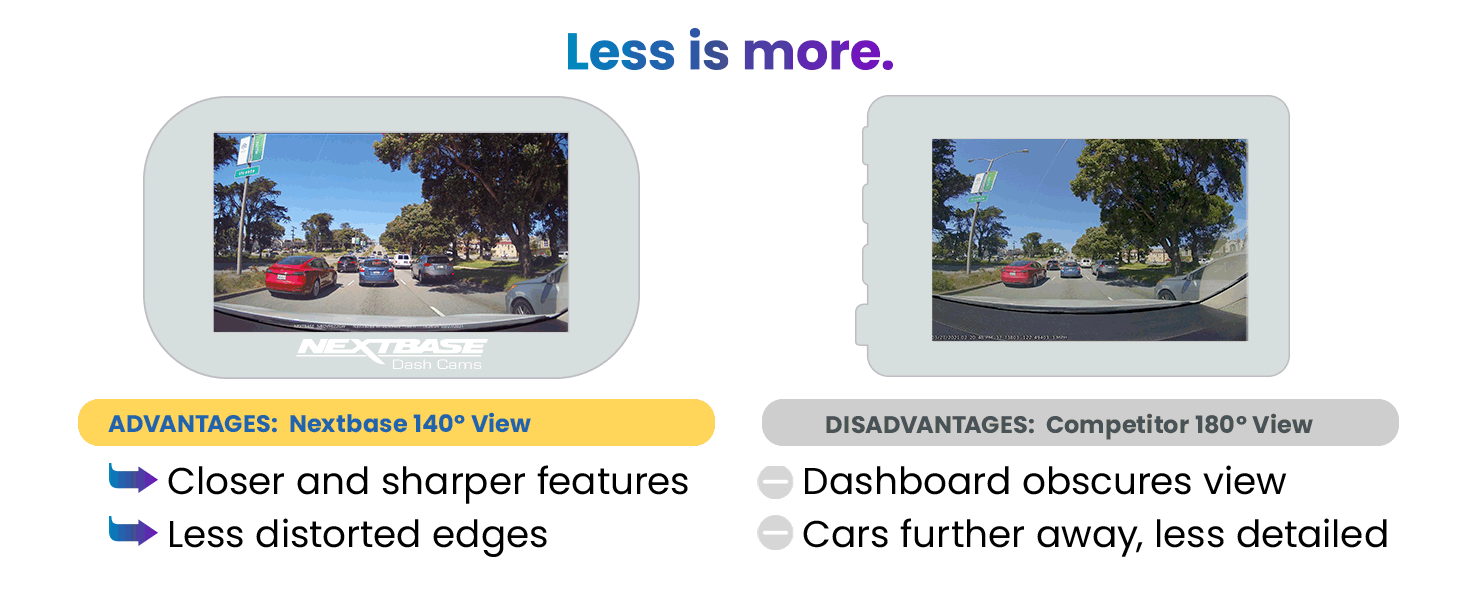
Figure 8: SD Card Recording Time guidelines.
5. Solució De Problemes
If you encounter any issues with your Nextbase 322GW Dash Cam or Rear Camera, please refer to the official Nextbase support resources. Common issues and their solutions can often be found in the comprehensive FAQ section on the Nextbase website or by contacting customer service directly.
6. Especificacions
| Dimensions del producte | 1.8 x 3.3 x 1.8 polzades |
| Pes de l'article | 1.92 lliures |
| Número de model | 322GW |
| Bateries | Necessita 1 bateria de ions de liti |
| Connectivitat | Bluetooth, WiFi |
| Resolució de captura de vídeo | 1080p |
| Viewangle ing | 140° (Front Camera) |
| Mida de la pantalla | 2.5-inch Touch Screen HD IPS Panel |
| Components inclosos | Nextbase 322GW Dash Cam, Rear Window Camera, 32GB SD Card, Click&Go PRO GPS Mount, 12-24V Power Cable (4m), USB Cable, Spare Window Mount, Power Cable Fitting Tool, Quick Start Guide |
| Tipus de muntatge | Muntatge del parabrisa |
| Mètode de control | Toca |
7. Garantia i Suport
For warranty information, technical support, or to access FAQs and additional resources, please visit the official Nextbase weblloc a www.nextbase.com. Nextbase customer service is available to assist with any product-related inquiries.