
Odokee UE218-Red
Odokee Digital Dual Alarm Clock User Manual
Model: UE218-Red
Introducció
This user manual provides comprehensive instructions for the setup, operation, and maintenance of your Odokee Digital Dual Alarm Clock. Please read this manual thoroughly before using the product to ensure proper function and longevity.
Característiques del producte
- Easy-to-set controls with clearly labeled buttons.
- Large 1.6-inch red LED display with 0-100% adjustable dimmer.
- Customizable dual alarms with 7-5-2 alarm modes (Every day, Weekdays, Weekend).
- 5 selectable alarm tones: Beep, Birds Chirping, Buzzer, Soft Music, Siren.
- Adjustable alarm volume from 30dB to 110dB.
- Funció de repetició de l'alarma de 9 minuts.
- Integrated USB charging port for mobile devices.
- Battery backup (3 AAA batteries, not included) for time and settings retention during power outages.
- Compact and space-saving design (5.3"x2.9"x1.95").
- 12 or 24-hour time display option.
Contingut del paquet
- Odokee Digital Dual Alarm Clock
- Power Adapter (Cord Length: 4.92ft)
- Manual d'usuari
Producte acabatview

Davant view of the Odokee Digital Dual Alarm Clock, displaying the time and day of the week. The large red LED digits are clearly visible.

posterior view of the alarm clock, highlighting the control buttons for alarm sound, 12/24HR format, day of week, time set, alarm 1 set, and alarm 2 set. Also visible are the dimmer and volume dials, USB port, and power input.
Configuració
1. Connexió d'alimentació
Connect the provided power adapter to the DC 5V input port on the back of the alarm clock and plug the adapter into a standard AC outlet. The clock display will light up.

The alarm clock connected to a power outlet via its adapter, illustrating the primary power source.
2. Instal·lació de bateria de reserva (opcional)
For battery backup functionality during power outages, insert 3 AAA batteries (not included) into the battery compartment on the bottom of the clock. This will preserve time and alarm settings, and allow alarms to function during a power interruption. Note: USB charging will not work on battery power.
3. Configuració inicial de l'hora
- Manteniu premut el botó HORA CONFIGURADA button on the back of the clock. The hour digits will begin to flash.
- Utilitza el HORA i MIN buttons on the top of the clock to adjust the hour and minute respectively.
- Premeu HORA CONFIGURADA de nou per confirmar l'hora.
- Premeu el botó 12/24 h button to switch between 12-hour (with AM/PM indicator) and 24-hour formats.
- Premeu el botó DIA DE LA SETMANA button to set the current day.
Instruccions de funcionament
1. Configuració d'alarmes (alarma 1 i alarma 2)
The clock features two independent alarms (Alarm 1 and Alarm 2) that can be set for different times and modes.
- Manteniu premut el botó CONJUNT ALARMA 1 or CONJUNT ALARMA 2 button on the back. The alarm hour digits will flash.
- Utilitza el HORA i MIN buttons on the top to adjust the desired alarm time.
- Premeu CONJUNT ALARMA 1 or CONJUNT ALARMA 2 again to select the alarm mode:
- DILLUNS-DIV (Weekdays)
- DS-D (Weekends)
- DUN-D (Tots els 7 dies)
- Premeu CONJUNT ALARMA 1 or CONJUNT ALARMA 2 one more time to confirm the alarm setting. The corresponding alarm icon (1 or 2) will appear on the display.

Illustration of the dual alarm feature with different alarm modes for weekdays and weekends.
2. Selecting Alarm Sound
The clock offers 5 different alarm sounds.
- Premeu el botó SON D’ALARMA button on the back of the clock to cycle through the available sounds: Beep, Birds Chirping, Buzzer, Soft Music, Siren.
- The selected sound will play briefly for preview.

Visual representation of the five distinct alarm sounds available on the clock.
3. Ajust del volum de l'alarma
Utilitza el VOLUM dial on the left side of the clock to adjust the alarm volume from 30dB (low) to 110dB (high).
4. Funció de posposició
Quan soni l'alarma, premeu el botó gran DORMITAR button on the top of the clock to temporarily silence the alarm for 9 minutes. The alarm will sound again after 9 minutes.
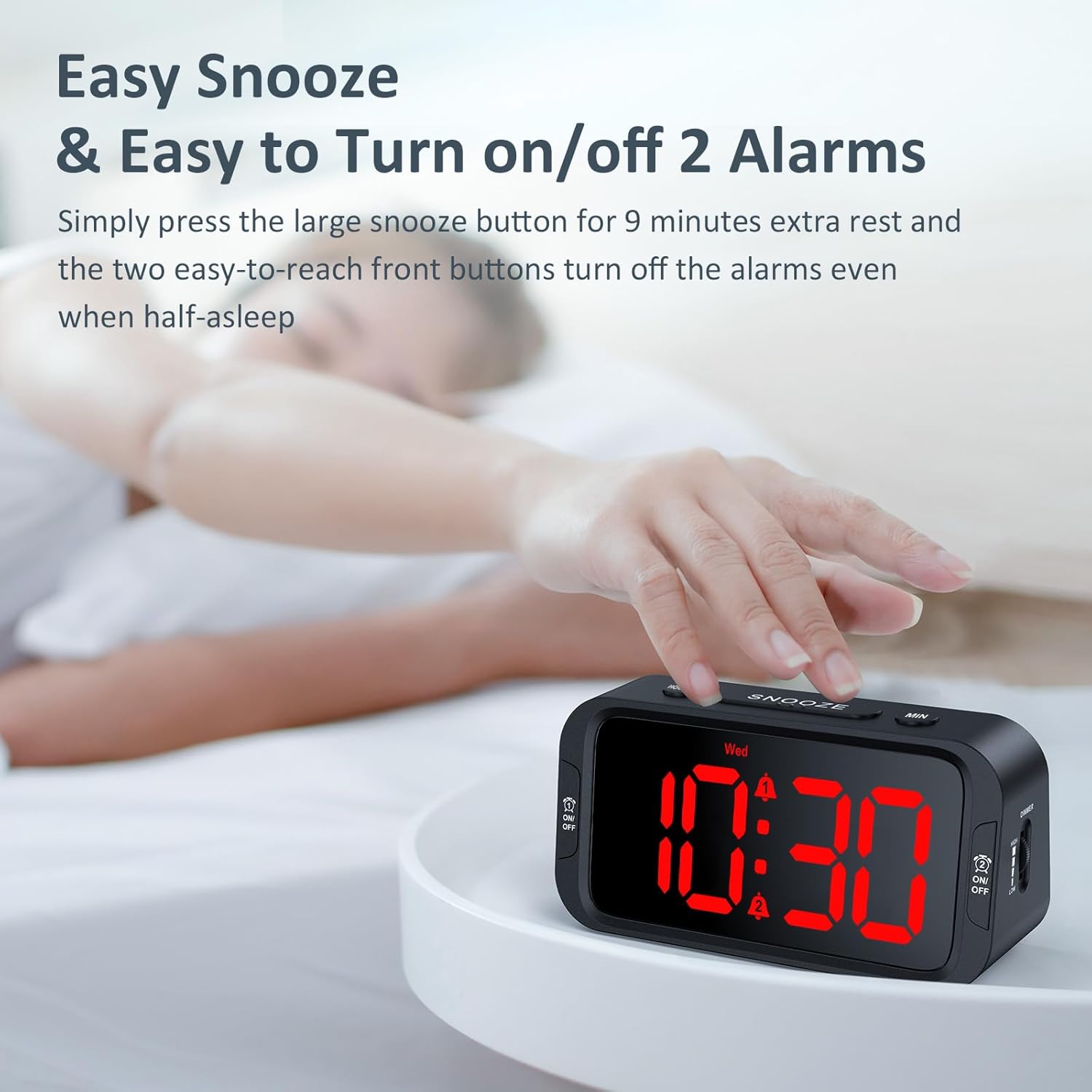
A user's hand activating the snooze function by pressing the prominent SNOOZE button.
5. Turning Alarms On/Off
To turn off a sounding alarm, press the corresponding ON/OFF button located on the front sides of the clock (one for Alarm 1, one for Alarm 2). To disable an alarm completely, press the ON/OFF botó fins que la icona de l'alarma desaparegui de la pantalla.
6. Ajust de la brillantor de la pantalla
Utilitza el DIMMER dial on the right side of the clock to adjust the display brightness from 0% (fully dark) to 100% (very bright).
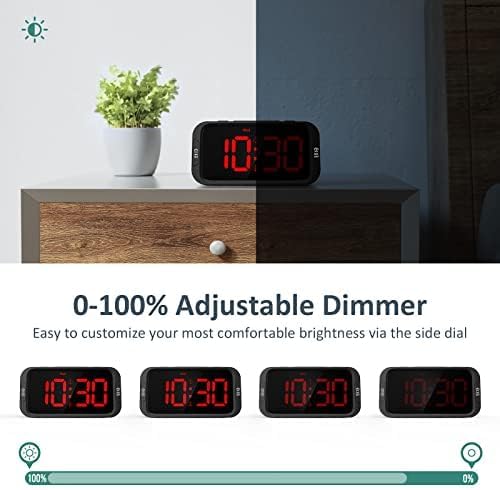
Demonstration of the 0-100% adjustable dimmer, showing the clock display from maximum brightness to completely off.
7. Port de càrrega USB
The USB port on the back of the clock can be used to charge your mobile devices. Simply connect your device's USB charging cable to the port. Note: This port is for charging only and does not transfer data. USB charging requires the clock to be powered by the AC adapter.
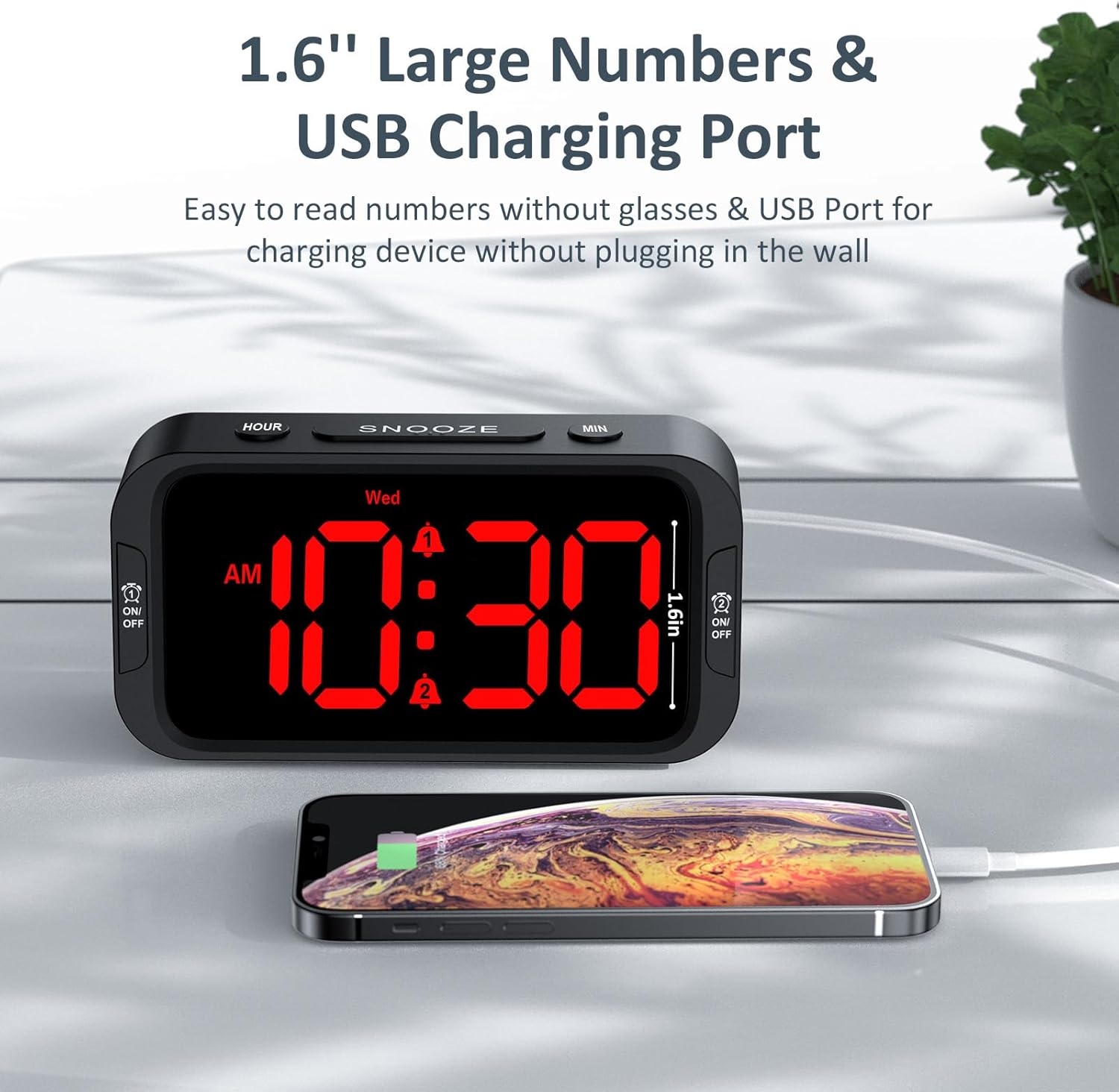
The alarm clock charging a smartphone via its integrated USB port.
Manteniment
- Netegeu el rellotge amb un drap suau i sec. No utilitzeu productes de neteja abrasius ni dissolvents.
- Eviteu exposar el rellotge a temperatures extremes, llum solar directa o humitat elevada.
- Do not disassemble the clock. This will void the warranty.
- If using battery backup, replace batteries annually or when the display shows signs of dimming during a power outage.
Resolució de problemes
| Problema | Causa possible | Solució |
|---|---|---|
| La pantalla del rellotge està apagada. | No hi ha connexió o apagadatage. | Ensure the power adapter is securely plugged into the clock and a working outlet. Check for power outages. If using battery backup, check battery level. |
| L'alarma no sona. | Alarm not activated, volume too low, or incorrect alarm time/mode. | Ensure the alarm icon is visible on the display. Adjust alarm volume. Verify alarm time and mode settings. Check battery backup if on battery power. |
| La càrrega USB no funciona. | Clock not connected to AC power, or device cable issue. | Ensure the clock is plugged into an AC outlet. Verify the USB cable is functional and properly connected to both the clock and your device. |
| Display too bright/dim. | Cal ajustar la configuració del regulador d'intensitat. | Ajusteu el DIMMER dial on the right side of the clock to your preferred brightness level. |
Especificacions
- Model: UE218-Red
- Tipus de visualització: LED digital (vermell)
- Mida de la pantalla: 1.6 inches (digit height)
- Dimensions del producte: 5.3" (llargada) x 2.9" (amplada) x 1.95" (alçada)
- Font d'alimentació: Corded Electric (AC100-240V, 50/60Hz)
- Potència d'entrada: 5V DC, 1A
- Còpia de seguretat de la bateria: 3 piles AAA (no incloses)
- Alarm Volume Range: 30dB - 110dB
- Material: Acrilonitril butadiè estirè (plàstic)
- Pes de l'article: 6.3 unces (178.6 grams)
- UPC: 768461974727
Garantia i Suport
Odokee products come with a hassle-free 18-month warranty. For any product inquiries, technical support, or warranty claims, please contact Odokee customer service:
- Correu electrònic: odokeeshop@outlook.com
- Botiga online: Odokee Store on Amazon
Si us plau, conserveu el rebut de compra per validar la garantia.
Informació de seguretat
- No exposeu el producte a l'aigua ni a una humitat excessiva.
- Mantenir fora de l'abast dels nens.
- Utilitzeu només l'adaptador d'alimentació subministrat.
- Do not place near heat sources or in direct sunlight for extended periods.
Ask a question about this manual
Ask about setup, troubleshooting, compatibility, parts, safety, or missing instructions. Manuals+ will review the question and use this page’s manual context to help answer it.