
Introducció
This manual provides instructions for the Fodsports FX8 Pro USB Charge Cable. This cable is designed specifically for charging the Fodsports FX8 Pro Motorcycle Bluetooth Headset. Please read this manual carefully to ensure proper use and maintenance of your charging cable.
Configuració
The Fodsports FX8 Pro USB Charge Cable is a plug-and-play accessory. No complex setup is required. Simply connect it to your Fodsports FX8 Pro headset and a compatible USB power source.
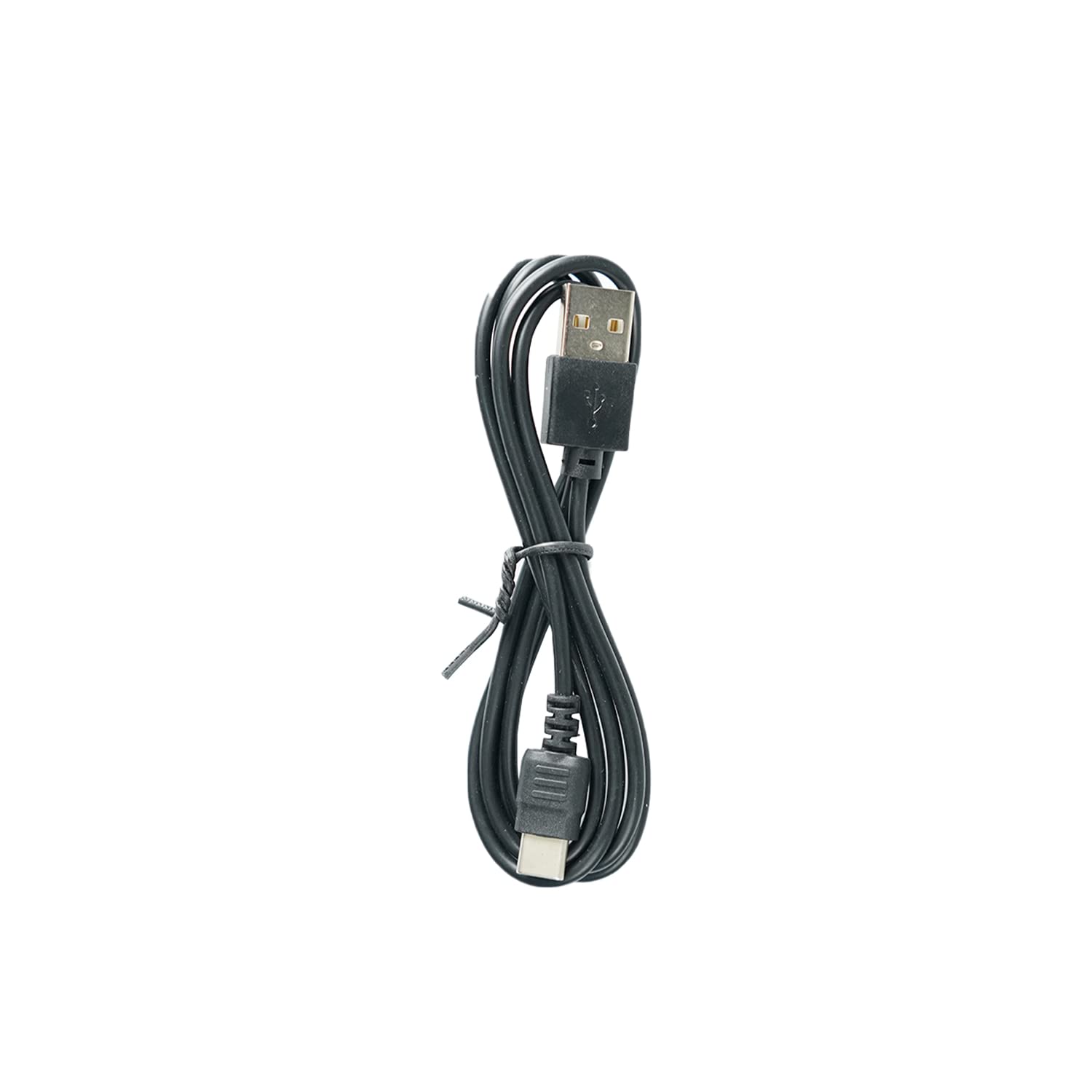
Image: The Fodsports FX8 Pro USB Charge Cable. This cable features a standard USB-A connector on one end and a proprietary connector designed for the FX8 Pro headset on the other.
Connexió del cable
- Locate the charging port on your Fodsports FX8 Pro Bluetooth Headset. This port is typically covered by a rubber flap to protect it from dust and moisture.
- Gently open the rubber flap to expose the charging port.
- Insert the smaller, proprietary end of the USB charge cable into the headset's charging port, ensuring it is fully seated.
- Insert the standard USB-A end of the cable into a compatible USB power source, such as a wall adapter, computer USB port, or power bank.

Image: The Fodsports FX8 Pro Bluetooth Headset. The charging cable connects to a port on this device.
Funcionament (càrrega)
Once the USB charge cable is correctly connected to both the FX8 Pro headset and a power source, the headset should begin charging. Refer to your Fodsports FX8 Pro headset's main instruction manual for specific charging indicators (e.g., LED light behavior) and estimated charging times.
Directrius de càrrega
- Use only certified USB power adapters that meet the voltage and current requirements specified for the Fodsports FX8 Pro headset.
- Avoid charging in extreme temperatures. Optimal charging occurs at room temperature.
- Do not force the cable into the port. If it does not connect easily, check the orientation and ensure there are no obstructions.
Manteniment
Proper care of your USB charge cable will extend its lifespan and ensure reliable performance.
Neteja
- Wipe the cable with a soft, dry cloth to remove dust or dirt.
- Avoid using harsh chemicals, solvents, or abrasive cleaners, as these can damage the cable's insulation or connectors.
- Ensure the connectors are clean and free of debris before plugging them in.
Emmagatzematge
- Guardeu el cable en un lloc fresc i sec, allunyat de la llum solar directa i de temperatures extremes.
- Avoid tightly coiling or bending the cable at sharp angles, as this can damage the internal wires.
- Keep the cable away from pets and small children to prevent damage.
Resolució de problemes
If your Fodsports FX8 Pro headset is not charging, consider the following:
| Problema | Causa possible | Solució |
|---|---|---|
| Els auriculars no s'estan carregant | Cable no completament connectat | Ensure both ends of the cable are securely plugged into the headset and the power source. |
| Els auriculars no s'estan carregant | Font d'alimentació defectuosa | Try a different USB wall adapter, computer USB port, or power bank. |
| Els auriculars no s'estan carregant | Cable danyat | Inspect the cable for any visible damage (frays, bends, broken connectors). If damaged, replace the cable. |
| Els auriculars no s'estan carregant | Dirty charging port/connector | Gently clean the charging port on the headset and the cable connectors with a dry, soft brush or compressed air. |
Especificacions
- Tipus de producte: Cable de càrrega USB
- Compatibilitat: Fodsports FX8 Pro Motorcycle Bluetooth Headset
- Interfície del dispositiu d'entrada: USB
- Components inclosos: cable USB
- Color: Negre
- Pes de l'article: Aproximadament 1.13 unces (32 grams)
Informació de la garantia
This USB charge cable is an accessory for the Fodsports FX8 Pro headset. Warranty coverage for accessories typically aligns with the warranty provided for the main product, or a standard limited warranty for accessories. Please refer to the warranty information provided with your Fodsports FX8 Pro Bluetooth Headset or visit the official Fodsports weblloc web per obtenir informació detallada sobre els termes i condicions de la garantia.
Atenció al client
For further assistance, technical support, or inquiries regarding your Fodsports FX8 Pro USB Charge Cable or headset, please contact Fodsports customer service.
- Oficial Weblloc: www.fodsports.com (Si us plau, comproveu el weblloc web per obtenir la informació de contacte i els recursos d'assistència més actualitzats.)
- Suport per correu electrònic: Refer to the contact section on the official Fodsports weblloc.