
Introducció
This manual provides instructions for the operation, setup, and maintenance of the Syble XB-6266MBT Wireless Bluetooth 2D Barcode Scanner. This device is designed for efficient and reliable barcode scanning in various environments, supporting both 1D and 2D barcode types.
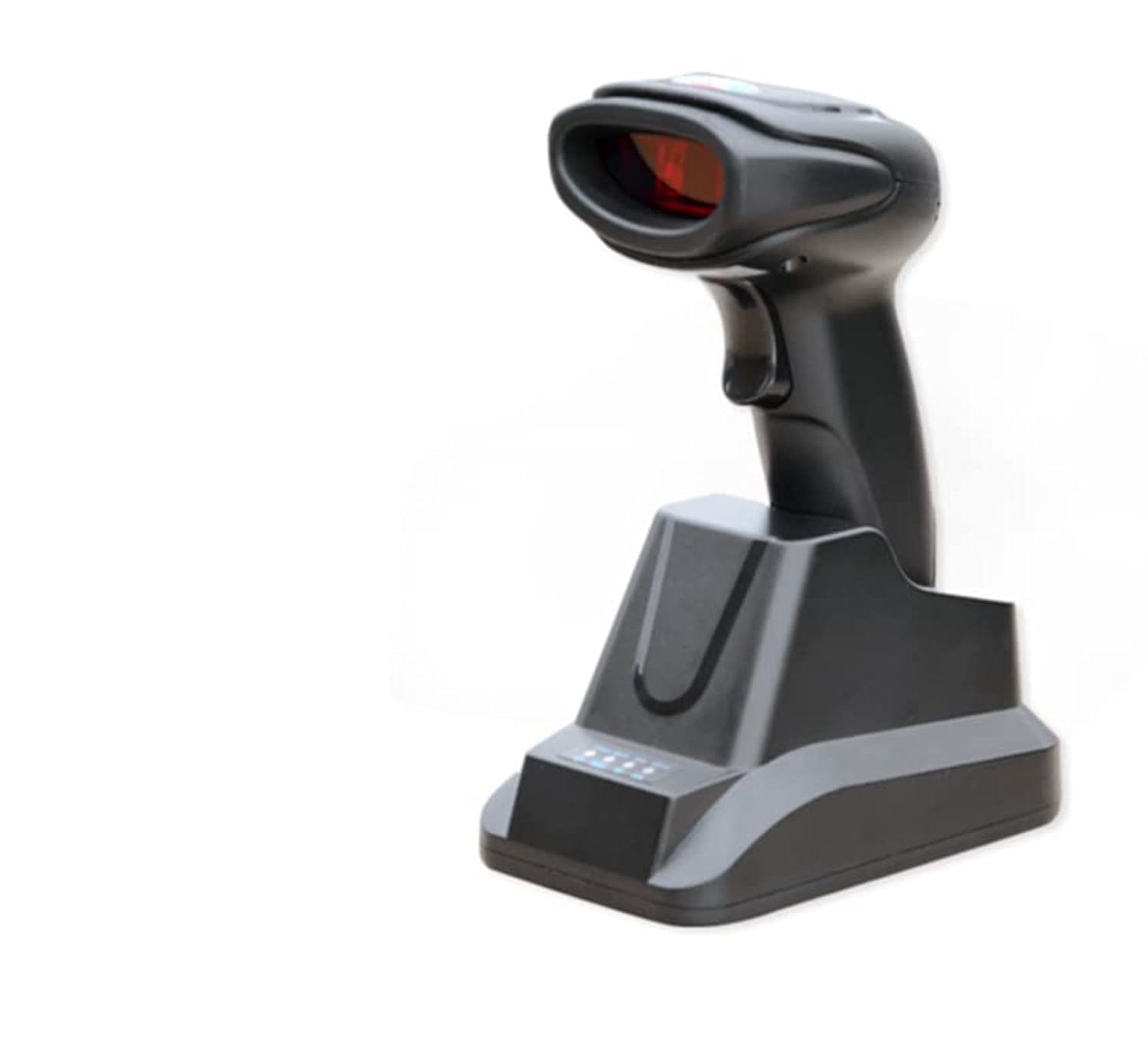
Figura 1: Syble XB-6266MBT Wireless Bluetooth 2D Barcode Scanner. This image shows the compact design of the scanner, suitable for handheld use.
Configuració
1. Càrrega de l'escàner
Before initial use, fully charge the scanner's high-capacity battery. Place the scanner on its dedicated charger base. The charging indicator light will show the charging status. A full charge allows for approximately 8 hours of continuous operation.
2. Opcions de connectivitat
The XB-6266MBT offers two primary connectivity methods:
- Connexió Bluetooth:
- Assegureu-vos que l'escàner estigui engegat.
- Activate Bluetooth on your host device (Desktop, Laptop, Smartphone, Tablet).
- Cerca available Bluetooth devices and select "XB-6266MBT" to pair.
- The scanner supports one-to-one pairing and multiple-to-one pairing (up to 7 channels). It has dedicated Bluetooth reception for Android and iOS mobile devices.
- Connexió USB:
Connect the scanner to your computer using the provided USB cable. The scanner will function as a USB HID (Human Interface Device) or USB-COM device, depending on the configuration. The dedicated charger base also facilitates USB connection.
Instruccions de funcionament
1. Escaneig de codis de barres
The XB-6266MBT scanner supports various scanning methods and barcode types.
- Tipus de codis de barres compatibles:
The scanner supports most common 1D and 2D barcodes, including:
1D: Codabar, Code 11, Code 39, Code 93, UPC/EAN, Code 128/EAN128, Interleaved 2 of 5, Matrix 2 of 5, MSI Code, Industrial 2 of 5, GS1 Databar.
2D: QR Code, Data Matrix, PDF417. - Modes d'escaneig: The scanner can operate in manual, non-interlaced, automatic, or inductive scanning modes. Refer to the advanced configuration guide for switching between modes.
- Procediment d'escaneig:
- Point the scanner's light source at the barcode you wish to scan.
- Press the trigger button (if in manual mode) or allow the scanner to detect the barcode automatically (in automatic/inductive modes).
- A successful scan is typically indicated by an audible beep and/or a visual confirmation light.
The scanner features a high scanning speed of up to 300 scans per second and a low error rate of less than 1 in 5 million scans, ensuring efficient data capture. The scanning depth of field ranges from 6mm to 250mm.
Manteniment
1. Neteja de l'escàner
To maintain optimal performance, keep the scanner's scanning window clean. Use a soft, lint-free cloth lightly dampened with water or a mild cleaning solution. Avoid abrasive cleaners or solvents that could damage the device.
2. Cura de la bateria
The scanner is equipped with a high-capacity battery. For best battery life, avoid fully discharging the battery frequently. Recharge the scanner using its dedicated charger base. Store the scanner in a cool, dry place when not in use for extended periods.
Resolució de problemes
If you encounter issues with your Syble XB-6266MBT scanner, try the following steps:
- L'escàner no respon: Ensure the battery is charged. Connect the scanner to its charger base and check if the charging indicator lights up.
- Problemes de connexió Bluetooth:
- Comproveu que el Bluetooth estigui habilitat tant a l'escàner com al dispositiu amfitrió.
- Delete the scanner from your device's Bluetooth paired list and attempt to re-pair.
- Ensure the scanner is within the 100-meter transmission range (open field).
- No es poden escanejar codis de barres:
- Check if the barcode is damaged or poorly printed.
- Ensure the scanning window is clean and free from obstructions.
- Verify that the barcode type is supported by the scanner (refer to Supported Barcode Types).
- Ajusteu la distància i l'angle entre l'escàner i el codi de barres.
- Data Transmission Errors: If data is not transmitting correctly, try switching between USB HID and USB-COM modes if applicable, or re-establish the Bluetooth connection.
For further assistance, please refer to the manufacturer's weblloc o contacteu amb el servei d'atenció al client.
Especificacions
| Característica | Detall |
|---|---|
| Número de model | XB-6266MBT |
| Font de llum | 617nm LED, White LED |
| Codis de barres 1D compatibles | Codabar, Code 11, Code 39, Code 93, UPC/EAN, Code 128/EAN128, Interleaved 2 of 5, Matrix 2 of 5, MSI Code, Industrial 2 of 5, GS1 Databar |
| Codis de barres 2D compatibles | QR Code, Data Matrix, PDF417 |
| Tipus d'escaneig | COMS Image |
| Mètode d’escaneig | Manual/Non-interlaced/Automatic/Inductive Scanning |
| Angle d'escaneig | Pitch 60°, Rotation 360°, Skew 60° |
| Resolució mínima | ≥5 mil |
| Profunditat de camp | 6 mm - 250 mm |
| Percentatge d'errors | Menys d'1/5 milió |
| Interfícies | USB, USB HID, USB-COM |
| Versió Bluetooth | V2.1+EDR (Class 1) |
| Distància de transmissió | ≤100 meters (open field) |
| Capacitat d'emmagatzematge | 512000 bytes |
| Modes de sincronització | One-to-one, Multiple-to-one (max 7 channels) |
| Dispositius compatibles | Ordinador de sobretaula, portàtil, telèfon intel·ligent, tauleta |
| Dimensions (L×W×H) | 85 mm × 61 mm × 16 mm |
| Pes | Approx. 32g (Note: Original data may contain a typo, 323333333 grams was provided) |
| Material | ABS + Policarbonat |
| Longitud del cable | 1.2 metres |
| Temperatura de funcionament | -20 °C ~ 55 °C |
| Temperatura d'emmagatzematge | -40 °C ~ 63 °C |
| Humitat relativa | 5% ~ 95% (sense condensació) |
| Vol. Operatiutage | 3.7 V |
| Velocitat d'escaneig | 300 fps |
| Font d'alimentació | Funciona amb piles |
Garantia i Suport
1. Informació de la garantia
The Syble XB-6266MBT Wireless Bluetooth 2D Barcode Scanner comes with a garantia d'un any des de la data de compra. Aquesta garantia cobreix defectes de fabricació i avaries en condicions d'ús normal. Conserveu el comprovant de compra per a reclamacions de garantia.
2. Atenció al client
For technical support, troubleshooting assistance, or warranty inquiries, please visit the official Syble weblloc web o poseu-vos en contacte amb el vostre distribuïdor local.


