
Introducció
This manual provides detailed instructions for the safe and effective use of your Retevis NR630 professional two-way radio. The NR630 is designed for reliable communication, featuring IP67 waterproofing, intelligent noise reduction, and a long-lasting battery. Please read this manual thoroughly before operating the device.
Contingut del paquet
Verifiqueu que tots els elements siguin presents al vostre paquet:
- 2 x Retevis NR630 Two-Way Radios
- 2 x antenes
- 2 x Auriculars
- 2 x clips de cinturó
- 2 corretges de mà
- 2 bases de càrrega
- 2 x cables de càrrega USB-C
- 1 x Manual d'usuari
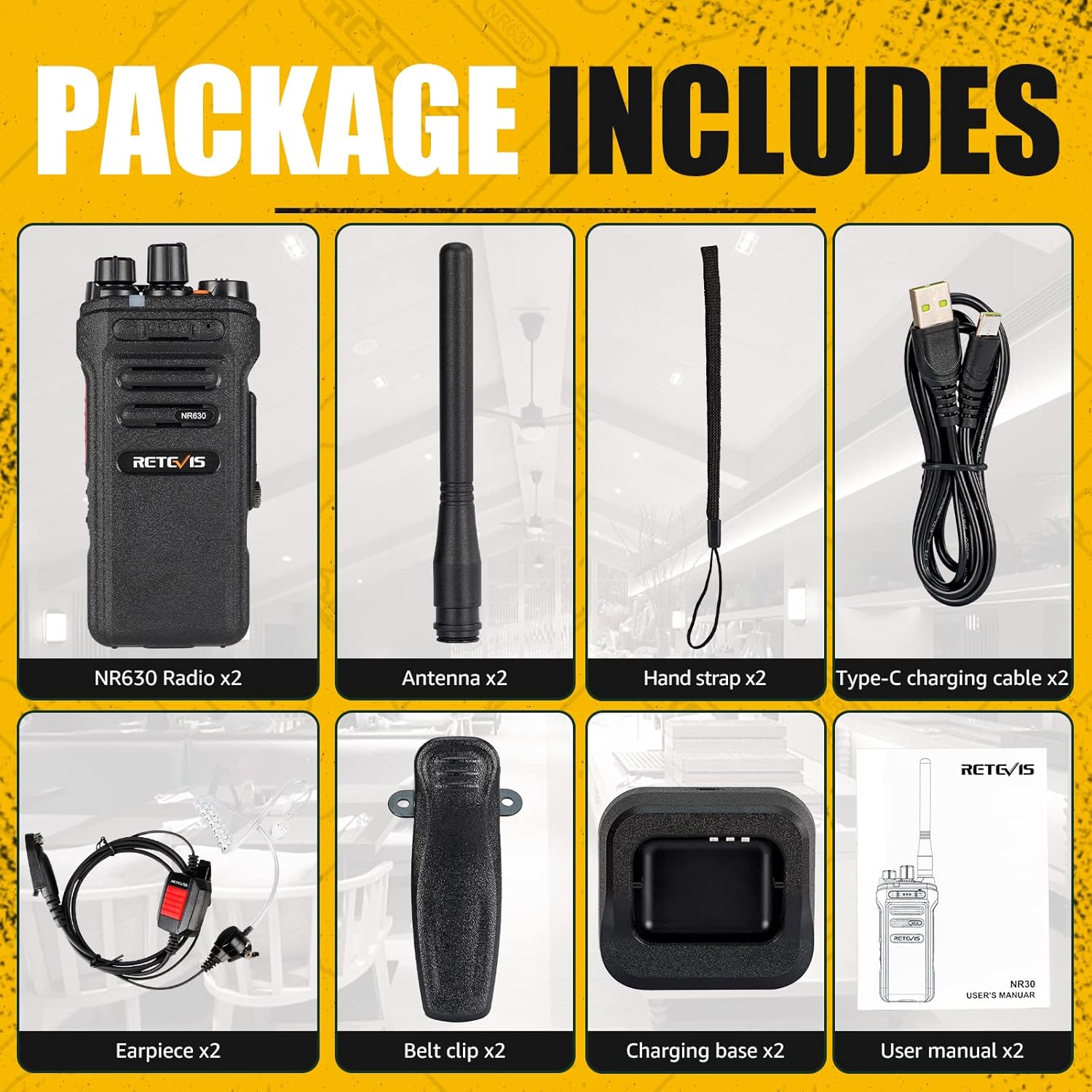
Figure 1: All items included in the Retevis NR630 package.
Configuració
1. Instal·lació de la bateria
- Assegureu-vos que la ràdio estigui apagada.
- Align the Lithium-ion battery with the battery compartment on the back of the radio.
- Premeu la bateria fermament fins que encaixi al seu lloc.
2. Fixació de l'antena
- Enrosqueu l'antena en sentit horari al connector de la part superior de la ràdio fins que quedi ben ajustada amb els dits. No l'estrengueu massa.
3. Carregant la ràdio
Before first use, fully charge the radio's 2800mAh Lithium-ion battery.
- Connect the USB-C charging cable to the charging base and then to a power source.
- Place the radio into the charging base. The indicator light on the base will show charging status.
- Una càrrega completa sol trigar diverses hores. L'indicador lluminós canviarà quan la càrrega s'hagi completat.

Figure 2: Charging the Retevis NR630 radio. The 2800mAh battery provides extended working and standby times.
4. Auricular i fixació de clip de cinturó
- To attach the earpiece, open the rubber cover on the side of the radio and firmly insert the earpiece plug.
- Slide the belt clip onto the designated slot on the back of the radio until it locks securely.
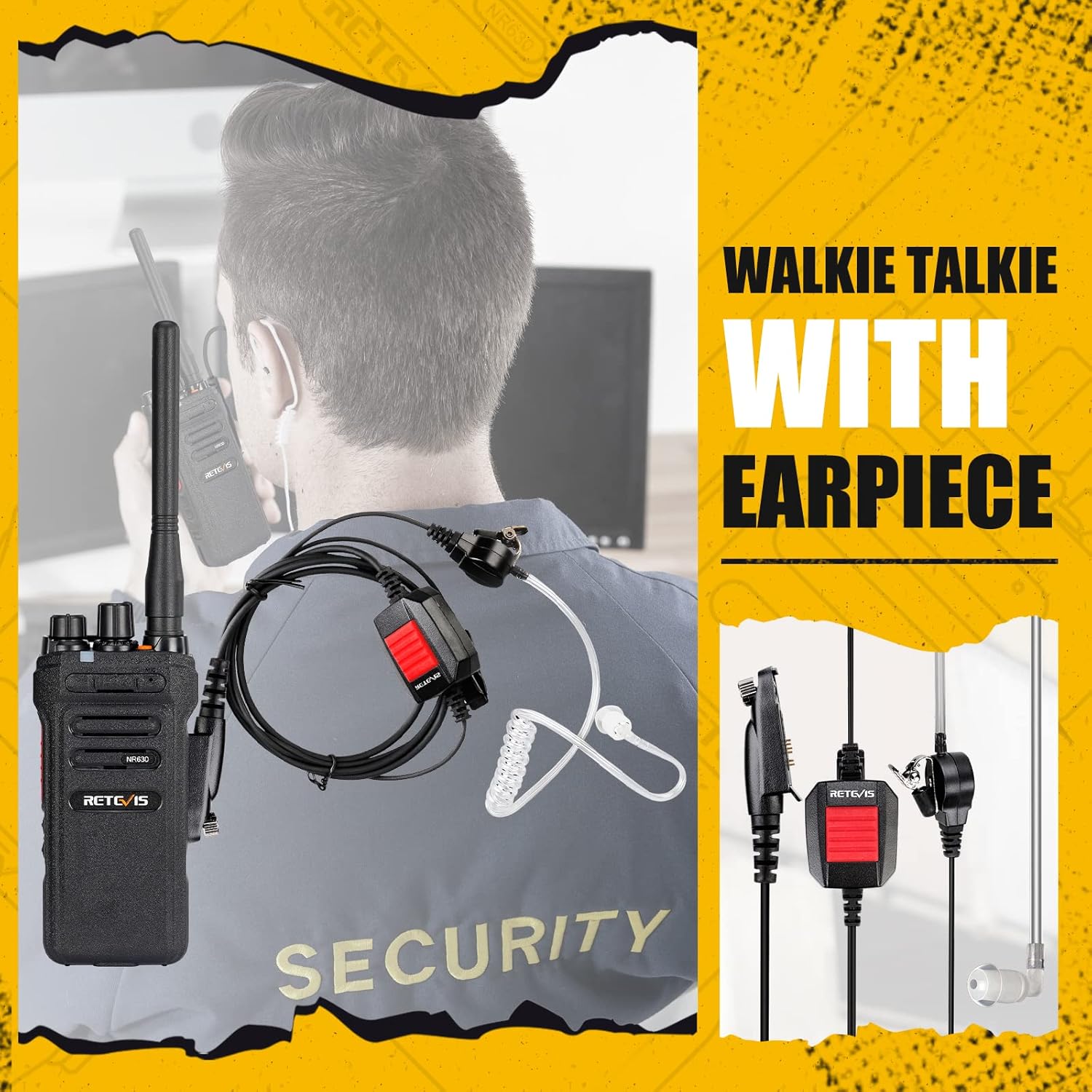
Figure 3: Retevis NR630 with earpiece for hands-free operation.

Figure 4: The Retevis NR630 with belt clip for easy carrying.
Instruccions de funcionament
1. Encendre/apagar i control de volum
- Per encendre la ràdio, gireu el botó d'engegada/volum en sentit horari fins que sentiu un clic.
- Continue rotating the knob to adjust the volume to a comfortable level.
- Per apagar-lo, gireu el botó en sentit antihorari fins que faci clic.
2. Selecció de canals
The NR630 supports 32 channels. Use the Channel Selector knob on top of the radio to choose your desired channel. Ensure all radios in your group are on the same channel for communication.
3. Transmissió i recepció (PTT)
- Per transmetre, premeu i manteniu premut el botó Push-to-Talk (PTT) que hi ha al lateral de la ràdio. Parleu clarament al micròfon.
- Deixeu anar el botó PTT per aturar la transmissió i escolteu una resposta.
- The radio will automatically receive transmissions when the PTT button is not pressed.
4. Funció VOX (mans lliures)
The Voice Operated Exchange (VOX) function allows you to transmit without pressing the PTT button. This feature is particularly useful when using the earpiece.
- Refer to the full user manual for specific instructions on enabling and adjusting VOX sensitivity.
- Quan VOX està actiu, la ràdio transmetrà automàticament quan detecti la teva veu.
5. One-Key Group Call
The NR630 features a dedicated button for initiating a group call, allowing you to communicate with multiple team members simultaneously.
- Press the designated Group Call button (refer to your radio's layout for exact button).
- Speak into the microphone to broadcast your message to all radios on the same group call setting.

Figure 5: The Retevis NR630 supports one-key group calls for efficient team communication.
6. Funció d'alarma
The radio includes local and remote alarm functions for emergency situations. Consult the full user manual for details on how to activate and configure these alarms.
7. Reducció intel·ligent de soroll
The NR630 features intelligent two-way noise reduction technology. This system automatically identifies human voices and ambient noise, reducing background interference and preserving voice clarity during communication.

Figure 6: Intelligent noise reduction ensures clear audio even in noisy environments.
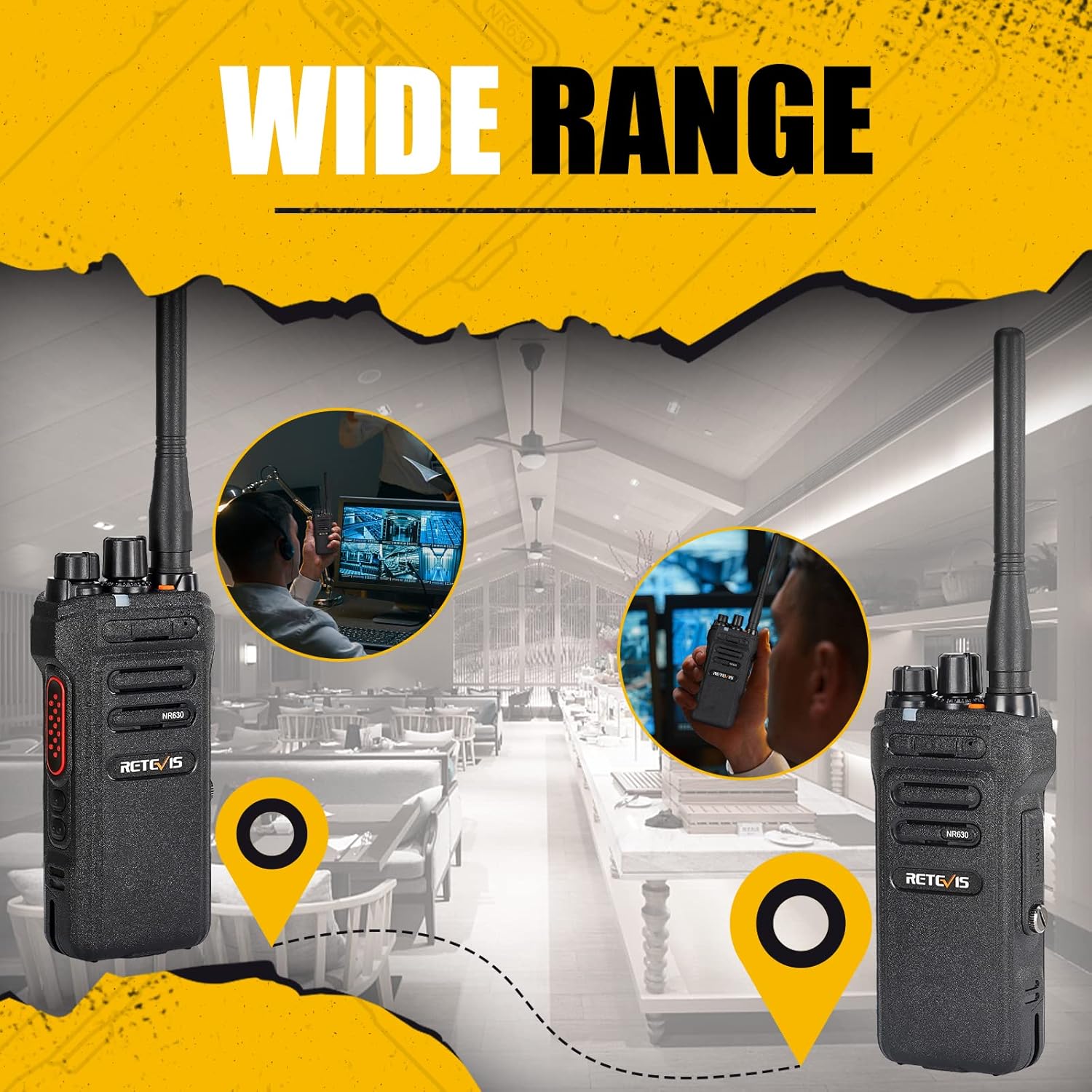
Figure 7: The Retevis NR630 offers wide-range communication capabilities.
Manteniment
1. Neteja
The NR630 is IP67 waterproof, allowing it to withstand submersion in up to 1 meter of water for 30 minutes. To clean the radio:
- Netegeu l'exterior amb anunciamp drap. Per a la brutícia persistent, feu servir una solució de sabó suau.
- Ensure all port covers (e.g., earpiece port) are securely closed before rinsing the radio under running water.
- Dry the radio thoroughly with a soft, lint-free cloth after cleaning.
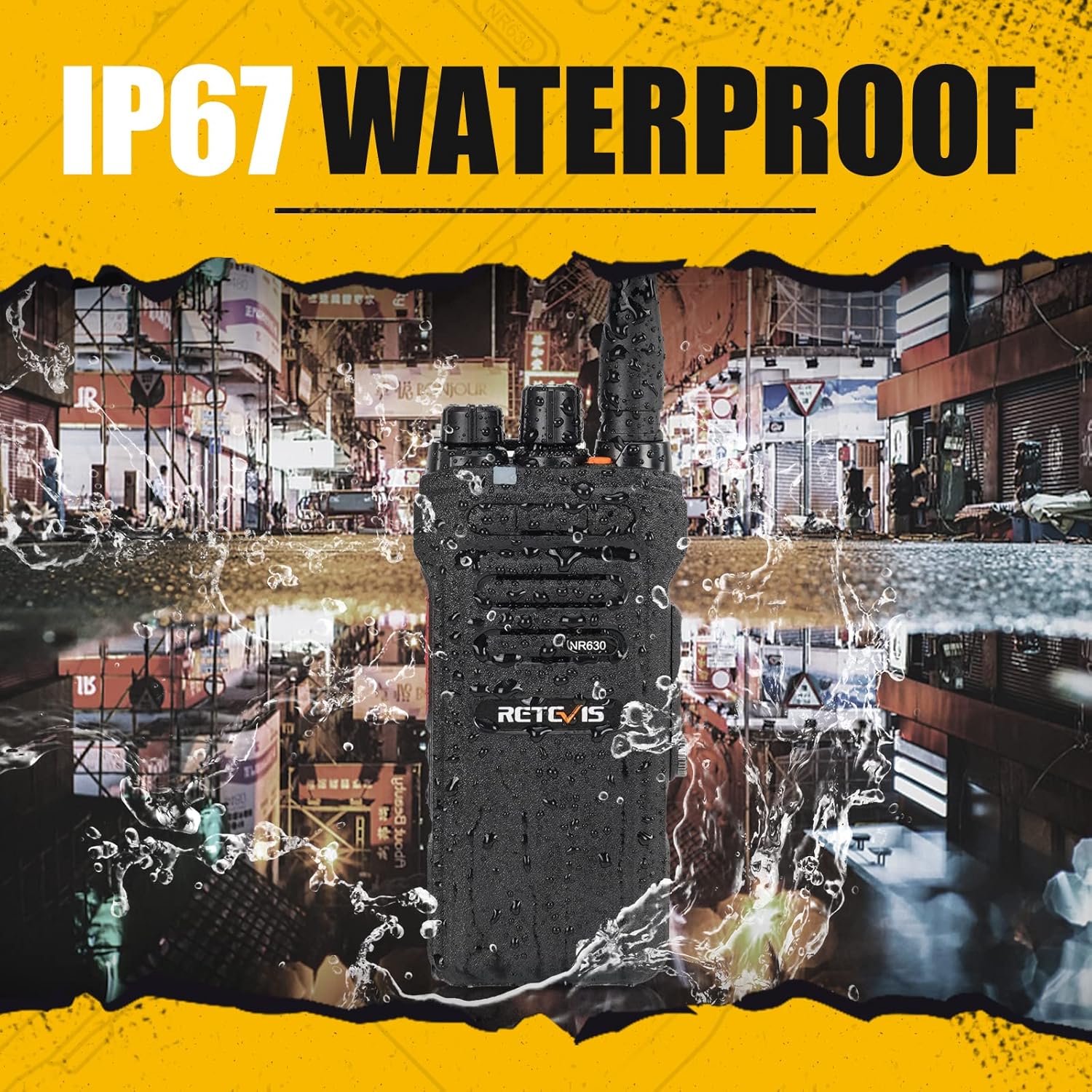
Figure 8: The Retevis NR630 is IP67 waterproof, ensuring durability in wet conditions.
2. Cura de la bateria
- To maximize battery life, avoid fully discharging the Lithium-ion battery frequently.
- Guardeu la ràdio en un lloc fresc i sec quan no la feu servir durant períodes prolongats.
- Use only the provided charging base and USB-C cable.
3. Cura de l'antena
- Do not bend or force the antenna, as this can damage it and affect communication range.
- Ensure the antenna is securely attached before use.
Resolució de problemes
| Problema | Causa possible | Solució |
|---|---|---|
| La ràdio no s'encén | Low or dead battery; Power/Volume knob not turned on | Charge the battery; Rotate Power/Volume knob clockwise until it clicks |
| No es pot transmetre ni rebre | Incorrect channel; Out of range; Antenna loose or damaged | Verify channel matches other radios; Move closer to other radios; Check antenna connection |
| Mala qualitat d'àudio | Volum baix; Obstruccions; Interferències | Adjust volume; Move to an open area; Ensure noise reduction is active |
| Interval de comunicació curt | Environmental factors (buildings, terrain); Antenna issue; Low battery | Move to higher ground or open area; Check antenna connection; Fully charge battery |
If you encounter issues not listed here or if the problem persists after attempting these solutions, please contact Retevis customer support.
Especificacions
| Característica | Detall |
|---|---|
| Marca | Retevis |
| Número de model | NR630 |
| Color | Negre |
| Nombre de canals | 32 |
| Interval de freqüència | 440-461.9 MHz / 468-470 MHz |
| Interval màxim | Up to 1.13 Kilometers (Actual range varies significantly with terrain and conditions) |
| Nivell de resistència a l'aigua | Impermeable IP67 |
| Capacitat de la bateria | 2800 mAh de liti-ió (recarregable) |
| Voltage | 7.4 Volts |
| Característiques especials | Intelligent Noise Reduction, Long Range, VOX Function, One-Key Group Call, Local/Remote Alarm |
| Dispositius compatibles | Devices with USB-C interface for charging |
| Dimensions del producte | 67P x 39l x 232H millimeters |
| Fabricant | Retevis |
| País d'origen | Xina |
Garantia i Suport
Informació de la garantia
Retevis offers a 2-year warranty for the radio body and a 1-year warranty for accessories from the date of purchase. Additionally, a 30-day return policy is provided without requiring a specific reason.
Servei postgarantia
Beyond the warranty period, maintenance services are still available. Buyers are responsible for covering any associated costs for such services.
Atenció al client
For any questions, technical assistance, or warranty claims, please contact Retevis customer support through Amazon. We aim to respond to all inquiries within 12 hours.