
Medical Guardian MGMobile
Medical Guardian MGMobile User Manual
Model: MGMobile | Brand: Medical Guardian
1. Acabatview
The Medical Guardian MGMobile is a lightweight, water-resistant medical alert system designed for seniors, providing safety and peace of mind both at home and on the go. It features 4G GPS tracking and 24/7 emergency response, connecting you to a U.S.-based operator with a single button press. This device is built to support independent living with reliable nationwide coverage and long battery life.
2. Què hi ha a la caixa
Your Medical Guardian MGMobile package includes the following components:
- MGMobile Device
- Corda
- Suport de clip de cinturó
- Base de càrrega

Image: The MGMobile device, lanyard, belt clip holder, and charging cradle.
3. Configuració i activació
Before using your MGMobile device, it must be activated. The activation process ensures your device is connected to the monitoring service and your emergency contacts are set up.
- Carregueu el dispositiu: Place the MGMobile device into the charging cradle. Ensure it is properly seated and the charging indicator light illuminates. Allow the device to fully charge before proceeding.
- Activate Online or by Phone: Your device includes one free month of 24/7 monitoring. To activate, visit the Medical Guardian website or call the activation number provided in the packaging. During activation, you will:
- Connect your device to your location.
- Select your monitoring service plan.
- Set up your emergency contact lists.
- Sign your service agreement.
- Confirmeu l'activació: Once activated, the operator will confirm your device is ready for use.
After the initial free month, a monthly subscription fee will apply. You can cancel the service at any time.

Image: Device activation process via online portal or phone.
4. Instruccions de funcionament
The MGMobile device is designed for simple and intuitive operation.
4.1. Portar el dispositiu
The MGMobile can be worn in multiple ways to suit your preference:
- Around the Neck: Use the included lanyard to wear the device as a necklace.
- Clipped to Clothing: Attach the included belt clip holder to your pocket, belt, or purse for discreet wear.
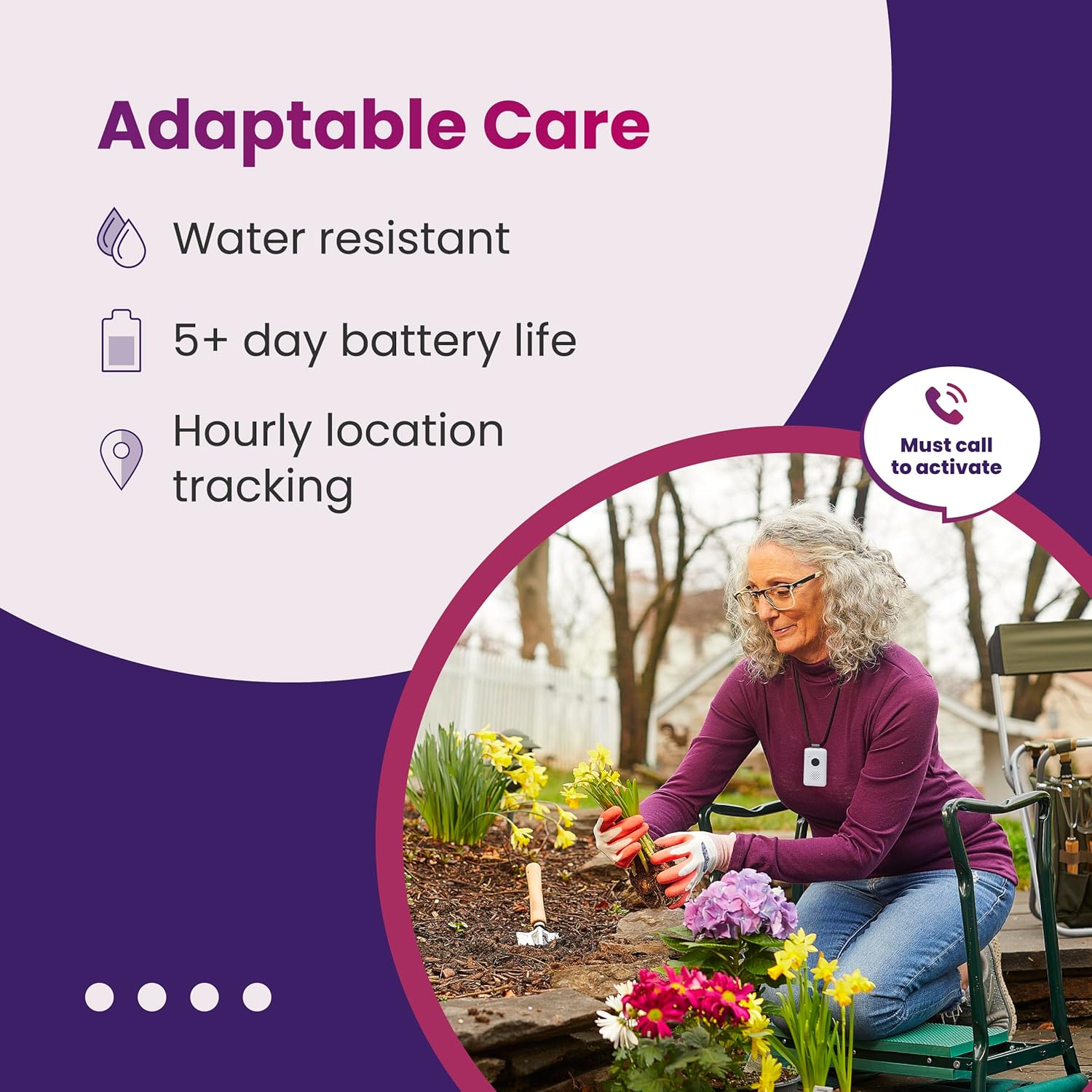
Image: MGMobile device dimensions and wearing options.
4.2. Initiating an Emergency Call
In case of an emergency, help is just a button press away:
- Press the Emergency Button: Locate the large, central button on the front of the MGMobile device. Press and hold this button for a few seconds until you hear a confirmation tone or voice prompt.
- Comunicació d'àudio bidireccional: The device will connect you to a U.S.-based operator via two-way audio. Clearly explain your situation and the type of assistance you need (e.g., EMTs, police, firefighters, or a loved one).
- Seguiment GPS: The device's 4G GPS tracking will automatically provide your location to the operator, ensuring help can be dispatched to your precise whereabouts.

Imatge: Frontal view of the MGMobile device, showing the emergency call button.
4.3. Fall Detection (Optional Add-on)
If you have opted for the fall detection service during activation, the device is designed to automatically detect a fall and send an alert to the emergency response team. While highly effective, no fall detection system is 100% accurate. If you are able, always press your emergency button after a fall.
5. Manteniment
Proper maintenance ensures the longevity and reliability of your MGMobile device.
5.1. Carregant la bateria
The MGMobile device offers up to 3 to 5 days of battery life on a single charge. To ensure continuous protection, it is crucial to charge your device regularly.
- Place the device in its charging cradle.
- Ensure the charging cradle is connected to a power source.
- Una càrrega completa sol trigar aproximadament 3 hores.
- It is recommended to charge the device daily or every few days, especially overnight, to maintain optimal battery levels.

Image: MGMobile device in charging cradle, highlighting battery life.
5.2. Neteja del dispositiu
Netegeu el dispositiu amb un suau, damp cloth as needed. Do not use harsh chemicals or abrasive cleaners. The device is water-resistant, but not fully waterproof; avoid submerging it in water.
6. Solució De Problemes
If you encounter issues with your MGMobile device, try the following troubleshooting steps:
- El dispositiu no respon: Ensure the device is fully charged. Place it on the charging cradle for at least 30 minutes. If it still does not respond, attempt to press the emergency button again.
- Cannot Connect to Operator: Verify that you are in an area with 4G cellular coverage. If you are in a remote area or a building with poor signal, try moving to a different location.
- Problemes de càrrega: Check that the charging cradle is securely plugged into a working power outlet. Ensure the device is correctly seated in the cradle and the charging contacts are clean and free of debris.
- Accidental Activation: If you accidentally press the button and connect to an operator, simply inform them that it was an accidental activation.
If these steps do not resolve the issue, please contact Medical Guardian customer support for further assistance.
7. Especificacions
| Característica | Detall |
|---|---|
| Model | MGMobile |
| Dimensions | 7.09 x 3.74 x 2.52 polzades (paquet) |
| Pes de l'article | 1.6 unces |
| Connectivitat | 4G LTE |
| Tipus de bateria | 1 bateria de polímer de liti (inclosa) |
| Durada de la bateria | Fins a 3-5 dies |
| Característiques especials | Wireless, GPS Tracking, Water-Resistant, Two-Way Audio |
| Color | Blanc |
| Aplicació compatible | MyGuardianApp |
8. Garantia i Suport
Medical Guardian is committed to providing high-quality products and exceptional service. For information regarding your device's warranty, please refer to the documentation included with your purchase or visit the official Medical Guardian weblloc.
For any questions, technical support, or assistance with your MGMobile device, please contact Medical Guardian customer service. Their 24/7 monitoring center is also available for emergencies.
Medical Guardian Contact Information:
Please refer to the contact details provided in your activation kit or on the official Medical Guardian weblloc (www.medicalguardian.com).