
zhizhi HXT72PK
User Manual: zhizhi Smart Watch
Model: HXT72PK
Introducció
Thank you for choosing the zhizhi Smart Watch. This device is designed to enhance your daily life by combining advanced fitness tracking, health monitoring, and smart communication features. This manual provides detailed instructions to help you set up, operate, and maintain your new smartwatch.

Image: The zhizhi Smart Watch in pink and black, showcasinpel seu disseny elegant i la seva pantalla digital.
Què hi ha a la caixa
Si us plau, comproveu el contingut del paquet per assegurar-vos que hi hagi tots els elements:
- 1 x zhizhi Smart Watch
- 1 x Pink Watch Band
- 1 x Black Watch Band
- 1 x Manual d'usuari
- 1 carregador magnètic
Guia de configuració
1. Càrrega del dispositiu
Before first use, fully charge your smartwatch. Connect the magnetic charger to the charging points on the back of the watch and plug the USB end into a power adapter (not included) or a computer USB port.
- Temps de càrrega: Aproximadament 2-3 hores per a una càrrega completa.
- Durada de la bateria: Up to 7-15 days depending on usage.
2. Downloading the FitCloudPro App
The zhizhi Smart Watch requires the "FitCloudPro" app for full functionality and data synchronization. Follow these steps:
- Activeu la funció Bluetooth al vostre telèfon intel·ligent.
- Open the "Google Play Store" (for Android) or "APP Store" (for iOS).
- Cerca "FitCloudPro" and download the app.

Image: Visual guide showing how to download the FitCloudPro app from app stores and enable Bluetooth.
3. Pairing the Watch (Bluetooth Connection)
Once the app is installed, pair your smartwatch with your phone:
- Obre l'aplicació FitCloudPro.
- Tap "Please connect device" or navigate to the "Device" section.
- Select "Select device" and find "P72" (the watch's Bluetooth name) from the list.
- Confirm the pairing request on your phone.
4. Enabling Call Function
To use the call feature, additional steps are required:
- After connecting "P72" in the app, accept the mobile phone system's pop-up pairing request.
- On the watch, turn on the call Bluetooth switch. This is necessary for making calls and playing media sound through the watch.
- In your phone's Bluetooth settings, ensure all necessary permissions for "P72" are enabled.
- Once connected, you can use the watch to answer/make calls. If the call function is not needed, you can turn it off to conserve battery life.


Image: The smartwatch displaying call and message interfaces, demonstrating its communication capabilities.
Instruccions de funcionament
Navegació bàsica
- Pantalla tàctil: The 1.91" HD full-touch screen allows for intuitive navigation. Swipe left/right, up/down, and tap to select.
- Botó lateral: Normalment s'utilitza per tornar a la pantalla d'inici o activar el dispositiu.
- Aixecar per despertar: The screen will light up automatically when you raise your hand.
Watch Faces Customization
Personalize your watch with over 100 watch faces available through the FitCloudPro app, or use your own photos.
- Canvi de les esferes del rellotge: Access the watch face gallery in the FitCloudPro app to select and sync new designs.
- Esferes de rellotge DIY: Upload your favorite pictures (e.g., family, pets) to create custom watch faces via the app.
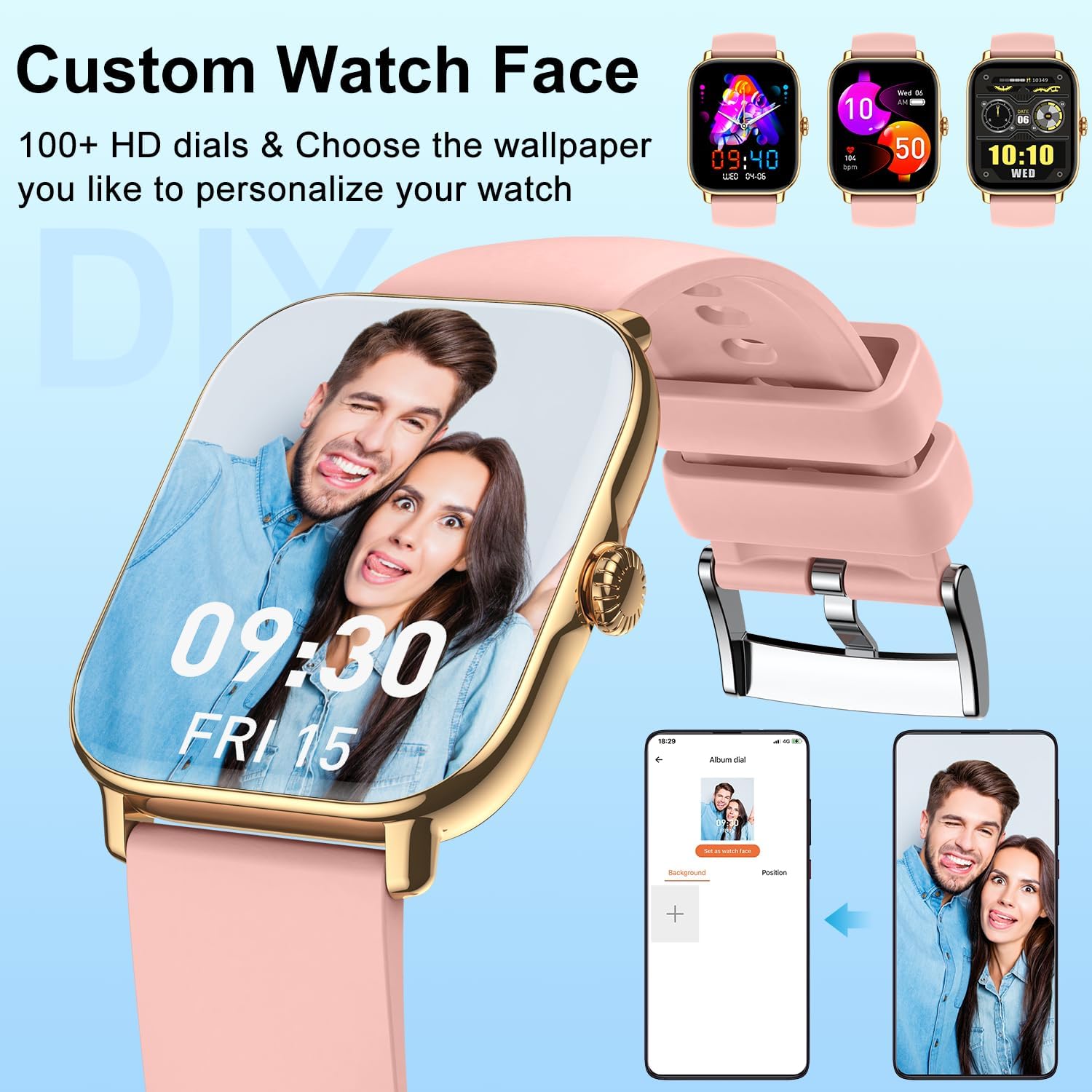
Imatge: La presentació dels rellotges intel·ligentsasing a personalized watch face with a user's photo, highlighting customization options.
Característiques de comunicació
- Fer/Respondre trucades: With the Bluetooth call function enabled, you can dial numbers, answer incoming calls, and view call history directly from your wrist using the built-in speaker and microphone.
- Rebre notificacions: Get real-time alerts for calls, SMS, and app notifications (Facebook, Twitter, WhatsApp, LinkedIn, Instagram, etc.) directly on your watch. The watch will vibrate to notify you.
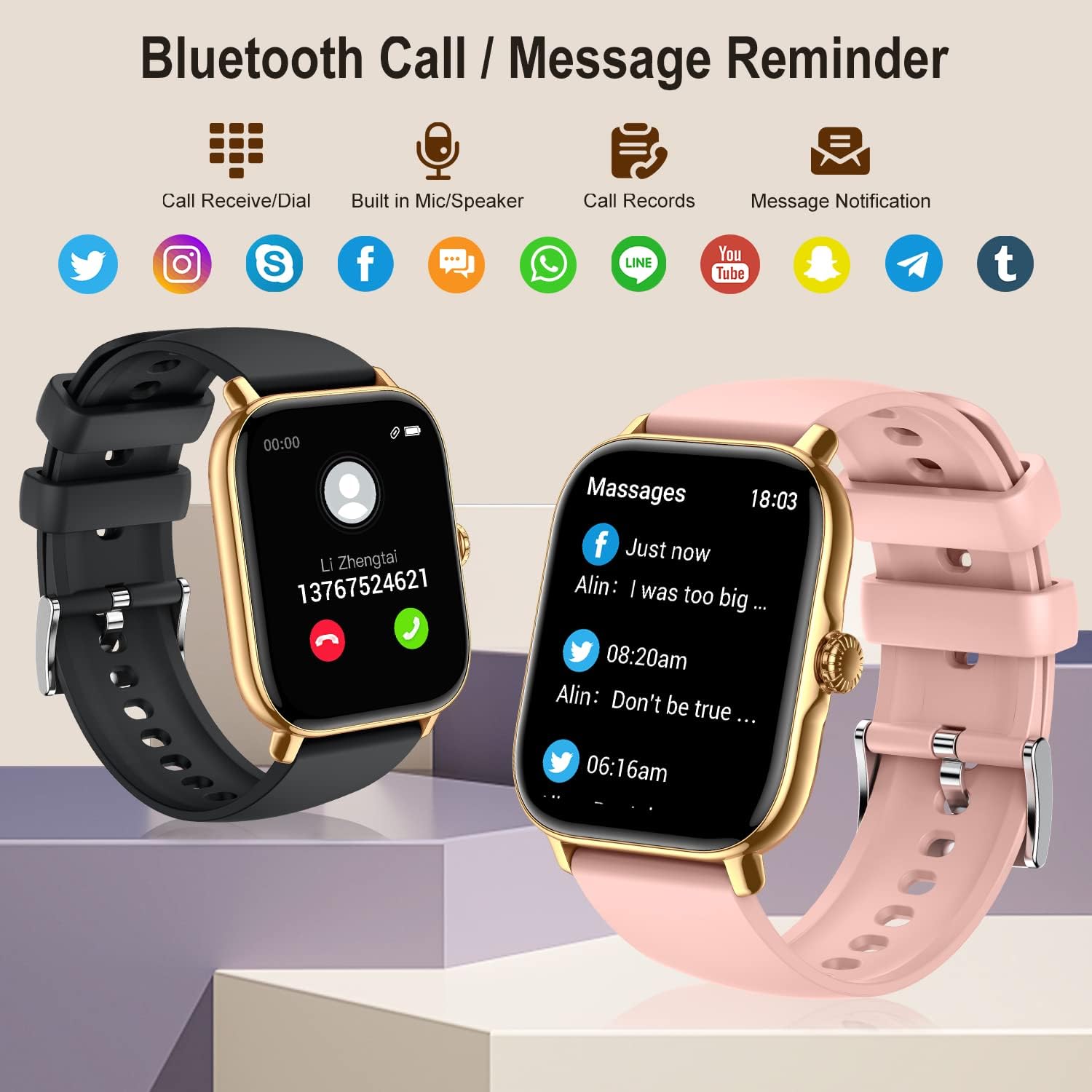
Image: The smartwatch showing its Bluetooth call and message reminder capabilities, with icons for popular social media and messaging apps.
Vigilància de la salut
The smartwatch provides comprehensive health data to help you monitor your well-being.
- Monitorització de la freqüència cardíaca: 24-hour continuous heart rate tracking using high-performance optical sensors.
- Monitorització d'oxigen en sang (SpO2): Real-time blood oxygen saturation monitoring.
- Monitorització del son: Automatically monitors and analyzes your sleep quality (deep sleep, light sleep, awakening) to provide insights into your sleep patterns.
- Entrenament de respiració: Exercicis de respiració guiats per ajudar-te a relaxar-te i gestionar l'estrès.
- Seguiment de la salut femenina: Track menstrual cycles, log periods, and gauge ovulation (requires setup in the app).

Image: The smartwatch showing sleep tracking details and health monitoring features like heart rate, blood oxygen, and breath training.
Seguiment de la forma física
Track your daily activity and workouts with precision.
- Podòmetre: Accurately tracks your steps, calories burned, and distance covered throughout the day.
- Modes multiesportiu: Supports 20 different sport modes including walking, running, cycling, swimming, yoga, basketball, and more. Select the appropriate mode for accurate data recording.
- Dades de l'activitat: After exercise, review detailed data such as exercising time, average heart rate, distance, steps, and calories in the FitCloudPro app to analyze your performance.

Image: The smartwatch showing comprehensive activity tracking, including steps, calories, and distance, alongside a wide array of supported sports modes.
Altres funcions intel·ligents
- Control de música: Controla la reproducció de música al teu telèfon intel·ligent directament des del rellotge (reprodueix, pausa, salta pistes).
- Control de la càmera: Fes servir el rellotge com a disparador remot per a la càmera del telèfon.
- Informació meteorològica: View condicions meteorològiques actuals i previsions.
- Despertador: Set multiple alarms to vibrate on your wrist.
- Cronòmetre i temporitzador: Eines essencials per a activitats de cronometratge.
- Recordatori sedentari: Rep alertes per moure't si has estat inactiu durant massa temps.
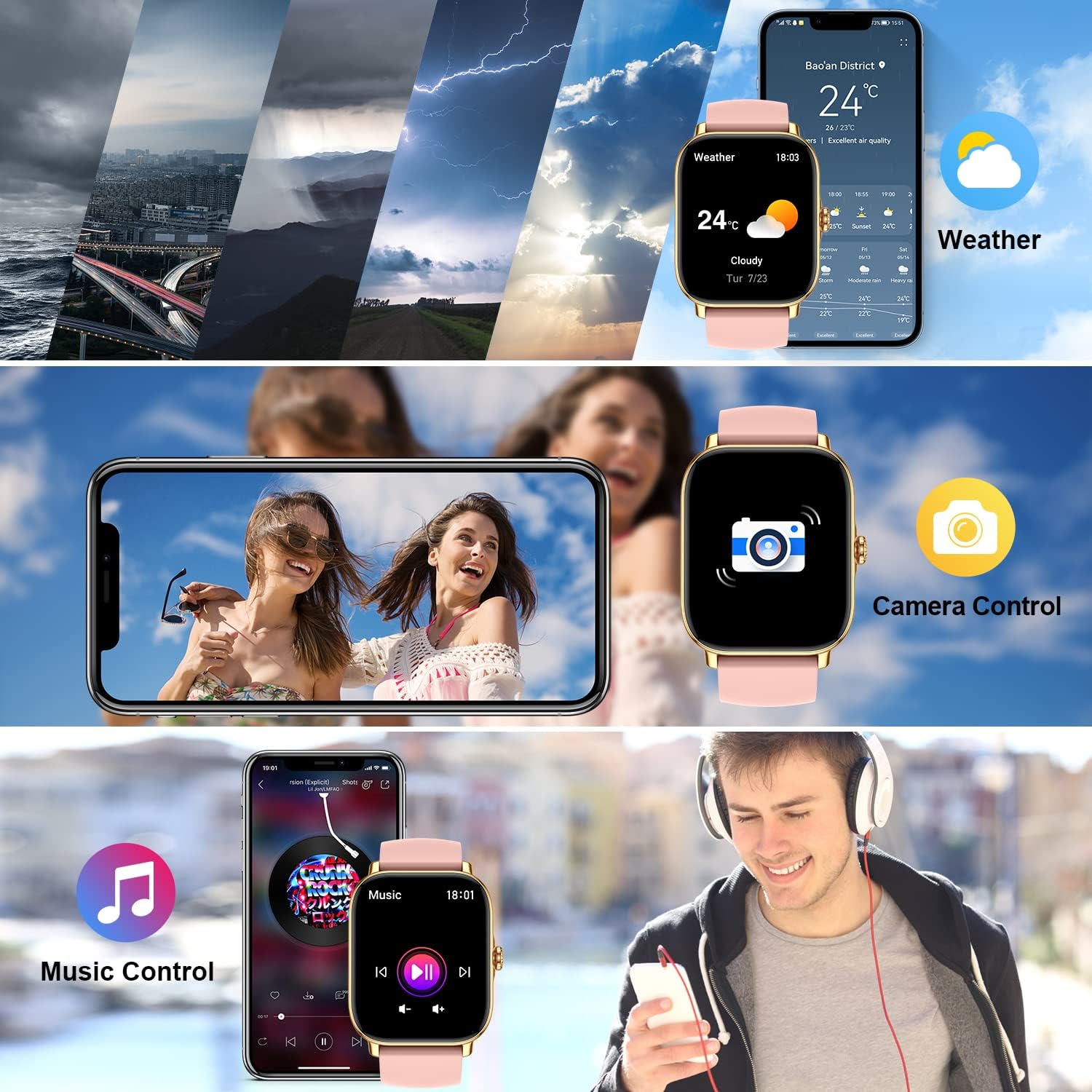
Image: The smartwatch demonstrating its weather display, remote camera control, and music playback control features.
Manteniment
Neteja del rellotge intel·ligent
To ensure accurate readings and prolong the life of your device, keep it clean:
- Netegeu la pantalla i la carcassa del rellotge amb un drap suau i sense borrissol.
- For stubborn spots, dampHumitegeu lleugerament el drap amb aigua. No utilitzeu productes químics agressius ni netejadors abrasius.
- Netegeu regularment els contactes de càrrega de la part posterior del rellotge per garantir una càrrega correcta.
Resistència a l'aigua (IPX8)
The zhizhi Smart Watch is IPX8 waterproof, meaning it can withstand immersion in water under certain conditions. It is suitable for:
- Natació (aigües poc profundes)
- Rain and splashes
- Showering (avoid hot water and steam)
- Sweat during exercise
Important: Do not use the watch in hot water, saunas, or steam rooms. Avoid prolonged immersion in deep water. After contact with saltwater, rinse the watch with fresh water and dry it thoroughly.

Image: The smartwatch showing blood oxygen monitoring and demonstrating its IPX8 waterproof capability during swimming.
Cura de la bateria
- Eviteu les temperatures extremes, que poden reduir la durada de la bateria.
- No deixeu el rellotge completament descarregat durant períodes prolongats.
- Use only the provided magnetic charger.
Resolució de problemes
| Problema | Possible solució |
|---|---|
| Watch not turning on/charging. | Ensure the magnetic charger is correctly aligned with the watch's charging points. Try a different USB power source. Allow the watch to charge for at least 30 minutes before attempting to turn it on. |
| Cannot connect to the FitCloudPro app. | Ensure Bluetooth is enabled on your phone. Make sure the watch is charged and within range. Restart both your phone and the watch. Reinstall the FitCloudPro app if necessary. Check app permissions on your phone. |
| Call function not working. | Verify that the call Bluetooth switch is enabled on the watch. Check your phone's Bluetooth settings to ensure "P72" has all necessary permissions for calls. Ensure the watch is connected to your phone's Bluetooth for calls, not just data sync. |
| Notificacions no rebudes. | Check notification settings within the FitCloudPro app. Ensure app permissions for notifications are granted on your phone. Make sure the app is running in the background and not being closed by battery optimization settings. |
| Inaccurate health/fitness data. | Ensure the watch is worn snugly on your wrist, about one finger's width above the wrist bone. Clean the sensors on the back of the watch. Ensure your personal information (height, weight, age) is accurate in the FitCloudPro app. |
| Durada de la bateria curta. | Frequent use of call function, continuous heart rate monitoring, and screen-on time can reduce battery life. Adjust settings in the app to optimize battery usage. Turn off features you don't use regularly. |
Especificacions
| Característica | Detall |
|---|---|
| Número de model | HXT72PK |
| Mida de la pantalla | 1.91 Inches TFT Full Touch |
| Capacitat de la bateria | Polímer de liti de 270 mAh |
| Durada de la bateria | 7-15 dies (ús típic) |
| Resistència a l'aigua | IPX8 |
| Connectivitat | Bluetooth |
| Compatibilitat de sistemes operatius | Android 5.0 i posterior, iOS 9.0 i posterior |
| Sensors | Heart Rate, Blood Oxygen (SpO2), Pedometer |
| Entrada de la interfície humana | Pantalla tàctil, micròfon |
| Pes de l'article | 4.6 unces |
| Dimensions del paquet | 10.75 x 3.43 x 0.67 polzades |
Garantia i Suport
For warranty information and customer support, please refer to the contact details provided with your purchase or visit the official zhizhi weblloc web. Conserveu el rebut de compra com a comprovant de compra per a qualsevol reclamació de garantia.
If you encounter any issues not covered in this manual, please contact our customer support team for assistance.
Ask a question about this manual
Ask about setup, troubleshooting, compatibility, parts, safety, or missing instructions. Manuals+ will review the question and use this page’s manual context to help answer it.