
Philips TAFS1
Philips Fidelio TAFS1 Bluetooth Speaker System User Manual
Model: TAFS1
Introducció
This manual provides detailed instructions for the setup, operation, and maintenance of your Philips Fidelio TAFS1 Bluetooth Speaker System. Please read this manual thoroughly before using the product to ensure proper functionality and to maximize your listening experience. The Fidelio TAFS1 delivers rich, room-filling sound with crystal-clear highs, warm midrange tones, and deep bass, thanks to its down-firing woofer and twin passive radiators. Its elegant design features an acoustically transparent metal grille and anthracite Muirhead leather trim, making it a stylish addition to any room.
Què hi ha a la caixa
Verifiqueu que tots els components siguin presents en desembalar-lo:
- Fidelio TAFS1 Speaker System
- Adaptador de corrent alterna
- International Warranty Booklet
- Guia d'inici ràpid
Producte acabatview
Familiarize yourself with the various parts and controls of your Philips Fidelio TAFS1 speaker.

Imatge 1: Davant view of the Philips Fidelio TAFS1 speaker, showcasing its sleek design and perforated grille.

Imatge 2: lateral view of the Philips Fidelio TAFS1 speaker, highlighting its compact and elegant form factor.
Imatge 3: posterior view of the Philips Fidelio TAFS1 speaker, showing the various ports and control buttons, including Reset, Wi-Fi, Service, and Audio In.
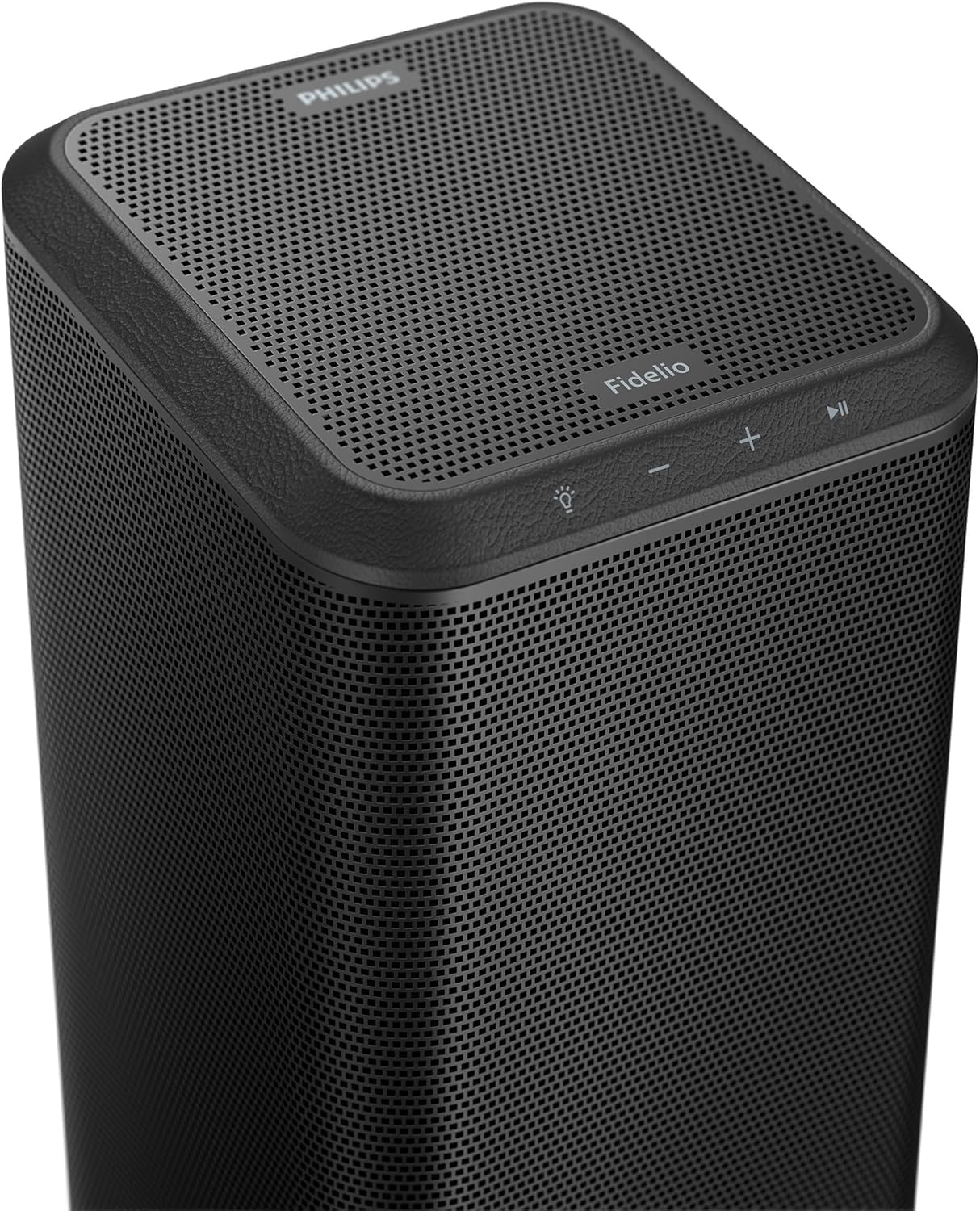
Imatge 4: A dalt view of the Philips Fidelio TAFS1 speaker, displaying the touch-sensitive control buttons for power, volume, and playback.

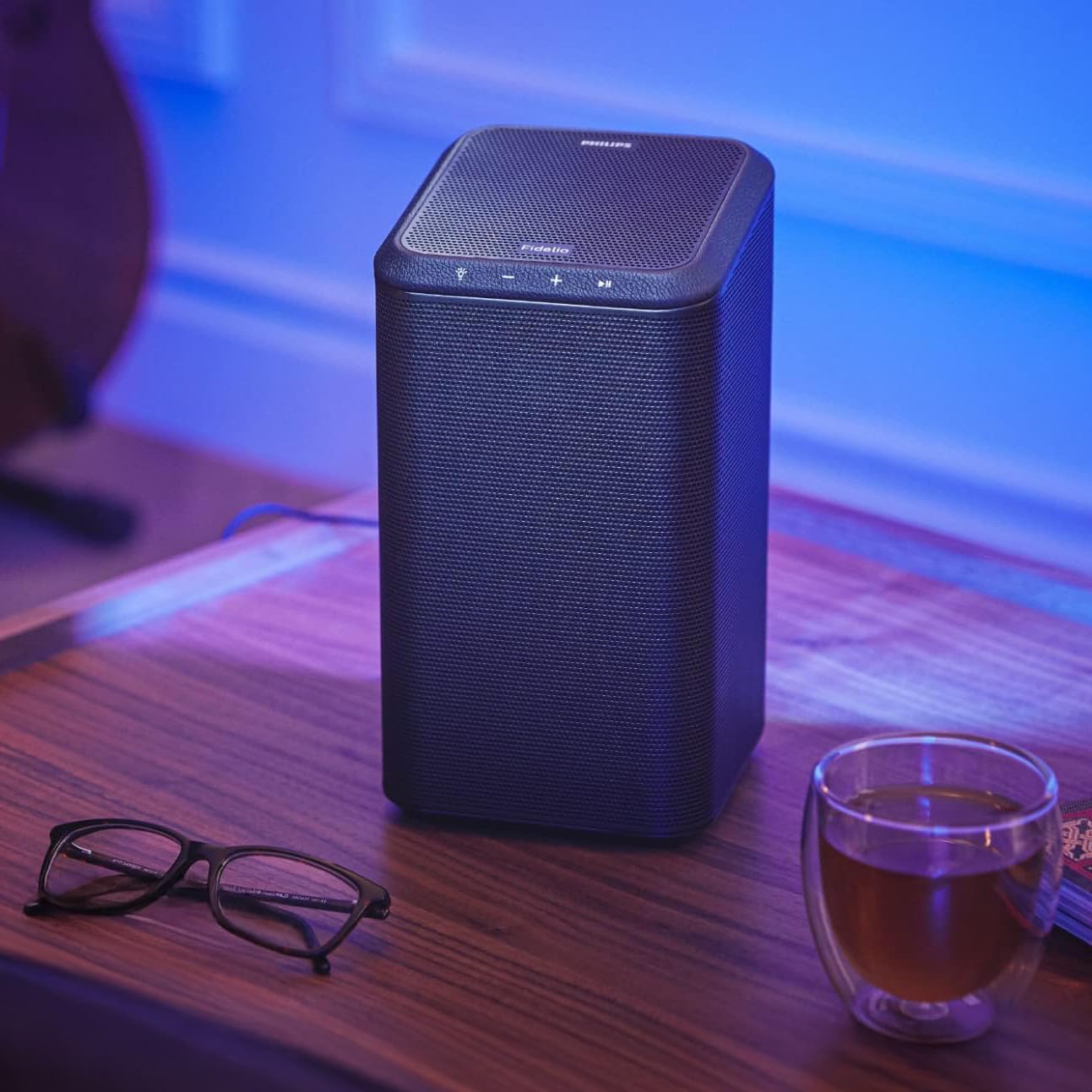
Imatge 5: The Philips Fidelio TAFS1 speaker positioned on a side table, illustrating its compact size and aesthetic integration into a living space.
Imatge 6: Two Philips Fidelio TAFS1 speakers set up as a stereo pair, complementing a television with Ambilight functionality.
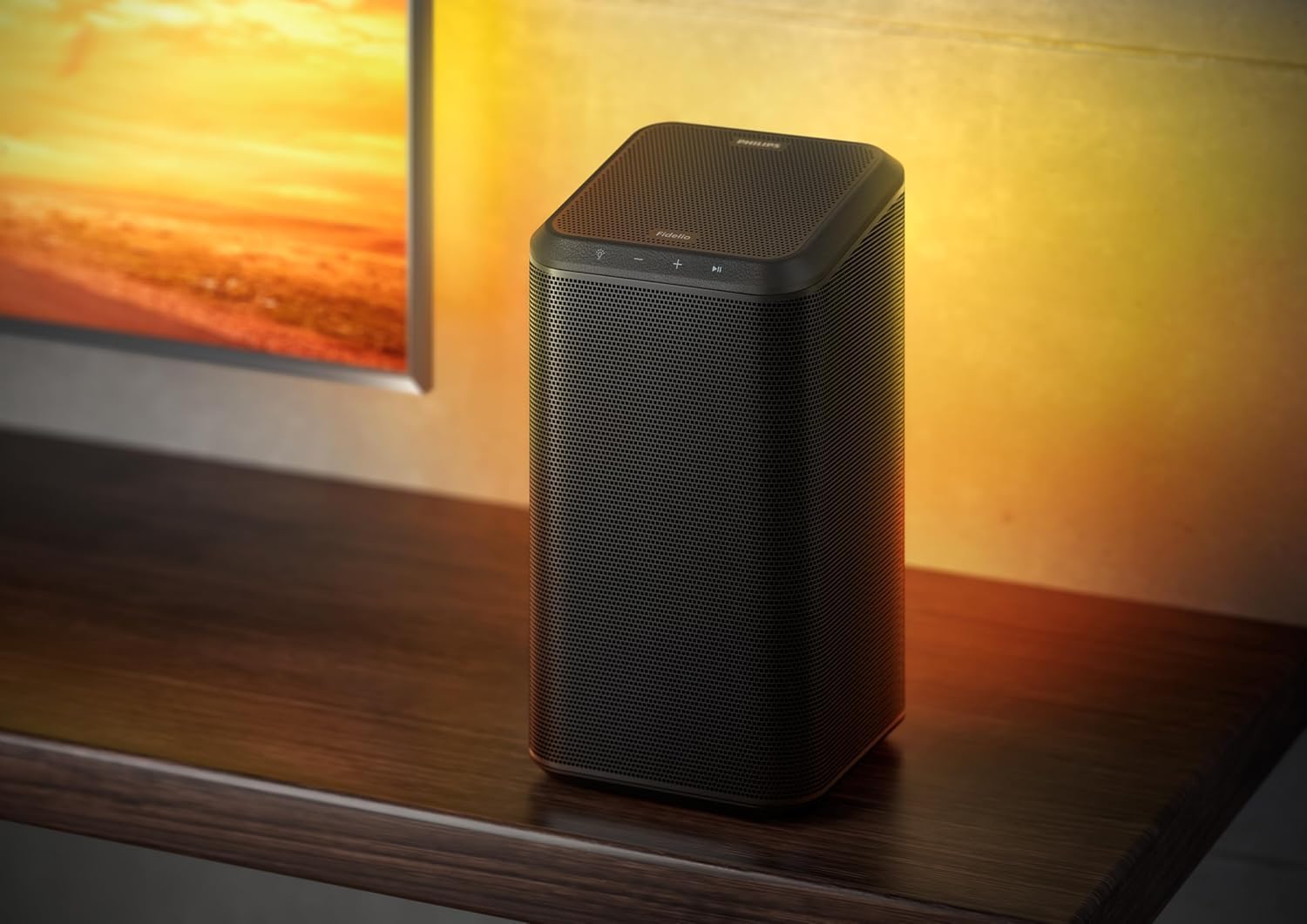
Imatge 7: Diagram showing the dimensions of the Philips Fidelio TAFS1 speaker: 142mm width, 142mm depth, and 253mm height.
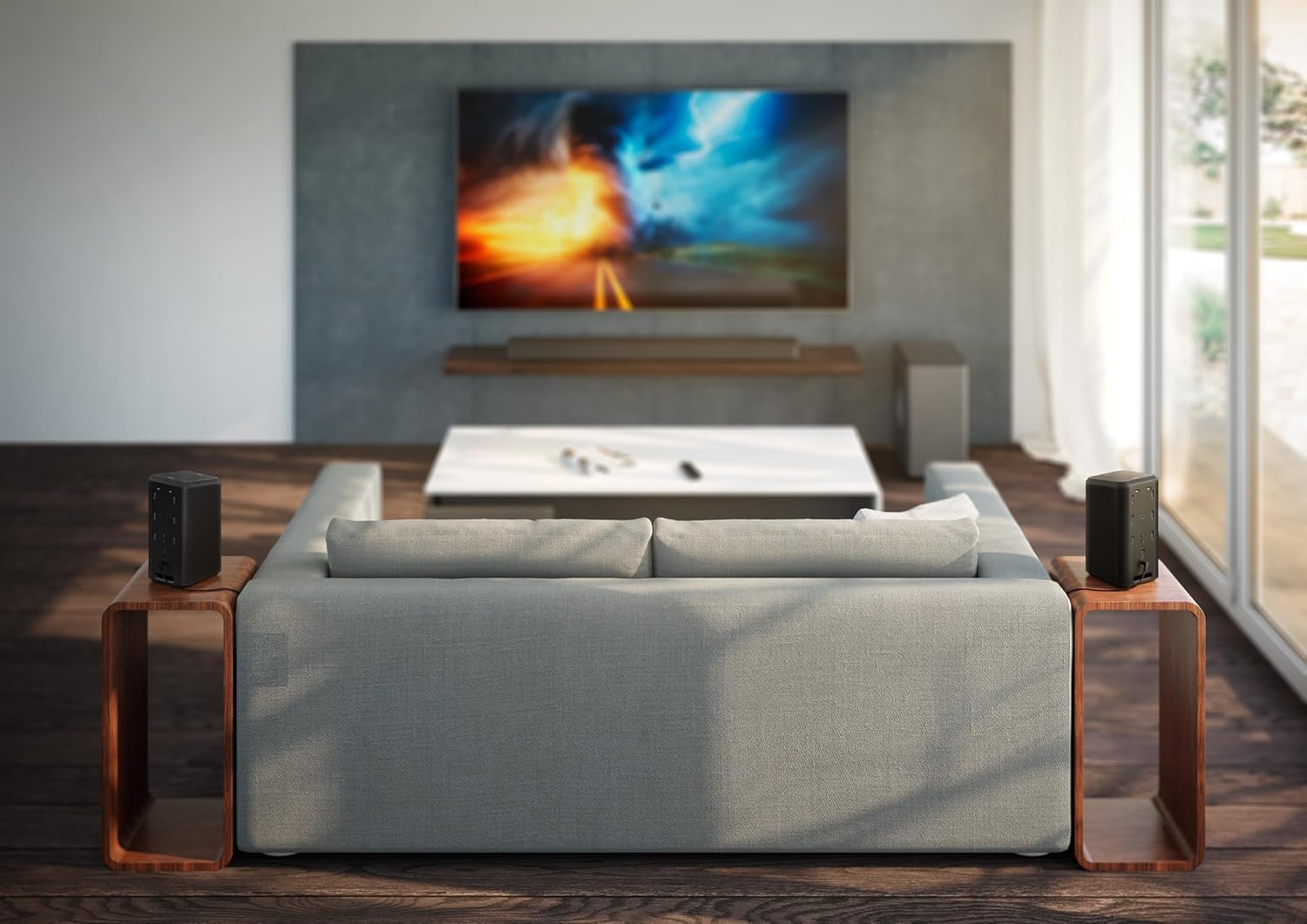
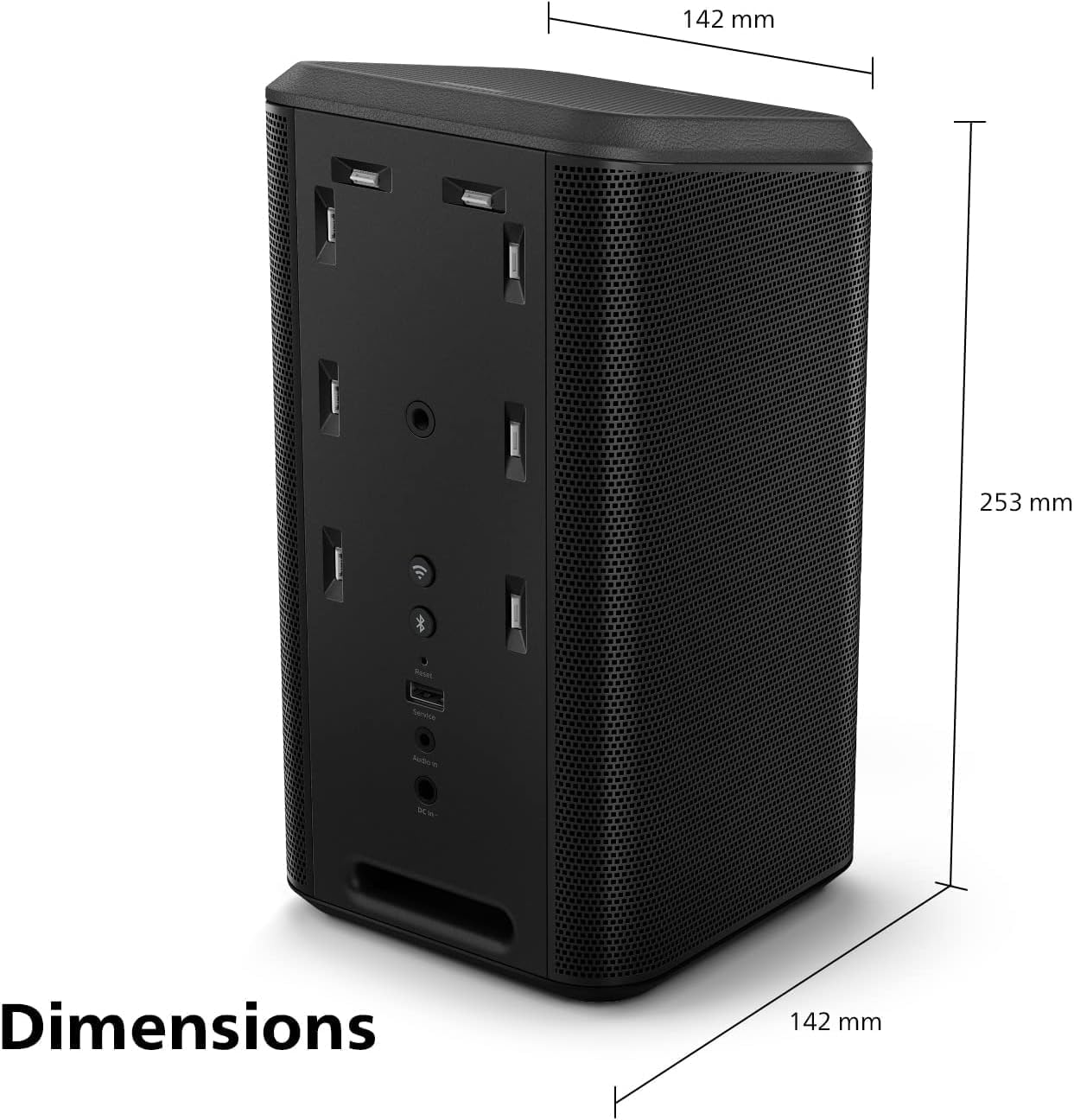
Imatge 8: The Philips Fidelio TAFS1 speaker placed on a wooden shelf, demonstrating its versatility in various home environments.

Imatge 9: The Philips Fidelio TAFS1 speaker from the rear, showing the illuminated panel with various connection points and controls, including Reset, Wi-Fi, Service, and Audio In.
Configuració
1. Connexió d'alimentació
- Connect the supplied AC Power Adapter to the 'DC IN' port on the back of the speaker.
- Connecteu l'adaptador de corrent altern a una presa de corrent.
- The speaker will power on automatically or can be turned on using the power button on the top panel.
2. Initial Network Setup (Wi-Fi)
For full functionality, including multi-room audio and voice control, connect your speaker to your home Wi-Fi network.
- Download the Philips Sound app from your device's app store.
- Open the app and follow the on-screen instructions to add your Fidelio TAFS1 speaker to your Wi-Fi network.
- Assegureu-vos que el dispositiu mòbil estigui connectat a la mateixa xarxa Wi-Fi que voleu utilitzar per a l'altaveu.
3. Emparellament Bluetooth
To connect a device via Bluetooth:
- Press the Bluetooth button on the top panel of the speaker or select Bluetooth mode via the Philips Sound app. The Bluetooth indicator will flash.
- On your mobile device, enable Bluetooth and search for "Philips Fidelio TAFS1".
- Select the speaker to pair. Once connected, the Bluetooth indicator will glow solid.
Instruccions de funcionament
Controls bàsics
- Botó d'encesa: Premeu per activar/desactivar.
- Botons de volum (+/-): Ajusteu el nivell de volum.
- Botó Reproduir/Pausa: Inicia o posa en pausa la reproducció.
- Botó del micròfon: Activate voice assistant (Alexa, Google Assistant, Siri).
Multi-Room Audio with DTS Play-Fi
The Philips Fidelio TAFS1 supports multi-room audio via DTS Play-Fi. Use the Philips Sound app to group multiple compatible speakers and play synchronized audio throughout your home, creating a seamless multi-room experience.
Vídeo 1: Un acabatview of the Philips Fidelio FS1 Wireless Speaker, demonstrating its sound capabilities and design features. This video highlights the speaker's core functionalities and aesthetic appeal.
Emparellament estèreo
Pair two Fidelio TAFS1 speakers for an immersive stereo sound experience. This configuration provides clearer sound with a real sense of space, perfect for music or movies, and can be set up through the Philips Sound app.
Control de veu
The speaker supports voice assistants like Alexa, Google Assistant, and Siri. Ensure the microphone is enabled and the speaker is connected to Wi-Fi. Follow the app's instructions to link and configure your preferred voice assistant.
Ambilight Integration
If you own a compatible Philips Ambilight TV, the TAFS1 speaker can sync its responsive LEDs with your TV's Ambilight effect, expanding your viewing experience. This feature can be managed via the Philips Sound app, which also allows for Lounge Mode or Follow Music Mode for a colorful lightshow.
Hi-Res Streaming
The Fidelio TAFS1 supports high-quality music streaming from services like Spotify or Tidal. Utilize the Critical Listening mode for lossless playback, ensuring the best possible audio fidelity.
Vídeo 2: Un gir de 360 graus view of the Philips Fidelio FS1 Wireless Speaker, showcasing its design from all angles. This short video provides a comprehensive visual of the product's exterior.
Manteniment
- Neteja: Use a soft, dry cloth to clean the speaker's surfaces. Do not use liquid cleaners or abrasive materials.
- Emmagatzematge: Quan no l'utilitzeu durant períodes prolongats, guardeu l'altaveu en un lloc fresc i sec, allunyat de la llum solar directa i de temperatures extremes.
- Eviteu la humitat: This speaker is not waterproof. Keep it away from water and high humidity.
Resolució de problemes
| Problema | Solució |
|---|---|
| Sense poder | Ensure the AC power adapter is securely connected to both the speaker and a working power outlet. |
| Sense so | Check the volume level on both the speaker and your connected device. Ensure the correct input source is selected. |
| L'aparellament de Bluetooth falla | Make sure the speaker is in Bluetooth pairing mode. Move your device closer to the speaker. Disconnect from other Bluetooth devices. |
| Problemes de connexió Wi-Fi | Verify your Wi-Fi network is active. Restart your router and the speaker. Use the Philips Sound app to reconfigure the Wi-Fi connection. |
| L'assistent de veu no respon | Ensure the speaker is connected to Wi-Fi and the microphone is enabled. Check your settings in the Philips Sound app for voice assistant configuration. |
Especificacions
- Nom del model: Fidelio Wireless speaker
- Número de model: TAFS1
- Tipus d'altaveu: Habitació múltiple
- Tecnologia de connectivitat: Bluetooth, WiFi
- Característica especial: Control de veu
- Mode de sortida d'àudio: estèreo
- Potència de sortida màxima dels altaveus: 120 watts
- Potència RMS: 60 watts
- Resposta de freqüència: 20000 Hz
- Rang Bluetooth: 10 metres
- Maximum Range (Wireless): 20 metres
- Mètode de control: veu
- Font d'alimentació: Battery Powered (Internal) / AC Power Adapter
- Material: Metal, Leather
- Color: Negre
- Dimensions del producte: 5.6" de profunditat x 5.6" d'amplada x 10" d'alçada (142 mm de profunditat x 142 mm d'amplada x 253 mm d'alçada)
- Pes de l'article: 6.2 lliures
- Fabricant: PHILIPS Audio
- UPC: 840063202443
Garantia i Suport
Your Philips Fidelio TAFS1 speaker comes with a limited warranty. Please refer to the included International Warranty Booklet for detailed terms and conditions, including warranty period and coverage.
For technical support, product registration, or further assistance, please visit the official Philips support website or contact their customer service. Contact information can typically be found in the warranty booklet or on the Philips weblloc.
Ask a question about this manual
Ask about setup, troubleshooting, compatibility, parts, safety, or missing instructions. Manuals+ will review the question and use this page’s manual context to help answer it.