
1. Introducció
Thank you for choosing AIMA Wireless Earbuds. These earbuds are designed to provide a superior audio experience with advanced Bluetooth 5.2 technology, rich bass, and effective noise reduction. This manual will guide you through the setup, operation, and maintenance of your new earbuds to ensure you get the most out of them.
2. Contingut del paquet
Marqueu la casella per als elements següents:
- AIMA Wireless Earbuds (Left and Right)
- Estoig de càrrega
- Cable de càrrega USB
- Manual d'usuari
3. Producte acabatview
Familiarize yourself with the components of your AIMA Wireless Earbuds and charging case.

Image 3.1: AIMA Wireless Earbuds in their orange charging case, displaying a digital battery percentage de 100.

Image 3.2: The orange AIMA Wireless Earbuds are shown both inside and outside their transparent charging case, highlighting their compact design.

Image 3.3: Demonstrates the comfortable and stable fit of the earbuds in a user's ear, showing both orange and black earbud variants.
4. Configuració
4.1 Càrrega dels auriculars i l'estoig
- Col·loca els auriculars a l'estoig de càrrega. Assegura't que estiguin correctament col·locats.
- Connecteu el cable de càrrega USB al port de càrrega de la carcassa i a una font d'alimentació (per exemple, un adaptador de paret USB, un port USB de l'ordinador).
- The digital display on the case will indicate the charging status. A full charge for the case and earbuds takes approximately one hour.
4.2 Emparellament amb el dispositiu
- Assegureu-vos que els auriculars estiguin carregats.
- Open the charging case. The earbuds will automatically enter pairing mode, indicated by a flashing light (if applicable, refer to specific light indicators on your model).
- Al dispositiu (telèfon intel·ligent, tauleta, ordinador), aneu a la configuració de Bluetooth i activeu el Bluetooth.
- Cerca available devices. Select "AIMA Earbuds" (or similar name) from the list.
- Un cop connectats, els auriculars indicaran que l'emparellament s'ha realitzat correctament (per exemple, una indicació de veu o una llum fixa).
- Els auriculars es tornaran a connectar automàticament a l'últim dispositiu emparellat quan es treguin de l'estoig, si el Bluetooth està activat al dispositiu.
5. Instruccions de funcionament
5.1 Encès/Apagat
- Encès: Obriu la funda de càrrega i els auriculars s'encendran automàticament.
- Apagar: Torneu a col·locar els auriculars a l'estoig de càrrega i tanqueu la tapa. S'apagaran automàticament i començaran a carregar-se.
5.2 Controls de reproducció de música
The earbuds feature touch-sensitive controls. Specific functions may vary slightly; refer to the quick start guide for precise tap sequences.
- Reproduir/pausa: Un sol toc a qualsevol dels auriculars.
- Pista següent: Toqueu dues vegades l'auricular dret.
- Pista anterior: Toqueu dues vegades l'auricular esquerre.
- Pujar el volum: Toqueu tres vegades l'auricular dret.
- Baixar el volum: Toqueu tres vegades l'auricular esquerre.

Image 5.1: Illustrates the 'Deep Rich Bass' capability of the earbuds, showing both orange and black versions with a focus on sound quality.
5.3 Gestió de trucades
- Respondre/Finalitzar la trucada: Toqueu un sol cop a qualsevol dels auriculars durant una trucada entrant.
- Rebutja la trucada: Premeu i manteniu premut qualsevol dels auriculars durant 2 segons durant una trucada entrant.
5.4 Reducció del soroll
These earbuds feature Active Noise Cancellation (ANC) technology to filter out background noise for crystal clear calls and music.
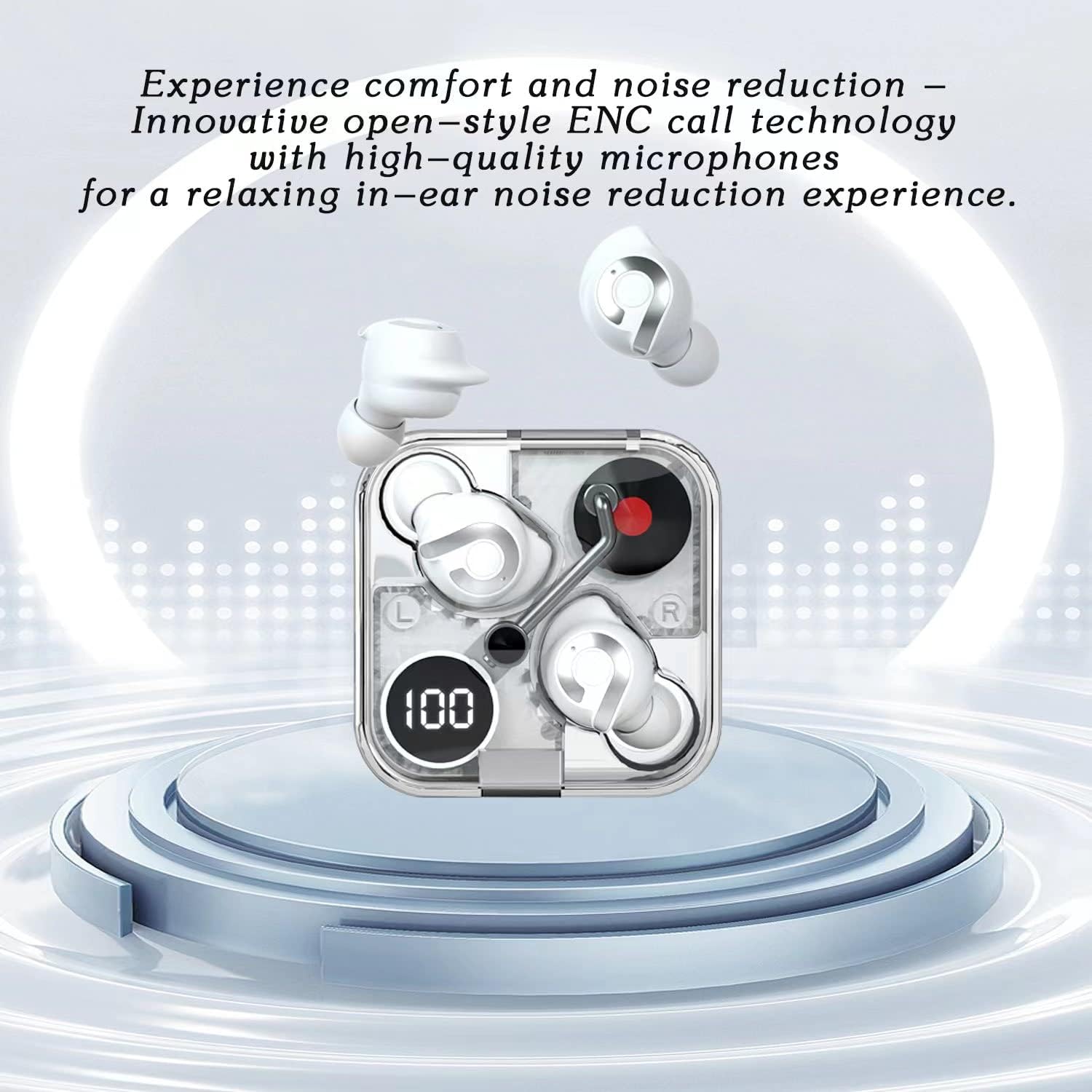
Image 5.2: Highlights the comfort and noise reduction features, showing white earbuds in a transparent case with a focus on ENC call technology.
To activate or deactivate the noise reduction mode, refer to the specific touch control gestures in your quick start guide, typically a long press or specific tap sequence.
6. Manteniment
6.1 Neteja
- Feu servir un drap suau, sec i sense borrissol per netejar els auriculars i l'estoig de càrrega.
- No utilitzeu netejadors abrasius, alcohol ni dissolvents químics.
- Netegeu suaument els contactes de càrrega dels auriculars i de la funda amb un bastonet de cotó sec si cal.
6.2 Emmagatzematge
- Quan no els utilitzeu, guardeu sempre els auriculars a la seva funda de càrrega per protegir-los i mantenir-los carregats.
- Emmagatzemar en un lloc fresc i sec, allunyat de temperatures extremes i de la llum solar directa.
6.3 Cura de la bateria
- To prolong battery life, avoid fully discharging the earbuds and case frequently.
- Carregueu el dispositiu regularment, fins i tot si no l'utilitzeu amb freqüència.
7. Solució De Problemes
If you encounter any issues with your AIMA Wireless Earbuds, please refer to the following common solutions:
| Problema | Causa possible | Solució |
|---|---|---|
| Els auriculars no s'aparellen | Low battery; Bluetooth off on device; Earbuds not in pairing mode; Interference. | Charge earbuds and case; Ensure device Bluetooth is on; Place earbuds in case, then open lid to re-enter pairing mode; Move closer to device; Restart device. |
| No hi ha so d'un auricular | Earbud not connected; Low battery; Dirty charging contacts. | Place both earbuds back in case, close lid, then reopen; Ensure earbud is charged; Clean charging contacts. |
| Problemes de càrrega | Cable faulty; Power source issue; Dirty charging contacts. | Try a different USB cable and power source; Clean charging contacts on earbuds and case. |
| Mala qualitat del so | Distance from device; Interference; Earbuds not properly seated. | Move closer to your device; Avoid strong electromagnetic fields; Adjust earbud position in ear. |
8. Especificacions
- Marca: Generic (Manufactured by AIMA)
- Model: B0C4BZ7S47
- Versió Bluetooth: 5.2
- Control de soroll: Cancel·lació activa del soroll
- Col·locació de les orelles: A l'orella
- Factor de forma: A l'orella
- Color: Taronja
- Temps de conversa: Fins a 5 hores amb una sola càrrega
- Temps de reproducció de música: Fins a 5.5 hores amb una sola càrrega
- Temps de càrrega: Approximately 1 hour for full charge
- Temps d'espera: Supera les 200 hores

Imatge 8.1: Una explosió view illustrating the internal components of the earbud, highlighting its intricate design and construction for optimal sound.
9. Garantia i Suport
For warranty information and customer support, please refer to the documentation provided with your purchase or contact the retailer where you purchased the AIMA Wireless Earbuds. Keep your proof of purchase for any warranty claims.