
1. Introducció
This manual provides instructions for the Marklife P50 Thermal Label Paper, specifically the 50x50mm (2"x2") circle self-adhesive labels. These labels are designed for use with the Marklife P50 Thermal Label Printer and are suitable for various labeling needs in small businesses and home offices.
The labels are supplied in rolls of 150 labels each, with black text printing on a white background. They are engineered for durability, featuring water-resistant, oil-resistant, and abrasion-resistant properties, strong adhesion, and are BPA-free.
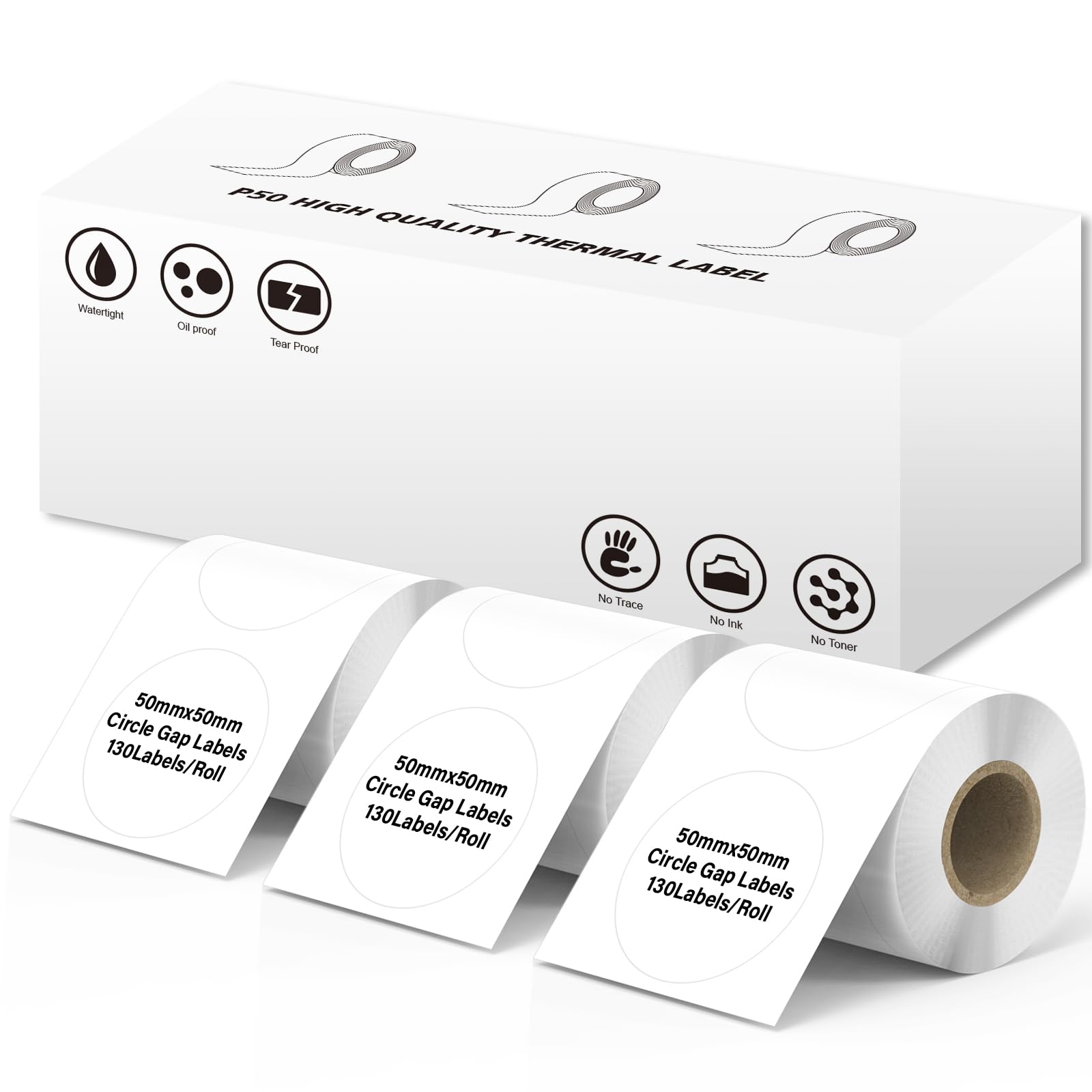
Image 1.1: Marklife P50 Thermal Label Paper packaging and a roll of labels.
2. Setup: Loading Labels into the Marklife P50 Printer
To ensure proper printing, correctly load the Marklife P50 Thermal Label Paper into your compatible Marklife P50 Label Printer.
- Open the Printer Cover: Gently open the cover of your Marklife P50 Label Printer according to its specific instructions.
- Insert the Label Roll: Place the roll of Marklife P50 Thermal Label Paper into the designated compartment. Ensure the labels are facing the correct direction for printing (usually with the printable side facing up or towards the print head).
- Feed the Label: Pull a small section of the label paper out from the roll and feed it through the printer's paper guide until it is positioned correctly for printing. Ensure the label is straight and not creased.
- Tanqueu la coberta de la impressora: Close the printer cover securely. The printer should automatically detect the label type and size.

Image 2.1: Marklife P50 Label Printers with the thermal label paper correctly loaded.
3. Operation: Printing with Marklife P50 Labels
The Marklife P50 Thermal Label Paper is designed for clear and efficient printing using direct thermal technology, eliminating the need for ink or toner.
3.1 Using the Marklife App
- Descarrega l'aplicació: Ensure you have the official Marklife app installed on your smartphone or tablet.
- Connexió a la impressora: Connect your Marklife P50 printer to the app via Bluetooth.
- Scan QR Code for Templates: Each label paper box includes a QR code. Open the scan function within the Marklife app (usually located in the upper right corner) and align it with the QR code on the label box. This will quickly provide corresponding label templates, simplifying the design process.
- Dissenyeu la vostra etiqueta: Utilize the app's features, including a variety of fonts, filter effects, and themes, to design your desired label content.
- Impressió amb un sol clic: After designing, initiate printing with a single click from the app. The direct thermal print technology will produce clear lettering efficiently.
3.2 Aplicacions d'etiquetes
These versatile circle labels can be used for a wide range of applications:
- Producte Tags: Ideal for small business product labeling, such as "Thank You" stickers or branding.
- Barcode Labels: Generate and print barcodes for inventory management.
- Organització: Label containers, jars, bottles, and other items for home or office organization.
- Date Reminders: Create effective date reminders for food items or documents.
- Price Labels: Clearly display pricing for retail items.
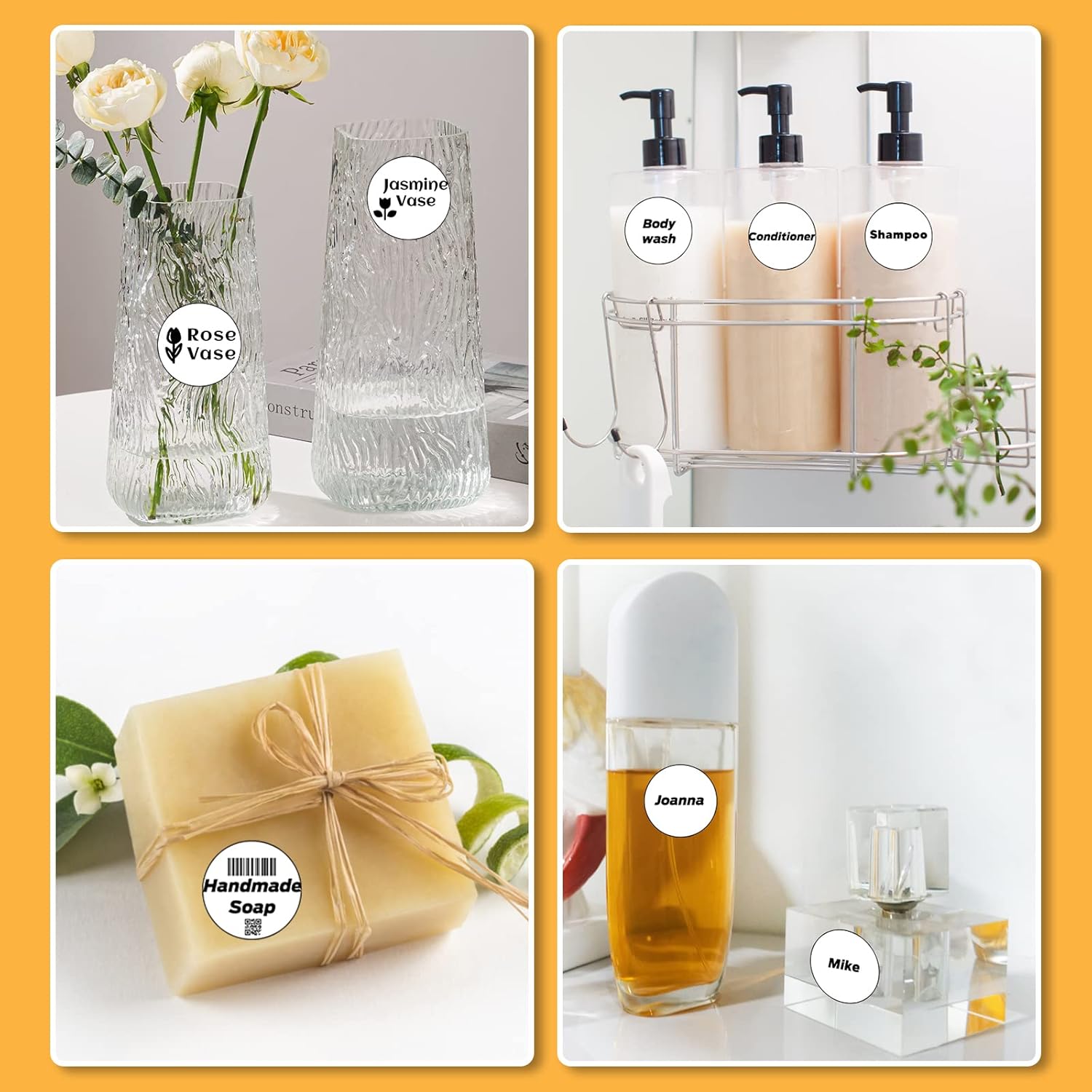
Image 3.1: Various applications of Marklife circle labels, including on vases, soap, and cosmetic bottles.

Imatge 3.2: Exemples addicionalsamples showing labels on medicine bottles, food storage jars, and a coffee cup.
4. Manteniment i cura
Proper care and storage of your Marklife P50 Thermal Label Paper will ensure optimal performance and longevity.
- Emmagatzematge: Store label rolls in a cool, dry place away from direct sunlight and excessive heat. Extreme temperatures can affect the thermal coating and adhesive properties.
- Manipulació: Avoid touching the thermal printing surface of the labels unnecessarily, as oils from skin can degrade print quality over time.
- Protecció: Keep label rolls in their original packaging or a protective container to prevent dust and damage.
4.1 Label Durability Features
The Marklife P50 Thermal Label Paper is designed with several features to enhance durability:
- Resistent a l'aigua: Helps protect printed information from splashes and moisture.
- Oil Resistant: Resists smudging or degradation from contact with oils.
- Abrasion Resistant: Provides protection against wear and tear from rubbing or scratching.
- Forta adhesió: Ensures labels remain securely attached to various surfaces.
- Sense BPA: Manufactured without Bisphenol A.
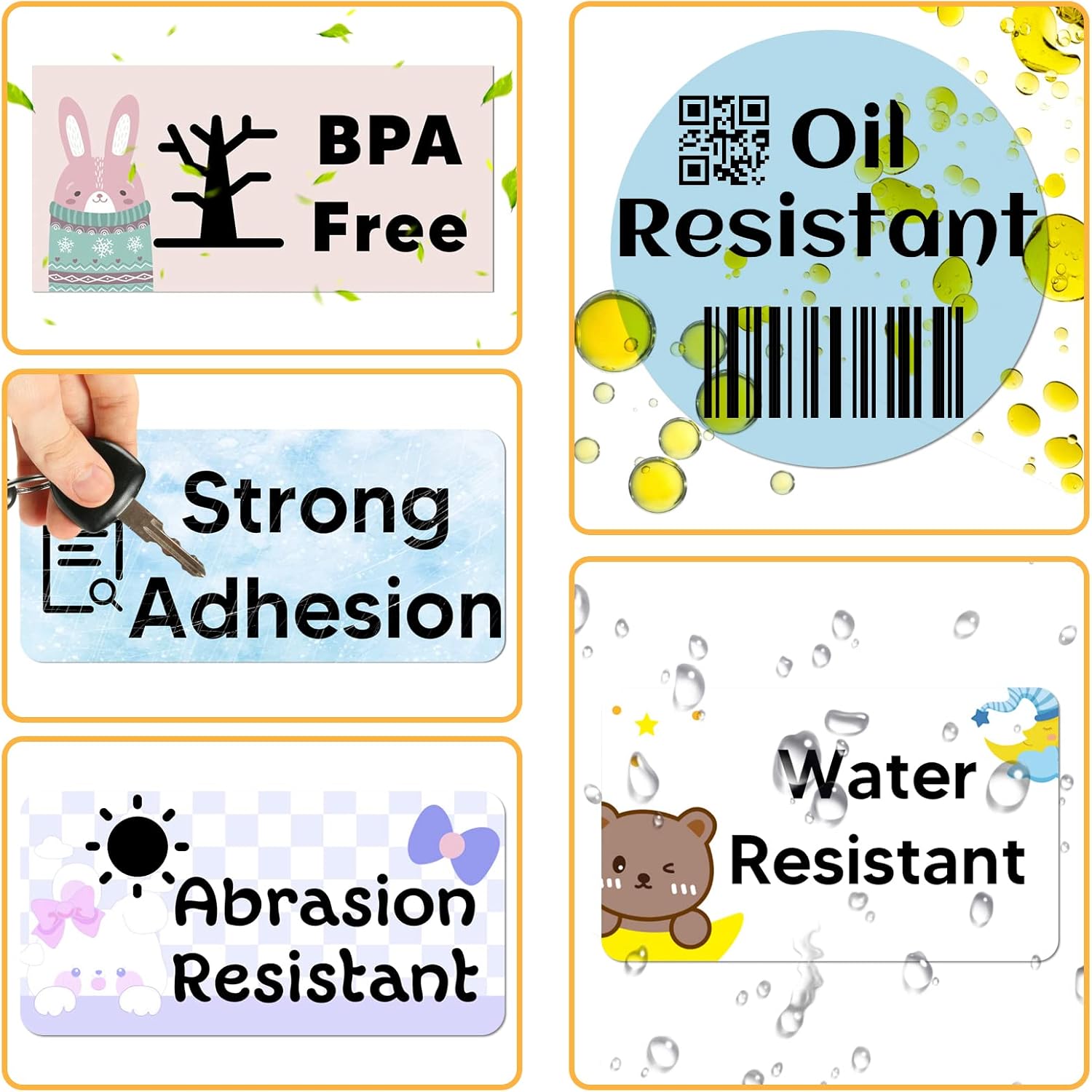
Image 4.1: Key durability features of Marklife P50 Thermal Label Paper.
5. Solució De Problemes
If you encounter issues while using your Marklife P50 Thermal Label Paper, refer to the following common problems and solutions.
| Problema | Causa possible | Solució |
|---|---|---|
| Faint or Unclear Print |
|
|
| Les etiquetes no s'alimenten correctament |
|
|
| Labels Not Sticking Well |
|
|
6. Especificacions
| Característica | Detall |
|---|---|
| Marca | MARKLIFE |
| Número de model | P50 Label Maker Tape |
| Tipus d'etiqueta | Self-Adhesive Thermal Circle Labels |
| Dimensions de l'etiqueta | 50x50mm (2"x2") |
| Labels per Roll | 150 etiquetes |
| Color | White (Black Text) |
| Forma | Round (Circle) |
| Nombre de rotllos | 3 |
| Característiques | Water Resistant, Oil Resistant, Abrasion Resistant, Strong Adhesion, BPA Free |
| Compatibilitat | Marklife P50 Thermal Label Printer |
| Dimensions del producte (embalatge) | 6.29 x 2.16 x 2.04 polzades |
| Item Weight (3 rolls) | 2.12 lliures |

Image 6.1: Detailed dimensions of the 2x2 inch (50x50mm) circle labels.