
SCSETC S-8X
SCSETC S-8X Motorcycle Bluetooth Intercom User Manual
Model: S-8X | Brand: SCSETC
Introducció
The SCSETC S-8X Motorcycle Bluetooth Intercom is designed to enhance your riding experience by providing seamless communication, entertainment, and navigation capabilities. This device allows for long-distance communication with other riders, hands-free calls, stereo music streaming, and FM radio access, all while ensuring clear audio quality even at high speeds. Its robust, waterproof design makes it suitable for various outdoor activities.
Característiques del producte
- Long-Distance Communication: Supports communication with 2-6 riders up to 1000 meters, ideal for group rides.
- Connectivitat sense fils: Features Bluetooth 5.1 technology for stable connections, hands-free calls, and music streaming.
- So cristal·lí: Utilizes high-quality sound membrane technology and CSR's CVC technology for ambient noise suppression, echo minimization, and background noise reduction.
- Durada de la bateria ampliada: Equipped with a 650mAh battery, offering up to 10 hours of talk time and music streaming, or approximately 200 songs on a single charge. Supports on-the-go charging via power bank.
- Noise Reduction & Weather-Proof: Built-in CSR chip reduces wind and engine noise. IP67 water-resistant and dustproof rating ensures durability in harsh weather.
- Ràdio FM integrada: Enjoy your favorite FM channels directly through the intercom.
- Compatibilitat universal: Designed to be compatible with more than 99% of helmets, including full face, half, flip-up, off-road, and vintagcascos electrònics.

Figure 1: Illustrates the 1000m intercom range for two riders.

Figure 2: Depicts the triple intelligent noise reduction technology (CVC+DSP+Microphone) for clear audio.
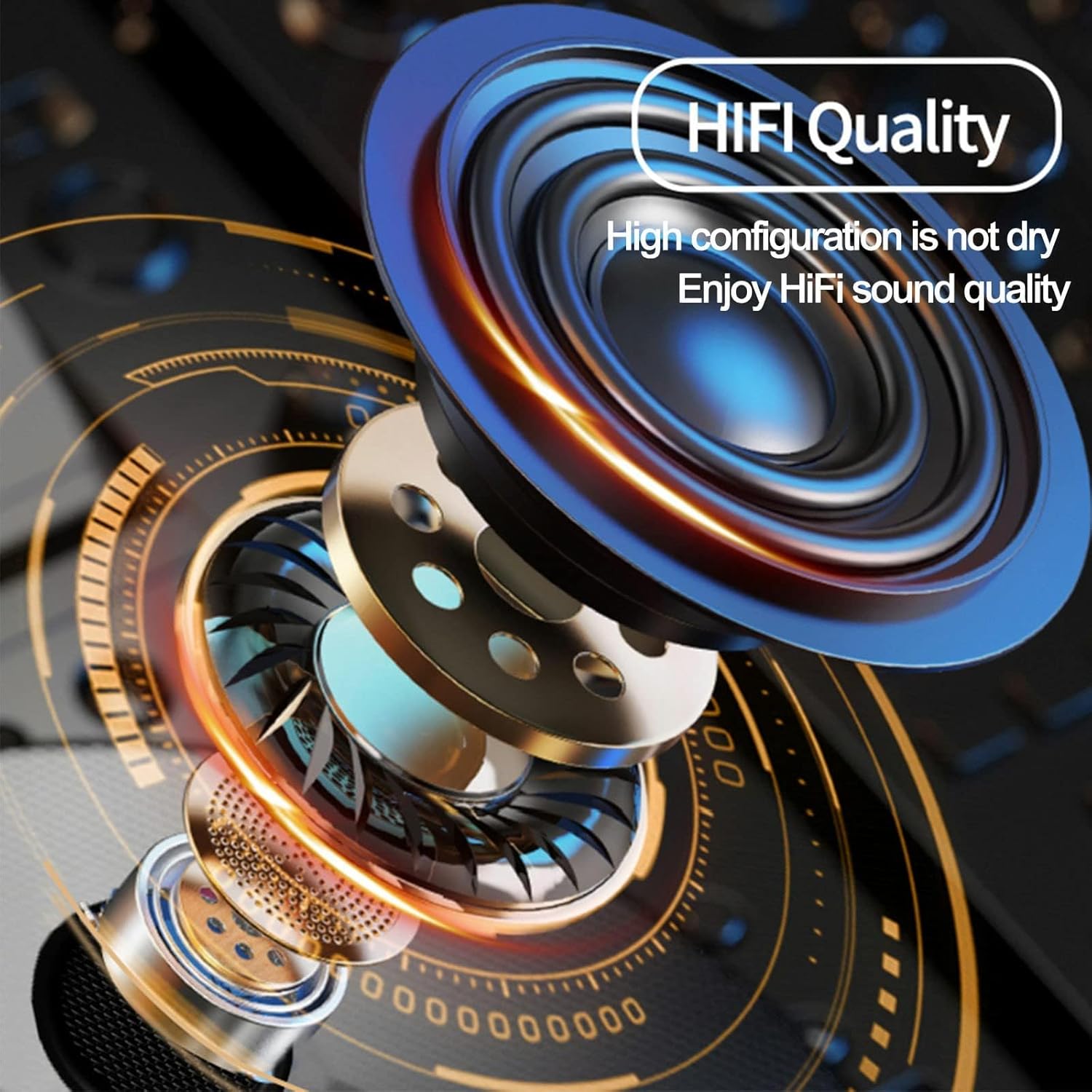
Figure 3: Highlights the HiFi sound quality of the speakers.
Contingut del paquet
Your SCSETC S-8X package includes the following items:
- S-8X Bluetooth Intercom Unit
- Ear Cushions (Speakers)
- Microphone (Soft and Hard options)
- Mounting Brackets (Clip and Adhesive)
- Cable de càrrega USB
- Manual d'usuari

Figure 4: All components included in the SCSETC S-8X package.
Configuració i instal·lació
Proper installation ensures optimal performance and comfort. The S-8X is designed for easy integration with most helmet types.
1. Choosing Your Microphone
- Soft Mic: Recommended for full-face helmets, as it can be tucked inside the helmet padding.
- Hard Mic: Ideal for open-face or modular helmets, as it extends on a boom arm.
2. Mounting the Intercom Unit
You have two options for mounting the main unit to your helmet:
- Muntatge del clip: Slide the clip between the helmet shell and the inner padding. Secure the intercom unit to the clip.
- Muntatge adhesiu: Clean the desired surface on your helmet. Peel off the protective film from the adhesive mount and firmly press it onto the helmet. Attach the intercom unit to the adhesive base.
3. Instal·lació d'altaveus
Place the speakers inside the helmet's ear pockets. Ensure they are positioned directly over your ears for the best audio experience. Use the provided Velcro pads if needed to secure them.
4. Connecting Microphone and Speakers
Connect the microphone and speaker wires to the corresponding ports on the main intercom unit. Route the cables neatly within the helmet padding to avoid discomfort or interference.

Figure 5: The S-8X intercom is compatible with a wide range of helmet types.
Instruccions de funcionament
Familiarize yourself with the controls for seamless operation during your rides.

Figure 6: Main control unit of the S-8X intercom.
Encès/Apagat
- Encès: Manteniu premut el botó Botó d'engegada (large circular button) for approximately 3 seconds until you hear a voice prompt.
- Apagar: Manteniu premut el botó Botó d'engegada for approximately 3 seconds until you hear a voice prompt.
Bluetooth Pairing (for Phone/GPS)
- Ensure the S-8X is powered off.
- Manteniu premut el botó Botó d'engegada for about 5-7 seconds until the LED indicator flashes red and blue alternately, indicating pairing mode.
- On your phone or GPS device, enable Bluetooth and search for "S-8X".
- Select "S-8X" to connect. Once paired, the LED will flash blue slowly.
Intercom Pairing (Rider-to-Rider)
- Ensure both S-8X units are powered on.
- On one unit, press and hold the Botó M (smaller circular button) for 5 seconds until the LED flashes red and blue alternately.
- On the second unit, press and hold the Botó M durant 5 segons fins que el LED parpellegi en vermell i blau alternativament.
- The units will automatically search and pair. Once connected, the LED on both units will flash blue slowly.
- To initiate intercom communication, briefly press the Botó M a qualsevol unitat.
Reproducció de música
- Reproduir/pausa: Premeu breument Botó d'engegada.
- Pista següent: Gireu el botó en sentit horari.
- Pista anterior: Rotate the knob counter-clockwise.
Gestió de trucades
- Respon a la trucada: Premeu breument Botó d'engegada.
- Finalitzar la trucada: Premeu breument Botó d'engegada.
- Rebutja la trucada: Manteniu premut el botó Botó d'engegada durant 2 segons.
- Torna a marcar l'últim número: Premeu dues vegades el botó Botó d'engegada.
Ràdio FM
- Activar/desactivar l'FM: Premeu dues vegades el botó Botó M.
- Escaneja canals: Premeu breument Botó d'engegada while FM is active.
- Ajustar el volum: Use the volume +/- buttons.
Control de volum
- Augmenta el volum: Premeu el botó + Botó.
- Disminueix el volum: Premeu el botó - Botó.
Official Product Video: Motorcycle Bluetooth Intercom
Vídeo 1: Un overview of the SCSETC S-8X Motorcycle Bluetooth Intercom's features and use cases, including its design, Bluetooth 5.0, 800M range, 800mAh battery, and built-in FM radio. Shows riders using the intercom in various outdoor settings.
Manteniment
To ensure the longevity and optimal performance of your S-8X intercom, follow these maintenance guidelines:
- Neteja: Netegeu la unitat amb un suau, damp tela. No utilitzeu productes químics aggressivs ni netejadors abrasius.
- Càrrega: Charge the unit fully before first use and after each long ride. Use the provided USB cable. Avoid overcharging.
- Emmagatzematge: Store the intercom in a cool, dry place when not in use. If storing for extended periods, charge the battery every 3-6 months to prevent deep discharge.
- Resistència a l'aigua: While rated IP67 water-resistant, avoid submerging the unit in water for prolonged periods. Ensure all ports are securely closed before exposure to water.
Resolució de problemes
If you encounter issues with your S-8X intercom, try the following solutions:
Sense alimentació / La unitat no s'encén
- Ensure the battery is fully charged. Connect to a power source and check the charging indicator.
- Try resetting the unit by holding the Power button for a longer duration (e.g., 10 seconds) or by disconnecting and reconnecting the battery (if accessible and safe).
Cannot Pair with Phone/Intercom
- Ensure the S-8X is in pairing mode (LED flashing red and blue).
- Make sure Bluetooth is enabled on your phone/device and it's discoverable.
- Clear previous Bluetooth connections on both the S-8X and your device, then try pairing again.
- Ensure both intercom units are within range and in pairing mode for rider-to-rider connection.
Poor Audio Quality / Wind Noise
- Check microphone placement. Ensure it's close to your mouth and not obstructed.
- Verify speaker placement. They should be directly over your ears.
- Ensure your helmet's wind-noise reduction features are effective.
- The S-8X has built-in noise reduction; however, extreme wind conditions can still affect clarity.
Connexió intermitent
- Ensure there are no major obstructions between intercom units (for rider-to-rider).
- Comproveu si hi ha interferències electromagnètiques fortes d'altres dispositius.
- Ensure the battery level is sufficient. Low battery can affect connection stability.
Especificacions
| Característica | Especificació |
|---|---|
| Nom del model | S-8X |
| Tecnologia de connectivitat | Sense fil (Bluetooth) |
| Tecnologia de comunicació sense fils | Bluetooth 5.1 |
| Interval Bluetooth | Fins a 100 metres (328 peus) |
| Gamma d'intercomunicació | Fins a 1000 metres (3280 peus) |
| Capacitat de la bateria | Polímer de liti de 650 mAh |
| Durada de la bateria (conversa/música) | Fins a 10 hores |
| Control de soroll | Sound Isolation (CVC Technology) |
| Nivell de resistència a l'aigua | IP67 (Resistent a l'aigua) |
| Tipus de control | Maneta, tàctil |
| Interval de freqüència | 2.402 GHz a 2.480 GHz |
| Pes de l'article | 0.33 quilograms (11.7 unces) |
| Material | Gel de sílice |
| Fabricant | SCSETC |
Garantia i Suport
For warranty information and technical support, please refer to the warranty card included in your product packaging or visit the official SCSETC weblloc web. Conserveu el rebut de compra com a comprovant de compra per a qualsevol reclamació de garantia.
For further assistance, you may contact SCSETC customer service through the contact information provided on their official weblloc web o a través del venedor on vau comprar el producte.
Ask a question about this manual
Ask about setup, troubleshooting, compatibility, parts, safety, or missing instructions. Manuals+ will review the question and use this page’s manual context to help answer it.