
1. Introducció
This manual provides instructions for setting up, operating, and maintaining your AOPEN 22SA2Q Hbi 21.5-inch Full HD monitor. Please read this manual thoroughly before using the product to ensure proper and safe operation.
The AOPEN 22SA2Q Hbi is a 21.5-inch Full HD (1920 x 1080) monitor designed for both gaming and office use. It features AMD FreeSync technology, a refresh rate of up to 100Hz, and a 1ms (TVR) response time for smooth visuals. The monitor also incorporates AOPEN VisionCare technologies to reduce eye strain and offers a sleek, ultra-thin design with versatile connectivity options.

Imatge 1.1: Frontal view of the AOPEN 22SA2Q Hbi monitor.
2. Contingut del paquet
Verifiqueu que tots els elements que s'enumeren a continuació siguin presents al paquet del producte:
- 1 x AOPEN 22SA2Q H Widescreen LCD Monitor
- 1 x cable HDMI
- 1 x Power Cord (US)
If any items are missing or damaged, please contact your retailer or AOPEN customer support.
3. Instruccions de configuració
3.1 Muntatge del suport
- Traieu amb cura els components del monitor i del suport de l'embalatge.
- Attach the stand base to the stand arm. Secure it with the provided screw(s).
- Align the stand arm with the mounting slot on the back of the monitor. Gently push until it clicks into place or secure with screws if applicable.
3.2 Connexió del monitor
The monitor supports HDMI and VGA connections.

Imatge 3.1: posterior view del monitor amb etiquetes de port.
- Connexió d'alimentació: Connecteu el cable d'alimentació a l'entrada d'alimentació del monitor i després a una presa de corrent.
- Connexió de vídeo (HDMI): Connecteu un extrem del cable HDMI (inclòs) al port HDMI de la targeta gràfica de l'ordinador i l'altre extrem al port HDMI del monitor.
- Connexió de vídeo (VGA): Alternatively, connect a VGA cable (not included) to the VGA port on your computer and the VGA port on the monitor.
- Encès: Premeu el botó d'engegada del monitor per encendre-lo.
3.3 VESA Wall Mounting
The monitor is VESA mounting compliant (75 x 75mm). To wall mount the monitor, remove the stand and attach a compatible VESA mount (sold separately) to the designated mounting holes on the back of the monitor. Ensure the mount can support the weight of the monitor.
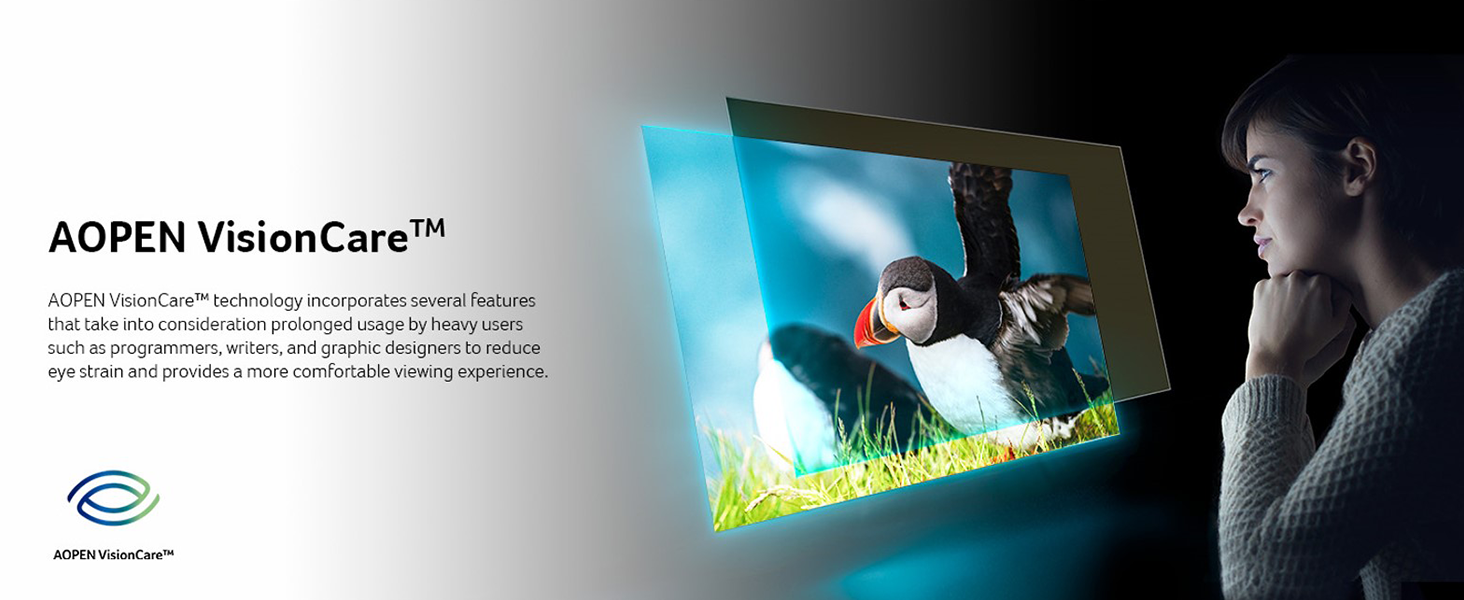
Image 3.2: Monitor installed on a VESA wall mount.
4. Instruccions de funcionament
4.1 Encès/Apagat
Press the power button, usually located on the bottom right or rear of the monitor, to turn the monitor on or off.
4.2 Menú de visualització en pantalla (OSD)
The OSD menu allows you to adjust various monitor settings. Use the control buttons (typically located on the bottom or rear of the monitor) to navigate and select options.
- Brillantor/Contrast: Adjust the display's brightness and contrast levels.
- Configuració de color: Modifiqueu la temperatura de color, el gamma i els nivells RGB individuals.
- Selecció d'entrada: Canvia manualment entre les fonts d'entrada HDMI i VGA.
- Àudio: Adjust volume if the monitor has built-in speakers or an audio output.
- Configuració OSD: Adjust OSD language, transparency, and timeout.
4.3 Ajust d'inclinació
The monitor allows for tilt adjustment. Gently hold the top and bottom edges of the monitor and tilt it to your desired viewing angle. Do not apply excessive force.
5. Característiques clau
5.1 Full HD (1920 x 1080) Resolution
Experience clear and detailed visuals with a native resolution of 1920 x 1080 pixels. This Full HD resolution ensures sharp images for both work and entertainment.

Image 5.1: Visual comparison of Full HD (1080p) versus 720p resolution.
Tecnologia AMD FreeSync 5.2
AMD FreeSync technology synchronizes the monitor's refresh rate with your graphics card's frame rate, eliminating screen tearing and stuttering for a smoother visual experience, especially during fast-paced gaming.

Image 5.2: AMD FreeSync in action, preventing screen tearing.
5.3 Alta freqüència d'actualització i temps de resposta
- Freqüència d'actualització: Up to 100Hz via HDMI port, and 75Hz via VGA port. A higher refresh rate provides smoother motion and reduced input lag.
- Temps de resposta: 1ms (TVR - Turbo Visual Response). This ultra-fast response time minimizes ghosting and motion blur, crucial for fast-moving content.


Image 5.3: Visual representation of 100Hz refresh rate and 1ms (TVR) response time benefits.
5.4 AOPEN VisionCare™ Technologies
AOPEN VisionCare™ includes several features designed to reduce eye strain during prolonged use, promoting a more comfortable viewexperiència.

Image 5.4: AOPEN VisionCare™ protecting eyes from blue light.
5.5 Ultra-Thin Stylish Design
With an ultra-thin profile of only 7.2mm and a ZeroFrame design, the monitor offers a sleek aesthetic and maximizes screen space, making it suitable for various environments.

Image 5.5: The ultra-thin profile of the AOPEN 22SA2Q Hbi monitor.
6. Manteniment
6.1 Neteja del monitor
- Apagueu sempre el monitor i desconnecteu el cable d'alimentació abans de netejar-lo.
- Utilitzeu un drap suau i sense pelusa lleugerament dampRenteu-ho amb aigua o un netejador de pantalles no abrasiu.
- No ruixeu el netejador directament sobre la pantalla. Apliqueu-lo primer al drap.
- Eviteu utilitzar benzè, diluent, netejadors amb amoníac o agents de neteja abrasius, ja que poden danyar la superfície del monitor.
6.2 Emmagatzematge
When storing the monitor for an extended period, ensure it is powered off, unplugged, and stored in a cool, dry place away from direct sunlight and extreme temperatures. Use the original packaging if available for best protection.
7. Solució De Problemes
| Problema | Causa possible | Solució |
|---|---|---|
| No hi ha imatge a la pantalla |
|
|
| La imatge és borrosa o distorsionada |
|
|
| Pantalla trencada o entrebancs (durant el joc) |
|
|
If the problem persists after trying these solutions, please contact AOPEN customer support.
8. Especificacions
| Característica | Detall |
|---|---|
| Nom del model | AOPEN 22SA2Q Hbi |
| Número de model | UM.WS2AA.H01 |
| Mida de la pantalla | 21.5 polzades |
| Resolució | Full HD (1920 x 1080) |
| Relació d'aspecte | 16:9 |
| Freqüència d'actualització | 100 Hz (HDMI), 75 Hz (VGA) |
| Temps de resposta | 1ms (TVR) |
| Sincronització adaptativa | Tecnologia AMD FreeSync |
| Connectivitat | 1 x HDMI 1.4, 1 x VGA |
| Compatibilitat de muntatge VESA | 75 x 75 mm |
| Característiques addicionals | Tilt Adjustment, Ultra-Slim Design, AOPEN VisionCare™ |
| Dimensions (P x A x A) | 7.44 "P x 19.37" W x 14.21" H |

Imatge 8.1: Dimensions del monitor.
9. Garantia i Suport
9.1 Informació de la garantia
This AOPEN monitor comes with a 3 anys de garantia limitada, covering parts and labor. Please retain your proof of purchase for warranty claims. The warranty period begins from the date of purchase.
9.2 Atenció al client
For technical assistance, troubleshooting, or warranty inquiries, please visit the official AOPEN support website or contact their customer service department. Refer to the AOPEN weblloc web per obtenir la informació de contacte més actualitzada.