
CHUWI Hi10X Pro
CHUWI Hi10 XPro Android 14 Tablet User Manual
Comprehensive guide for your CHUWI Hi10 XPro Tablet.
1. Introducció
The CHUWI Hi10 XPro is a versatile 10.1-inch Android 14 tablet designed for both productivity and entertainment. Featuring an Unisoc T606 Octa-Core processor, 8GB RAM, and 128GB ROM (expandable up to 1TB), it offers smooth performance for various applications. This tablet supports 4G LTE and 5G WiFi connectivity, includes a 7000mAh battery, and comes with 13MP rear and 5MP front cameras. This manual provides essential information for setting up, operating, and maintaining your device.

Figura 1.1: Davant i darrere view of the CHUWI Hi10 XPro Tablet.
2. Què hi ha a la caixa
Verifiqueu que tots els elements siguin presents al paquet:
- CHUWI Hi10 XPro Tablet
- 5V/2A adapter (PSE, CE, UL, FCC certified)
- Multi-language manual
- Certificat de conformitat
- Certificat de qualitat
- Targeta de garantia
- Targeta Micro SD de 128 GB
3. Configuració
3.1 Càrrega inicial
Before first use, fully charge the tablet using the provided 5V/2A adapter and Type-C cable. The battery indicator on the screen will show charging progress.
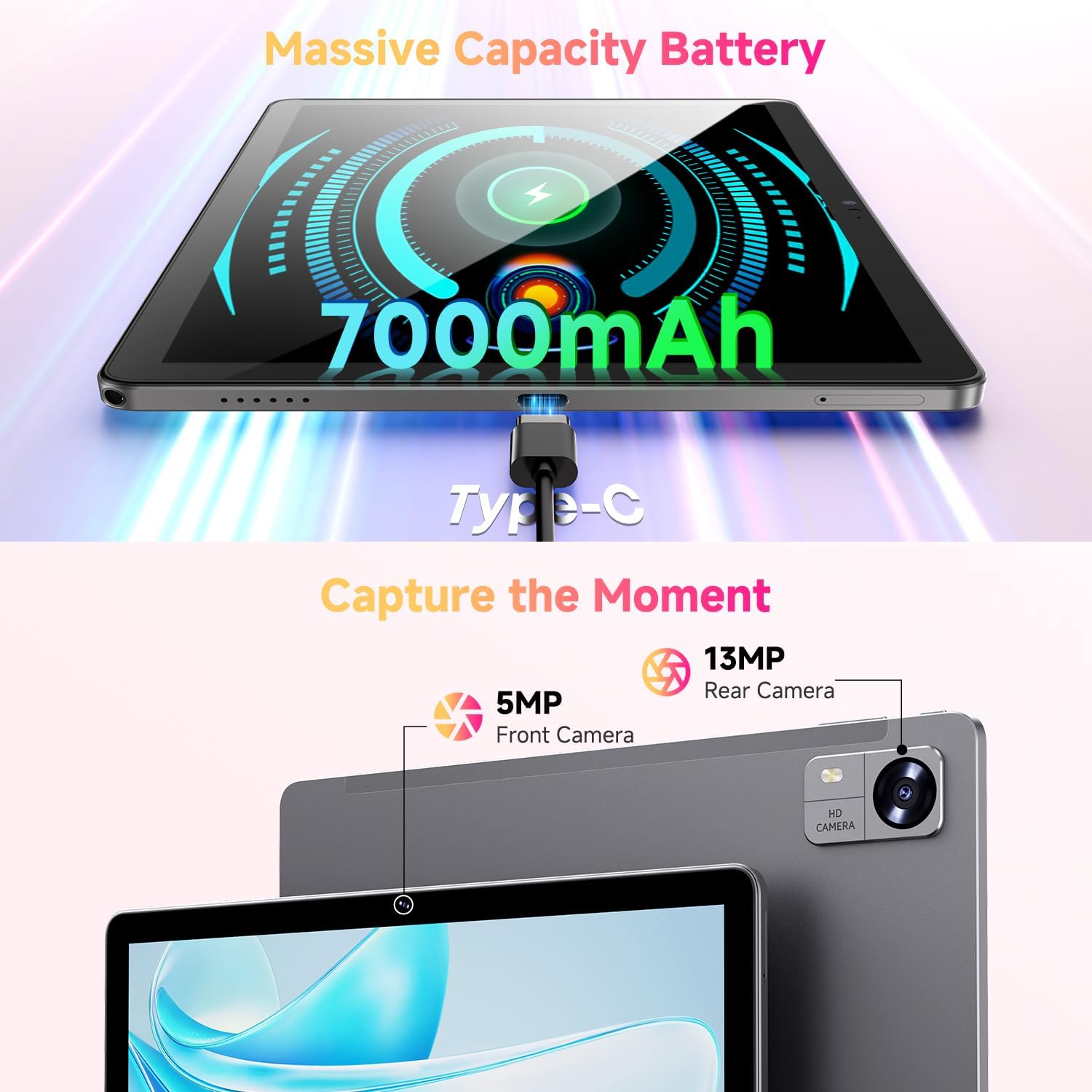
Figure 3.1: Charging the tablet via Type-C port.
3.2 Encès/Apagat
- Encès: Press and hold the Power button on the side of the tablet until the CHUWI logo appears.
- Apagar: Press and hold the Power button until a power-off menu appears. Select "Power off" to shut down the device.
- Reinicia: From the power-off menu, select "Restart" to reboot the device.
3.3 Instal·lació de la targeta SIM i la targeta TF
The tablet supports dual SIM cards and a TF (MicroSD) card for expanded storage. Use the provided SIM ejector tool to open the tray.
- Localitza la safata de la targeta SIM/TF al lateral de la tauleta.
- Introduïu l'eina d'expulsió de la SIM al forat petit que hi ha al costat de la safata i premeu suaument fins que la safata surti.
- Col·loqueu les targetes Nano-SIM i/o MicroSD a les ranures designades de la safata, assegurant-vos que l'orientació sigui correcta.
- Empenyeu amb cura la safata cap a dins de la tauleta fins que encaixi al seu lloc.
*Important Note for Cellular Functionality: Please register the IMEI number of your device with local carriers before using cellular network functions. Failure to do so may result in the SIM card functions (network and calls) being disabled by the carriers after a period of use.
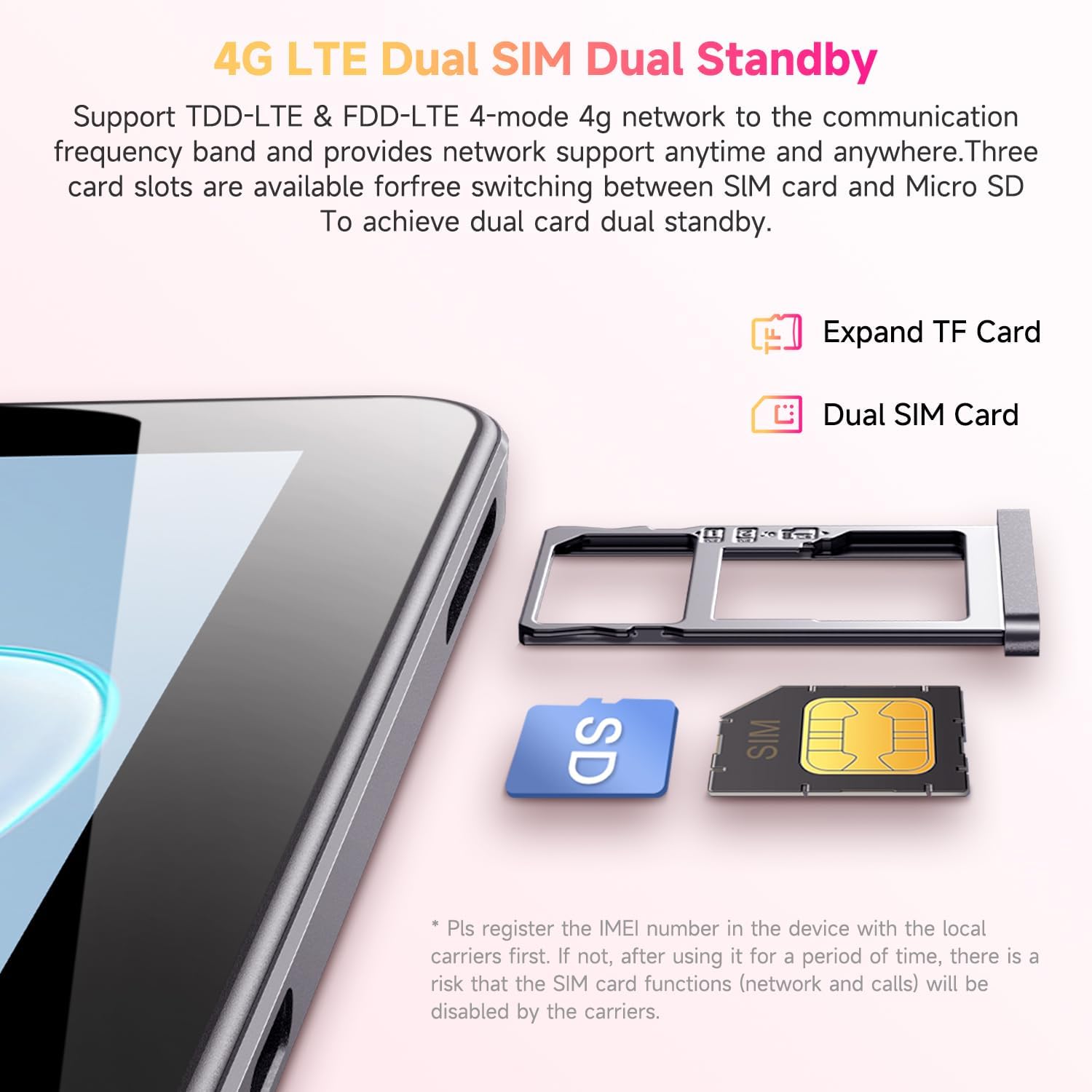
Figure 3.2: Inserting SIM and TF cards into the tray.
3.4 Assistent de configuració inicial
En engegar-la per primera vegada, la tauleta us guiarà a través d'un procés de configuració inicial. Seguiu les instruccions que apareixen a la pantalla per a:
- Seleccioneu el vostre idioma.
- Connecteu-vos a una xarxa Wi-Fi.
- Inicia la sessió amb el teu compte de Google o crea'n un de nou.
- Configura el bloqueig de pantalla (PIN, patró, contrasenya).
- Review i acceptar els termes i condicions.
4. Instruccions de funcionament
4.1 Pantalla i navegació
The CHUWI Hi10 XPro features a 10.1-inch HD IPS touchscreen with a resolution of 1280x800 pixels, providing clear and vibrant visuals. Navigation is primarily touch-based, with gestures and on-screen buttons for home, back, and recent apps.

Figure 4.1: The tablet's 10.1-inch HD IPS display.
4.2 Rendiment i emmagatzematge
Equipped with a 1.6GHz Unisoc T606 Octa-Core processor and Mali-G57 GPU, the tablet ensures smooth operation for daily tasks, browsing, and light gaming. It comes with 8GB RAM (4GB physical + 4GB virtual) and 128GB of internal storage, expandable up to 1TB via a MicroSD card.

Figure 4.2: Illustration of the Unisoc T606 Octa-Core Processor.

Figure 4.3: Visual representation of storage and connectivity options.
4.3 Connectivitat
The tablet supports dual-band 2.4G+5G WiFi (802.11ac) for stable and fast internet connections, and Bluetooth 5.0 for connecting wireless accessories. Dual 4G LTE support allows for mobile data and calls (with proper SIM registration).
4.4 Funcions de la càmera
Capture moments with the 13MP rear camera and take clear selfies or make video calls with the 5MP front camera.
4.5 Durada de la bateria
The built-in 7000mAh battery provides approximately 8-10 hours of usage on a full charge, depending on usage patterns.
4.6 Sistema operatiu Android 14
The CHUWI Hi10 XPro runs on Android 14, offering enhanced privacy controls, efficient memory management, and multitasking capabilities. It supports Widevine L1 for high-definition streaming on platforms like Netflix, Prime Video, and Disney+.
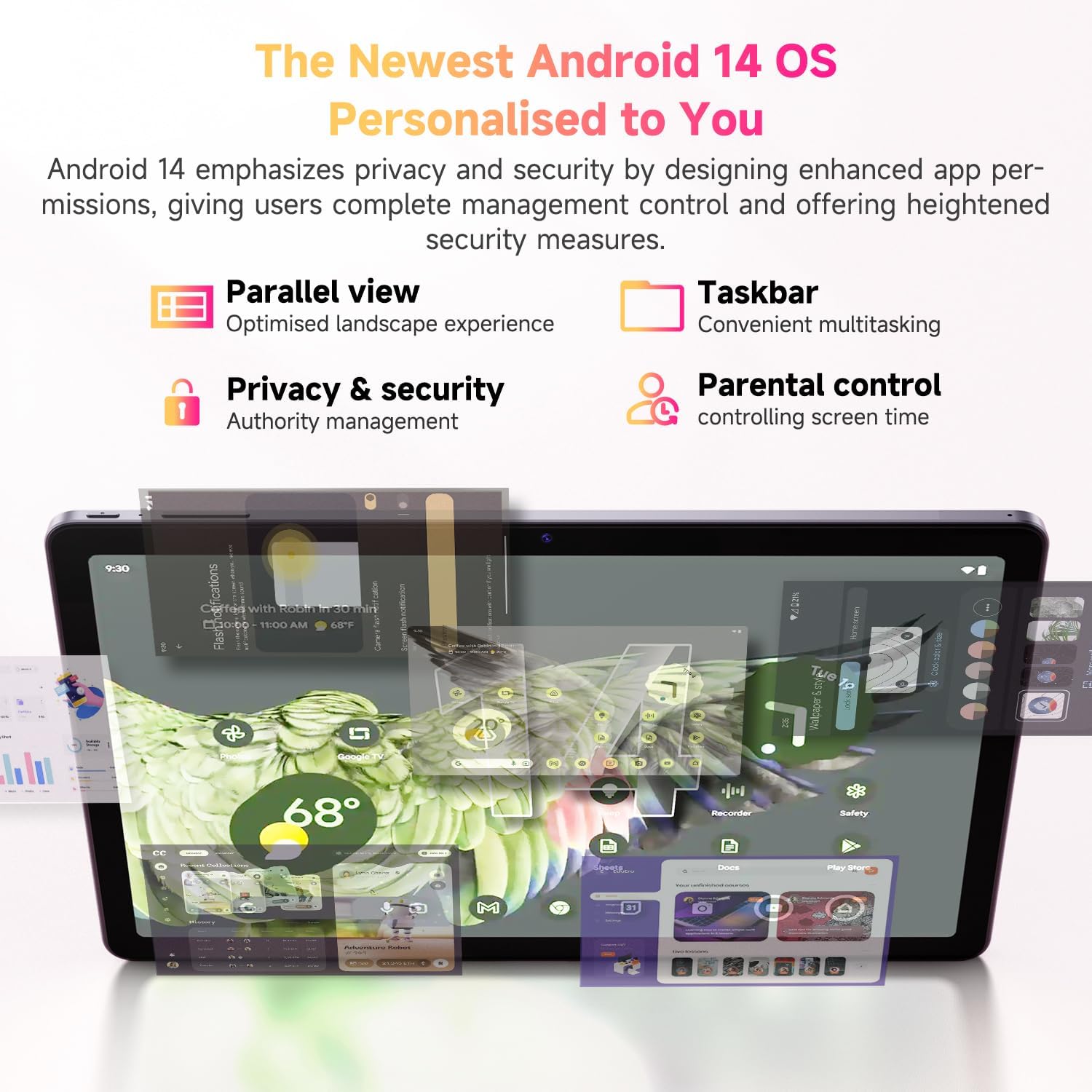
Figure 4.4: Key features of the Android 14 operating system.
4.7 Vídeo oficial del producte
Vídeo 4.1: Presentació oficial del producte en vídeoasing the CHUWI Android 13 Tablet Hi10 XPro Tablet 10.1 Inch 8+128GB. This video highlights various features and usage scenarios of the tablet, including its sleek design, display quality, and performance capabilities.
5. Especificacions
| Característica | Especificació |
|---|---|
| Marca | CHUWI |
| Nom del model | Hi10 XPro |
| Mida de la pantalla de peu | 10.1 polzades |
| Resolució de pantalla | 1280 x 800 píxels |
| Processador | 1.6 GHz Unisoc T606 Octa-Core |
| Coprocessador gràfic | Mali-G57 |
| RAM | 8GB (4GB+4GB virtual) |
| Mida del disc dur / memòria flash | SSD de 128 GB |
| Emmagatzematge ampliable | Up to 1TB with MicroSD card |
| Sistema operatiu | Android 14 |
| Tipus sense fil | 802.11ac (2.4G+5G WiFi), Bluetooth 5.0 |
| Connectivitat cel·lular | Dual 4G LTE |
| posterior WebResolució de la càmera | 13 MP |
| Resolució de la càmera frontal | 5 MP |
| Capacitat de la bateria | Polímer de liti de 7000 mAh |
| Durada mitjana de la bateria | 8-10 hores |
| Pes de l'article | 15.5 unces (aprox. 438 g) |
| Dimensions del producte | 9.41 x 6.2 x 0.29 polzades (aprox. 239.3 x 158 x 7.5 mm) |
| Color | Negre |
| Funció GPS | Supported (GPS, Glonass, Galileo, Beidou) |
| Widevine Certification | L1 Supported |
6. Manteniment
- Neteja: Feu servir un drap suau i sense borrissol per netejar la pantalla i el cos de la tauleta. Eviteu utilitzar productes químics agressius o materials abrasius.
- Actualitzacions de programari: Periodically check for system updates in the tablet's settings to ensure optimal performance and security.
- Cura de la bateria: Per allargar la durada de la bateria, eviteu les temperatures extremes i no deixeu que la bateria s'esgoti completament amb freqüència.
- Gestió d'emmagatzematge: Netegeu regularment innecessaris filei aplicacions per mantenir prou espai d'emmagatzematge lliure per a un funcionament sense problemes.
- Protecció: Consider using a screen protector and a protective case to guard against scratches and accidental damage.
7. Solució De Problemes
La tauleta 7.1 no s'encén
- Assegureu-vos que la tauleta estigui prou carregada. Connecteu-la al carregador durant almenys 30 minuts.
- Premeu i manteniu premut el botó d'engegada durant 10-15 segons per forçar un reinici.
7.2 Problemes de connexió Wi-Fi
- Comproveu si el Wi-Fi està activat a la configuració de la tauleta.
- Reinicieu el vostre encaminador Wi-Fi.
- Oblida't de la xarxa a la configuració de la tauleta i torna a connectar-te.
- Assegureu-vos que esteu dins de l'abast del senyal Wi-Fi.
7.3 Rendiment lent
- Tanca les aplicacions de fons innecessàries.
- Esborra la memòria cau i les dades de les aplicacions que fas servir amb freqüència.
- Assegureu-vos que hi hagi prou espai d'emmagatzematge lliure.
- Reinicieu la tauleta.
7.4 Apps Crashing or Not Responding
- Force close the app from recent apps or app settings.
- Esborra la memòria cau i les dades de l'aplicació.
- Desinstal·leu i torneu a instal·lar l'aplicació.
- Assegureu-vos que el programari de la tauleta estigui actualitzat.
8. Garantia i Suport
CHUWI offers a One-year reassuring quality assurance for the Hi10 XPro tablet. This includes long-term technical support and 24-hour online customer service.
For technical assistance or warranty claims, please contact CHUWI customer service. You can typically find contact information by logging into your Amazon account, finding your order, and selecting "Contact the seller."
For more information, visit the official CHUWI weblloc web o consulteu la targeta de garantia inclosa al paquet del producte.
Ask a question about this manual
Ask about setup, troubleshooting, compatibility, parts, safety, or missing instructions. Manuals+ will review the question and use this page’s manual context to help answer it.