1. Introducció
Thank you for choosing the SmartE Zealot S31 Portable Bluetooth Speaker. This manual provides detailed instructions on how to set up, operate, and maintain your speaker to ensure optimal performance and longevity. The Zealot S31 is a compact and powerful 10W wireless speaker designed for high-quality audio playback on the go, featuring Bluetooth connectivity, TF card support, USB playback, and AUX input.
2. Contingut del paquet
Si us plau, comproveu el contingut del paquet en desembalar-lo. Si falta algun article o hi ha algun dany, poseu-vos en contacte amb el vostre distribuïdor.
- SmartE Zealot S31 Portable Bluetooth Speaker
- Cable de càrrega USB
- Cable d'àudio AUX
- Manual d'usuari (aquest document)
3. Producte acabatview
Familiaritzeu-vos amb els botons i els ports de l'altaveu.

Figura 3.1: superior view of the Zealot S31 speaker with control buttons.
This image displays the top surface of the black Zealot S31 speaker. From left to right, you can see four circular buttons: 'M' (Mode), '-' (Volume Down/Previous Track), '+' (Volume Up/Next Track), and a Play/Pause button (which also serves as the call answer/end button). The surface is glossy black.
3.1. Botons de control
- Botó M (mode): Press to switch between Bluetooth, TF Card, USB, and AUX modes.
- - (Volume Down / Previous Track) Button:
- Premsa curta: Disminuir el volum.
- Long press: Go to the previous track.
- + (Volume Up / Next Track) Button:
- Pressió curta: Augmenta el volum.
- Long press: Go to the next track.
- Botó Reproduir/Pausa:
- Short press: Play or pause music.
- Short press (during call): Answer or end a call.
- Long press: Reject an incoming call.
- Botó d'encesa: Premeu llargament per encendre/apagar l'altaveu.

Figura 3.2: posterior view of the Zealot S31 speaker with input ports.
This image shows the back panel of the black Zealot S31 speaker. From left to right, the ports are labeled: 'DC 5V' (for charging), 'USB' (for USB drive playback), 'AUX' (for auxiliary audio input), and 'TF' (for TF/MicroSD card slot).
3.2. Ports i indicadors
- Port DC 5V: Used for charging the speaker with the provided USB cable.
- Port USB: For connecting a USB flash drive to play audio files.
- Port AUX: Per connectar dispositius d'àudio externs mitjançant un cable d'àudio de 3.5 mm.
- Ranura per a targetes TF: For inserting a TF (MicroSD) card to play audio files.
- Indicador LED: Indicates charging status and Bluetooth pairing status.
4. Configuració
4.1. Carregant l’altaveu
Before first use, fully charge the speaker. Connect the provided USB charging cable to the DC 5V port on the speaker and the other end to a USB power adapter (5V/1A recommended) or a computer's USB port. The LED indicator will typically show red during charging and turn off or change color when fully charged.
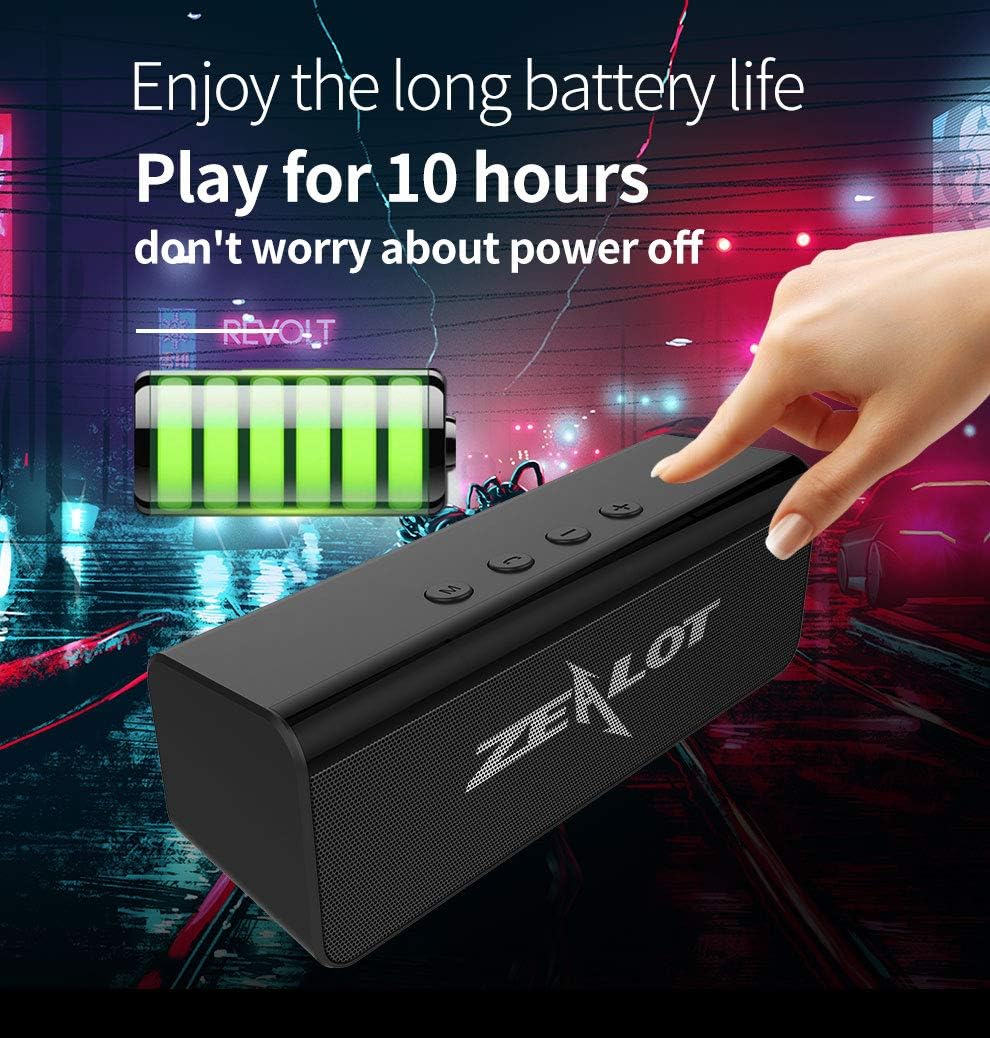
Figure 4.1: The Zealot S31 speaker is designed for long battery life, offering up to 10 hours of playback on a full charge.
This image features the black Zealot S31 speaker with a graphic overlay indicating "Enjoy the long battery life Play for 10 hours don't worry about power off". A battery icon with full charge bars is also visible, emphasizing the speaker's extended playtime.
4.2. Encès / apagat
- Per encendre: Long press the Power button until you hear an audible prompt or see the LED indicator light up.
- Per apagar: Long press the Power button again until you hear an audible prompt or the LED indicator turns off.
5. Instruccions de funcionament
5.1. Mode Bluetooth
- Engegueu l'altaveu. Entrarà automàticament en mode d'emparellament Bluetooth, cosa que s'indicarà amb un llum LED intermitent i un missatge audible.
- Activa el Bluetooth al teu dispositiu (telèfon intel·ligent, tauleta, ordinador portàtil).
- Cerca Bluetooth devices and select "Zealot S31" from the list.
- Un cop emparellat, l'indicador LED deixarà de parpellejar i romandrà fix, i sentireu un so de confirmació.
- Ara pots reproduir àudio des del teu dispositiu a través de l'altaveu.
Note: The speaker will automatically connect to the last paired device if it's within range and Bluetooth is enabled.
5.2. TF Card / USB Playback Mode

Figure 5.1: The Zealot S31 supports multiple connectivity options including Bluetooth, TF card, USB drive, and AUX.
This image shows the rear of the black Zealot S31 speaker with its various ports. Above the speaker, four icons illustrate its connectivity features: a Bluetooth symbol, a MicroSD card symbol (TF Card Connectivity), a USB symbol (USB Drive Connectivity), and a headphone jack symbol (Audio Frequency Connectivity, referring to AUX). Below the speaker, a TF card and an AUX cable are depicted, highlighting their use.
- Targeta TF: Inseriu una targeta TF (MicroSD) amb àudio MP3 files a la ranura de la targeta TF. L'altaveu canviarà automàticament al mode de targeta TF i començarà la reproducció.
- Unitat USB: Inseriu una unitat flash USB amb àudio MP3 files into the USB port. The speaker will automatically switch to USB playback mode and begin playback.
- Use the '+' and '-' buttons for track navigation and volume control.
5.3. Mode AUX
- Connect one end of the 3.5mm AUX audio cable to the AUX port on the speaker.
- Connect the other end to the headphone jack of your audio device (e.g., MP3 player, computer).
- The speaker will automatically switch to AUX mode. If not, press the 'M' (Mode) button to select AUX mode.
- Controla la reproducció i el volum des del dispositiu connectat.
5.4. Funcions de crida
- Respondre/Finalitzar la trucada: Premeu breument el botó Reproduir/Pausa.
- Rebutja la trucada: Premeu llargament el botó Reproduir/Pausa.
6. Manteniment
- Neteja: Feu servir un drap suau i sec per netejar la superfície de l'altaveu. No utilitzeu productes de neteja abrasius ni dissolvents.
- Emmagatzematge: Guardeu l'altaveu en un lloc fresc i sec, allunyat de la llum solar directa i de temperatures extremes.
- Cura de la bateria: Per allargar la durada de la bateria, eviteu descarregar completament l'altaveu amb freqüència. Carregueu-lo regularment, fins i tot si no l'utilitzeu durant períodes prolongats.
- Exposició a l'aigua: Although listed as waterproof, avoid submerging the speaker in water. Ensure all ports are dry before charging.
7. Solució De Problemes
| Problema | Causa possible | Solució |
|---|---|---|
| L'altaveu no s'encén. | Bateria baixa. | Carregueu l'altaveu completament. |
| Sense so. | Volum massa baix; mode incorrecte; dispositiu no connectat. | Increase volume on speaker and device; press 'M' button to select correct mode; ensure device is paired/connected. |
| No es pot emparellar per Bluetooth. | L'altaveu no està en mode d'emparellament; el Bluetooth del dispositiu està desactivat; massa lluny de l'altaveu. | Ensure speaker is in pairing mode (flashing LED); turn on device Bluetooth; move device closer to speaker (within 10m). |
| TF card/USB playback not working. | Incorrecte file format; targeta/unitat no inserida correctament; corrupta files. | Assegureu-vos files are MP3 format; reinsert card/drive; try different card/drive. |
8. Especificacions
| Nom del model: | S31 |
| Marca: | Genèric |
| Potència de sortida: | 10 watts |
| Interval de freqüència: | 100Hz-20KHz |
| Tecnologia de connectivitat: | Sense fil (Bluetooth) |
| Mode de sortida d'àudio: | estèreo |
| Funció de reproducció: | MP3 |
| Suport de targeta de memòria: | Sí (targeta TF) |
| Material: | Plàstic |
| Tipus de muntatge: | Taula |
| Tipus d'altaveu: | Subwoofer |
| Característiques especials: | Wireless, Bluetooth, Waterproof |
| Dispositius compatibles: | Portàtil, tauleta, telèfon intel·ligent |
| Durada estimada de la bateria: | Fins a 10 hores |
9. Garantia i Suport
This product is covered by a standard manufacturer's warranty. For specific warranty terms and conditions, please refer to the documentation provided at the time of purchase or contact your retailer. For technical support or inquiries, please reach out to the customer service department of your retailer or the product manufacturer.
Note: The manufacturer states, "If any quality problems with the product, please feel free to contact us, we will FULLY REFUND or provide a new one, we always ensure 100% customer's satisfaction!"


