
Introducció
This manual provides essential information for the operation and maintenance of your NOVOJOY 10-Inch Android Tablet. Please read it thoroughly before using the device to ensure proper functionality and longevity.
The NOVOJOY 10-Inch Android Tablet is a versatile 2-in-1 device designed for various tasks, featuring a 10.1-inch HD display, a powerful Quad-core processor, and the Android 13 operating system. It comes bundled with a keyboard, mouse, stylus, and protective case to enhance your productivity and entertainment experience.
Què hi ha a la caixa
Verifiqueu que tots els elements siguin presents al paquet:
- NOVOJOY 10-Inch Android Tablet
- Teclat Bluetooth
- Ratolí sense fil
- Stylus
- Funda protectora plegable
- Cable de càrrega (tipus C)
- Adaptador de corrent (5V2A)

Producte acabatview
Familiarize yourself with the tablet's components and features.
Característiques principals:
- 10.1-inch 1280*800 IPS HD Display with Eye Protection
- Sistema operatiu Android 13
- Quad-core Processor (2 GHz)
- 64GB Internal Storage (ROM) + 8GB RAM (4GB fixed, 4GB virtual)
- Expandable Storage up to 1TB (via microSD card, not included)
- 8MP Rear Camera, 2MP Front Camera
- 6000mAh Battery for extended use
- 5G WIFI-6 and Bluetooth connectivity
- Integrated Speakers and Microphone


Configuració
1. Càrrega inicial
Before first use, fully charge the tablet. Connect the provided Type-C charging cable to the tablet's charging port and the power adapter to a wall outlet. The battery indicator on the screen will show charging status.
2. Encès / apagat
- Per encendre: Press and hold the Power button until the NOVOJOY logo appears.
- Per apagar: Mantingueu premut el botó d'engegada i, a continuació, seleccioneu "Apagar" de les opcions que apareixen a la pantalla.
- Per reiniciar: Press and hold the Power button, then select "Restart" from the options on the screen.
3. Connecting the Bluetooth Keyboard
- Ensure the keyboard is charged. Slide the power switch on the keyboard to the "ON" position.
- Press the "Connect" button on the keyboard. The Bluetooth indicator light will flash blue.
- A la tauleta, vés a Configuració > Dispositius connectats > Vincula un dispositiu nou.
- Select "Bluetooth Keyboard" from the list of available devices to pair.

4. Connexió del ratolí sense fil
The wireless mouse typically connects via a USB dongle. Insert the USB dongle into a compatible USB-OTG adapter (if required, not always included) and then into the tablet's USB-C port, or directly into a full-size USB port if available. The tablet should automatically detect the mouse.
5. Inserting a MicroSD Card (for expandable storage)
Locate the microSD card slot on the side of the tablet. Gently insert the microSD card with the gold contacts facing down until it clicks into place. You may need to format the card via the tablet's settings for optimal use.
Instruccions de funcionament
1. Navegació bàsica
- Gestos tàctils: Toca per seleccionar, llisca per desplaçar-te, pessiga per ampliar.
- Pantalla d'inici: Accedeix a aplicacions, widgets i notificacions.
- Barra d'estat: Displays time, battery, Wi-Fi, and notification icons. Swipe down for quick settings and detailed notifications.
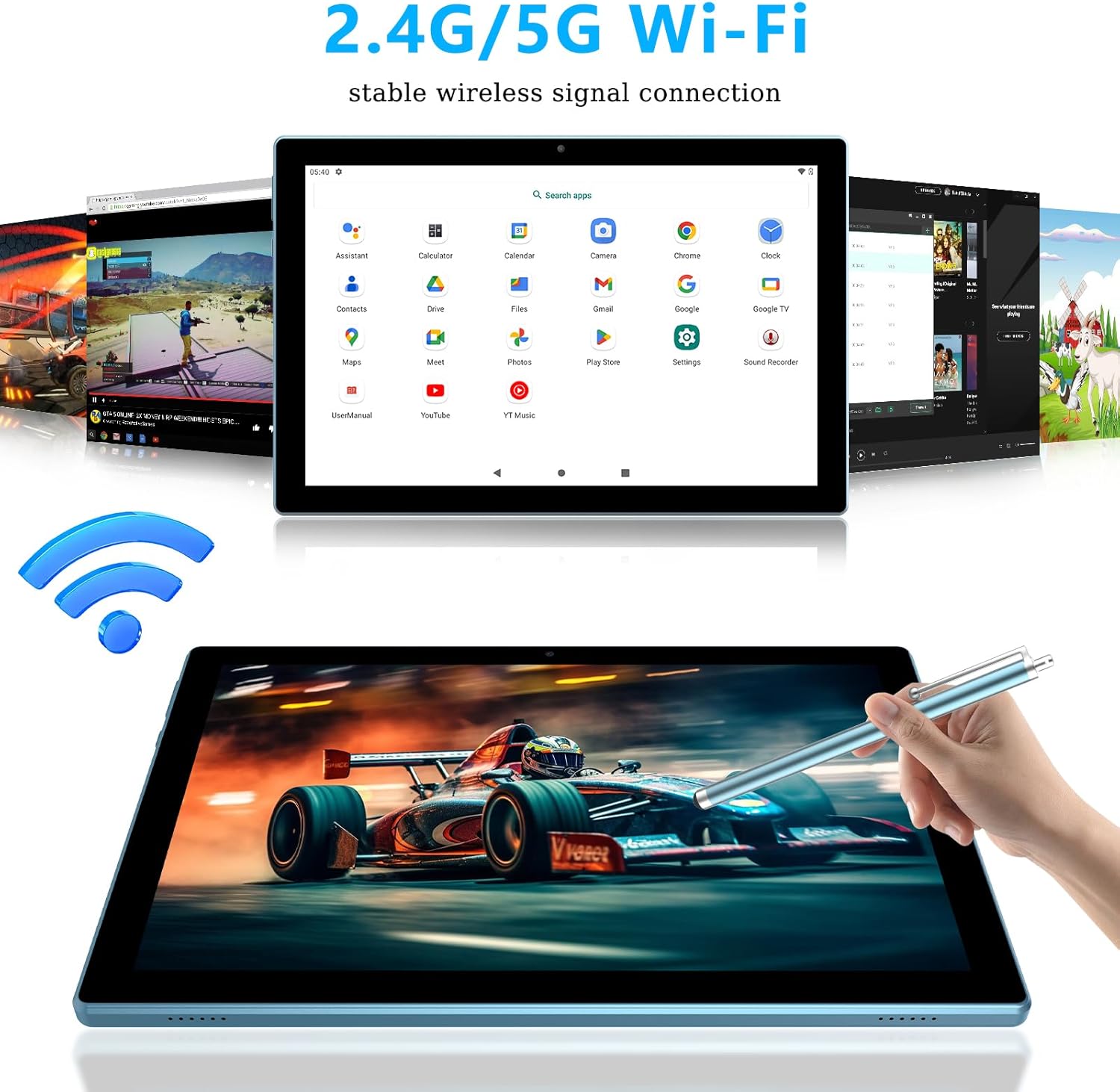
2. Connectivitat Wi-Fi
- Vés a Configuració > Xarxa i Internet > Wi-Fi.
- Activa el Wi-Fi.
- Seleccioneu la xarxa desitjada de la llista i introduïu la contrasenya si se us demana.
3. Ús de les càmeres
Open the "Camera" application from the home screen or app drawer. You can switch between the 8MP rear camera and the 2MP front camera for photos and video recording.
4. Gestió de la bateria
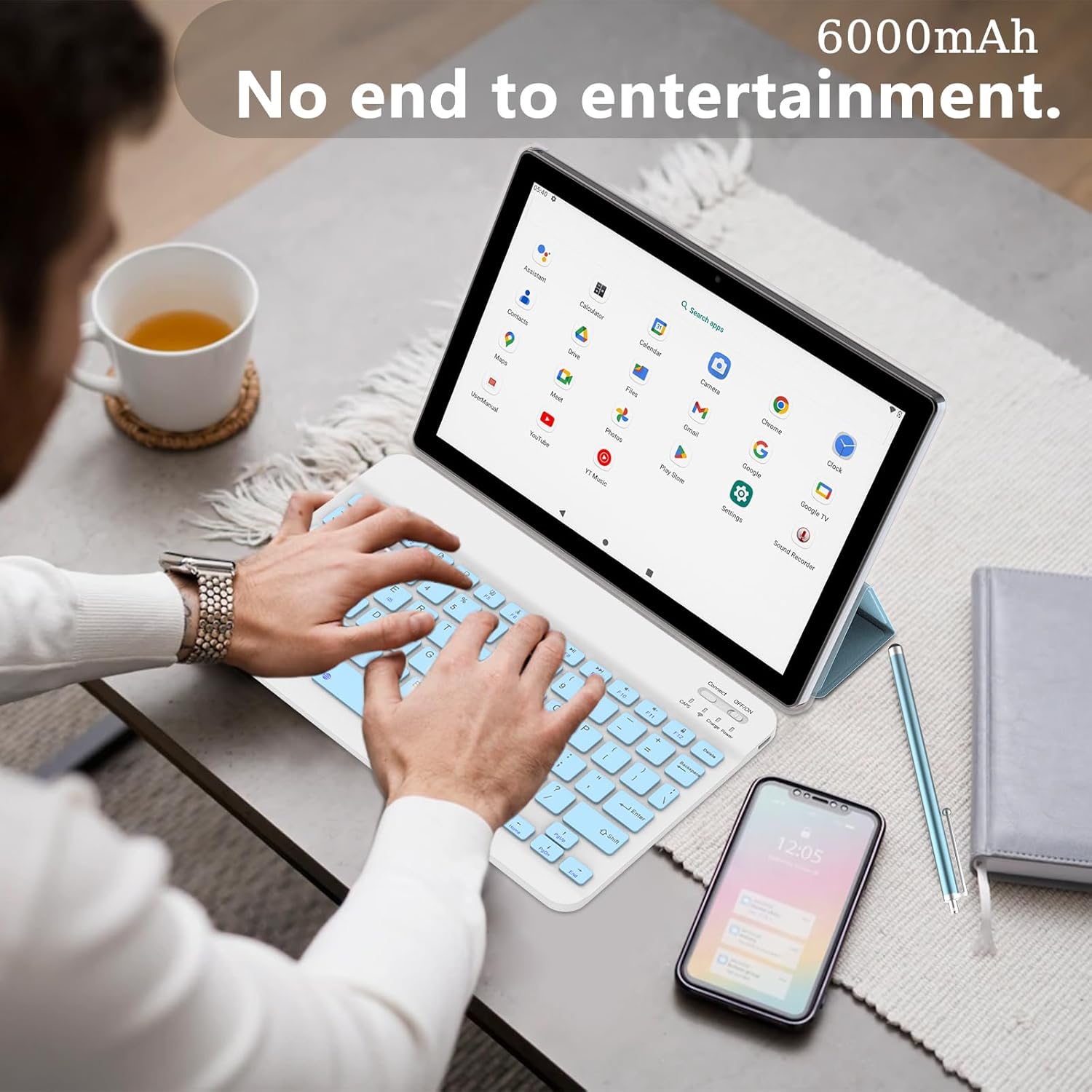
The tablet is equipped with a 6000mAh battery, providing approximately 6-8 hours of continuous use. To optimize battery life:
- Ajusteu la brillantor de la pantalla.
- Desactiva el Wi-Fi i el Bluetooth quan no els utilitzis.
- Tanca les aplicacions que no s'utilitzen i que s'executen en segon pla.
Manteniment
- Neteja: Feu servir un drap suau i sense borrissol per netejar la pantalla i la carcassa. Eviteu productes de neteja o dissolvents abrasius.
- Emmagatzematge: Guardeu la tauleta en un lloc fresc i sec, allunyat de la llum solar directa i de temperatures extremes.
- Cura de la bateria: Avoid fully discharging the battery frequently. Charge the tablet regularly.
- Actualitzacions de programari: Comproveu periòdicament si hi ha actualitzacions del sistema a Configuració > Sistema > Actualització del sistema per garantir un rendiment i una seguretat òptims.
Resolució de problemes
| Problema | Possible solució |
|---|---|
| La tauleta no s'encén. | Assegura't que la tauleta estigui carregada. Connecta-la al carregador durant almenys 30 minuts i, a continuació, intenta tornar-la a encendre. |
| No es pot connectar a la Wi-Fi. | Check if Wi-Fi is enabled in settings. Verify the Wi-Fi password. Restart your router and the tablet. |
| Bluetooth keyboard/mouse not connecting. | Ensure the accessories are charged and in pairing mode. Remove previous pairings from the tablet's Bluetooth settings and try pairing again. |
| Tablet is running slow. | Close unused applications. Clear cache from apps in Configuració > Aplicacions. Consider freeing up storage space. |
| La pantalla no respon. | Restart the tablet. If the issue persists, perform a factory reset (data will be lost, back up important files). |
Especificacions
| Característica | Detall |
|---|---|
| Nom del model | NVCP20blue6in1 |
| Sistema operatiu | Android 13 |
| Processador | Quad-core, 2 GHz |
| RAM | 8GB (4GB fixed, 4GB virtual) |
| Emmagatzematge intern (ROM) | 64 GB |
| Emmagatzematge ampliable | Fins a 1 TB mitjançant targeta MicroSD |
| Mida de la pantalla | 10.1 polzades |
| Resolució de pantalla | 1280 x 800 píxels (IPS HD) |
| Càmera posterior | 8 MP |
| Càmera frontal | 2 MP |
| Capacitat de la bateria | 6000 mAh |
| Durada mitjana de la bateria | 6-8 Hours (continuous use) |
| Connectivitat sense fil | 5G WIFI-6, Bluetooth (802.11ax) |
| Dimensions (LxWxH) | 12 x 7 x 0.3 polzades |
| Pes de l'article | 1 lliures |
Garantia i Suport
For warranty information and technical support, please refer to the documentation provided with your purchase or visit the official NOVOJOY weblloc web. Conserveu el rebut de compra com a comprovant de compra per a reclamacions de garantia.
If you encounter issues not covered in this manual, please contact NOVOJOY customer service for assistance.