
Introducció
This manual provides instructions for setting up and operating your Square Reader for magstripe (headset jack). This device allows you to accept credit and debit card payments using your compatible smartphone or tablet, enabling mobile point-of-sale functionality at your counter or on the go.
Què s'inclou
- Square Credit Card Reader for iPhone, iPad, and Android (Headset Jack Model)

Image: The Square Reader packaging, indicating the headset jack model and compatibility with various devices.
Instruccions de configuració
Follow these steps to prepare your Square Reader for use:
- Baixeu l'aplicació de punt de venda Square: Install the free Square Point of Sale app on your compatible Apple or Android device. This app is essential for processing payments and managing sales.
- Connecta el lector: Plug the Square Reader firmly into your device's 3.5 mm headset jack. Ensure it is fully inserted for a stable connection.
- Start Swiping Cards: Once connected and the app is ready, you can begin accepting magstripe card payments.
The Square Reader for magstripe does not require charging as it draws power directly from your device's headset jack.

Image: Visual guide illustrating the three steps: download app, plug in reader, and swipe card.
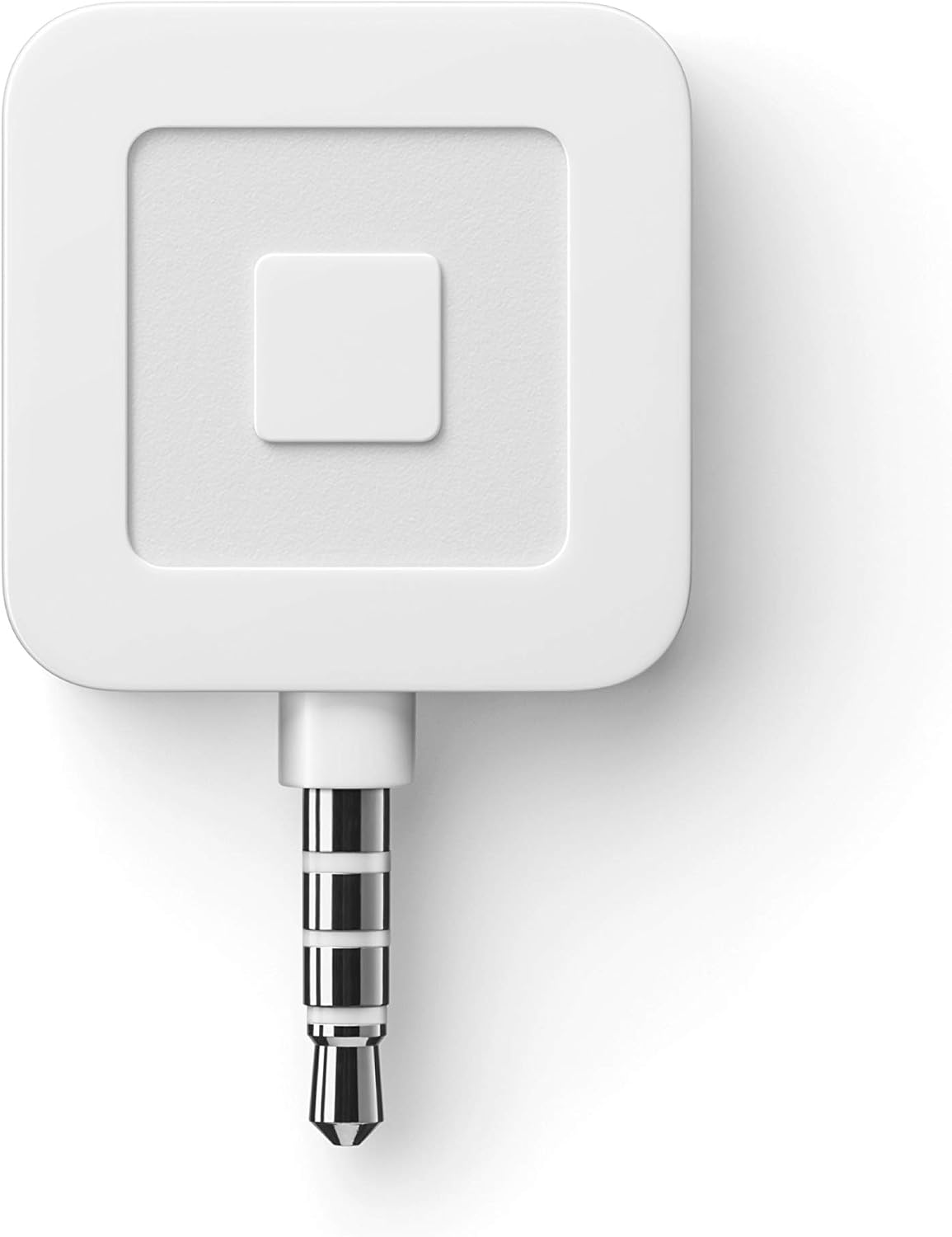
Image: The Square Reader connected to a smartphone, ready for use.
Video: An official video demonstrating how to use Square for quick and easy sales.
Instruccions de funcionament
To process a payment:
- Open the Square App: Launch the Square Point of Sale app on your device.
- Enter Sale Details: Input the transaction amount or select items from your inventory within the app.
- Swipe Card: Instruct the customer to swipe their credit or debit card through the magstripe reader. Ensure the card's magnetic strip faces the reader's internal sensor.
- Complete Transaction: Follow the prompts on the app to complete the transaction, including signature capture if required, and send a digital receipt.
The Square Reader accepts Visa, Mastercard, Discover, and American Express cards. All transactions are processed at a low, consistent rate with no hidden fees.

Image: A close-up of the Square Reader attached to a smartphone, with a credit card being swiped.

Image: A person using the Square Reader with a tablet to manage sales in a business setting.
Manteniment
To ensure optimal performance and longevity of your Square Reader:
- Neteja: Gently wipe the reader with a soft, dry cloth. Avoid using harsh chemicals or abrasive materials.
- Emmagatzematge: Store the reader in a clean, dry place when not in use to prevent dust and debris from entering the card slot or headset jack.
- Manipulació: Handle the device with care. Avoid dropping it or exposing it to extreme temperatures or moisture.
Resolució de problemes
If you encounter issues with your Square Reader, consider the following:
- Lector no detectat: Ensure the reader is fully inserted into the headset jack. Try removing and re-inserting it. Check your device's volume settings, as some devices require the volume to be up for the reader to be detected.
- Card Read Errors: Ensure cards are swiped smoothly and consistently through the reader. The magnetic stripe should face the correct direction. Try swiping the card multiple times. Clean the card reader slot if necessary.
- Problemes amb l'aplicació: Ensure your Square Point of Sale app is updated to the latest version. Restart the app or your mobile device if problems persist.
- Compatibilitat: Verify that your smartphone or tablet has a functional 3.5 mm headphone jack and is compatible with the Square Point of Sale app.
For further assistance, refer to the support section below or visit the Square support weblloc.
Especificacions
| Marca | Plaçada |
| Nom del model | Lector quadrat |
| Número de model | A-SKU-0047 |
| Tecnologia de connectivitat | Wired (3.5mm Audio) |
| Característica especial | Headset Jack Connected |
| Dispositius compatibles | Apple and Android devices with a 3.5 mm headphone jack |
| Color | Blanc |
| Dimensions de l'article (L x A x A) | 4.5 cm de llargada x 0.62 cm d'amplada x 4.5 cm d'alçada |
| Pes de l'article | 1.6 unces |
| UPC | 855658003251 |
Informació de la garantia
The Square Reader for magstripe comes with a 6 mesos de garantia from the date of purchase. Please retain your proof of purchase for warranty claims. For detailed warranty terms and conditions, please refer to the official Square weblloc o contacteu amb el servei d'atenció al client.
Suport
For additional support, frequently asked questions, or to contact customer service, please visit the official Square weblloc:
You can also find comprehensive guides and troubleshooting tips within the Square Point of Sale app.


