
Introducció
This manual provides detailed instructions for the installation, operation, and maintenance of your NOVOSTELLA Permanent Outdoor Lights. Please read this manual thoroughly before use to ensure proper functionality and safety.
Informació de seguretat
- Assegureu-vos que la font d'alimentació estigui desconnectada abans de la instal·lació o el manteniment.
- Aquest producte està dissenyat només per a ús a l'aire lliure.
- Do not attempt to repair or modify the product yourself. Contact customer support for assistance.
- Operating temperature range: -15.6 °C to 60 °C (4°F to 140°F).
Contingut del paquet
Verifiqueu que tots els components siguin presents al paquet:
- Permanent Outdoor Lights (30.5m / 100 feet, 80 LED bulbs)
- Controlador
- Adaptador d'alimentació
- Cargols de muntatge
- Clips de muntatge
- Control remot
- Manual d'usuari (aquest document)
Especificacions
| Característica | Detall |
|---|---|
| Marca | NOVOSTELLA |
| Número de model | NVS100-RGBIC-US-F |
| Dimensions (paquet) | 39.7 x 25.6 x 13.69 cm |
| Pes | 3.42 quilos |
| Nombre de bombetes | 80 |
| Voltage | 24 volts (CC) |
| Wattage | 39 watts |
| Flux lluminós | 400 lm |
| Tipus de llum | LED |
| Font d'alimentació | AC |
| Característiques especials | Voice Control, Rainbow Color, Music Mode |
| Tipus de controlador | Voice Control, Remote Control, App Control |
| Classificació de protecció d'entrada (IP). | IP65 (Lights, Controllers, Power Supply) |
| Temperatura de funcionament | -15.6 °C a 60 °C (4 °F a 140 °F) |
| Vida útil | 25,000 hores |
| Longitud | 30.5 metres (100 peus) |
Instruccions de configuració
1. Planning Installation
Before installation, plan the layout of your lights. The total length is 30.5 meters (100 feet) with 80 LED bulbs. Ensure the power cord can reach a suitable outdoor power outlet.
2. Muntatge dels llums
Use the provided screws and mounting clips to securely attach the lights to your desired outdoor surface, such as eaves or walls. Ensure the clips are evenly spaced to support the light string.

Image: The lights are designed for robust installation using screws and clips, ensuring they remain secure against weather conditions.
3. Potència de connexió
Connect the light string to the controller, and then connect the controller to the power adapter. Plug the power adapter into a suitable outdoor power outlet. Ensure all connections are secure and waterproof.
4. Connexió a l'aplicació (aplicació Smart Life)
- Baixeu l'aplicació "Smart Life" des de la botiga d'aplicacions del vostre telèfon intel·ligent.
- Registra't o inicia la sessió al teu compte de Smart Life.
- Assegureu-vos que la vostra xarxa Wi-Fi sigui de 2.4 GHz.
- Power on the lights. The lights should blink, indicating pairing mode. If not, refer to the app's instructions for resetting the device.
- In the Smart Life app, tap "+" to add a device. Select "Lighting" and then "Light Strip (Wi-Fi)".
- Follow the on-screen instructions to connect the lights to your Wi-Fi network.

Image: The Smart Life app allows for individual programming of brightness, dynamic effects, and colors via a Wi-Fi connection.
Instruccions de funcionament
1. Ús de l'aplicació Smart Life
Once connected, the Smart Life app provides comprehensive control over your lights:
- Selecció de color: Choose from a wide spectrum of colors, including rainbow effects, for individual light segments.
- Ajust de brillantor: Ajusta la intensitat de la llum de l'1% al 100%.
- Efectes dinàmics: Select from various pre-set dynamic lighting modes or create your own DIY effects.
- Mode de música: Activate the music mode to synchronize light effects with audio. The app offers 9 dynamic music modes.
- Programació: Set timers and schedules for automatic on/off times.
- Control de veu: Integrate with voice assistants (e.g., Amazon Alexa, Google Assistant) for hands-free control.

Image: The new music mode allows the lights to flash in dynamic rainbow effects, synchronizing with music for an enhanced experience.
2. Ús del comandament a distància
The included remote control provides quick access to common functions:
- Encès/Apagat
- Presets de color
- Ajust de brillantor
- Mode Selection (e.g., static, flash, fade)
- Music Mode Activation
- DIY Scene Saving: Save your customized lighting settings with a single button.

Image: The lights offer dual control options: infinite DIY customization through the app and daily routine control via the exclusive remote.
3. Control per veu
After linking your Smart Life account to a compatible voice assistant (e.g., Amazon Alexa, Google Assistant), you can use voice commands to control your lights.
- "Alexa, encén els llums exteriors."
- "Hey Google, set outdoor lights to blue."
- "Alexa, dim outdoor lights to 50%."
Manteniment
- Neteja: Netegeu periòdicament les superfícies clares amb un drap suau iamp drap per eliminar la pols i les restes. No utilitzeu productes químics agressius ni netejadors abrasius.
- Inspecció: Regularly inspect the cables, connections, and mounting clips for any signs of wear, damage, or loosening.
- Impermeabilització: Ensure all waterproof caps and seals are properly in place, especially after any adjustments or extreme weather. The lights are IP65 rated, meaning they are protected against dust and low-pressure water jets.
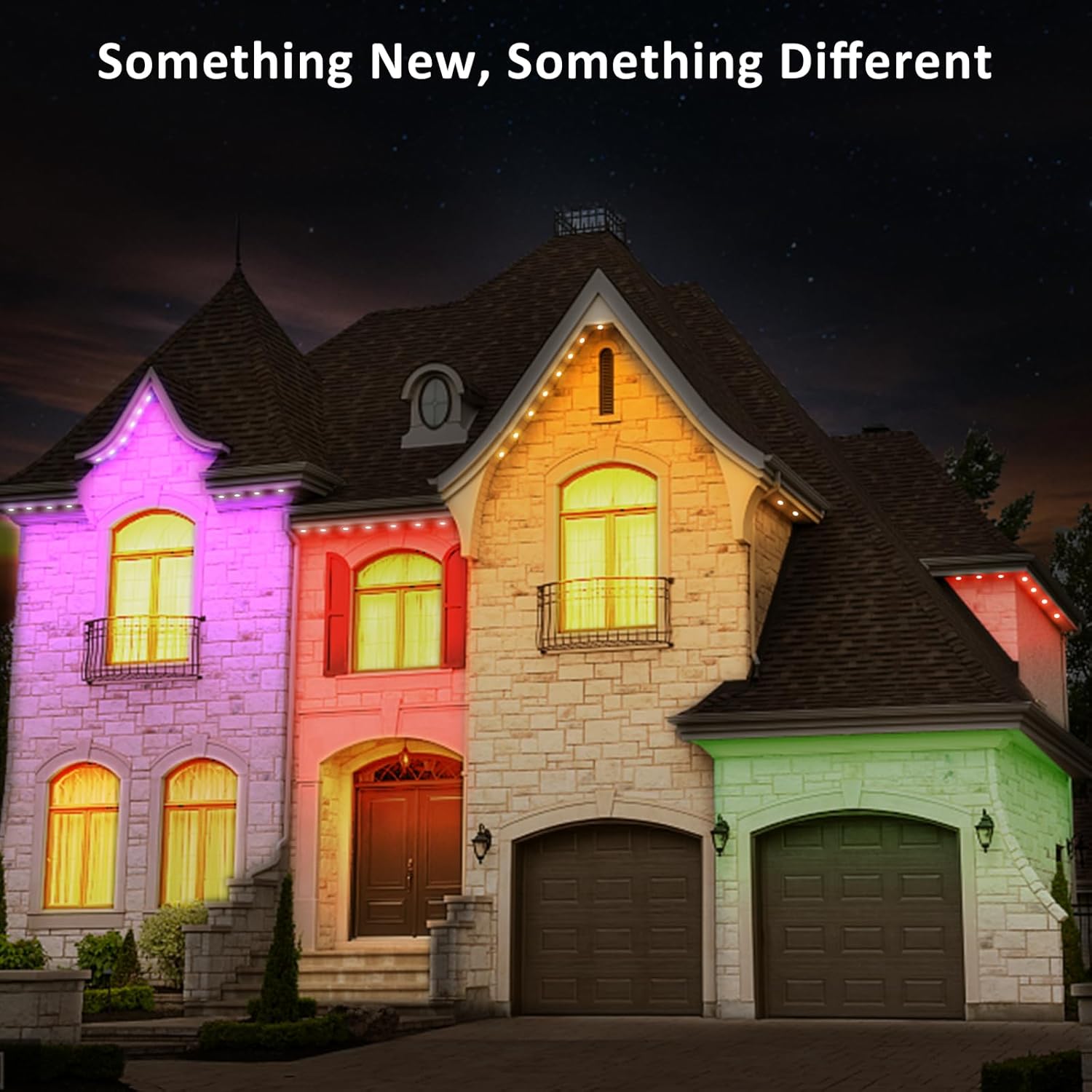
Image: All components of the NOVOSTELLA permanent outdoor lights are IP65 waterproof, designed to last long outdoors even in rainy conditions.

Image: The lights are durable throughout the year, with an operating temperature range of -4°F to 140°F and a lifespan of 25,000 hours.
Resolució de problemes
Els llums no s'encenen
- Comproveu si l'adaptador de corrent està ben connectat a una presa de corrent que funcioni.
- Ensure all cable connections between the lights, controller, and power adapter are firm.
- Verifiqueu que el botó d'engegada del comandament a distància o de l'aplicació estigui premut.
Lights Not Connecting to Wi-Fi / App
- Ensure your Wi-Fi network is 2.4 GHz. These lights do not support 5 GHz Wi-Fi.
- Restart the lights by unplugging and re-plugging the power adapter.
- Reset the device (refer to the Smart Life app for specific reset instructions, usually involves powering on/off multiple times).
- Ensure your phone is close to the lights and Wi-Fi router during the pairing process.
El control remot no funciona
- Comproveu la pila del comandament a distància i substituïu-la si cal.
- Ensure there are no obstructions between the remote and the light controller.
- The remote control requires direct line of sight to the controller.
Inconsistent Colors or Effects
- This could indicate a loose connection or damage to a section of the lights. Inspect the entire length of the light string.
- Try resetting the lights and re-applying your desired settings via the app.
Informació de la garantia
NOVOSTELLA products are designed for reliability and performance. For specific warranty terms and conditions, please refer to the warranty card included with your product or visit the official NOVOSTELLA weblloc web. Conserveu el rebut de compra com a comprovant de compra.
Suport
If you encounter any issues not covered in this manual or require further assistance, please contact NOVOSTELLA customer support.
- Weblloc: Visit the official NOVOSTELLA weblloc web per a preguntes freqüents i recursos de suport.
- Correu electrònic: Refer to your product packaging or warranty card for customer service email.
- Telèfon: Refer to your product packaging or warranty card for customer service phone number.
Please have your model number (NVS100-RGBIC-US-F) and purchase date ready when contacting support.