
Introducció
This manual provides detailed instructions for the installation, operation, and maintenance of your Rollerhouses Tuya Zigbee Rechargeable Roller Blinds Motor. This motor is designed to automate existing roller blinds with a 1" (25mm) outer diameter tube, offering convenient control via remote, smartphone application, and voice commands through compatible smart home assistants like Amazon Alexa and Google Home.
Informació de seguretat
- Assegureu-vos que la font d'alimentació estigui desconnectada abans de la instal·lació o el manteniment.
- Do not expose the motor to water or extreme temperatures.
- Keep the remote control and motor out of reach of children.
- Only use the specified charging cable and power adapter (5V/2A MICRO-USB).
- Verify that the roller blind tube is compatible with the motor's 1" (25mm) OD requirement.
Contingut del paquet
Verifiqueu que tots els components siguin presents al vostre paquet:
- Zigbee Rechargeable Motor
- Control remot
- USB Power Cable (Micro-USB)
- Mounting Hardware for 1" (25mm) OD Shade Tube
- Manual d'instruccions (aquest document)
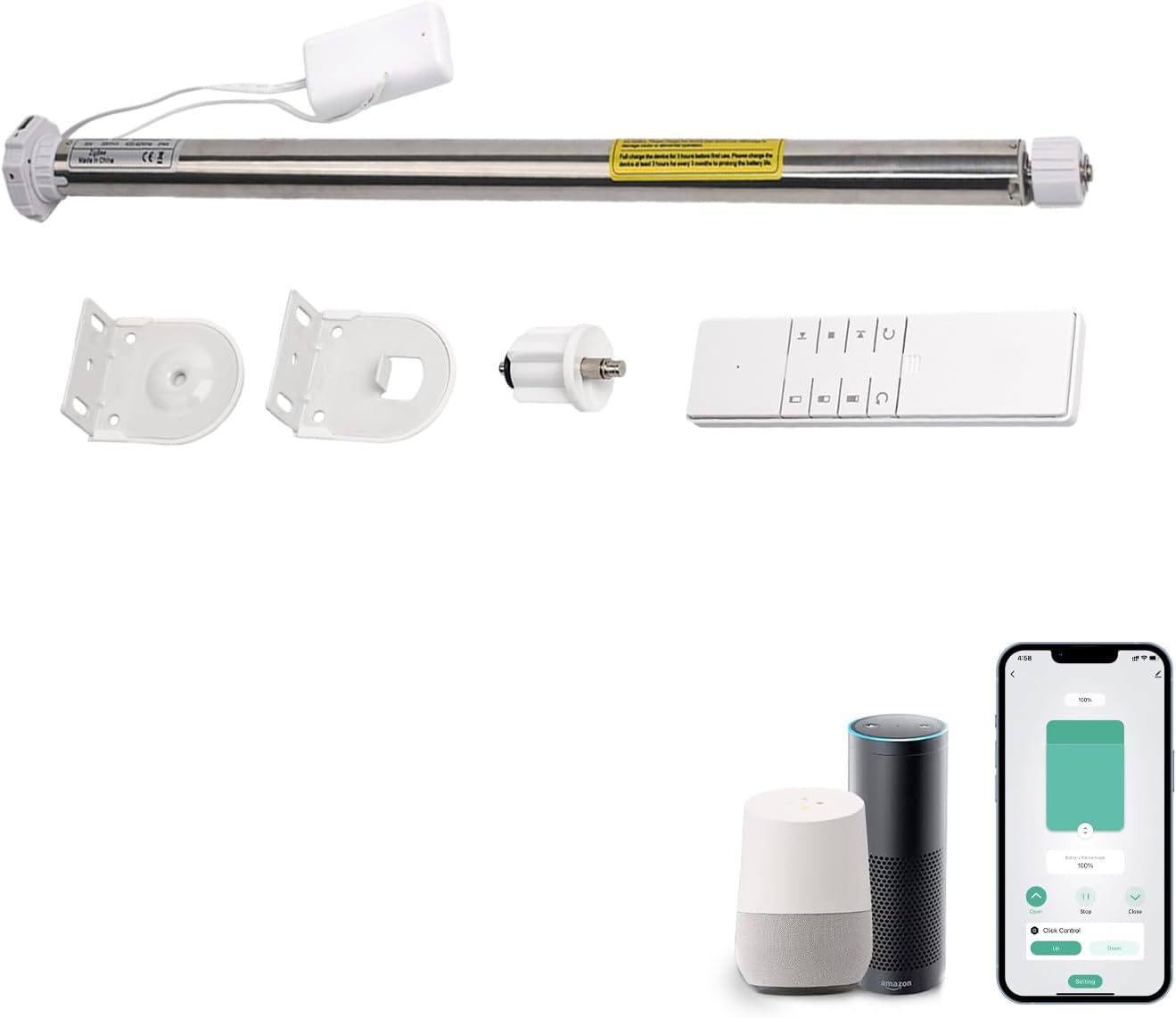
Imatge: Més deview of the included components: the motor, remote control, and mounting hardware.

Image: Detailed diagram illustrating the motor, remote, and mounting hardware, including approximate dimensions for the motor.
Configuració
1. Càrrega del motor
Before initial use, fully charge the motor. Connect the provided Micro-USB cable to the motor's charging port and plug it into a 5V/2A power source. A full charge typically takes approximately 6 hours and provides 3-6 months of operation depending on usage.
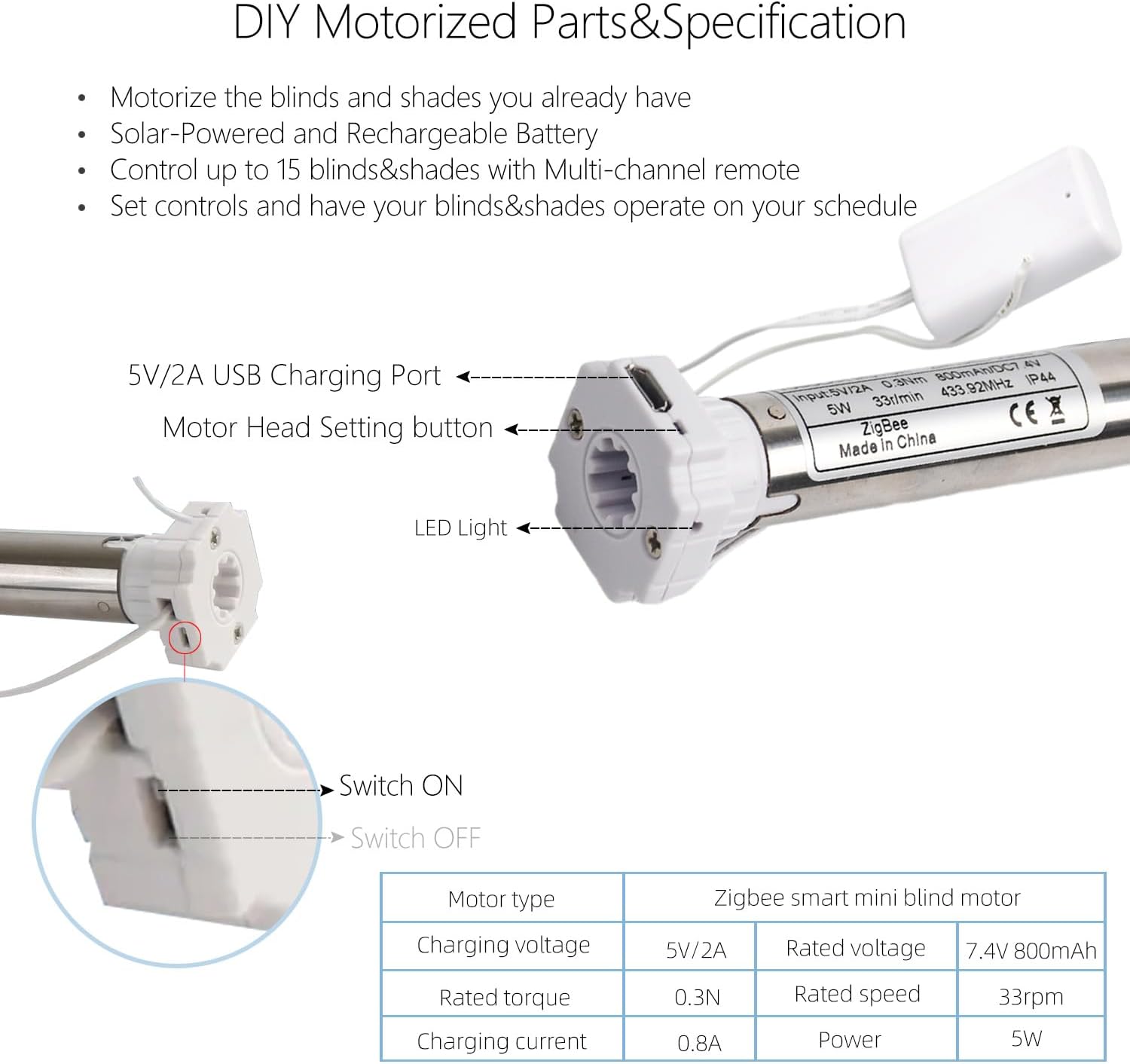
Imatge: Primer pla view of the motor highlighting the USB charging port, motor head setting button, and LED indicator.

Image: Visual representation of the motor charging process, showing the USB cable connection and expected battery duration.
2. Instal·lació del motor
- Unclip Existing Blind: If you have an existing chain-driven blind, unclip it and remove the chain drive mechanism.
- Measure Tube: Ensure your roller blind tube has a 1" (25mm) outer diameter (OD).
- Insert Motor: Carefully insert the Zigbee motor into the 1" (25mm) OD tube of your roller blind. Ensure it fits snugly.
- Muntatge: Attach the provided mounting hardware to your window frame or wall. Secure the motorized roller blind into the mounted brackets.

Image: Step-by-step visual of the motor being inserted into the roller blind tube for installation.

Image: A visual guide outlining the simple steps for converting to motorized window coverings, from preparation to control setup.
3. Connecting to Tuya Zigbee Hub (Required)
A Tuya Zigbee 3.0 Hub Gateway is required for smart app and voice control functionality. Follow the instructions provided with your Tuya Zigbee Hub to add new devices. The motor will appear as a new device ready for pairing.
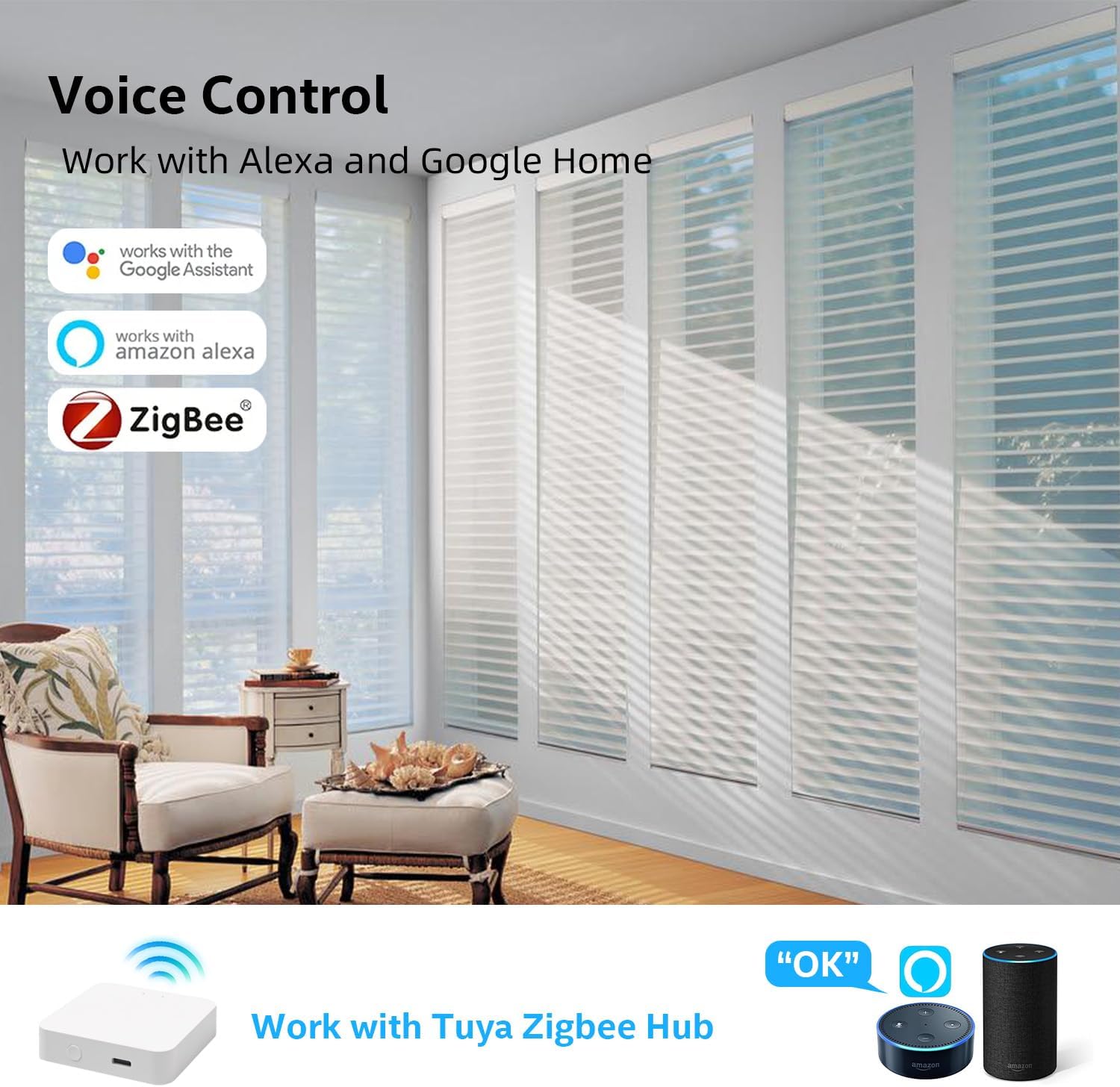
Image: Illustrates the connectivity of the Zigbee motor with Alexa and Google Home, emphasizing the necessity of a Tuya Zigbee Hub.

Image: Depicts a user interacting with an Alexa device to control the blinds using voice commands.
Funcionament del motor
1. Operació de control remot
The included remote control allows direct operation of the blinds. Use the Up, Down, and Stop buttons to control the movement. The remote can control up to 15 blinds/shades with its multi-channel functionality.

Image: Shows a user interacting with both a smartphone app and the physical remote control to manage window treatments.
Image: A user demonstrating voice control of the blinds through an Alexa device.
2. Control de l'aplicació intel·ligent Tuya
Once connected to the Tuya Zigbee Hub, download the Tuya Smart app on your smartphone. Through the app, you can:
- Open and close blinds remotely.
- Set favorite positions.
- Create groups for simultaneous control of multiple blinds.
- Schedule automations (e.g., sunrise/sunset, specific times).
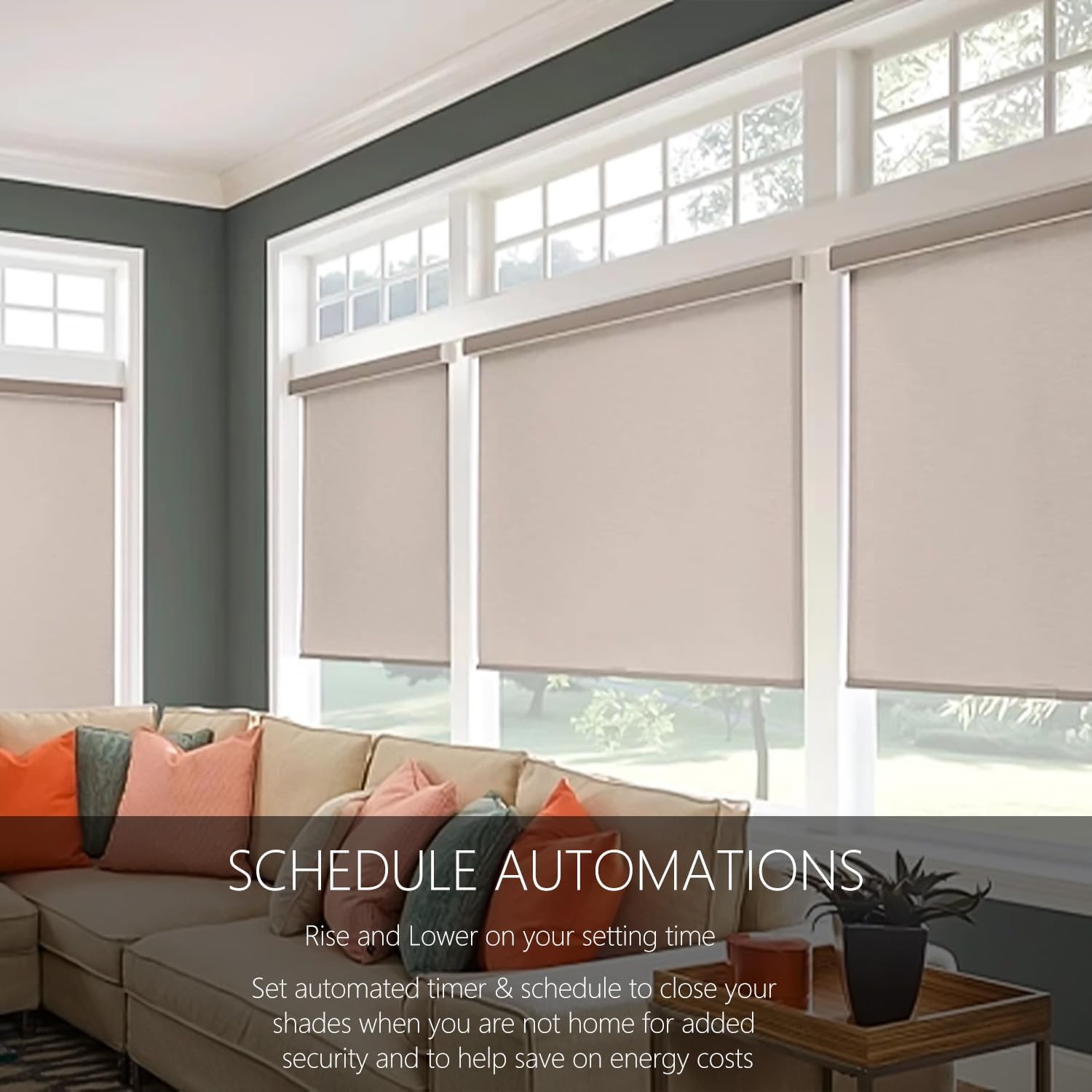
Image: Depicts blinds operating automatically according to a set schedule, highlighting benefits like energy efficiency and enhanced security.
Image: Illustrates the connectivity of the Zigbee motor with Alexa and Google Home, emphasizing the necessity of a Tuya Zigbee Hub.
3. Voice Control (Alexa, Google Home, Siri)
Integrate your blinds motor with Amazon Alexa, Google Home, or Siri for hands-free voice control. Once linked through the Tuya app and your smart assistant's application, you can use commands such as:
- "Alexa, open the blinds."
- "Hey Google, close the living room shades."
- "Siri, set the bedroom blinds to 50%."
Manteniment
- Càrrega: Recharge the motor when the battery is low. The LED indicator on the motor will signal low battery.
- Neteja: Wipe the motor and remote with a dry, soft cloth. Do not use abrasive cleaners or immerse in water.
- Inspecció: Periodically check the mounting hardware and motor for any signs of wear or damage.
Resolució de problemes
| Problema | Causa possible | Solució |
|---|---|---|
| Motor not responding to remote/app. | Low battery; Not paired; Out of range; Hub offline. | Charge motor; Re-pair remote/motor; Check Zigbee hub connection; Move closer to hub. |
| Blinds not moving smoothly. | Obstruction; Tube not aligned; Motor not properly seated. | Check for obstructions; Re-align tube; Re-seat motor in tube. |
| El control per veu no funciona. | Not linked to smart assistant; Incorrect commands; Internet connection issue. | Ensure Tuya app is linked to Alexa/Google Home; Use correct commands; Check Wi-Fi and internet connection. |
| Motor LED not lighting up. | No power; Faulty unit. | Ensure charging cable is properly connected; Contact support if issue persists. |
Especificacions
| Característica | Detall |
|---|---|
| Número de model | RH16EL-0.3/33-25mm |
| Compatible Tube OD | 1" (25 mm) |
| Material | Aluminum, Metal+plastic |
| Dimensions del producte | 15" de llargada x 1" d'amplada |
| Pes de l'article | 4.4 lliures |
| Tipus de bateria | Ió de liti (inclòs) |
| Port de càrrega | 5V/2A MICRO-USB |
| Tipus de control | Manual, App, Voice |
| Característica especial | Zigbee-enabled, Rechargeable |
| Mode d'operació | Automàtic |
| Fabricant | Caseta de rodes |
| UPC | 630282562615 |
Garantia i Suport
For warranty information and technical support, please refer to the contact details provided with your purchase or visit the official Rollerhouse weblloc web. Conserveu el comprovant de compra per a reclamacions de garantia.