
Retevis RB45
Retevis RB45 Walkie Talkies User Manual
Model: RB45
1. Introducció
Thank you for choosing the Retevis RB45 Walkie Talkies. This manual provides essential information for the safe and effective operation of your new two-way radios. The RB45 is designed for reliable communication in various environments, featuring a compact design, dual PTT buttons, VOX hands-free operation, and emergency alarm functions. Please read this manual thoroughly before use.
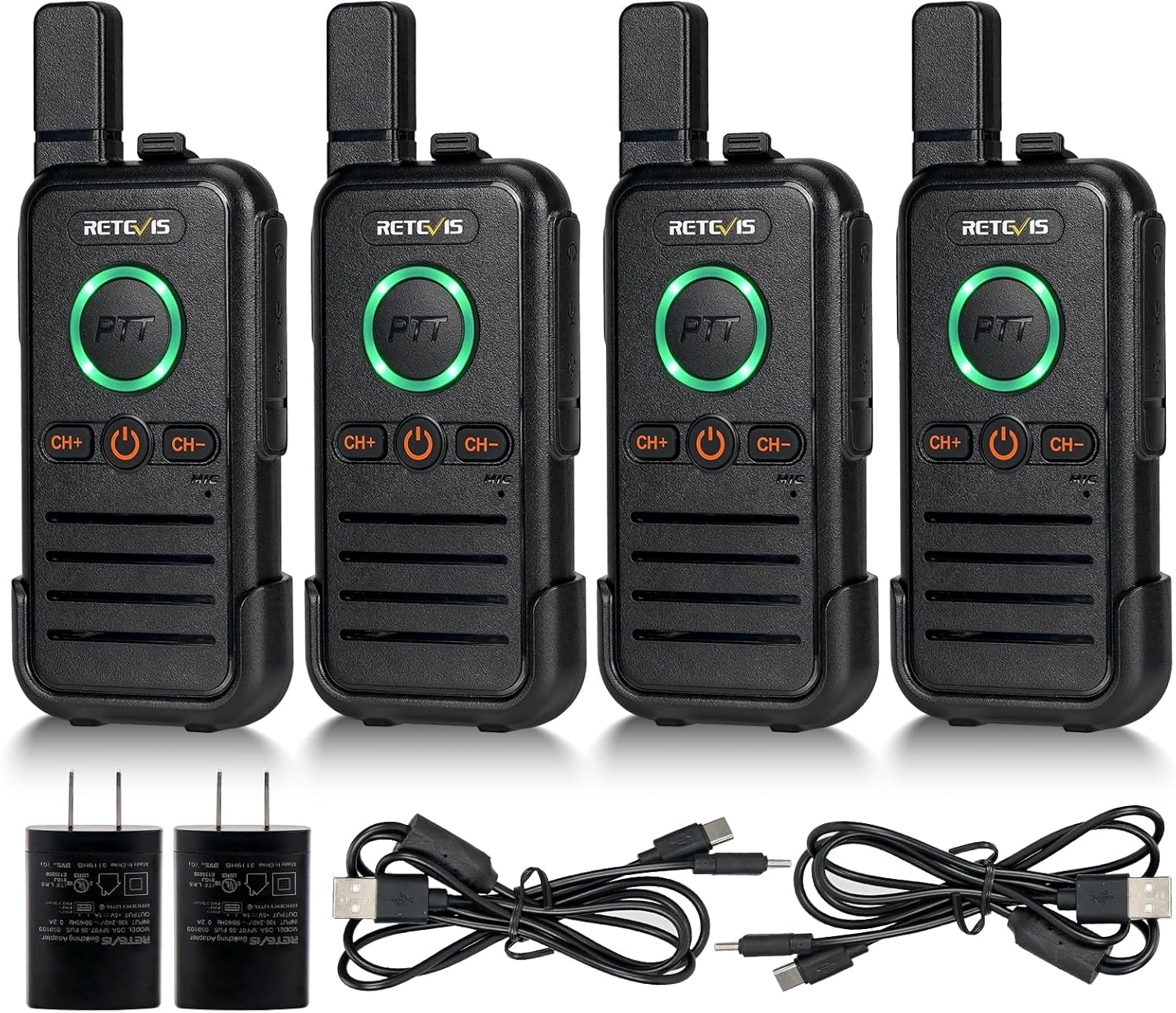
Figure 1: Retevis RB45 Walkie Talkies (4-pack) and accessories.
2. Què hi ha a la caixa
- 4 x RB45 Two-way Radios
- 4 x RB45 Belt Clips and Slings
- 2 x Charging Lines (2-in-1 USB-C)
- 4 bateries de Li-ion (1100 mAh)
- 2 x User Manuals and Adapters

Figure 2: All components included in the Retevis RB45 package.
3. Configuració
3.1 Instal·lació de la bateria
- Remove the belt clip from the back of the radio by sliding it upwards.
- Localitzeu la tapa del compartiment de la bateria.
- Insert the 1100mAh Li-ion battery into the compartment, ensuring the contacts align correctly.
- Empenyeu suaument la bateria fins que encaixi al seu lloc.
- Replace the belt clip by sliding it downwards until it locks.

Figure 3: Battery installation for the Retevis RB45.
3.2 Charging the Radios
The RB45 walkie talkies feature a built-in USB-C charging port for convenience. Use the provided 2-in-1 USB-C charging cable and adapter.
- Open the silicone cover on the side of the radio to expose the USB-C port.
- Connect one end of the 2-in-1 USB-C charging cable to the radio's USB-C port.
- Connect the other end of the cable to the provided USB power adapter.
- Connecteu l'adaptador a una presa de corrent estàndard.
- The PTT button LED will illuminate during charging and change color or turn off when fully charged.
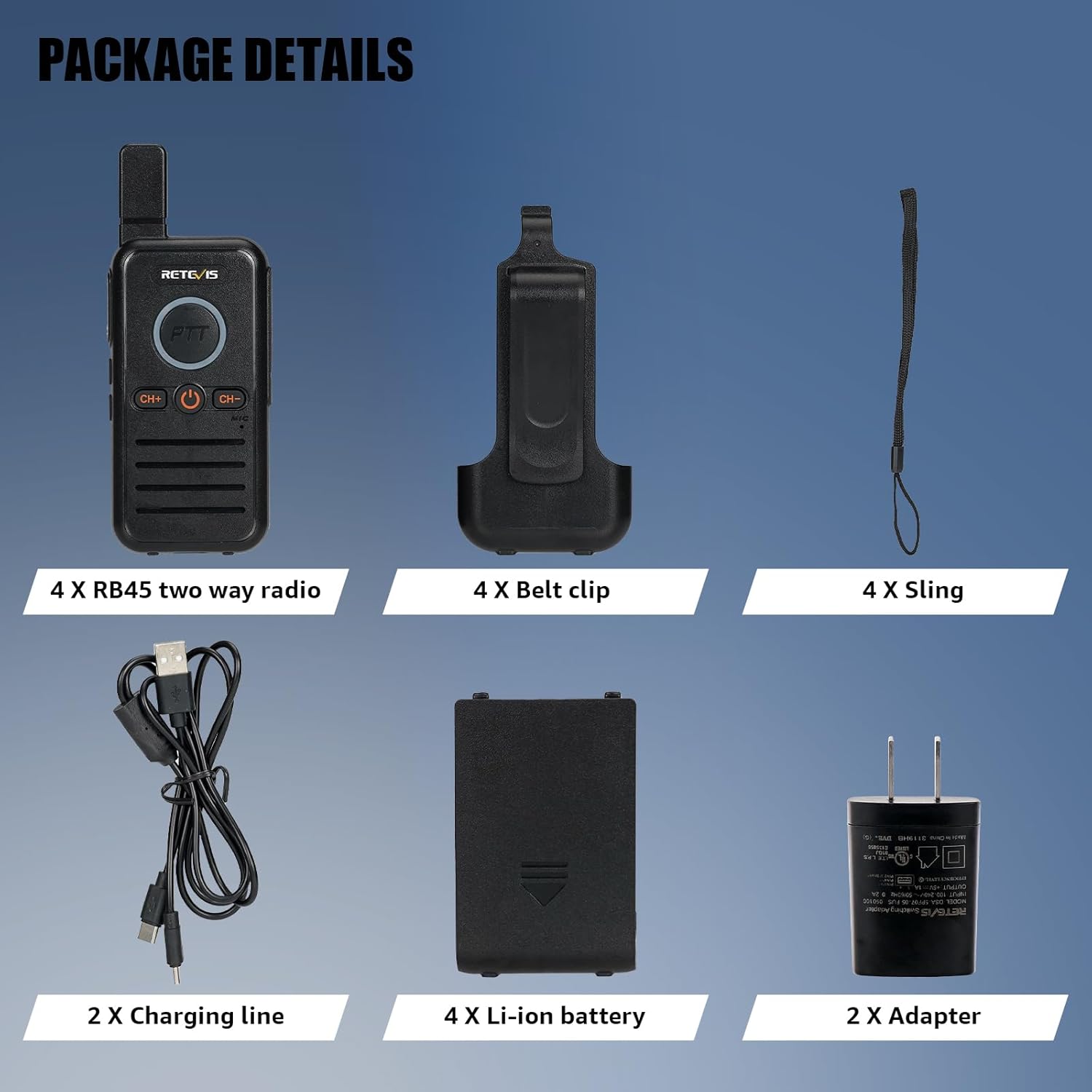
Figure 4: Charging the Retevis RB45 walkie talkie.
Video 1: Demonstration of charging the Retevis RB45 walkie talkies.
4. Funcionament de la ràdio
4.1 Encès/Apagat
To power on the radio, press and hold the power button (usually the central button with a power icon) until you hear a tone. To power off, press and hold the same button until the radio shuts down.
4.2 Selecció de canals
The RB45 features 16 channels. To change channels, use the 'CH+' and 'CH-' buttons located below the PTT button. The radio will announce the selected channel number.
4.3 Funció Premeu per parlar (PTT)
The RB45 is equipped with dual PTT keys, located on the front and side of the radio, offering flexible communication options.
- To transmit, press and hold either the front or side PTT button.
- Parleu clarament al micròfon.
- Deixeu anar el botó PTT per aturar la transmissió i escolteu una resposta.

Figure 5: Dual PTT button design for enhanced usability.
Video 2: Demonstration of the Dual PTT function.
4.4 Funció de mans lliures VOX
The VOX (Voice Operated Exchange) function allows you to transmit without pressing the PTT button, ideal when your hands are occupied.
- To activate VOX, long press the side button 1 (refer to your specific radio's button layout if different).
- Speak into the microphone to transmit. The radio will automatically detect your voice and begin transmission.
- To deactivate VOX, long press the side button 1 again.
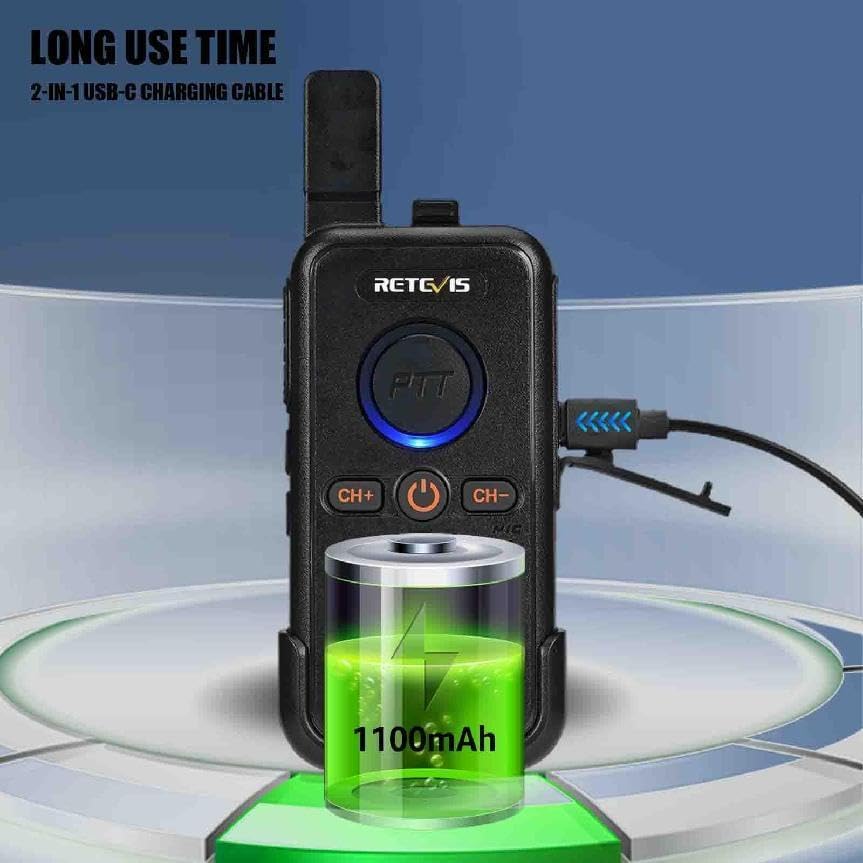
Figure 6: VOX hands-free operation.
Video 3: Demonstration of the VOX function.
4.5 Alarma d'emergència
The RB45 includes local and remote alarm functions to alert others in an emergency.
- To activate the emergency alarm, long press the side key 2 (refer to your specific radio's button layout if different).
- The radio will emit a loud alarm sound, and the PTT button LED will flash red.
- To deactivate the alarm, short press the PTT button or power cycle the radio.
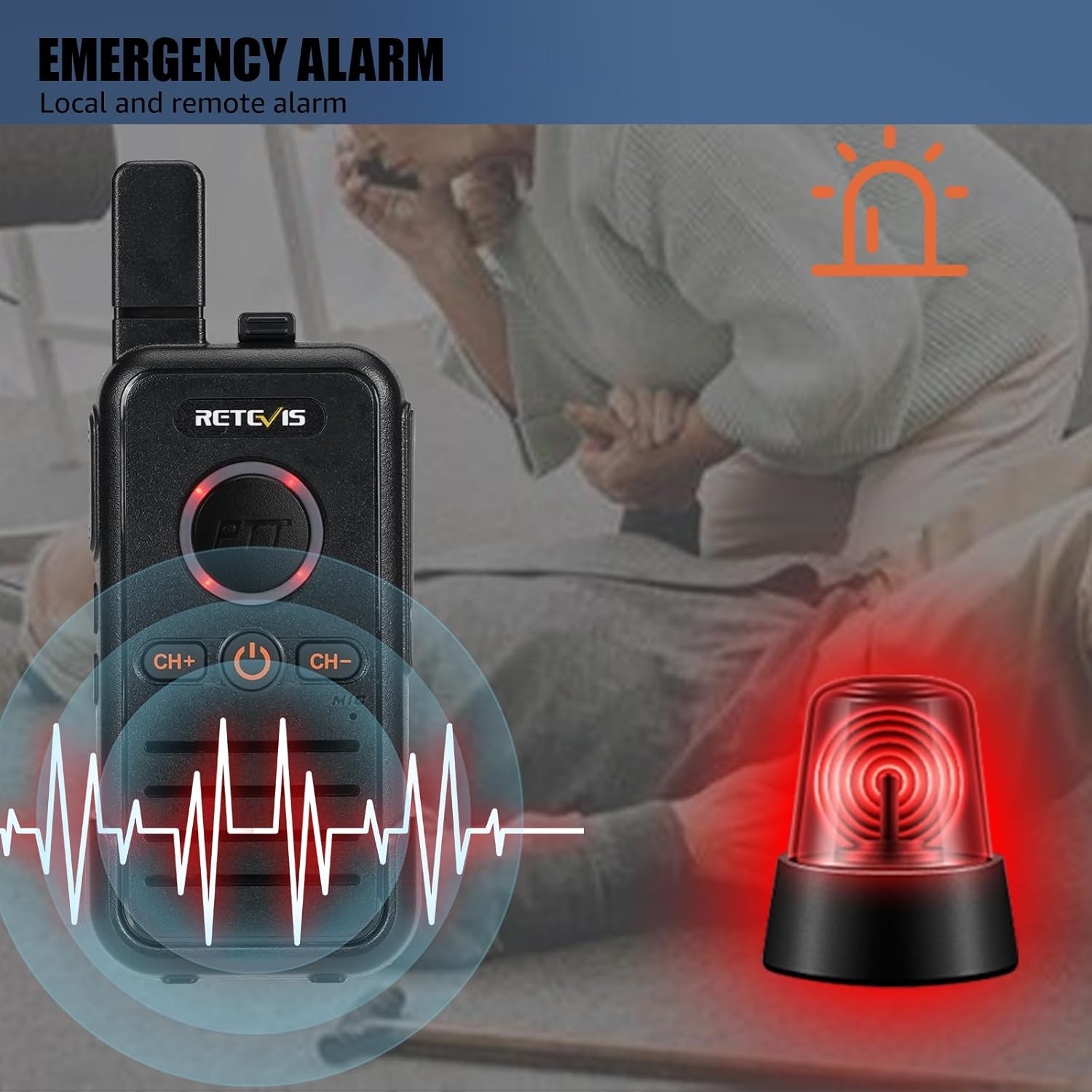
Figure 7: Emergency alarm feature.
Video 4: Demonstration of the Emergency Alarm function.
4.6 Funció de bloqueig de tecles
The key lock function prevents accidental channel changes or button presses.
- To activate the key lock, long press the 'CH+' button for 3 seconds.
- To deactivate the key lock, long press the 'CH+' button for 3 seconds again.

Figure 8: Key Lock function.
4.7 Understanding Radio Range
The effective range of a two-way radio is influenced by several factors, including radio power, signal type, horizon distance, atmospheric conditions, antenna quality, and terrain/obstacles. Terrain and obstacles are often the most significant factors affecting communication distance.
Video 5: Explanation of factors affecting two-way radio range.
5. Manteniment
Proper maintenance ensures the longevity and optimal performance of your Retevis RB45 walkie talkies.
5.1 Cura de la bateria
- Always use the original charger and cables provided.
- No exposeu les bateries a temperatures extremes ni a la llum solar directa.
- Eviteu sobrecarregar o esgotar completament la bateria.
- If storing the radios for an extended period, charge the batteries to about 50% before storage.
5.2 Neteja
- Netegeu la superfície de la ràdio amb un drap suauamp tela.
- No utilitzeu productes químics ni productes de neteja abrasius.
- Ensure the USB-C port cover is closed when not charging to prevent dust and moisture ingress.
5.3 Emmagatzematge
- Store the radios in a cool, dry place away from direct sunlight and extreme temperatures.
- Keep them away from strong magnetic fields.
6. Solució De Problemes
| Problema | Causa possible | Solució |
|---|---|---|
| La ràdio no s'encén | Càrrega baixa o sense bateria | Carregueu la bateria completament. Assegureu-vos que la bateria estigui instal·lada correctament. |
| Sense so o so dèbil | Volume too low; Incorrect channel; Squelch level too high | Increase volume. Verify both radios are on the same channel. Adjust squelch level. |
| Limited communication range | Obstacles (buildings, hills); Atmospheric conditions; Low battery | Desplaceu-vos a una zona oberta. Assegureu-vos que les bateries estiguin completament carregades. |
| No es pot transmetre | PTT button not pressed correctly; Radio is in scan/monitor mode; Key lock active | Ensure PTT is fully pressed. Exit scan/monitor mode. Deactivate key lock. |
7. Especificacions
- Model: RB45
- Marca: Retevis
- Pes de l'article: 1.59 lliures
- Dimensions del producte: 4.17 x 2.09 x 0.71 polzades
- Bateries: Necessites 4 piles de ions de liti (incloses)
- Nombre de canals: 22
- Interval de freqüència: FRS
- Característica especial: Lightweight, Emergency Alarm
- Nivell de resistència a l'aigua: No resistent a l'aigua
8. Garantia i Suport
Retevis provides a 2-year warranty for the radio body and a 1-year warranty for accessories. Additionally, there is a 30-day no-reason return policy. Beyond the warranty period, maintenance services are still offered, with buyers responsible for associated costs. For any inquiries or support, please contact Retevis customer service on Amazon. They aim to reply within 12 hours.
Ask a question about this manual
Ask about setup, troubleshooting, compatibility, parts, safety, or missing instructions. Manuals+ will review the question and use this page’s manual context to help answer it.