
Introducció
Thank you for choosing the Xtrike Me GW-610 Gaming Mouse. This manual provides detailed instructions for setting up, operating, and maintaining your new gaming mouse. The GW-610 offers both wired and 2.4G wireless connectivity, customizable RGB lighting, and a high-precision optical sensor with adjustable DPI settings, designed for an enhanced gaming experience.
Contingut del paquet
- Xtrike Me GW-610 Gaming Mouse
- USB Type-C to USB-A Cable (1.5m)
- 2.4G USB Receiver (usually stored inside the mouse)
- Manual d'usuari (aquest document)
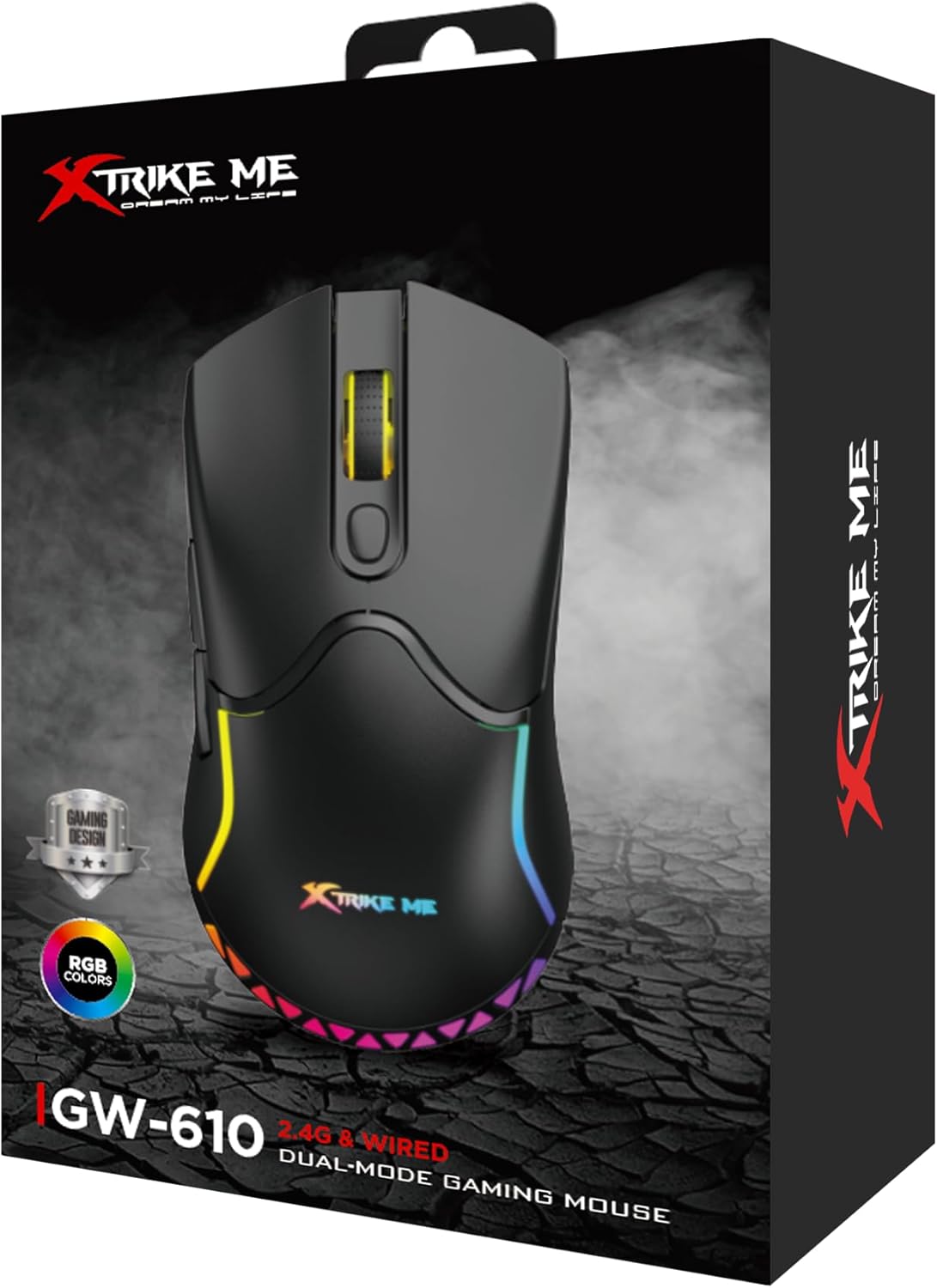
Image: The retail packaging box for the Xtrike Me GW-610 Gaming Mouse, showing the mouse and its key features.
Instruccions de configuració
1. Connexió per cable
- Connect the USB Type-C end of the provided cable to the mouse.
- Connecteu l'extrem USB-A del cable a un port USB disponible de l'ordinador.
- El ratolí es detectarà automàticament i estarà llest per al seu ús.
2. Wireless (2.4G) Connection
- Locate the 2.4G USB receiver, usually stored in a compartment on the underside of the mouse.
- Traieu el receptor i connecteu-lo a un port USB disponible de l'ordinador.
- Enceneu el ratolí amb l'interruptor d'encesa situat a la part inferior.
- El ratolí es connectarà automàticament al receptor.
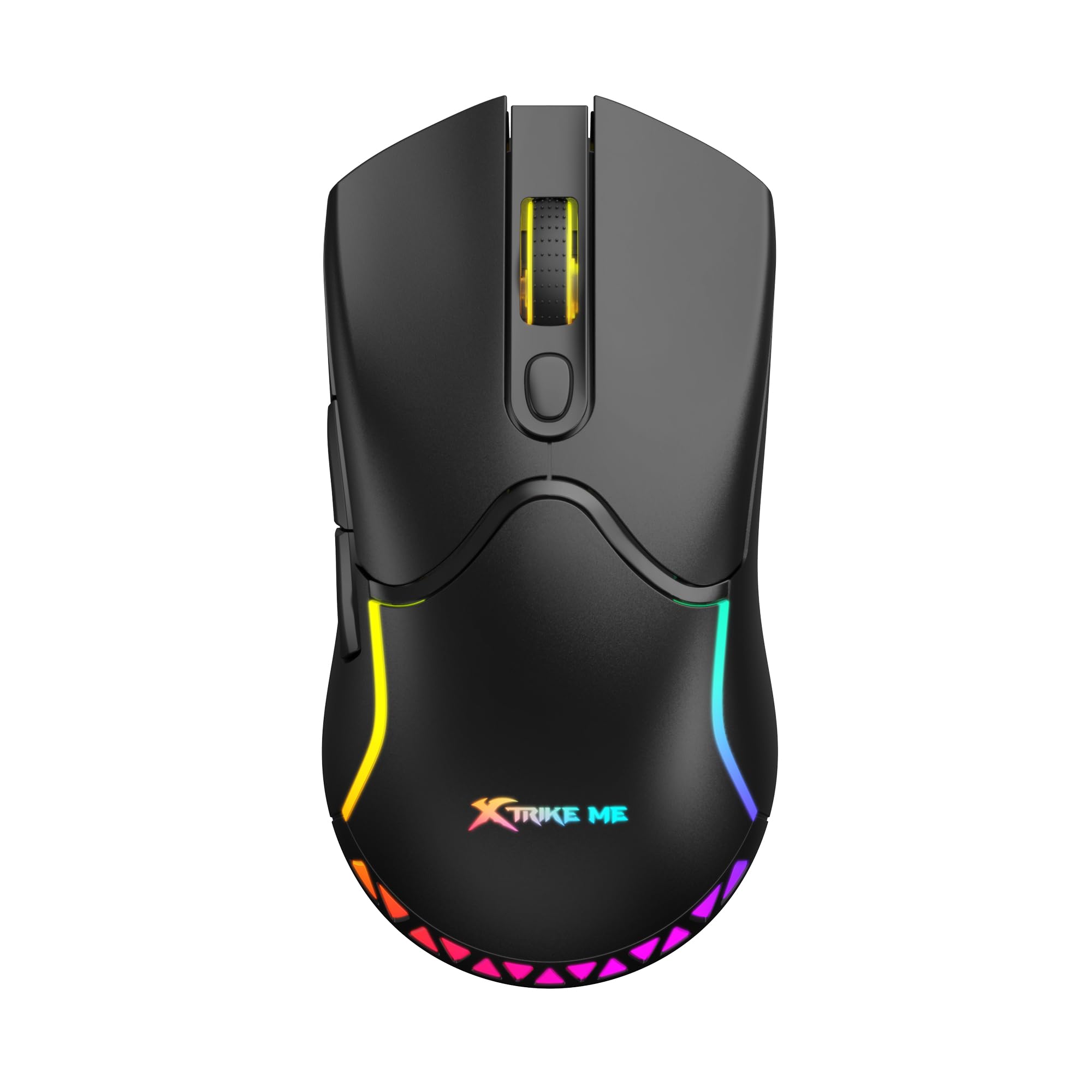
Imatge: Superior view of the Xtrike Me GW-610 Gaming Mouse, showcasinel seu disseny ergonòmic i la il·luminació RGB.
Instruccions de funcionament
Button Functions (7 Buttons)
- Botó esquerre de clic: Funció de clic principal estàndard.
- Botó dret: Funció de clic secundari estàndard.
- Roda de desplaçament: Scrolls up/down, and acts as a middle click button.
- Botó de cicle de DPI: Changes the mouse sensitivity (DPI) through preset levels.
- Botó Endavant: Navega cap endavant web navegadors o file exploradors.
- Botó enrere: Navega cap enrere web navegadors o file exploradors.
- RGB Lighting Control Button: (Specific function may vary, often cycles through lighting modes or turns lights on/off. Refer to software if available for full customization.)

Imatge: Anglesa view of the Xtrike Me GW-610 Gaming Mouse, highlighting the side buttons and ergonomic shape.
Ajust de DPI
Press the DPI cycle button (usually located behind the scroll wheel) to switch between the following sensitivity levels:
- 800 DPI
- 1600 DPI (predeterminat)
- 2400 DPI
- 3200 DPI
- 4800 DPI
- 8000 DPI
Each DPI level may be indicated by a change in the mouse's LED color or a brief flash.
Control d'il·luminació RGB
The mouse features multi-color RGB lighting effects. Use the dedicated RGB lighting control button (if present, or a combination of buttons) to cycle through different lighting modes or to turn the lighting on/off. The lighting effects include a flowing light pattern.

Imatge: Lateral view of the Xtrike Me GW-610 Gaming Mouse, showing the illuminated RGB strip along its body.
Carregant el ratolí
When using the mouse in wireless mode, it is powered by a built-in 500mAh lithium-ion battery. To charge the mouse:
- Connect the USB Type-C end of the provided cable to the mouse.
- Connect the USB-A end of the cable to a powered USB port on your computer or a USB wall adapter.
- The charging indicator (if present) will show the charging status.
- Una càrrega completa triga aproximadament 3 hores.
The mouse can be used in wired mode while charging. A full charge provides approximately 20 hours of use with RGB lighting on, or 100 hours with RGB lighting off.
Manteniment
- Neteja: Feu servir un drap suau i sec per netejar el ratolí. Per a la brutícia persistent, feu un drap lleugerament sec.amp cloth can be used, ensuring no liquid enters the mouse. Do not use harsh chemicals or abrasive cleaners.
- Emmagatzematge: Guardeu el ratolí en un lloc fresc i sec, allunyat de la llum solar directa i de temperatures extremes.
- Cura del cable: Eviteu doblegar o girar excessivament el cable USB per evitar danys.
Resolució de problemes
| Problema | Possible solució |
|---|---|
| El ratolí no respon (amb cable) |
|
| El ratolí no respon (sense fil) |
|
| Els DPI no canvien |
|
| La il·luminació RGB no funciona |
|
Especificacions
| Marca | Xtrike Me |
| Número de model | XT-GW-610 |
| Tipus de sensor | Òptic |
| Nombre de botons | 7 |
| Connectivitat | 2.4G Wireless, Wired (Type-C) |
| Operating Distance (Wireless) | 10 metres |
| Configuració de DPI | 800-1600-2400-3200-4800-8000 (Default: 1600) |
| Qualificació del commutador | 3 milions de clics |
| Poll Rate | 500 Hz |
| Tipus de bateria | Ió de liti |
| Capacitat de la bateria | 500 mAh |
| Usage Time (Lights On) | 20 hores |
| Usage Time (Lights Off) | 100 hores |
| Temps de càrrega | 3 hores |
| Vol. Operatiutage (cablejat) | 5V/300mA (with charging) |
| Vol. Operatiutage (Wireless) | 3.7 V/≤35 mA |
| Llum de fons | RGB |
| Interfície | Tipus-C |
| Longitud del cable | 1.5 metres |
| Dimensions | 127 x 66 x 39 mm |
| Pes | 90 grams |
| Suport del sistema operatiu | Windows 7 o posterior |
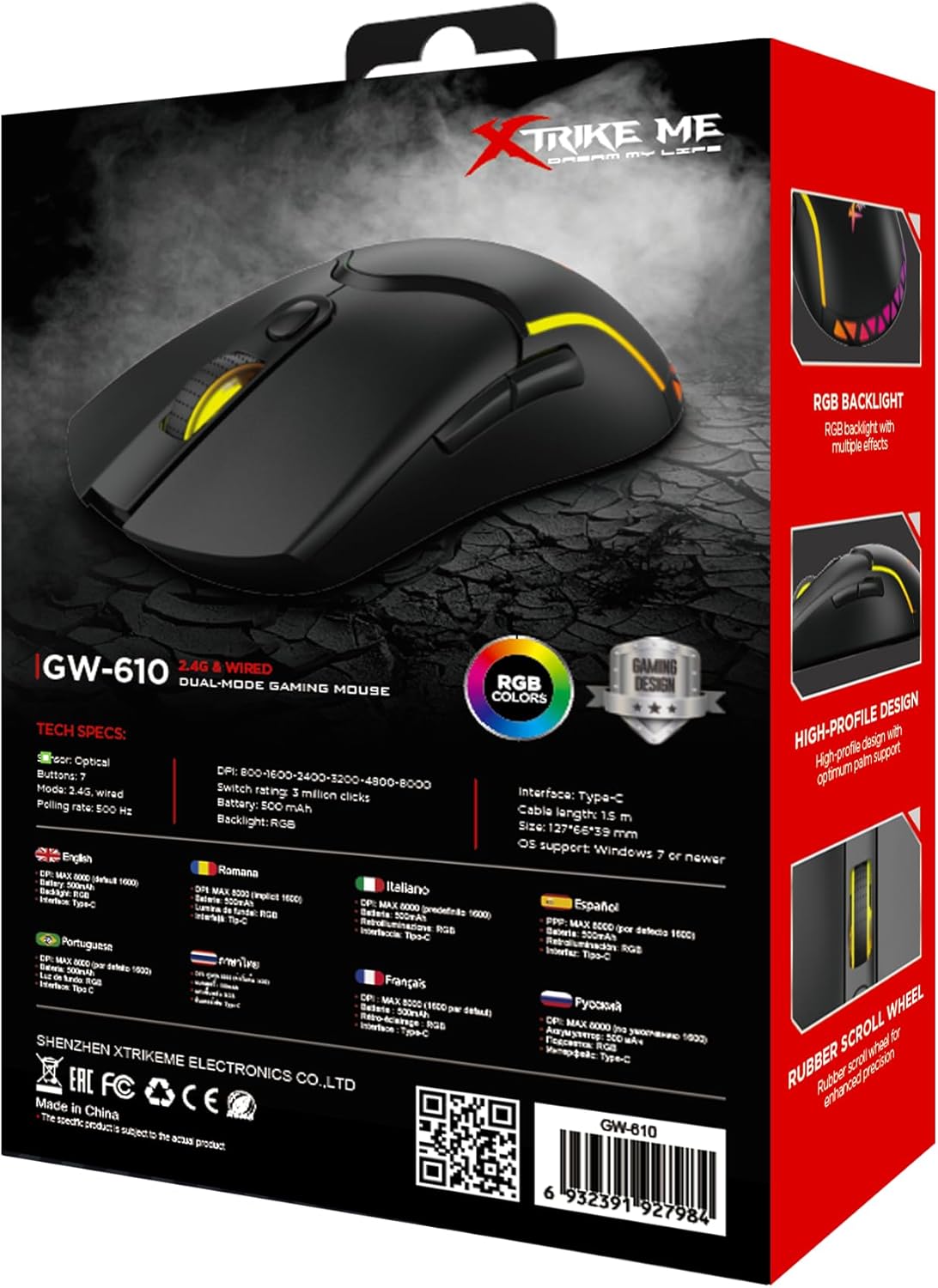
Image: The back of the Xtrike Me GW-610 Gaming Mouse box, displaying detailed technical specifications in multiple languages.
Garantia i Suport
The Xtrike Me GW-610 Gaming Mouse comes with a standard manufacturer's warranty. For specific warranty terms and conditions, please refer to the warranty card included with your product or visit the official Xtrike Me weblloc.
For technical support, troubleshooting assistance, or to inquire about replacement parts, please contact Xtrike Me customer service or visit their official weblloc: