
1. Introducció
This manual provides detailed instructions for the operation and maintenance of your VBESTLIFE 8GB USB Stick MP3 Player. Please read this manual thoroughly before using the device to ensure proper function and longevity. Keep this manual for future reference.
2. Producte acabatview
The VBESTLIFE 8GB USB Stick MP3 Player is a compact and portable device designed for high-fidelity lossless music playback. It features 8GB of internal storage, expandable up to 64GB with a memory card, and a built-in rechargeable battery for extended listening.
Característiques principals:
- 8 GB de memòria interna: Emmagatzema aproximadament 1500 cançons.
- Emmagatzematge ampliable: Supports memory cards up to 64GB.
- Qualitat de so sense pèrdues: Equipped with a polymer speaker diaphragm for clear and stable audio.
- Múltiples modes de reproducció: Includes single song play, random play, loop play, continuous play, and folder play.
- Compacte i portàtil: Functions as a USB flash drive for easy data transfer and charging.
- Llarga vida útil de la bateria: Integrated 180mAh lithium battery with support for various charging methods.
Device Layout and Controls:
Familiarize yourself with the buttons and ports on your MP3 player.

Imatge: Detallada view of the MP3 player's controls. This image highlights the 'ON/OFF' switch, 'Memory card insert' slot, 'Volume plus' button (long press for random play mode), 'Previous song' button (long press for fast rewind), 'Play or pause' button (long press to switch folder), 'Volume down' button (long press to switch single song loop mode), and 'Next song' button (long press for fast forward).

Imatge: The pink VBESTLIFE MP3 player with its protective cap removed, revealing the USB connector. Also shown are the included wired headphones and a white lanyard with a pink attachment, demonstrating the complete package contents.
3. Configuració
3.1 Càrrega del dispositiu
Before first use, fully charge the MP3 player. Connect the device directly to a USB port on your computer or a compatible USB wall adapter. The charging indicator (if present) will typically show charging status and turn off or change color when fully charged.
3.2 Transferència de música Files
- Assegureu-vos que el reproductor MP3 estigui carregat.
- Remove the protective cap to expose the USB connector.
- Plug the MP3 player directly into an available USB port on your computer. The device will be recognized as a removable disk (similar to a USB flash drive).
- Open the device folder on your computer.
- Drag and drop your desired music files (MP3, WMA, WAV, etc.) into the device's storage. You can create folders to organize your music.
- Una vegada files are transferred, safely eject the device from your computer before unplugging.

Imatge: A black VBESTLIFE MP3 player connected to a portable power bank, illustrating one method of charging the device.
3.3 Inserting a Memory Card (Optional)
To expand storage, insert a microSD card (up to 64GB) into the designated memory card slot on the side of the player. Ensure the card is inserted correctly until it clicks into place.
3.4 Connectar auriculars
Plug your 3.5mm headphones into the headphone jack located on the device. The device supports standard wired headphones.
4. Instruccions de funcionament
4.1 Encès/Apagat
- Per encendre: Slide the 'ON/OFF' switch to the 'ON' position.
- Per apagar: Slide the 'ON/OFF' switch to the 'OFF' position.
4.2 Reproducció bàsica
- Reproduir/pausa: Press the central 'Play/Pause' button to start or pause playback.
- Següent cançó: Press the 'Next song' button (usually marked with '>>|' or similar). Long press to fast forward.
- Cançó anterior: Press the 'Previous song' button (usually marked with '|<<' or similar). Long press to fast rewind.
- Pujar el volum: Premeu el botó '+'.
- Baixar el volum: Premeu el botó '-'.
4.3 Modes de reproducció
The player supports various playback modes to customize your listening experience.
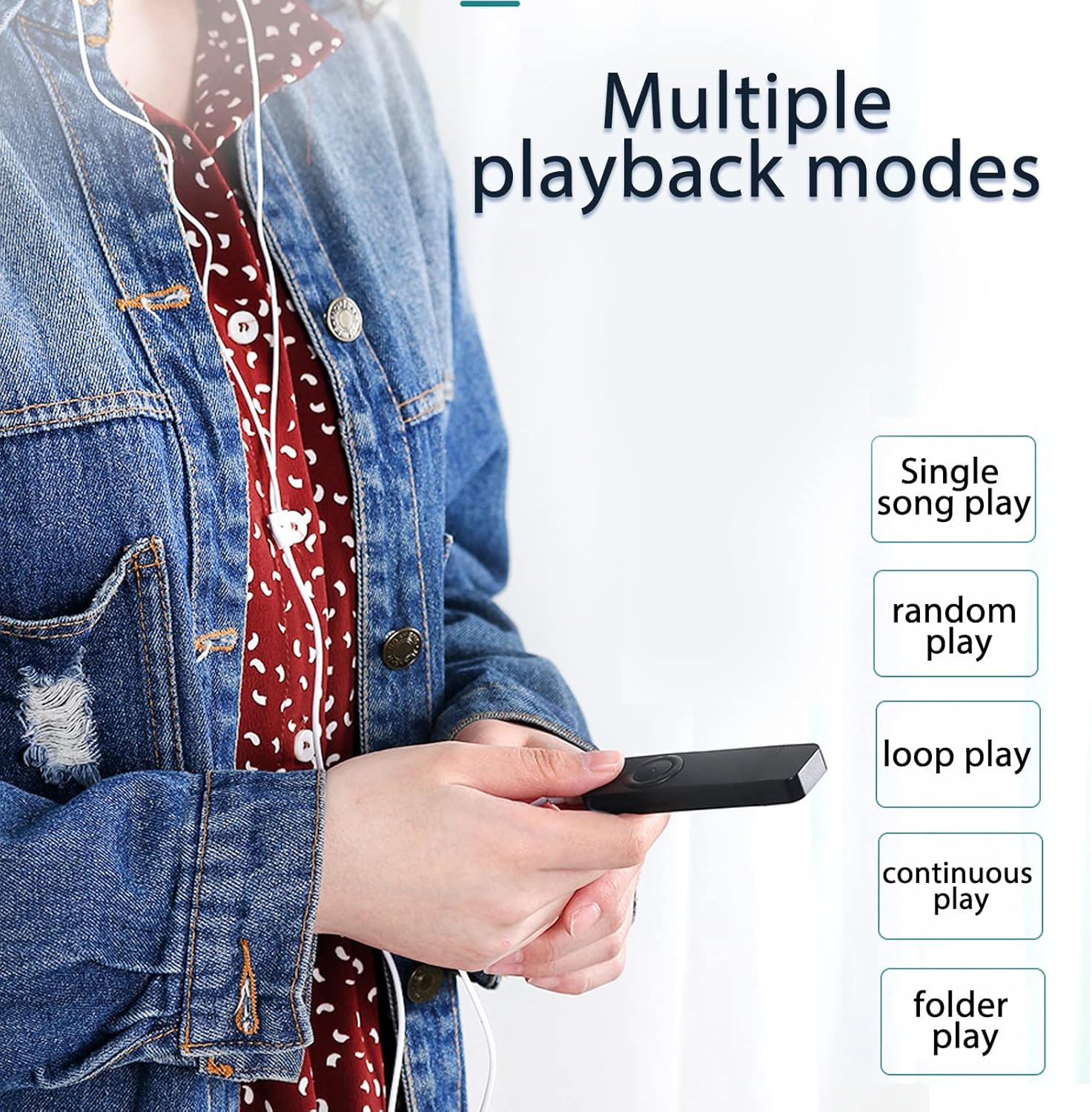
Imatge: A user holding the MP3 player, demonstrating the availability of multiple playback modes. The image lists options such as single song play, random play, loop play, continuous play, and folder play.
- Single Song Play: Plays the current song and stops. To activate, long press the 'Volume down' button until the mode changes.
- Reproducció aleatòria: Plays songs in a shuffled order. To activate, long press the 'Volume plus' button until the mode changes.
- Loop Play: Repeats the current song or playlist.
- Joc continu: Plays all songs in sequence.
- Folder Play: Plays all songs within the current folder. To switch folders, long press the 'Play/Pause' button.
5. Manteniment
- Neteja: Feu servir un drap suau i sec per netejar el dispositiu. Eviteu utilitzar netejadors líquids o dissolvents.
- Emmagatzematge: Guardeu el reproductor MP3 en un lloc fresc i sec, allunyat de la llum solar directa i de temperatures extremes.
- Cura de la bateria: Per allargar la durada de la bateria, eviteu descarregar-la completament amb freqüència. Carregueu el dispositiu regularment, fins i tot si no l'utilitzeu durant períodes prolongats.
- Resistència a l'aigua: Aquest dispositiu no és impermeable. Eviteu l'exposició a l'aigua o a una humitat elevada.
6. Solució De Problemes
- El dispositiu no s'encén:
Ensure the battery is charged. Connect the player to a USB power source for at least 30 minutes. Check the 'ON/OFF' switch is in the 'ON' position. - Sense so:
Check if headphones are properly connected. Ensure the volume is not set to minimum or muted. Test with different headphones if possible. - No es pot transferir files:
Ensure the device is properly connected to the computer's USB port. Try a different USB port. Ensure the device is recognized by the computer. Check if the device's storage is full. - El dispositiu es bloqueja o deixa de respondre:
Slide the 'ON/OFF' switch to 'OFF' and then back to 'ON' to restart the device. - Memory card not detected:
Ensure the memory card is inserted correctly. Try reinserting the card. Test with a different compatible memory card.
7. Especificacions
| Característica | Especificació |
|---|---|
| Marca | VMEJOR VIDA |
| Número de model | VBESTLIFEvxph7kncfz-12 |
| Memòria interna | 8 GB |
| Memòria ampliable | Fins a 64 GB (targeta MicroSD) |
| Bateria | Bateria de liti de 180 mAh |
| Formats d'àudio | MP3, WMA, WAV (Lossless) |
| Connectivitat | USB 2.0, 3.5mm Headphone Jack |
| País d'origen | Xina |
8. Garantia i Suport
8.1 Informació de la garantia
This VBESTLIFE MP3 Player comes with a 1 any de garantia contra defectes de fabricant des de la data de compra. Aquesta garantia cobreix els defectes de materials i fabricació en condicions d'ús normal. No cobreix els danys causats per un mal ús, accidents, modificacions no autoritzades o desgast normal.
8.2 Atenció al client
If you encounter any issues not covered in the troubleshooting section or require further assistance, please contact your retailer or the VBESTLIFE customer support channel where you purchased the product. Please have your model number (VBESTLIFEvxph7kncfz-12) and proof of purchase ready.